
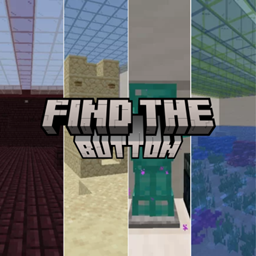
FIND_THE_BUTTON Carte pour Minecraft 1.21.11
POUVEZ-VOUS TROUVER TOUS LES BOUTONS ? 🤔
À propos de la map FIND_THE_BUTTON
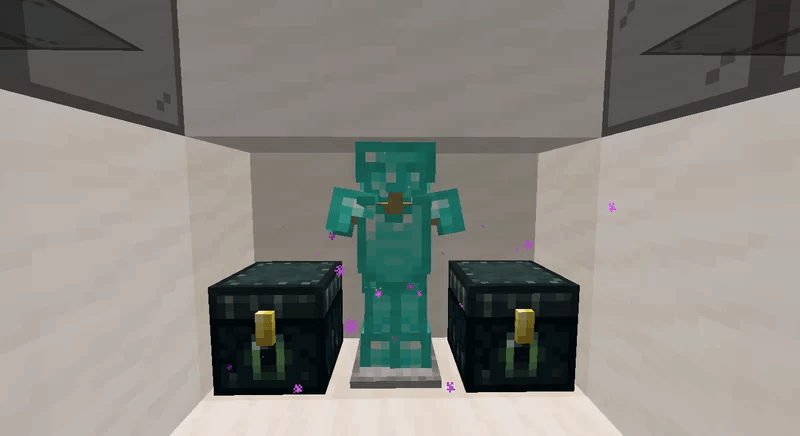
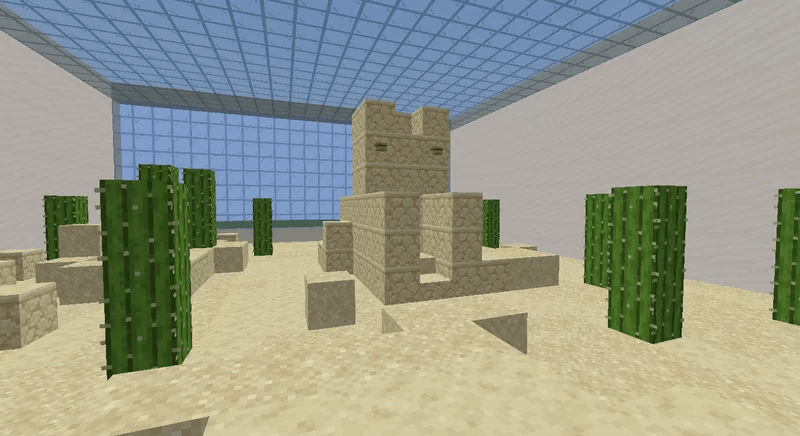
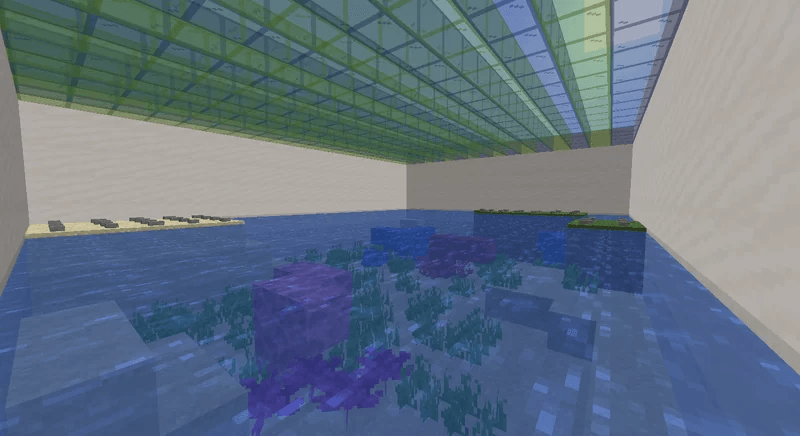
~ DESCRIPTION ~
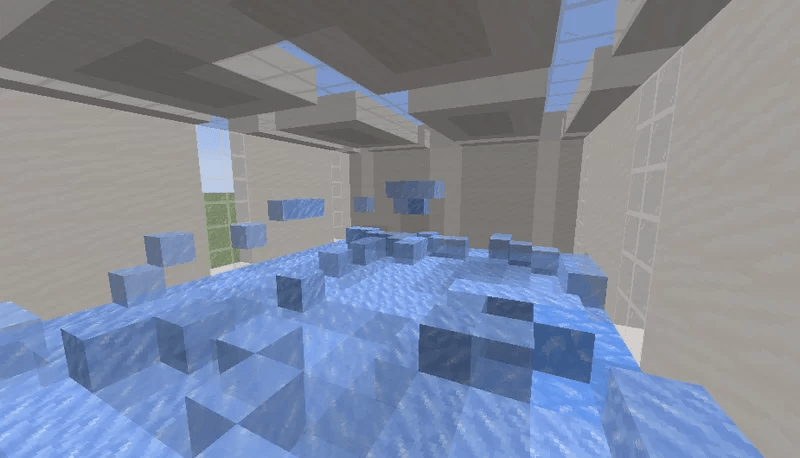
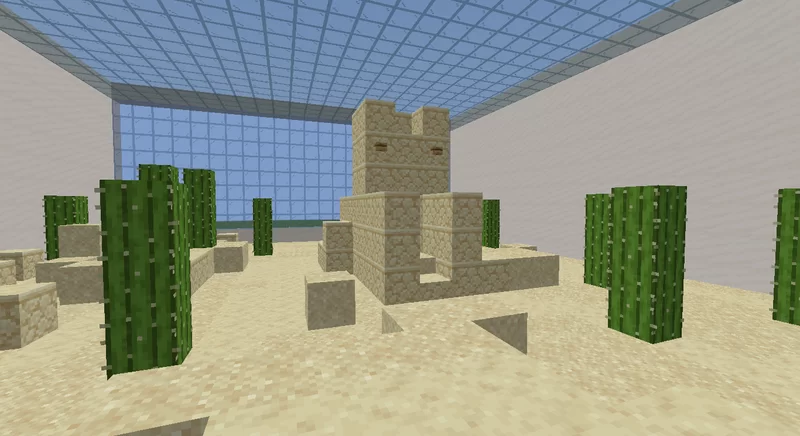
'FIND THE BUTTON' is a map, as the name suggests, where you can find buttons spread across 10 maps. This was one of my first maps and I had the idea of improving it and correcting some errors to make it more incredible when playing. I hope you like it a lot. 😉
~ OTHER MAPS ~
HIDE AND SEEK - VACATION HOUSE
ESCAPE FROM PRISON 2: COLOR
BARRIER
~ FOLLOW ME ~
Comment installer FIND_THE_BUTTON
With Millida Launcher
Install Millida Launcher
The launcher is free: download it at millida.net/launcher and sign in with any nickname.
Click “Install” on this page
The launcher opens and installs the map for Minecraft 1.21.11 automatically.
Launch the game
A profile with it appears in the launcher: click “Play”.
Manually
Download the map archive
Pick the file FIND THE BUTTON.zip (5.8 MB).
Unpack it into the saves folder
The world folder (with level.dat inside) must sit directly in .minecraft/saves.
Open the world
“Singleplayer”: the map will be in your world list.
On a server
Replace the world folder
Stop the server and put the map folder in place of world (or set its name in level-name).
Use the “To server” button
On Millida Hosting, the button at the top of the page uploads the file to your server and restarts it for you.
Versions
Avec dépendances
| Minecraft | Loader | Fichier | Date | Actions |
|---|---|---|---|---|
| 1.21.11 | — | FIND THE BUTTON v1.115.8 Mo 6 |
FAQ
Which Minecraft versions does FIND_THE_BUTTON work on?
Only Minecraft 1.21.11: there are no files for other versions.
Avis
Soyez le premier à noter FIND_THE_BUTTON



