

Find The Button 2 Carte pour Minecraft 1.20.1, 1.21
Sur cette carte, vous devrez chercher le bouton pour passer au niveau suivant
À propos de la map Find The Button 2

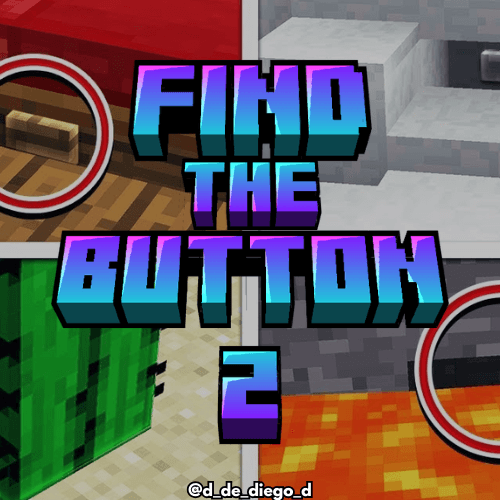
FIND THE BUTTON PLUS 2
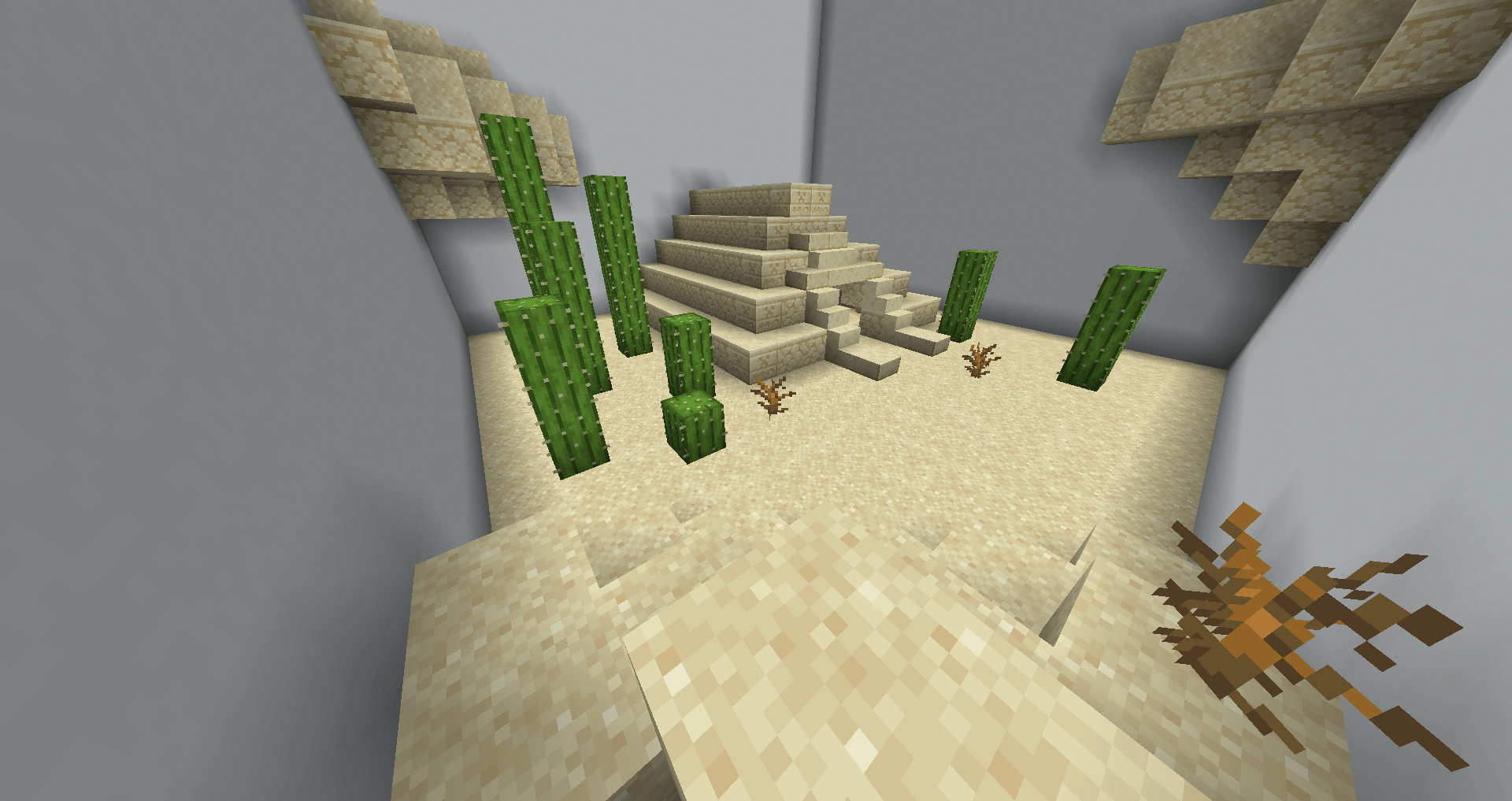
ENGLISH
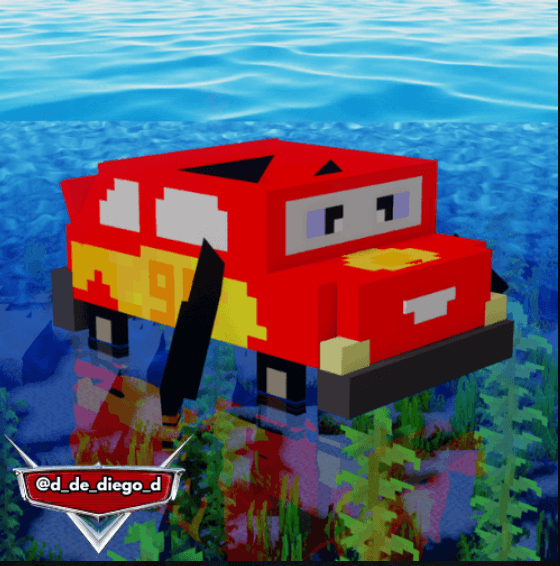
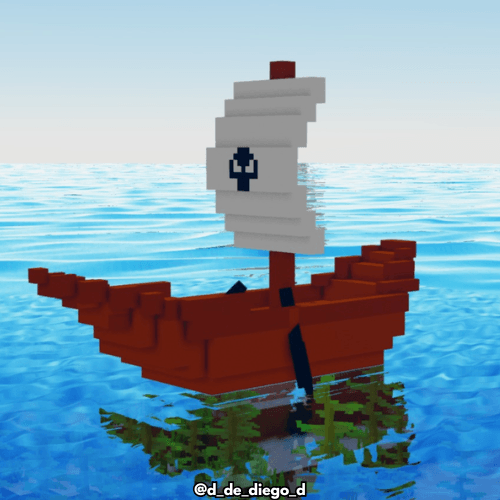
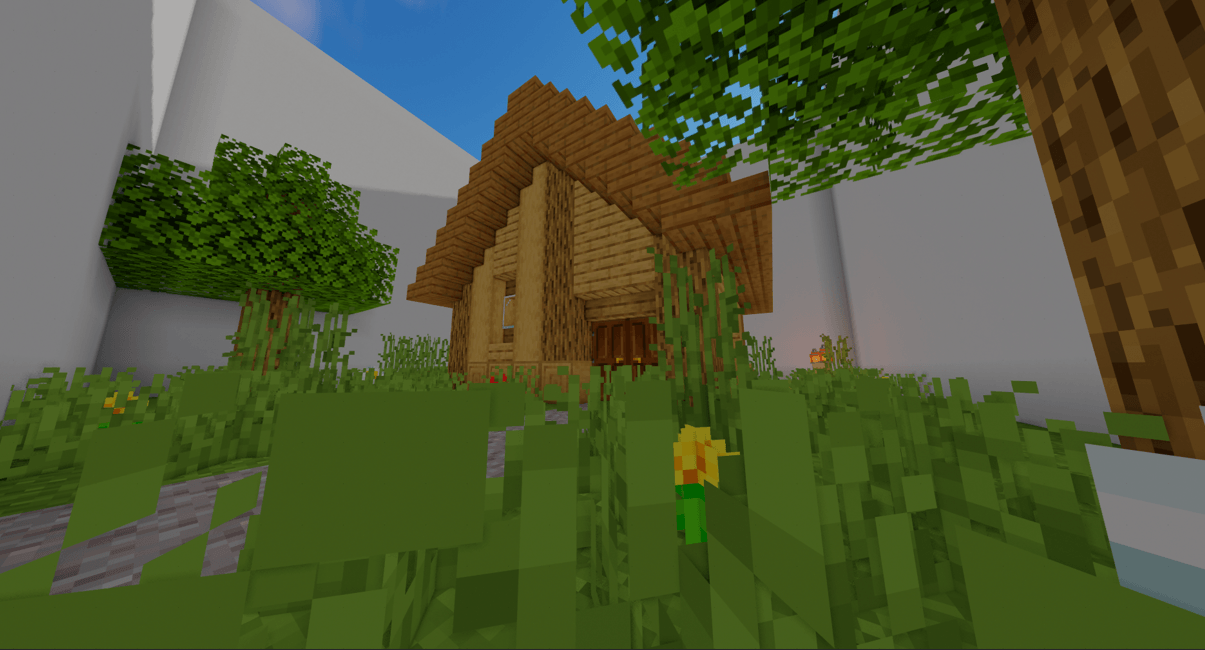
In this Minecraft map, your goal is to find a hidden button in each room to advance. Each room is designed with a single hidden button functional that you must locate to unlock the next one. Explore every corner, check carefully and use your wits to discover its location. Some rooms may have clever hiding places and visual tricks, so keep your eyes peeled. Can you find all the buttons and complete the map?🚀
- It has 25 levels set in each dimension of Minecraft
Part 1: https://www.curseforge.com/minecraft-bedrock/maps/find-the-button-plus
TUTORIAL: https://youtu.be/UGY9KF_DSaM
By @d_de_diego_d
ESPAÑOL
En este mapa de Minecraft, tu objetivo es encontrar un botón oculto en cada sala para avanzar. Cada sala está diseñada con un único botón funcional escondido que deberás localizar para desbloquear la siguiente. Explora cada rincón, revisa cuidadosamente y usa tu ingenio para descubrir su ubicación. Algunas salas pueden tener escondites ingeniosos y trucos visuales, así que mantén los ojos bien abiertos. ¿Podrás encontrar todos los botones y completar el mapa?🚀
- Este mapa tiene 25 niveles ambientados en cada dimension de minecraft.
Parte 1: https://www.curseforge.com/minecraft-bedrock/maps/find-the-button-plus
TUTORIAL: https://youtu.be/UGY9KF_DSaM
By @d_de_diego_d
❤️ Support Me ❤️



⭐ Our Projects⭐


(c) TRIDEX 2025 - All Rights Reserved
Comment installer Find The Button 2
With Millida Launcher
Install Millida Launcher
The launcher is free: download it at millida.net/launcher and sign in with any nickname.
Click “Install” on this page
The launcher opens and installs the map for Minecraft 0.16–26.30 automatically.
Launch the game
A profile with it appears in the launcher: click “Play”.
Manually
Download the map archive
Pick the file Find The Button 2.mcworld (1.5 MB).
Unpack it into the saves folder
The world folder (with level.dat inside) must sit directly in .minecraft/saves.
Open the world
“Singleplayer”: the map will be in your world list.
On a server
Replace the world folder
Stop the server and put the map folder in place of world (or set its name in level-name).
Use the “To server” button
On Millida Hosting, the button at the top of the page uploads the file to your server and restarts it for you.
Versions
Avec dépendances
| Minecraft | Loader | Fichier | Date | Actions |
|---|---|---|---|---|
| 1.20.40 | — | Find The Button 21.5 Mo 14 |
FAQ
Which Minecraft versions does Find The Button 2 work on?
There are files for 0.16–26.30, 101 versions in total. The newest is 26.30.
Where can I download Find The Button 2 safely?
On this page: the file Find The Button 2.mcworld (1.5 MB) is stored on Millida’s server, with no link shorteners. SHA-1 checksum: 047060bc8db22787925917449c75f9cb6b8299b8.
Avis
Soyez le premier à noter Find The Button 2



