
Epic Find The Button Carte pour Minecraft 26.10
Dans cette carte, vous devrez terminer 30 niveaux en trouvant le bouton pour passer au niveau suivant
EPIC FIND THE BUTTON
Epic Find The Button puts your perception to the test in a series of levels designed with a completely different aesthetic. Your progress depends entirely on finding the hidden button in each environment to unlock access to the next stage.
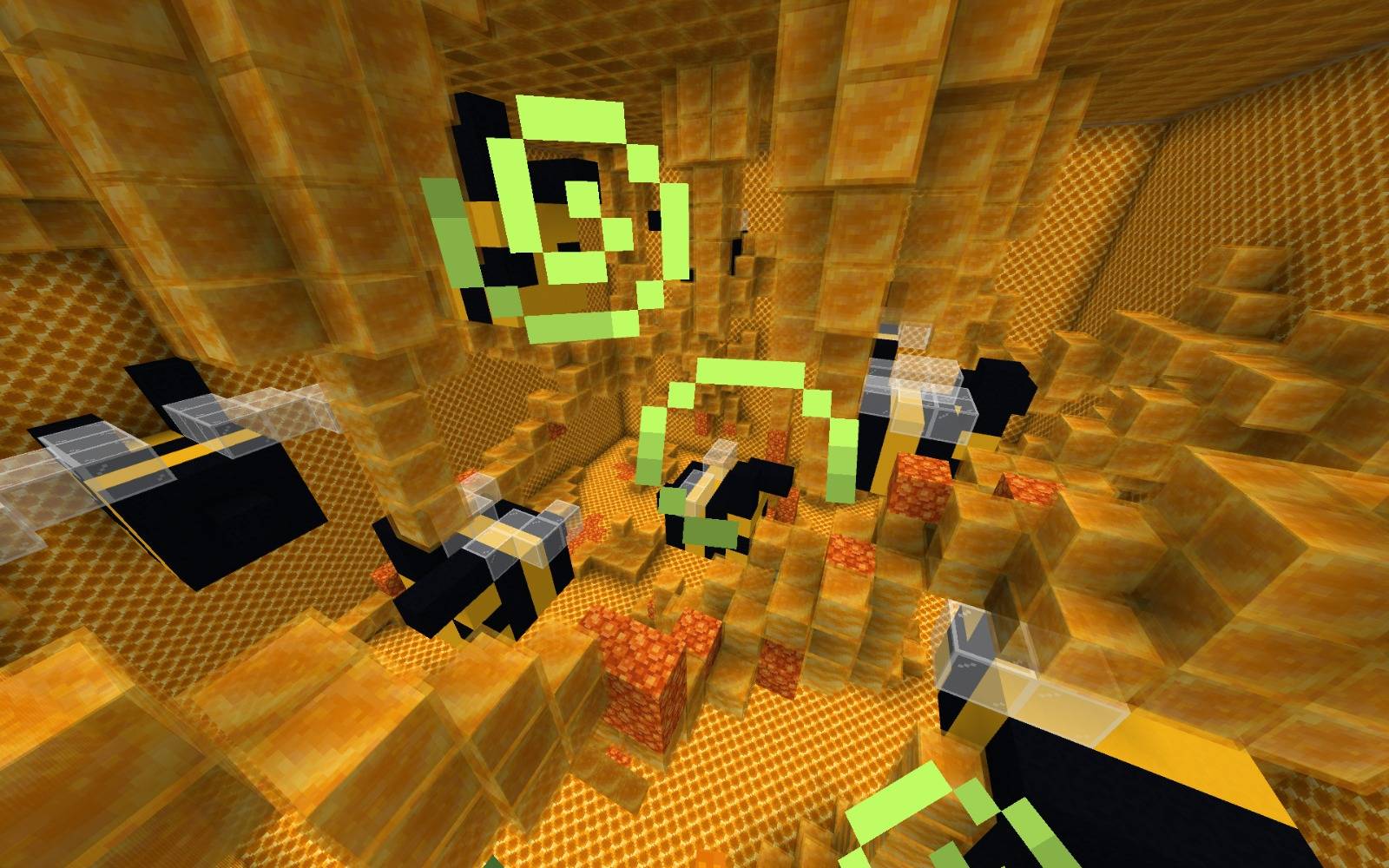
As you complete levels, the rooms will grow larger and contain more elements, making the search more difficult. Each level plays with the environment, incorporating various unique structures and varied settings across 30 levels that offer variety and a fun challenge.
Comment installer Epic Find The Button
With Millida Launcher
Install Millida Launcher
The launcher is free: download it at millida.net/launcher and sign in with any nickname.
Click “Install” on this page
The launcher opens and installs the map for Minecraft 26.0–26.10 automatically.
Launch the game
A profile with it appears in the launcher: click “Play”.
Manually
Download the map archive
Pick the file Epic find the button.mcworld (299 KB).
Unpack it into the saves folder
The world folder (with level.dat inside) must sit directly in .minecraft/saves.
Open the world
“Singleplayer”: the map will be in your world list.
On a server
Replace the world folder
Stop the server and put the map folder in place of world (or set its name in level-name).
Use the “To server” button
On Millida Hosting, the button at the top of the page uploads the file to your server and restarts it for you.
Versions
Avec dépendances
| Minecraft | Loader | Fichier | Date | Actions |
|---|---|---|---|---|
| 26.0.02 | — | Epic find the button299 Ko |
Avis
Soyez le premier à noter Epic Find The Button



