
Custom Skyblocks Carte pour Minecraft 1.14.4
Personnalisez votre île Skyblocks !
À propos de la map Custom Skyblocks
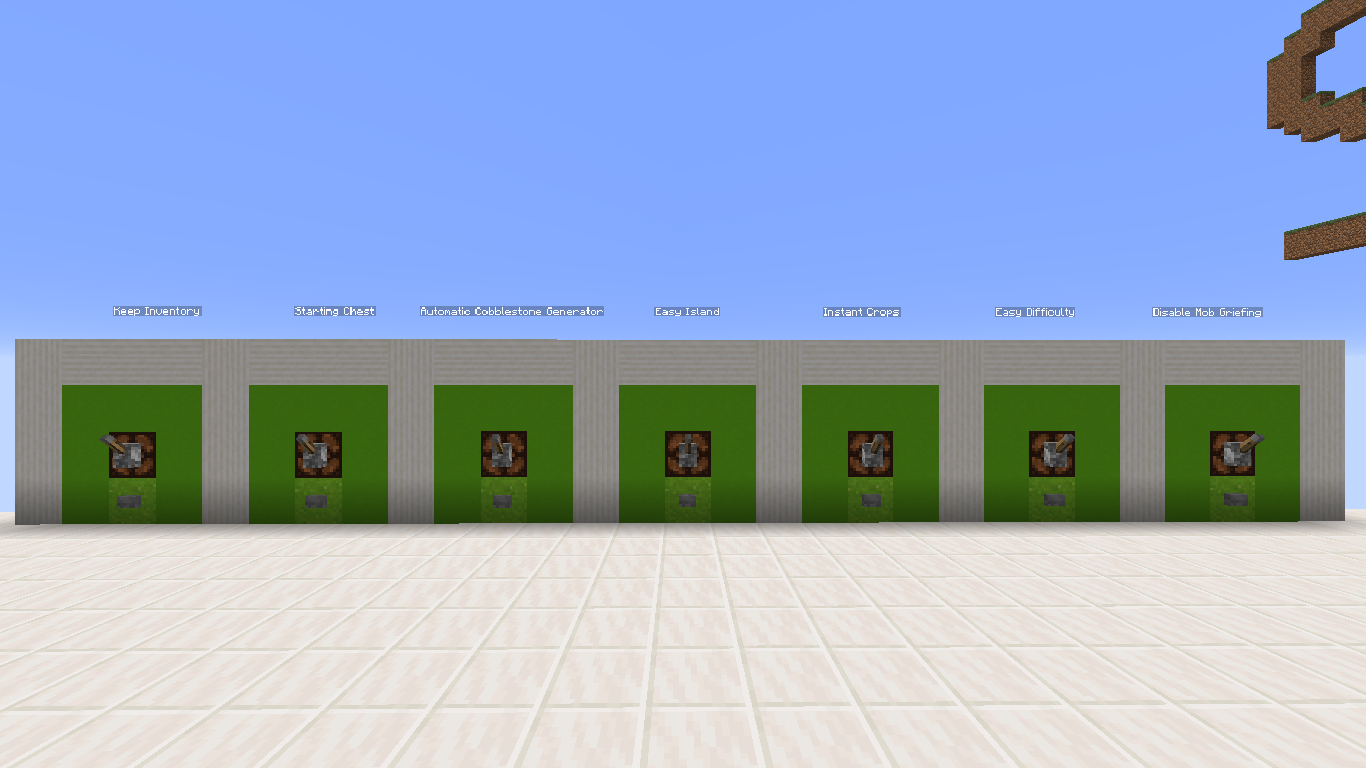
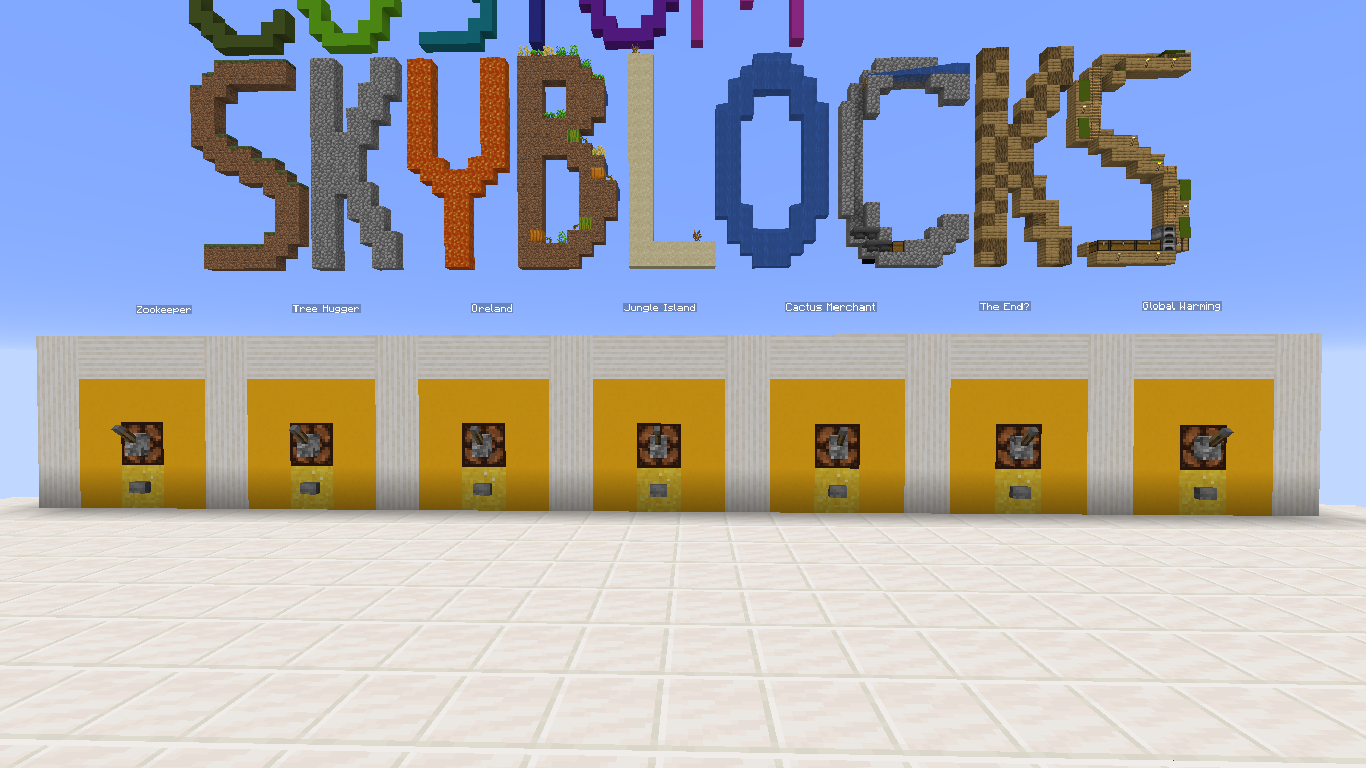
Custom Skyblocks is a survival skyblocks map that allows you to customize your island. You can make skyblocks easier, harder or just have more things to do. You can select up to 19 settings to enable at once. There are 21 settings total that can all help to make your skyblocks experience different from another person who downloaded this same map. Your choices affect your world.
  There are three categories of settings you can enable. They are Easy, Challenging, and Expansive. The easy category helps newer players or helps you complete tasks faster. For example, if you don't like mining cobblestone for long periods of time then you can enable an automatic cobblestone generator to help you out. The challenging category tries to make the game harder by, for example, adding a "No Jumping" option. The expansive category gives you more to do. With these options, you can add up to three islands, for example, an island made of ores.   Your main goal in the map is to kill the wither. This is possible because the nether has two towers that each have a spawner in it. One spawns wither skeletons and the other spawns blaze.
  The Rules are listed in the map. Look on the blue wall and you should see a button below "Rules". Press that button to find out the rules.     Let me know if you find any bugs and please tell me if you have any thoughts on things I could change, add, or remove.
  Please check out my previous map, Variety, a multi-genre map inspired by Diversity and check out my YT channel for a trailer of this map and a walkthrough of Variety. Thank you for reading and have a good day!
Trailer: https://youtu.be/M8yTDBFlWoE
Comment installer Custom Skyblocks
With Millida Launcher
Install Millida Launcher
The launcher is free: download it at millida.net/launcher and sign in with any nickname.
Click “Install” on this page
The launcher opens and installs the map for Minecraft 1.14.4 automatically.
Launch the game
A profile with it appears in the launcher: click “Play”.
Manually
Download the map archive
Pick the file Custom Skyblocks.zip (22 MB).
Unpack it into the saves folder
The world folder (with level.dat inside) must sit directly in .minecraft/saves.
Open the world
“Singleplayer”: the map will be in your world list.
On a server
Replace the world folder
Stop the server and put the map folder in place of world (or set its name in level-name).
Use the “To server” button
On Millida Hosting, the button at the top of the page uploads the file to your server and restarts it for you.
Versions
Avec dépendances
| Minecraft | Loader | Fichier | Date | Actions |
|---|---|---|---|---|
| 1.14.4 | — | Custom Skyblocks21.9 Mo |
FAQ
Which Minecraft versions does Custom Skyblocks work on?
Only Minecraft 1.14.4: there are no files for other versions.
Where can I download Custom Skyblocks safely?
On this page: the file Custom Skyblocks.zip (22 MB) is stored on Millida’s server, with no link shorteners. SHA-1 checksum: 20af61627d23586b125bf244ebafbef3fd65e02b.
Avis
Soyez le premier à noter Custom Skyblocks



