

Musical Instruments Pack Pack de données pour Minecraft 26.3
Ajoute des instruments de musique jouables à votre monde !
- vues
- 35 vues
- Mis à jour
- Mis à jour 11.10.2026
- 1.21.9 — 26.3
 Pack de données
- Client et serveur
🎵Musical Instruments pack!🎵
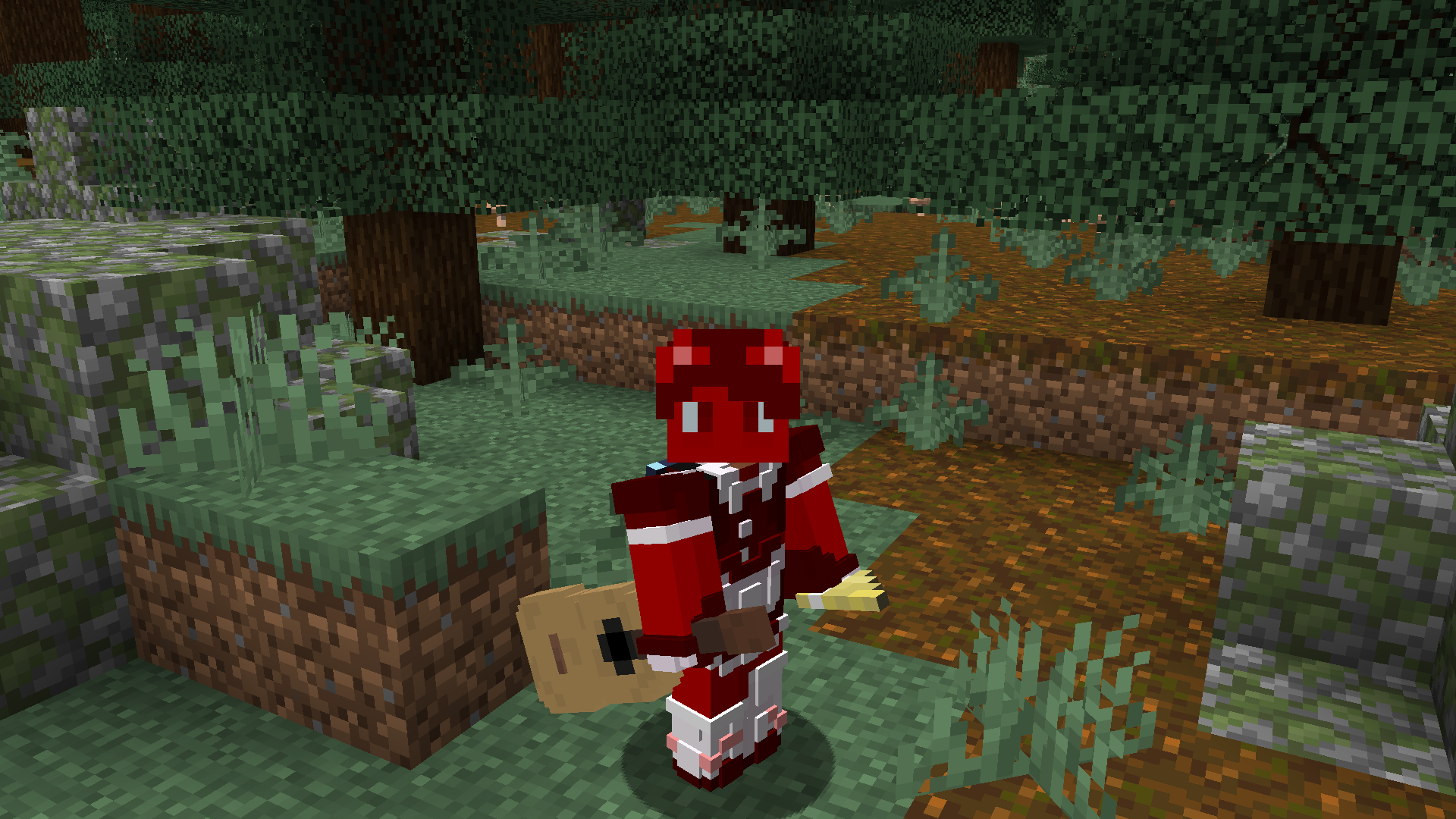
Adds playable instruments that you can craft! Every instrument is played by using your camera angle, look up and down to test out!
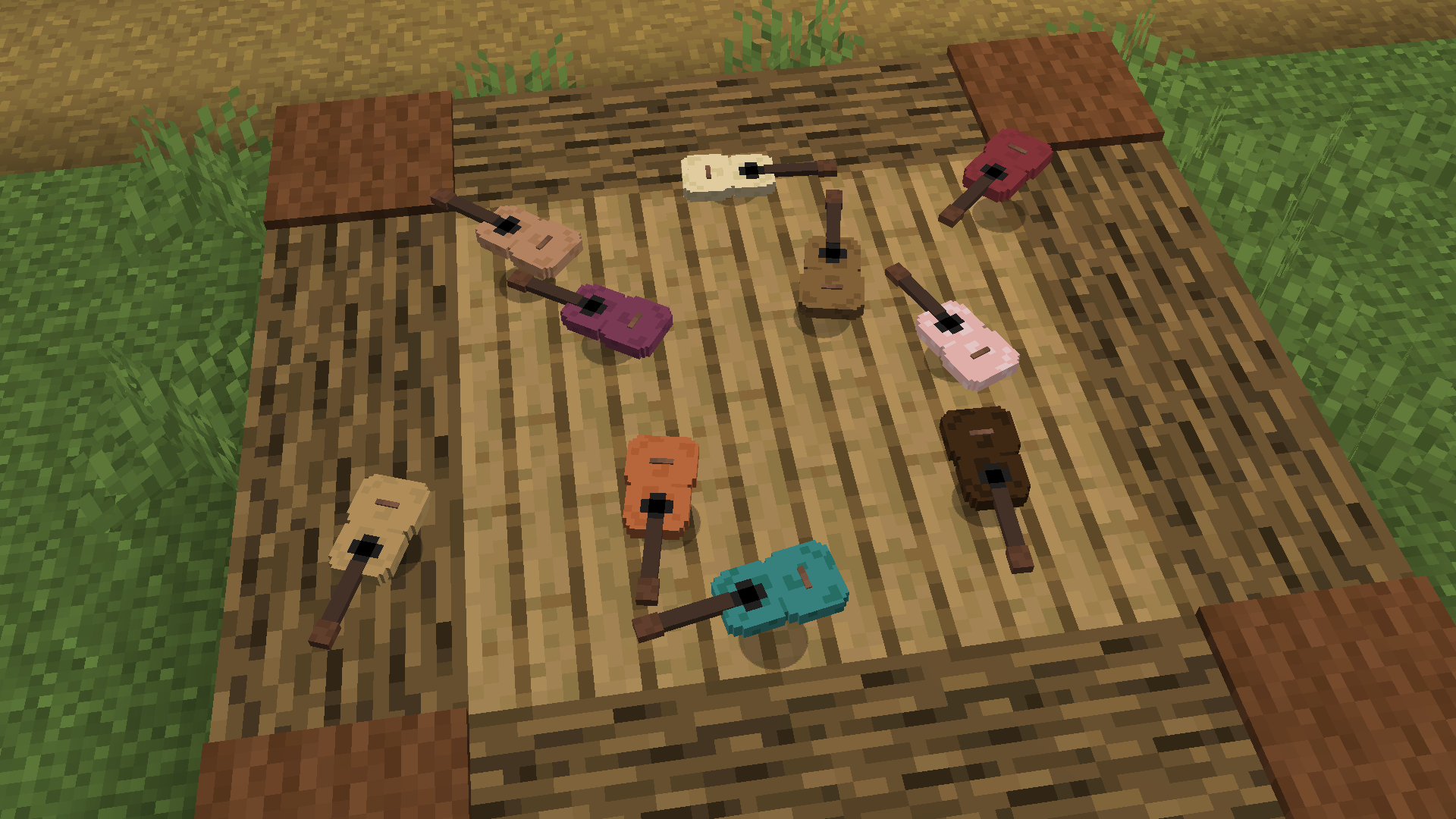
Check the gallery to see some of the items and crafting recipes! 🎼At the moment we have a Bamboo flute, A Banjo, And guitars🎧
🎶Installation:🎵
Mod version:
Just put the .jar in the mod folder, keep in mind that this is a datapack inside of a mod, items will not show up in the creative menu

Datapack version:
This is both a Datapack and a ResourcePack, put the zip in both directories, ignore warnings

Comment installer Musical Instruments Pack
With Millida Launcher
Install Millida Launcher
The launcher is free: download it at millida.net/launcher and sign in with any nickname.
Click “Install” on this page
The launcher opens and installs the data pack for Minecraft 1.21.9–26.3 automatically.
Launch the game
A profile with it appears in the launcher: click “Play”.
Manually
Download the archive
Pick the file musicalinstruments-datapack-26.3.0.0.zip (35 KB) for your game version.
New world: “Data Packs”
When creating a world, click “Data Packs”, drag the archive into the window, then move it to “Selected”.
Existing world: the datapacks folder
Put the archive into saves/<world>/datapacks and type /reload in game.
On a server
Archive goes into the server world’s datapacks
The world/datapacks folder on the server; players do not need to install anything.
Reload the data
Type /reload in the server console or restart the server.
Use the “To server” button
On Millida Hosting, the button at the top of the page uploads the file to your server and restarts it for you.
Versions
Avec dépendances
| Minecraft | Loader | Fichier | Date | Actions |
|---|---|---|---|---|
| 26.3 | Pack de données | 26.334.8 Ko | ||
| 26.1 | Pack de données | 26.139 Ko | ||
| 1.21.11 | Pack de données | 1.21.1139 Ko |
Avis
Soyez le premier à noter Musical Instruments Pack


