

Better Pets Pack de données pour Minecraft 1.21.1, 1.21
Personnalisez votre expérience Minecraft avec de nouveaux animaux de compagnie, offrant des capacités uniques et une compagnie fidèle durant vos aventures.
- téléchargements
- 1 téléchargements
- vues
- 77 vues
- Mis à jour
- Mis à jour 24.10.2026
- 1.21 — 26.3
 Pack de données
- Client et serveur
À propos du pack de données Better Pets
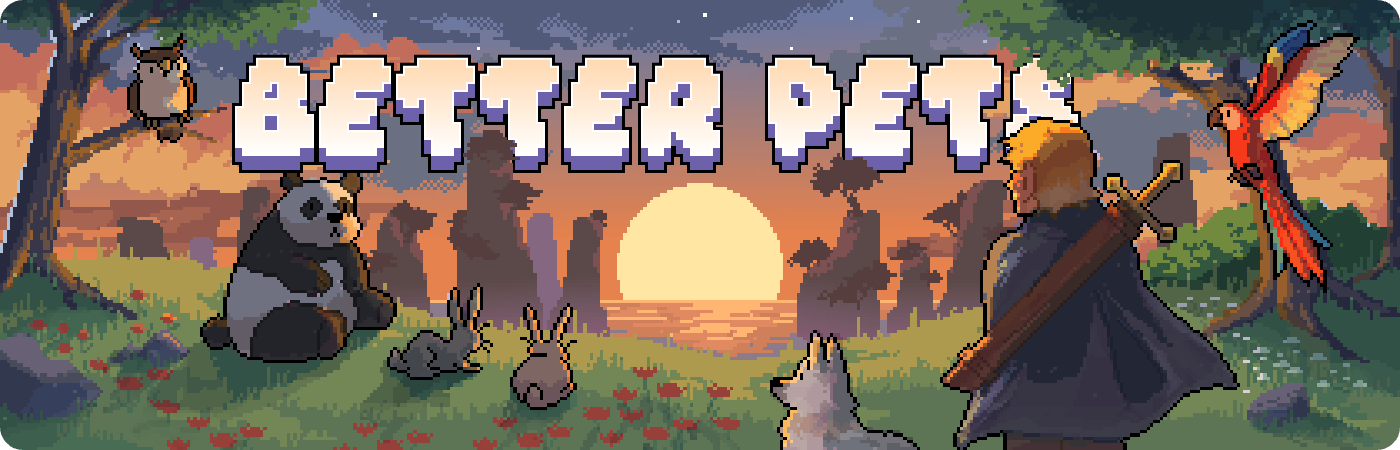
Better pets is the next level of companionship with your pets. Each pet is unique in its own way and can help you in certain situations with their perks and abilities. Gather more pets to get all the perks or just let them exist by your side and be your companion forever.
- 26 Different Pets - With more to come in the very near future!

- Dimensional Traveler - Your pet will follow you to every dimension
- Custom Skins - Each pet has their own custom skin
- Custom Abilities - Each pet has their own custom abilities. A Higher rarity pet means more abilities!
- Different Rarities - Find pets with higher rarities to gain more abilities!
- Leveling System - Active pets gain exp and level up. The higher their level, the stronger their abilities!
- Ancient Pets - Find all the lost pets from treasure chests scattered across the world!
- In-Game Wiki - Use /trigger BetterPets to view the in-game wiki
- Custom Wiki -
Click here for the website wiki version
- Pet Menu GUI - Your own pet menu to view and spawn your collected pets
- Visibility Toggle - Tired of your pet following you? Just disable their visibility in the pet menu
- Multiplayer Compatible - Every player has their own pets and pet menu
Better Pets is inspired by Hypixel Skyblock.
Find Pets in Buried Treasure or Sunken Treasure.
Craft the Pet Menu item and use it to open the Pet Menu to spawn your pet in.

Comment installer Better Pets
With Millida Launcher
Install Millida Launcher
The launcher is free: download it at millida.net/launcher and sign in with any nickname.
Click “Install” on this page
The launcher opens and installs the data pack for Minecraft 1.21–26.3 automatically.
Launch the game
A profile with it appears in the launcher: click “Play”.
Manually
Download the archive
Pick the file Better Pets v4.3.6.zip (231 KB) for your game version.
New world: “Data Packs”
When creating a world, click “Data Packs”, drag the archive into the window, then move it to “Selected”.
Existing world: the datapacks folder
Put the archive into saves/<world>/datapacks and type /reload in game.
On a server
Archive goes into the server world’s datapacks
The world/datapacks folder on the server; players do not need to install anything.
Reload the data
Type /reload in the server console or restart the server.
Use the “To server” button
On Millida Hosting, the button at the top of the page uploads the file to your server and restarts it for you.
Versions
Avec dépendances
| Minecraft | Loader | Fichier | Date | Actions |
|---|---|---|---|---|
| 26.3 | Pack de données | 26.3231 Ko | ||
| 26.3 | Pack de données | 26.3162 Ko | ||
| 26.2 | Pack de données | 26.2155 Ko | ||
| 26.3 | Pack de données | 26.3181 Ko | ||
| 26.2 | Pack de données | 26.2181 Ko | ||
| 1.21 | Pack de données | 1.21175 Ko | ||
| 1.21.11 | Pack de données | 1.21.11173 Ko 1 | ||
| 26.2 | Pack de données | 26.2181 Ko | — |
Ce qu'il faut pour l'exécuter
- Dependencyfacultatif
FAQ
Which Minecraft versions does Better Pets work on?
There are files for 1.21–26.3, 10 versions in total. The newest is 26.3.
Does Better Pets work on a server?
Yes: the data pack goes into the datapacks folder of the server world, and players do not need to install anything.
How do I download Better Pets?
With Millida Launcher: it installs Better Pets into a modpack by itself, for the right game version and loader. The launcher is free.
Avis
Soyez le premier à noter Better Pets


