

✦ Zero Deferred ✦ Paquete de recursos para Minecraft 1.21.130
Zero Deferred ha vuelto con nuevas mejoras
Acerca del paquete de recursos ✦ Zero Deferred ✦
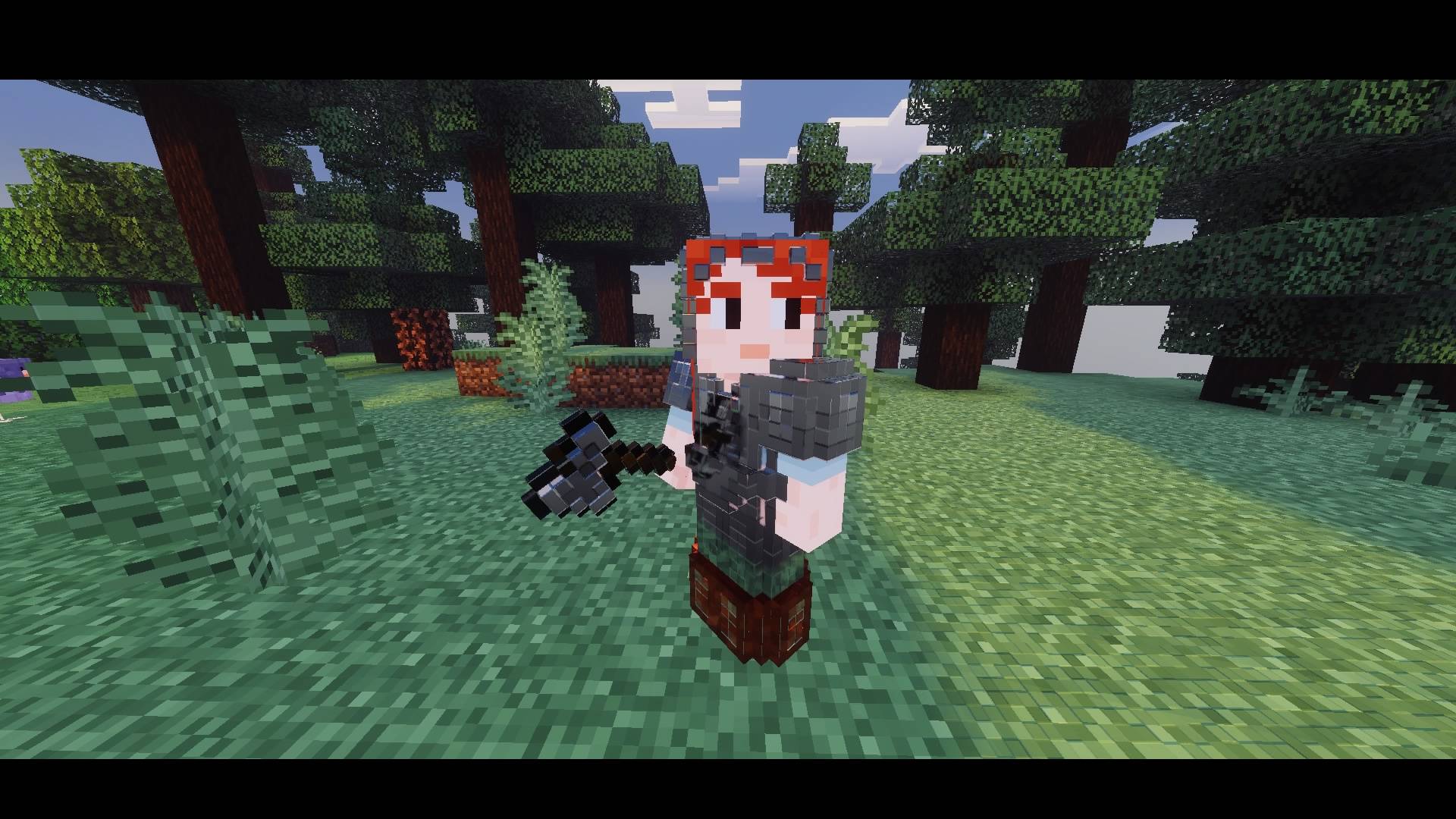
Zero Deferred, a demanding mid-range, high-performance solution, includes the new implementation of local lighting for the Minecraft Beta and Preview (26.0.25/26).
We have added local lighting so it can be enabled and used in your world, previously known as light points. This is the modern lighting system we will be using from now on.
This Deferred is not my own idea; it has been recreated from scratch using the new configuration and will receive continuous updates.
Cómo instalar ✦ Zero Deferred ✦
With Millida Launcher
Install Millida Launcher
The launcher is free: download it at millida.net/launcher and sign in with any nickname.
Click “Install” on this page
The launcher opens and installs the resource pack for Minecraft 1.21.120–1.21.130 automatically.
Launch the game
A profile with it appears in the launcher: click “Play”.
Manually
Download the archive
Pick the file Zero Deferred (beta) V1.1 New.mcaddon (64 MB) for your game version. No need to unpack it.
Put it in the resourcepacks folder
The easiest way: “Options”, then “Resource Packs”, then “Open Pack Folder”, and drag the archive there.
Enable the pack
In the same window, move the pack to the right-hand “Selected” column and click “Done”.
Versiones
Con dependencias
| Minecraft | Cargador | Archivo | Fecha | Acciones |
|---|---|---|---|---|
| 1.21.120 | — | Zero Deferred (beta) V1.164.5 MB |
FAQ
Which Minecraft versions does ✦ Zero Deferred ✦ work on?
There are files for 1.21.130, 1.21.124, 1.21.123, 1.21.122, 1.21.121, 1.21.120. The newest is 1.21.130.
Where can I download ✦ Zero Deferred ✦ safely?
On this page: the file Zero Deferred (beta) V1.1 New.mcaddon (64 MB) is stored on Millida’s server, with no link shorteners. SHA-1 checksum: e5c02c0ab24c1ef96f6c567e1eee5252b4a63bab.
Reseñas
Sé el primero en valorar ✦ Zero Deferred ✦



