
Vanilla Clouds Plus (3D) Paquete de recursos para Minecraft 1.20.1, 1.21
Nubes 3D con mejor aspecto que se mantienen fieles al estilo de Minecraft.
Vanilla Clouds +
This texture pack adds beautiful clouds that still follow Minecraft's style! Unlike other "cloud" resource packs that just replaces the sky cubemap texture (which is flat, and also makes day/night and rain look weird), this replaces the vanilla cloud texture, making it 3D/volumetric. It also allows for it to match the colors of day/night, sunrise/sunset, rain/thunderstorm; and you can go above the clouds.
There is also variation in cloud coverage, so in some place there may be more cloud, less in some other, like in the real world.
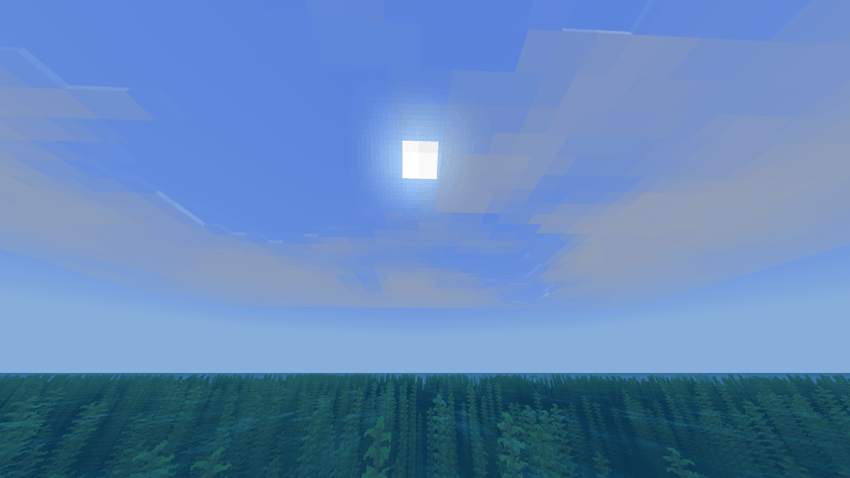
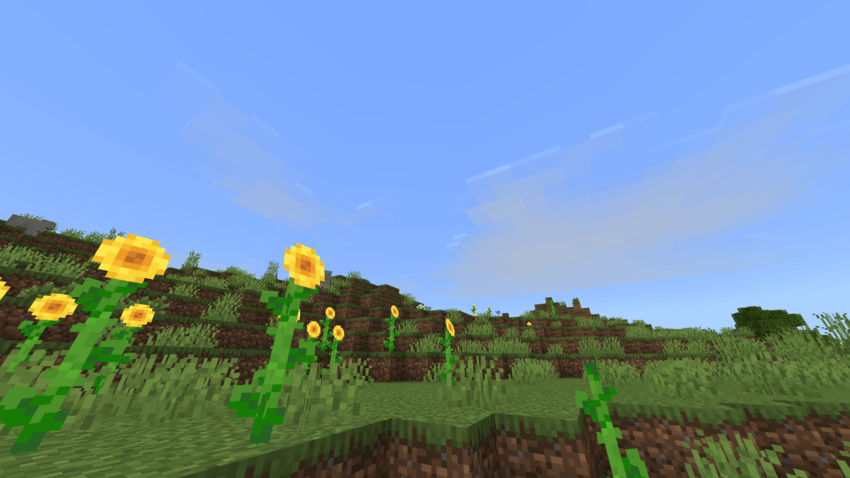
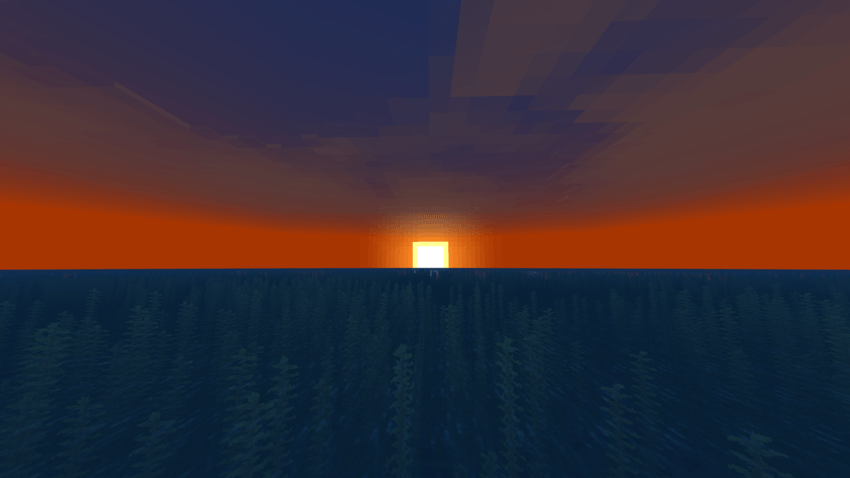
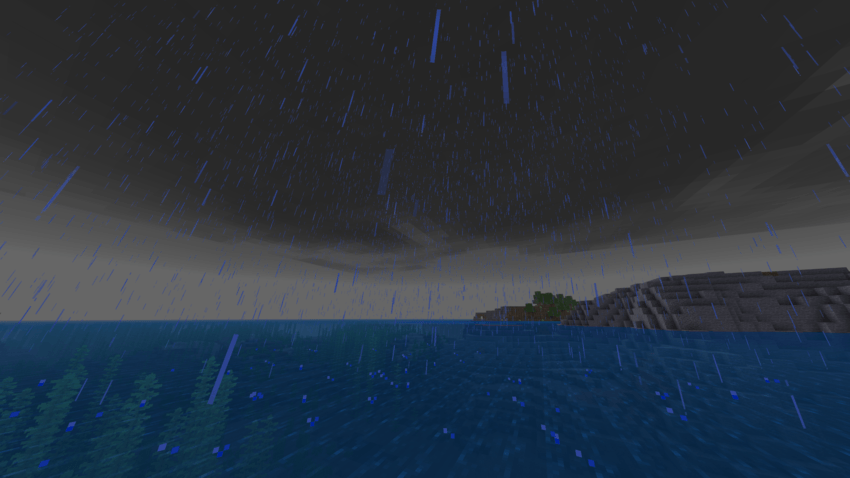
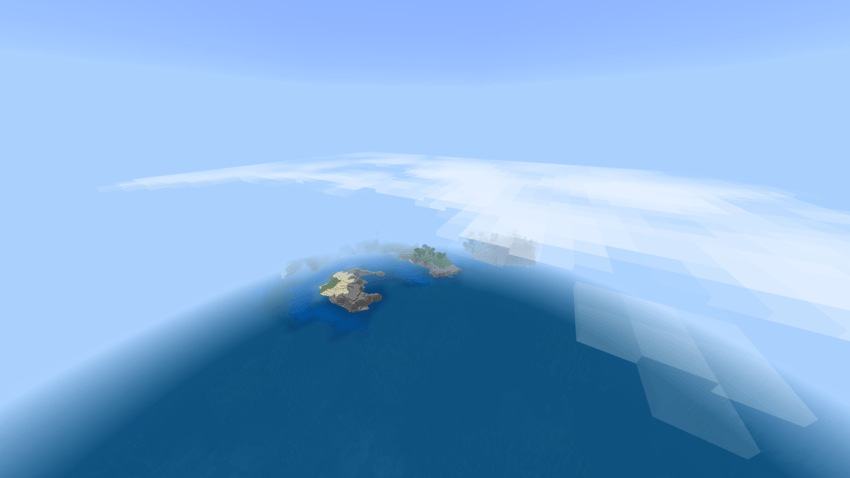
Options
There are a few different options for the clouds, you can change them by clicking on the Gear (⚙️) icon in Global Resources.
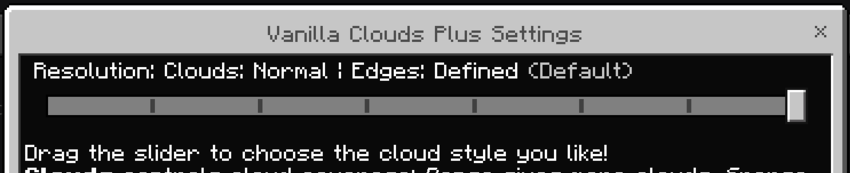
Clouds
Cloud coverage, i.e, how often you see clouds
- Normal: Moderate amount of clouds
- Dense: More clouds
- Sparse: Fewer clouds
Edges
- Defined: Has a nice blocky look
- Soft: Softer but can look more flat. Example:
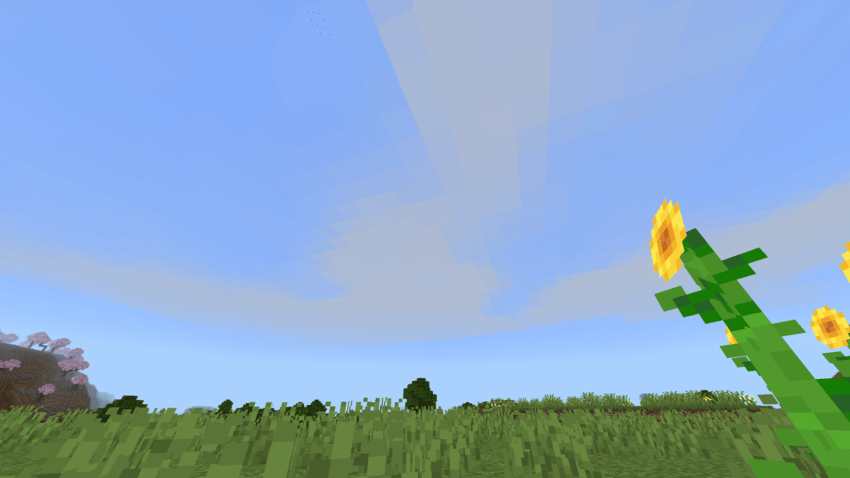
⭐ Bonus: I've also added the options for the older (pre-1.21.80) and newer (1.21.80+) vanilla clouds.
Note
Only works properly with Fancy graphics setting, both Simple and Vibrant Visuals make the clouds look solid.
Misc. Info
⚠️ Warning
My packs are only available on Curseforge and MCPEDL. A lot of sites are reuploading my packs without permission; don't download from anywhere else. Most of the known to even package malware occasionally. If you find this anywhere else, report it to me at giptala6@gmail.com.
❔ Help
Here’s a guide if you need help installing: https://adib3700.notion.site/ThreeSeven0Zero-Minecraft-Resource-Pack-Installation-tutorial-1ac9ff516372807ca61cf8ad8afd5339
giptala6@gmail.com - If you need any help, you can email me (say that you need help with the Vanilla Clouds+ pack)
Cómo instalar Vanilla Clouds Plus (3D)
With Millida Launcher
Install Millida Launcher
The launcher is free: download it at millida.net/launcher and sign in with any nickname.
Click “Install” on this page
The launcher opens and installs the resource pack for Minecraft 1.19–26.20 automatically.
Launch the game
A profile with it appears in the launcher: click “Play”.
Manually
Download the archive
Pick the file Vanilla Clouds Plus v1.mcpack (3.4 MB) for your game version. No need to unpack it.
Put it in the resourcepacks folder
The easiest way: “Options”, then “Resource Packs”, then “Open Pack Folder”, and drag the archive there.
Enable the pack
In the same window, move the pack to the right-hand “Selected” column and click “Done”.
Versiones
Con dependencias
| Minecraft | Cargador | Archivo | Fecha | Acciones |
|---|---|---|---|---|
| 1.20.40 | — | Vanilla Clouds Plus v13.4 MB 4 |
Reseñas
Sé el primero en valorar Vanilla Clouds Plus (3D)



