
UI Hotfix
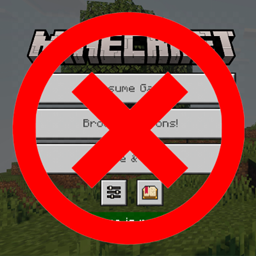
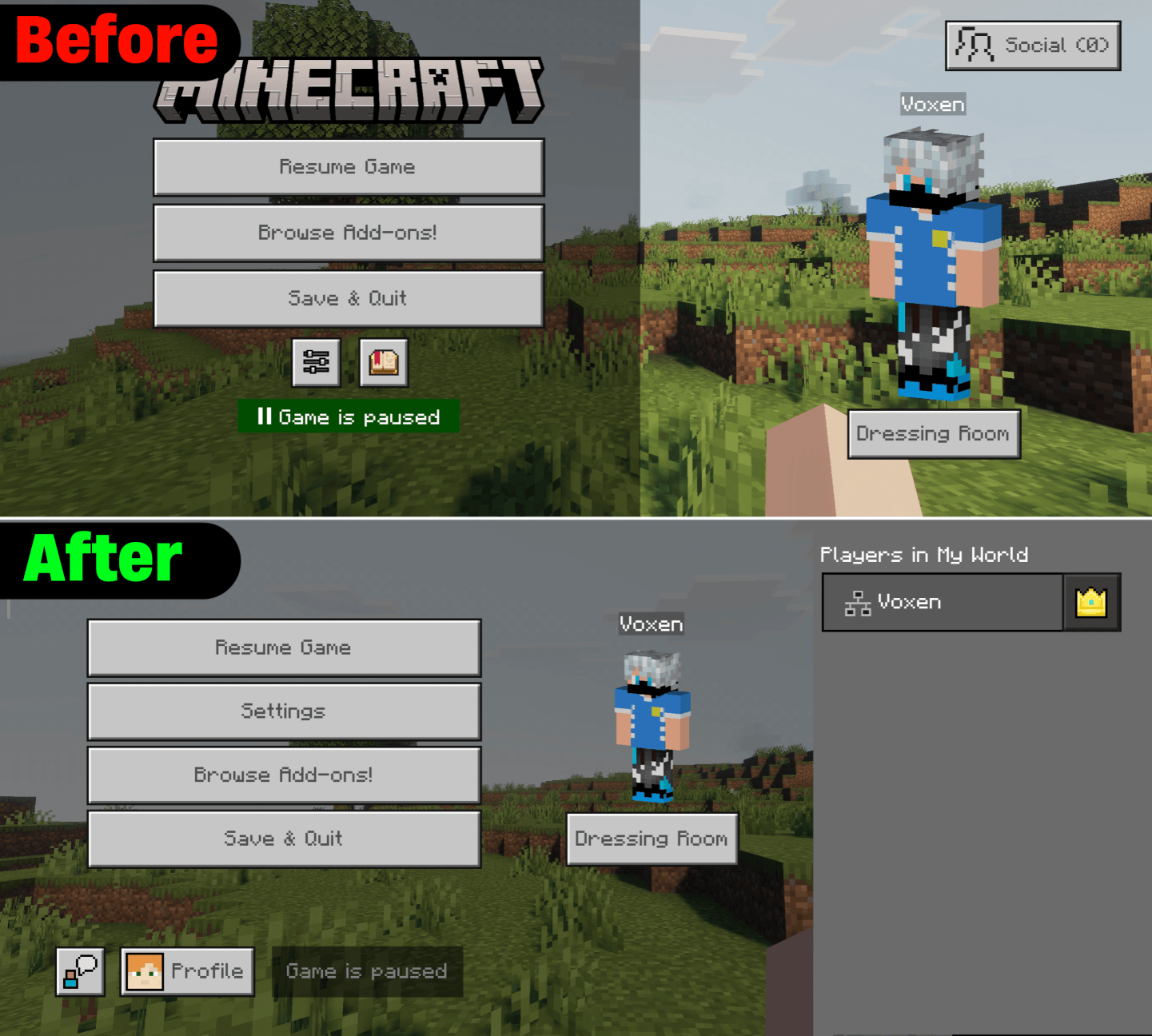
This pack fixes the new pause screen and settings, adjusting their padding and layout to look like the old version again.
Cómo instalar Ui Hotfix
With Millida Launcher
Install Millida Launcher
The launcher is free: download it at millida.net/launcher and sign in with any nickname.
Click “Install” on this page
The launcher opens and installs the resource pack for Minecraft 1.21.122 automatically.
Launch the game
A profile with it appears in the launcher: click “Play”.
Manually
Download the archive
Pick the file ui-hotfix.mcpack (295 KB) for your game version. No need to unpack it.
Put it in the resourcepacks folder
The easiest way: “Options”, then “Resource Packs”, then “Open Pack Folder”, and drag the archive there.
Enable the pack
In the same window, move the pack to the right-hand “Selected” column and click “Done”.
Versiones
Con dependencias
| Minecraft | Cargador | Archivo | Fecha | Acciones |
|---|---|---|---|---|
| 1.21.122 | — | ui-hotfix.mcpack ( latest )295 KB |
Reseñas
Sé el primero en valorar Ui Hotfix


