
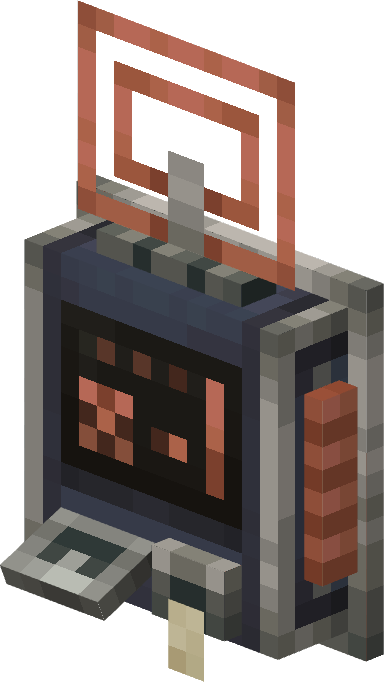
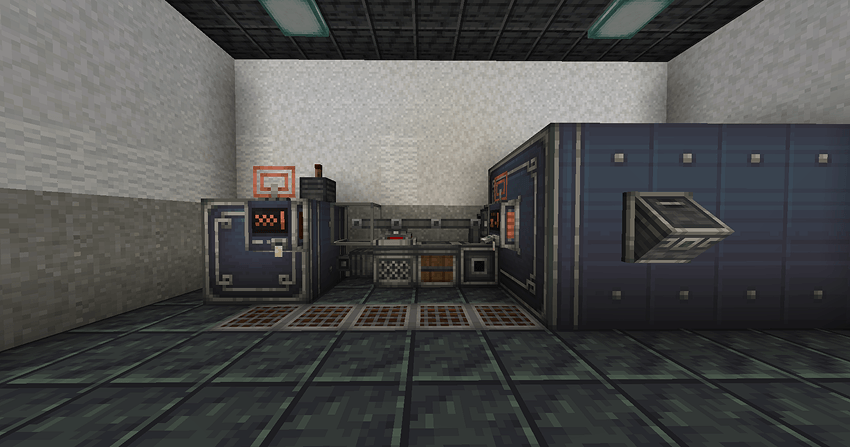
Tom's Simple Storage blocks and items remade in Create's aesthetics.
➜ 📦 You can also download a datapack for recipes and balances!
📝 You can freely use this texture as part of your Curseforge modpack.
Cómo instalar Tom's Create Style
With Millida Launcher
Install Millida Launcher
The launcher is free: download it at millida.net/launcher and sign in with any nickname.
Click “Install” on this page
The launcher opens and installs the resource pack for Minecraft 1.21–1.21.1 automatically.
Launch the game
A profile with it appears in the launcher: click “Play”.
Manually
Download the archive
Pick the file Tom's Create Style 1.2 - 1.21.zip (732 KB) for your game version. No need to unpack it.
Put it in the resourcepacks folder
The easiest way: “Options”, then “Resource Packs”, then “Open Pack Folder”, and drag the archive there.
Enable the pack
In the same window, move the pack to the right-hand “Selected” column and click “Done”.
Versiones
Con dependencias
| Minecraft | Cargador | Archivo | Fecha | Acciones |
|---|---|---|---|---|
| 1.21 | — | Tom's Create Style 1.2 - 1.21.zip732 KB 7 |
FAQ
Which Minecraft versions does Tom's Create Style work on?
There are files for 1.21.1, 1.21. The newest is 1.21.1.
Where can I download Tom's Create Style safely?
On this page: the file Tom's Create Style 1.2 - 1.21.zip (732 KB) is stored on Millida’s server, with no link shorteners. SHA-1 checksum: 5990827990a11f7f48095a8efb61bd519d44893f.
Reseñas
Sé el primero en valorar Tom's Create Style


