
ThaiFontFix Paquete de recursos para Minecraft 1.20.1, 1.21.1
Hace que las fuentes tailandesas sean más fáciles de leer
ThaiFontFix
Introduction
For Minecraft Java Edition only! (สำหรับ Minecraft Java Edition)
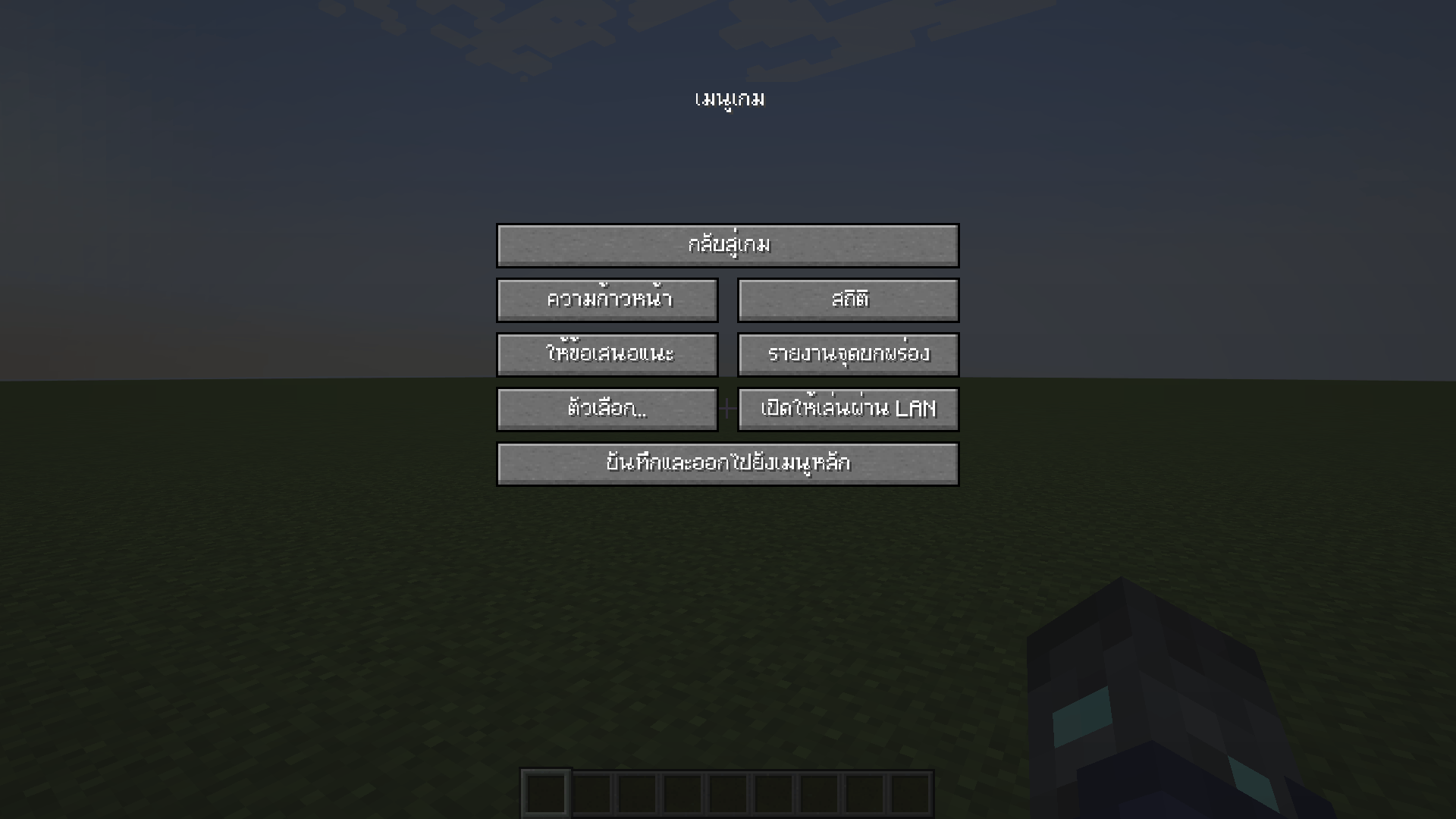
Features (คุณสมบัติ)
- Float correction (แก้สระลอย)
- Make the font easier to read in Thai (ทำให้ฟอนต์ไทยอ่านง่ายขึ้น)
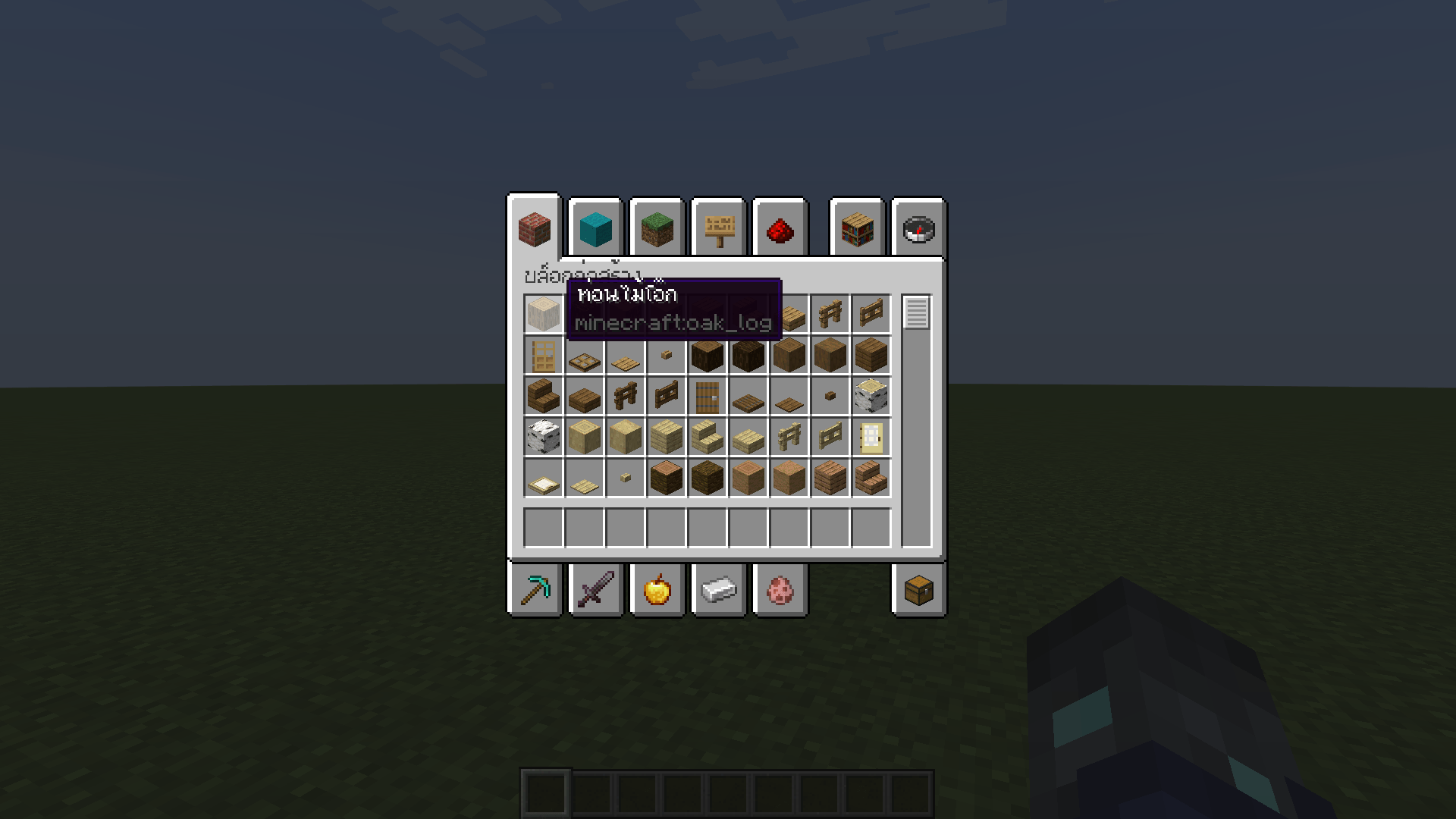
Font used (ฟอนต์ที่ใช้)
- iannnnnAMD (2005)
Example (ตัวอย่าง)
Installation (วิธีการติดตั้ง)
- Download ThaiFontFix-Kanit. (ดาวน์โหลด ThaiFontFix-Kanit)
- Place the .zip file into the directory where the game is installed, for example: .minecraft\\resourcepacks. (นำไฟล์ .zip ไปใส่ในไดเรคทอรี่ที่ติดตั้งเกม เช่น .minecraft\\resourcepacks)
- Enable ThaiFontFix-Kanit in the game. (เปิดใช้งาน ThaiFontFix-Kanit ในตัวเกม)
Cómo instalar ThaiFontFix
With Millida Launcher
Install Millida Launcher
The launcher is free: download it at millida.net/launcher and sign in with any nickname.
Click “Install” on this page
The launcher opens and installs the resource pack for Minecraft 1.20–26.3 automatically.
Launch the game
A profile with it appears in the launcher: click “Play”.
Manually
Download the archive
Pick the file ThaiFontFix-v.1.0.2-1.21.4-beta.2.zip (14 KB) for your game version. No need to unpack it.
Put it in the resourcepacks folder
The easiest way: “Options”, then “Resource Packs”, then “Open Pack Folder”, and drag the archive there.
Enable the pack
In the same window, move the pack to the right-hand “Selected” column and click “Done”.
Versiones
Con dependencias
| Minecraft | Cargador | Archivo | Fecha | Acciones |
|---|---|---|---|---|
| 1.21 | — | ThaiFontFix-1.0.8.zip14.9 KB | ||
| 1.21.4 | — | ThaiFontFix-v.1.0.2-1.21.4-beta.2.zip13.8 KB |
Reseñas
Sé el primero en valorar ThaiFontFix



