
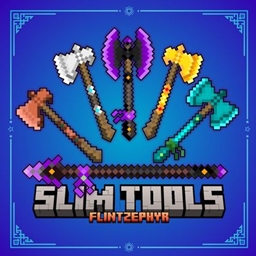
Slim Tools TP Paquete de recursos para Minecraft 26.0
¡Dale a tus herramientas un aspecto limpio y esbelto con este paquete minimalista! Todas las herramientas estándar son más finas y elegantes.
Acerca del paquete de recursos Slim Tools TP

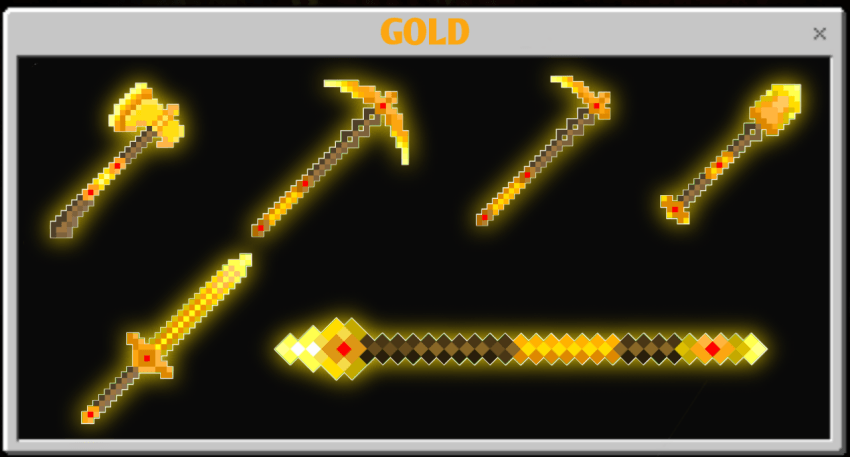
Slim, stylish, and simple!
NOTE:
Trident and mace not included, as they require an entity model to render in-game.

New Subpack Size Options!
You can now use the Subpacks slider to choose your preferred tool size:
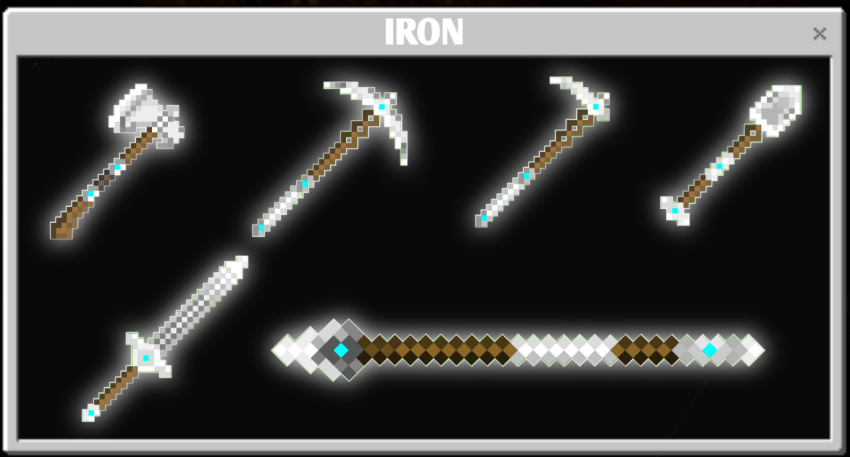
- SLIM TOOLS - standard size
- SLIM TOOLS Medium - smaller than the standard Slim Tools
- SLIM TOOLS L + Small - extra-small/compact design
Simply use the Subpacks settings slider to switch between the different sizes and find the one you like.
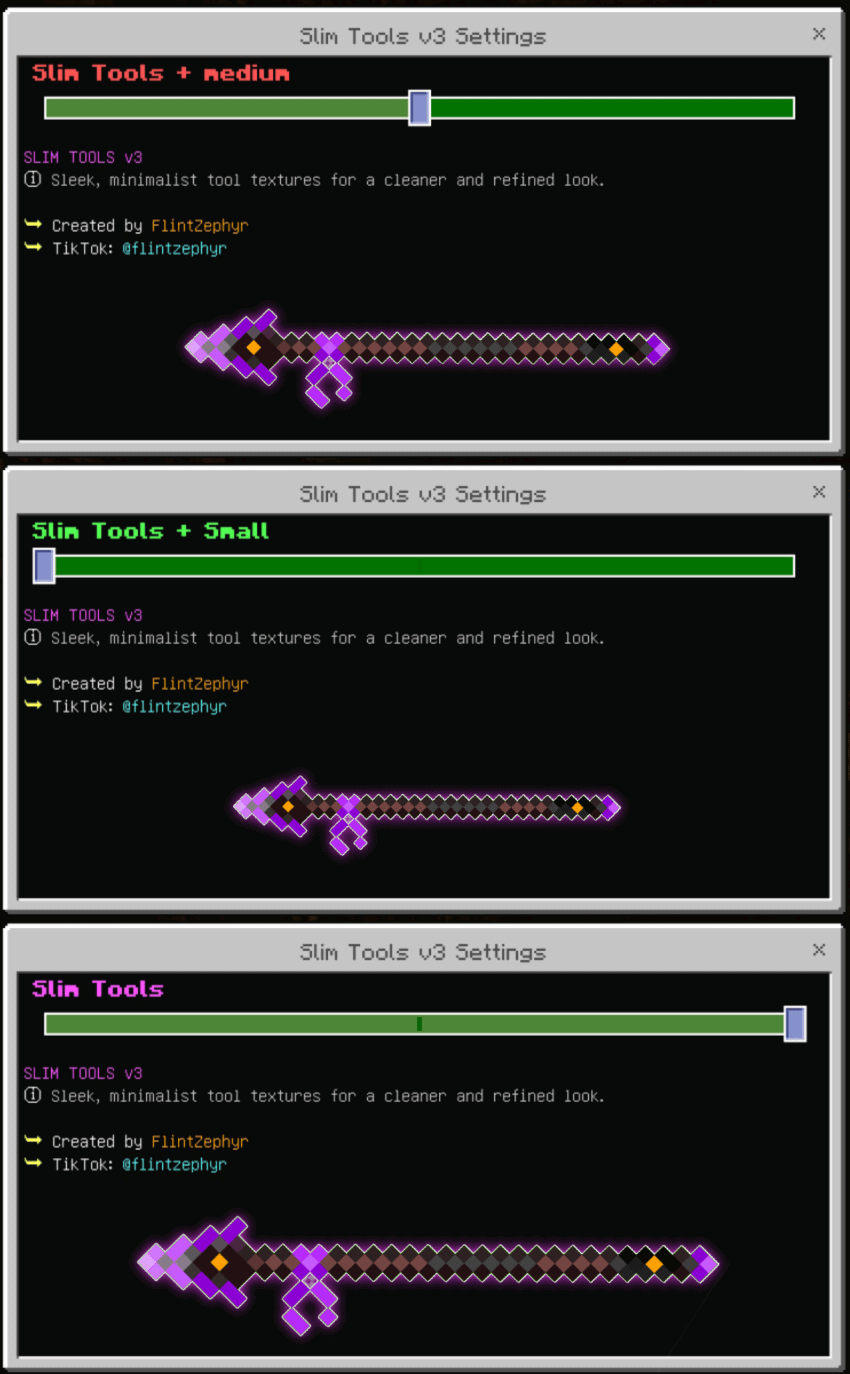
More sizes. More choice. Same clean Slim Tools style.
♥️ If you’re enjoying my pack, please follow me! It really means a lot!

Cómo instalar Slim Tools TP
Install Millida Launcher
The launcher is free: download it at millida.net/launcher and sign in with any nickname.
Click “Install” on this page
The launcher opens and installs the resource pack for Minecraft 26.0 automatically.
Launch the game
A profile with it appears in the launcher: click “Play”.
Versiones
Con dependencias
| Minecraft | Cargador | Archivo | Fecha | Acciones |
|---|---|---|---|---|
| 26.0 | — | Slim Tools TP v3866 KB |
FAQ
Which Minecraft versions does Slim Tools TP work on?
Only Minecraft 26.0: there are no files for other versions.
How do I download Slim Tools TP?
With Millida Launcher: it installs Slim Tools TP into a modpack by itself, for the right game version and loader. The launcher is free.
Reseñas
Sé el primero en valorar Slim Tools TP



