
Retro Textures para Minecraft 1.21.1, 1.21
¡Minecraft pero se siente como la alpha!
Retro Textures - feels like alpha!
By Fred MSJD
AVAILABLE ON MODRINTH: https://modrinth.com/resourcepack/retro AVAILABLE ON CURSEFORGE: https://curseforge.com/minecraft/texture-packs/retro
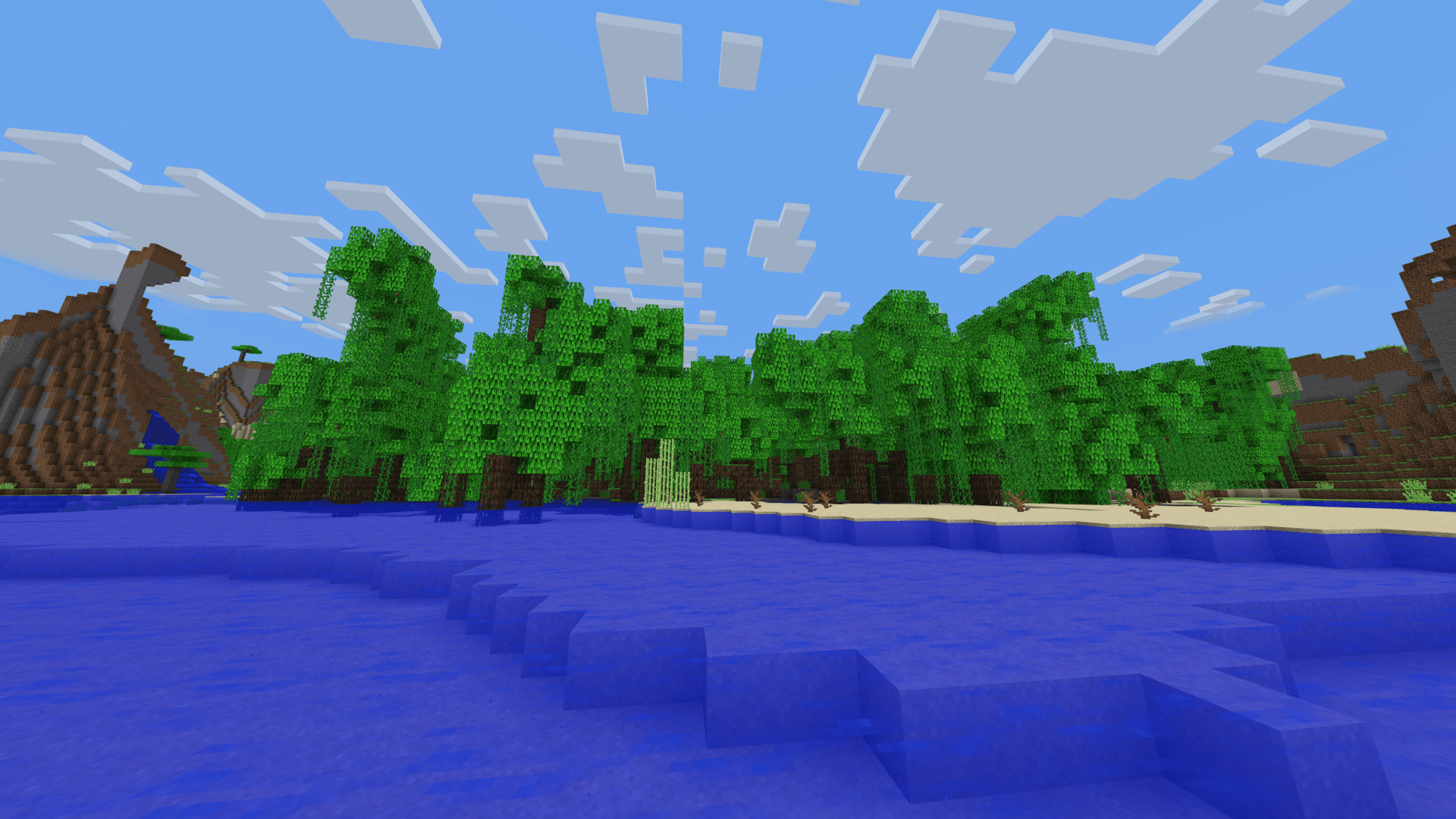
Get in to a new Minecraft world with standard new features but in a RETRO feel! Many textures are changed to be from the early days of Minecraft, and you can experience it right now with this cool resource pack!
NOW WORKS FOR VERSIONS FROM 1.14 TO 1.21! Activate the Programmer Art resource pack (make sure to place Retro Textures on top) for an even more old feel!
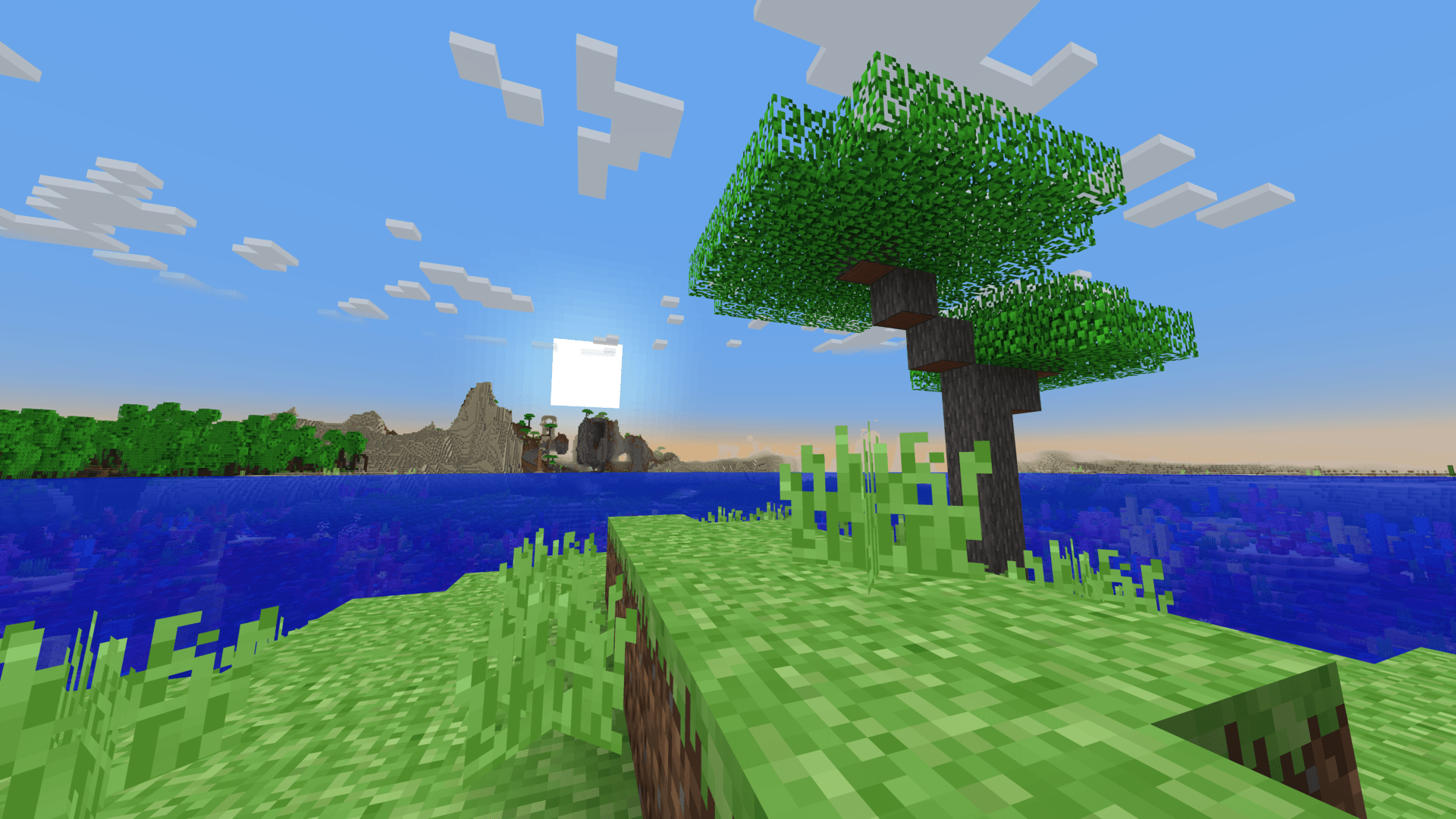
All textures are from Vanilla Tweaks.

Cómo instalar Retro Textures
With Millida Launcher
Install Millida Launcher
The launcher is free: download it at millida.net/launcher and sign in with any nickname.
Click “Install” on this page
The launcher opens and installs the resource pack for Minecraft 1.21–1.21.11 automatically.
Launch the game
A profile with it appears in the launcher: click “Play”.
Manually
Download the archive
Pick the file RetroTextures_1.21_2.0.zip (2.6 MB) for your game version. No need to unpack it.
Put it in the resourcepacks folder
The easiest way: “Options”, then “Resource Packs”, then “Open Pack Folder”, and drag the archive there.
Enable the pack
In the same window, move the pack to the right-hand “Selected” column and click “Done”.
Versiones
Con dependencias
| Minecraft | Cargador | Archivo | Fecha | Acciones |
|---|---|---|---|---|
| 1.21 | — | Retro Textures 1.21 v2.02.6 MB 3 |
FAQ
Which Minecraft versions does Retro Textures work on?
There are files for 1.21–1.21.11, 12 versions in total. The newest is 1.21.11.
Where can I download Retro Textures safely?
On this page: the file RetroTextures_1.21_2.0.zip (2.6 MB) is stored on Millida’s server, with no link shorteners. SHA-1 checksum: f32c28a94788d54b248b1d3d21c43231d8421853.
Reseñas
Sé el primero en valorar Retro Textures


