
Pocket Gui+ Paquete de recursos para Minecraft 26.30
Pocket GUI+ mejora las interfaces de bloques de Minecraft, dando a cada bloque su interfaz temática (como la GUI de la mesa de trabajo) y añade funciones útiles como Guías, Saqueo rápido, Soltar un objeto y Soltar todos los objetos para una experiencia más fluida y mejorada en Bedrock/MCPE.
Pocket GUI+
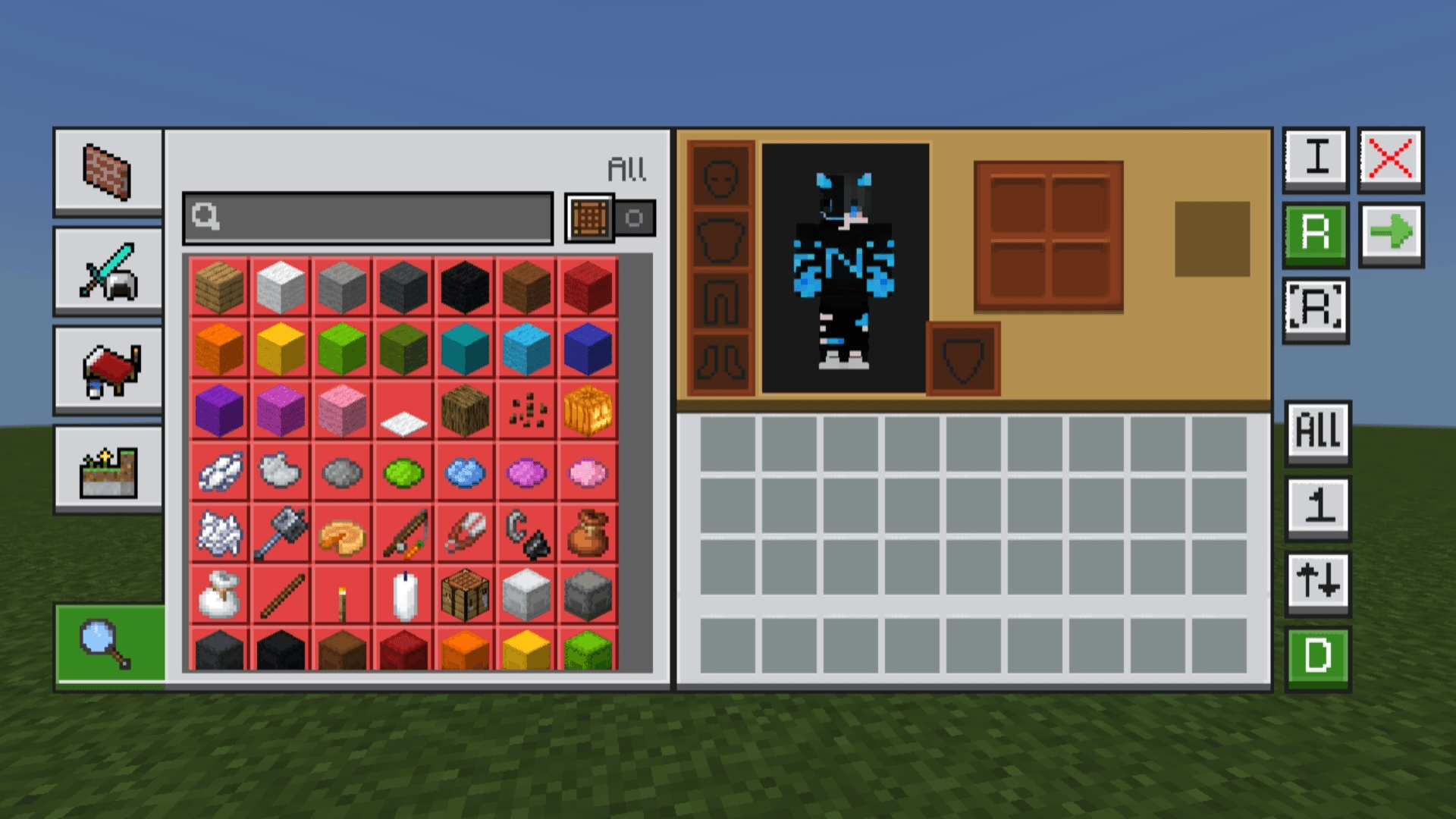
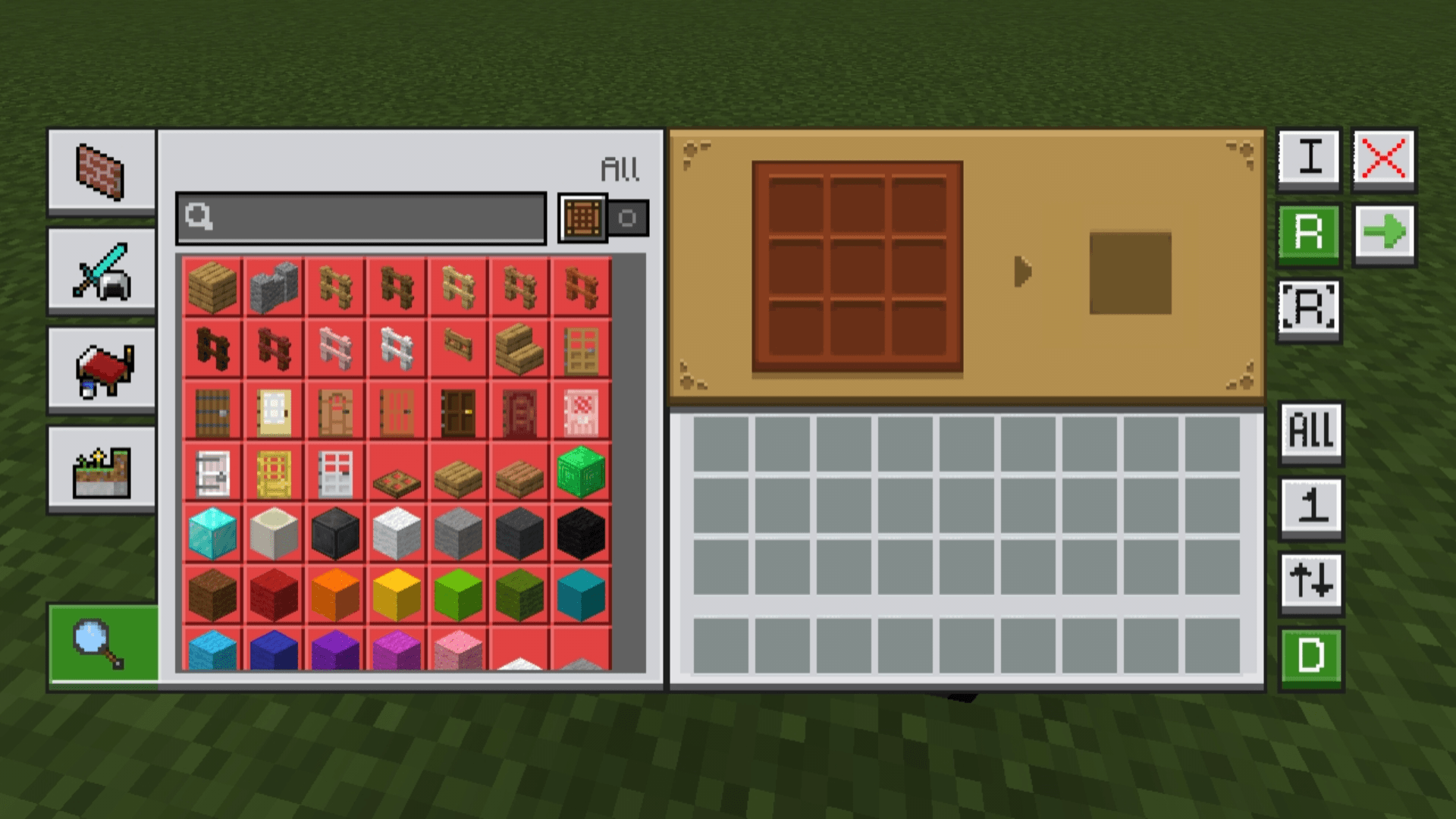
Pocket GUI+ is a Minecraft resource pack that gives each block its own themed GUI. The crafting table GUI matches the crafting table design and other blocks get their own unique look.
This pack is a standalone version of my NeBux UI.
For only the themed GUI without extra features, check:
- NeBux GUI on CurseForge
- NeBux GUI on MCPEDL
Features:
- Themed GUIs for all usable blocks (crafting table, furnace, anvil, etc.)
- Guides, Quick Loot, Drop One Item, Drop All Items and more
- Keeps the classic Minecraft style
- Works with Bedrock/MCPE editions
For Dark Mode version, check: Pocket GUI+ Dark Mode
Support My Work:
If you find my packs helpful and would like to support my work, you can do so here: Support me on Ko-fi
Cómo instalar Pocket Gui+
With Millida Launcher
Install Millida Launcher
The launcher is free: download it at millida.net/launcher and sign in with any nickname.
Click “Install” on this page
The launcher opens and installs the resource pack for Minecraft 26.30 automatically.
Launch the game
A profile with it appears in the launcher: click “Play”.
Manually
Download the archive
Pick the file PocketGUI+_v1.1.3.mcpack (1.9 MB) for your game version. No need to unpack it.
Put it in the resourcepacks folder
The easiest way: “Options”, then “Resource Packs”, then “Open Pack Folder”, and drag the archive there.
Enable the pack
In the same window, move the pack to the right-hand “Selected” column and click “Done”.
Versiones
Con dependencias
| Minecraft | Cargador | Archivo | Fecha | Acciones |
|---|---|---|---|---|
| 26.30 | — | PocketGUI+_v1.1.3.mcpack1.9 MB 1 |
Reseñas
Sé el primero en valorar Pocket Gui+



