

Acerca del paquete de recursos OrdUI
OrdUI is a self-made original style functional UI with multiple functions, modified and optimized from the original style. At the same time, it continues to imitate the visual effects of the oreui released by Mojang to adapt to the development trend of oreui.
-credits-

- Bruhh69 some ui textures
- T1M0THY night vision
This is a functional original style UI resource package!

Supports both pocket and classic dual operation modes!
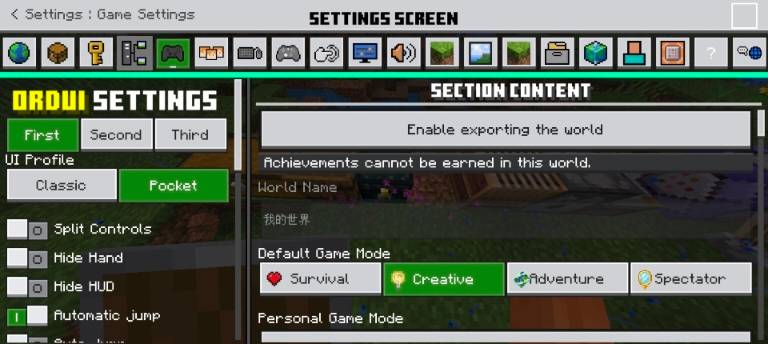
- Export world:
You need to enter the corresponding world, then you can find the button to export the current world in the settings!
- New Start screen
- New Load screen
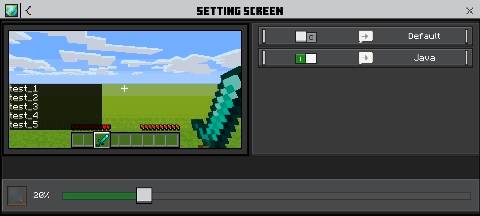
- New Settings screen
- New Pause screen
- Improved Hud screen
- JAVA based modification chat screen
- Inventory and container improve
- And etc..(boss health - Furnace/Brewing Stand progress percentage - Anvil line break......)
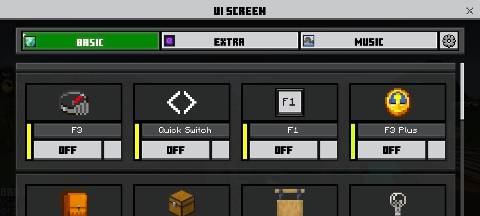
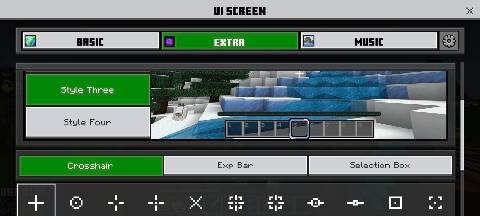
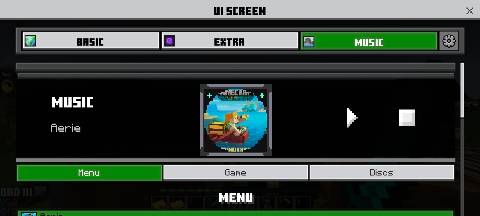
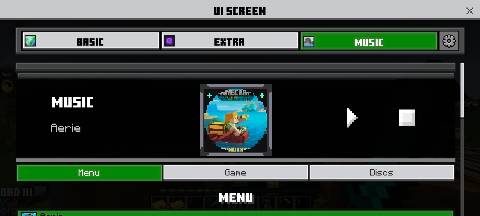
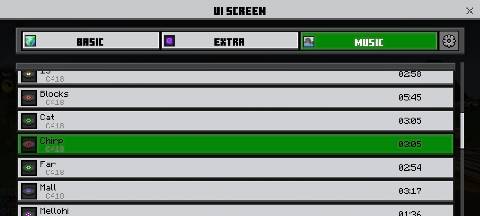
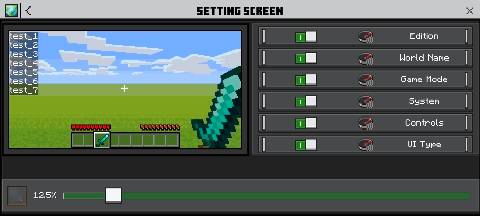
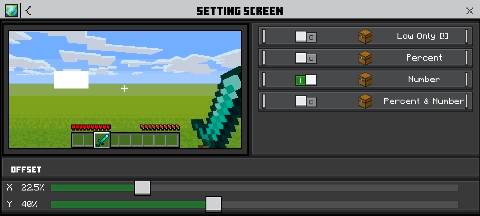
In game,OrdUI provided new Ore style panel to control all functions.
Highly customize the functional modes and locations you desire!
Cómo instalar OrdUI
With Millida Launcher
Install Millida Launcher
The launcher is free: download it at millida.net/launcher and sign in with any nickname.
Click “Install” on this page
The launcher opens and installs the resource pack for Minecraft 1.21.70–26.10 automatically.
Launch the game
A profile with it appears in the launcher: click “Play”.
Manually
Download the archive
Pick the file xOrdUI V6.44.mcpack (988 KB) for your game version. No need to unpack it.
Put it in the resourcepacks folder
The easiest way: “Options”, then “Resource Packs”, then “Open Pack Folder”, and drag the archive there.
Enable the pack
In the same window, move the pack to the right-hand “Selected” column and click “Done”.
Versiones
Con dependencias
| Minecraft | Cargador | Archivo | Fecha | Acciones |
|---|---|---|---|---|
| 1.21.81 | — | xOrdUI V6.44.mcpack988 KB |
FAQ
Which Minecraft versions does OrdUI work on?
There are files for 1.21.70–26.10, 27 versions in total. The newest is 26.10.
Where can I download OrdUI safely?
On this page: the file xOrdUI V6.44.mcpack (988 KB) is stored on Millida’s server, with no link shorteners. SHA-1 checksum: 793af94c70122a778e2466a877969ca76f778d77.
Reseñas
Sé el primero en valorar OrdUI


