
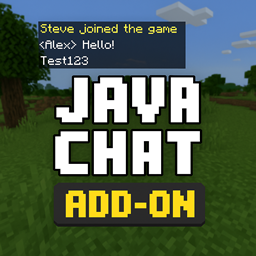
Java Chat Paquete de recursos para Minecraft 1.21.120
Java Chat v1 hace que el chat se vea como el de Minecraft Java
Acerca del paquete de recursos Java Chat
🇬🇧 English Description: ✨ Java Chat Add-On ✨ This add-on brings the familiar Java Edition chat design to Minecraft Bedrock Edition! ✔️ Clean, classic Java-style chatbox ✔️ Compatible with Realms and servers ✔️ No external scripts required - pure UI change ✔️ Lightweight and optimized
🎮 Installation: Just add this resource pack to your world or Realm. No additional configuration needed.
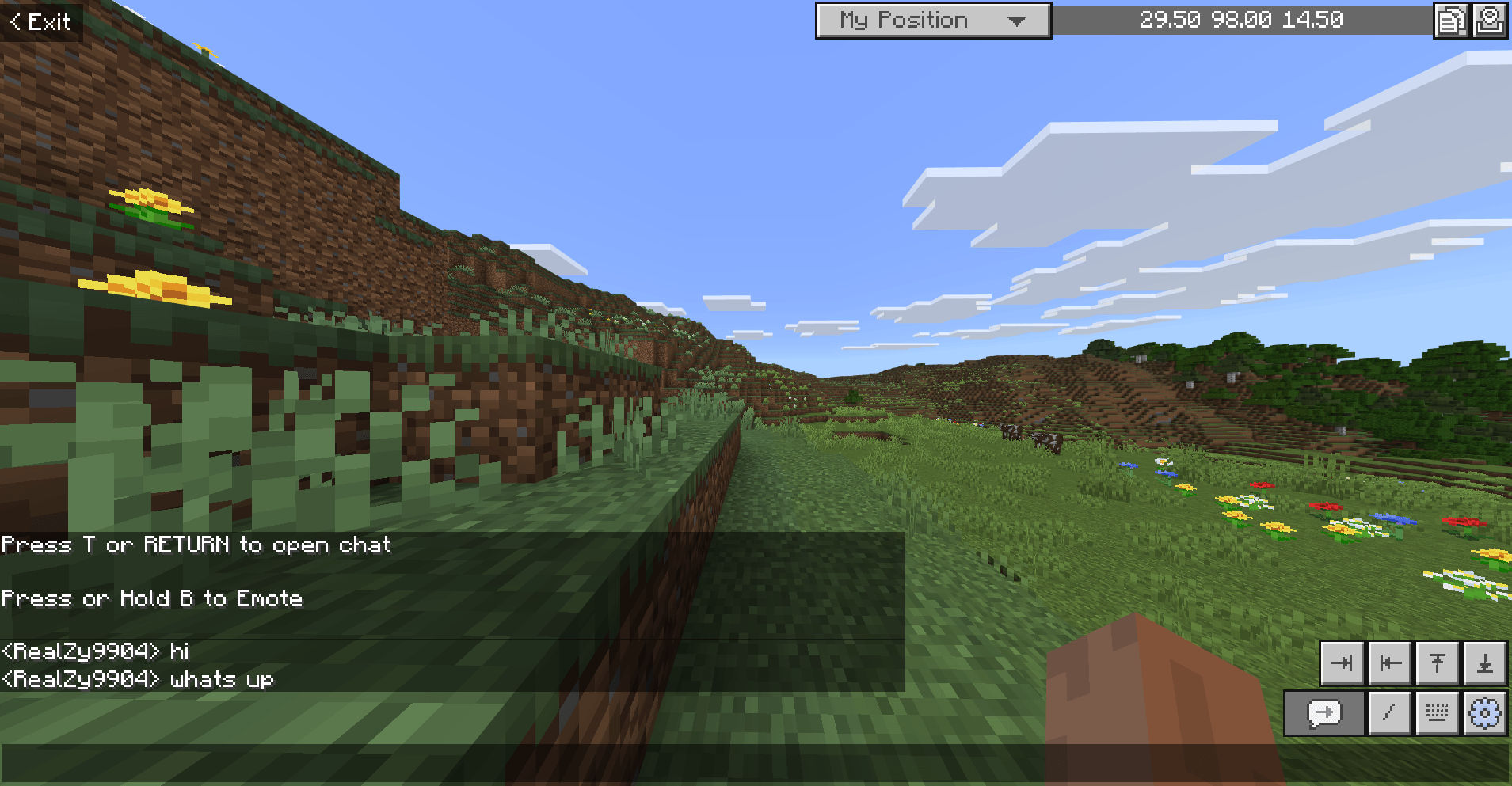
💬 Note: This add-on is purely cosmetic. It does not affect gameplay or commands.
🇩🇪 Deutsche Beschreibung: ✨ Java Chat Add-On ✨ Dieses Add-On bringt das klassische Chat-Design der Java Edition in Minecraft Bedrock Edition! ✔️ Saubere, klassische Java-Chatbox ✔️ Kompatibel mit Realms und Servern ✔️ Keine externen Skripte - nur UI-Anpassung ✔️ Leichtgewichtig und optimiert
🎮 Installation: Einfach das Ressourcenpaket zur Welt oder zum Realm hinzufügen. Keine weiteren Einstellungen erforderlich.
💬 Hinweis: Dieses Add-On ist rein optisch und hat keinen Einfluss auf das Gameplay oder Befehle.
Cómo instalar Java Chat
With Millida Launcher
Install Millida Launcher
The launcher is free: download it at millida.net/launcher and sign in with any nickname.
Click “Install” on this page
The launcher opens and installs the resource pack for Minecraft 1.21.90–1.21.120 automatically.
Launch the game
A profile with it appears in the launcher: click “Play”.
Manually
Download the archive
Pick the file Java Chat v1 [1.21.90x].mcpack (1.1 MB) for your game version. No need to unpack it.
Put it in the resourcepacks folder
The easiest way: “Options”, then “Resource Packs”, then “Open Pack Folder”, and drag the archive there.
Enable the pack
In the same window, move the pack to the right-hand “Selected” column and click “Done”.
Versiones
Con dependencias
| Minecraft | Cargador | Archivo | Fecha | Acciones |
|---|---|---|---|---|
| 1.21.114 | — | Java Chat v1 [1.21.110+].mcpack1.1 MB |
FAQ
Which Minecraft versions does Java Chat work on?
There are files for 1.21.90–1.21.120, 9 versions in total. The newest is 1.21.120.
Where can I download Java Chat safely?
On this page: the file Java Chat v1 [1.21.90x].mcpack (1.1 MB) is stored on Millida’s server, with no link shorteners. SHA-1 checksum: 3deb562a08c1cf4401c74a12bd9fd8a7fa7b9e9b.
Reseñas
Sé el primero en valorar Java Chat



