

Important: This texture pack is only compatible with PC and consoles. It will not function on mobile devices (phones or tablets). Mobile support may arrive someday in the future, but not right now.
Item Finder is a unique resource pack for Minecraft Bedrock Edition that completely changes how you see your inventory. No more lost glances searching for that one diamond or sword in a cluttered chest.
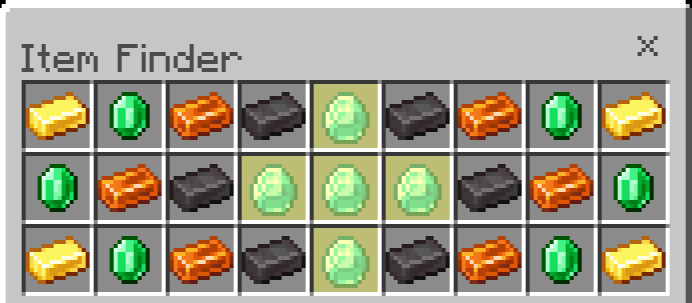
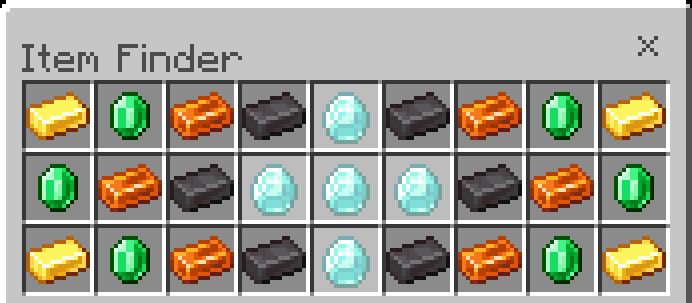
🔍 How does it work? When you take an item from your inventory into your hand - that item starts glowing. The rest stay normal. Simple, visual, effective. (To highlight the first item, you first need to pick up a similar item.)
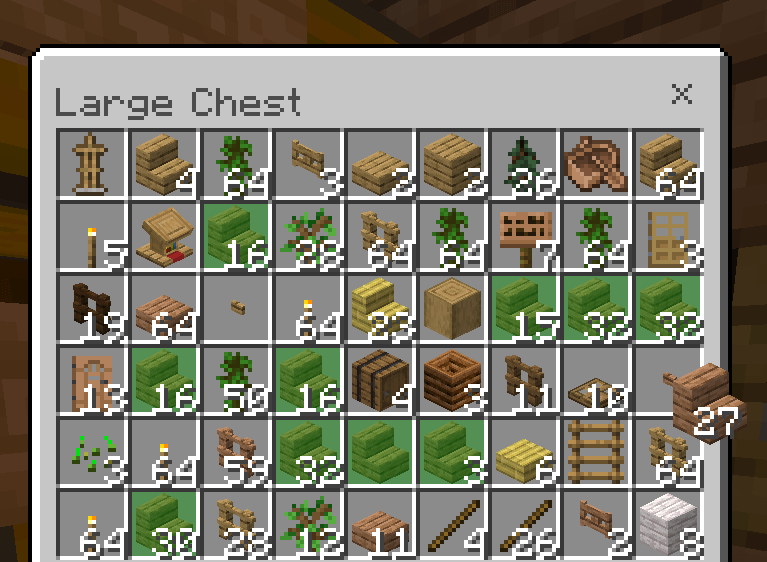
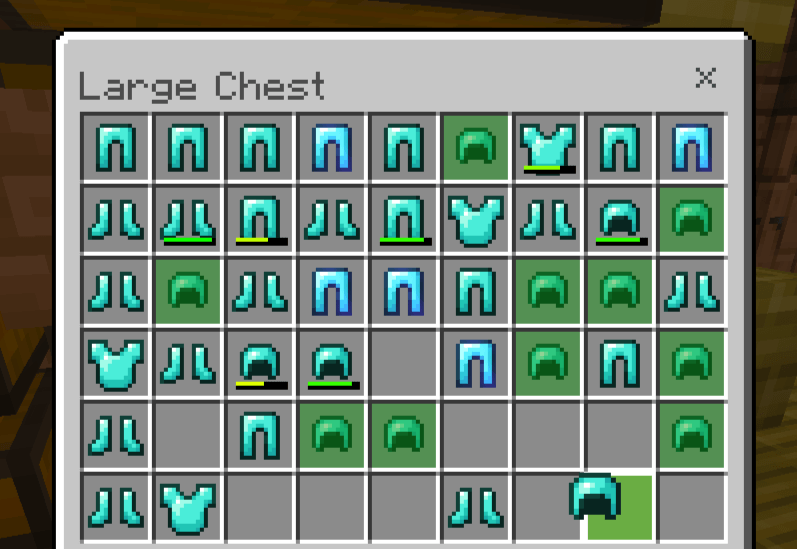
The mechanic works in real time:
• pick up a stick → the stick glows
• pick up a potion → the potion glows
• pick up a diamond pickaxe → it stands out among 30 other items
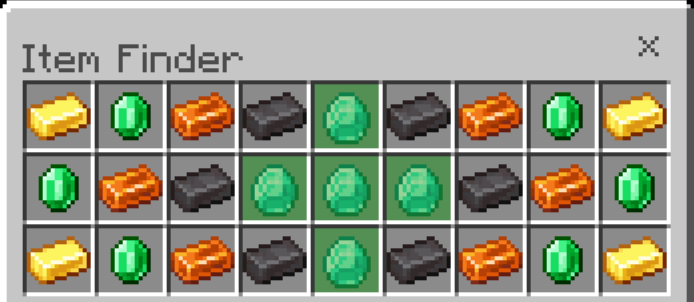
🎨 Available highlight colors The highlight color can be changed in the _global_variables.json file:
Green [Defualt] - [0, 0.667, 0]:
Black - [0, 0, 0]:
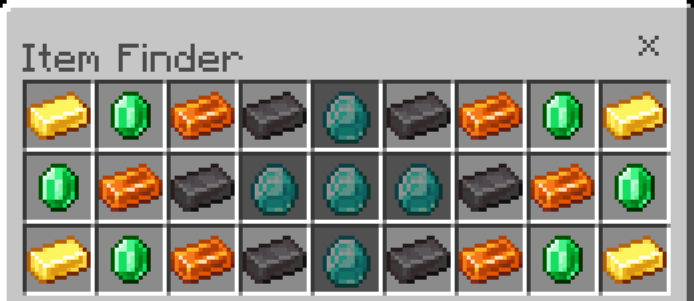
Dark Blue - [0, 0, 0.667]:
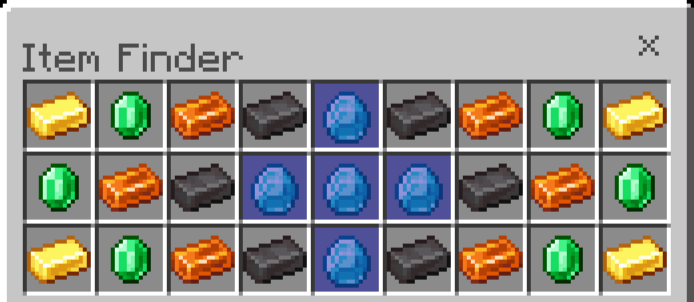
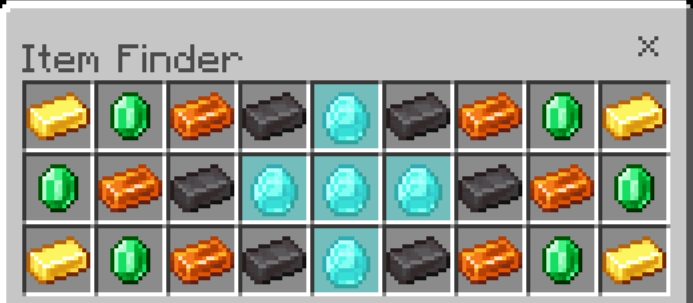
Dark Aqua - [0, 0.667, 0.667]:
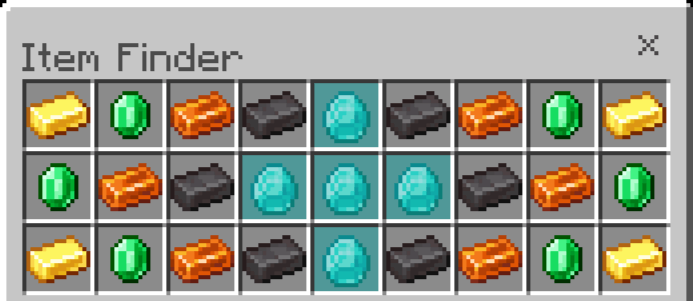
Dark Red - [0.667, 0, 0]:
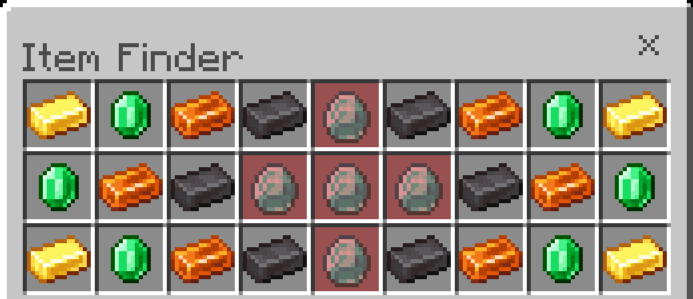
Dark Purple - [0.667, 0, 0.667]:
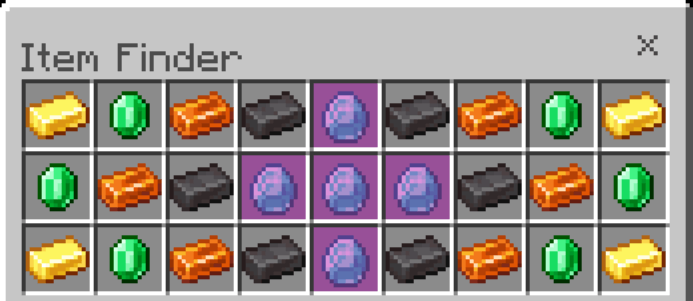
Gold - [1, 0.667, 0]:
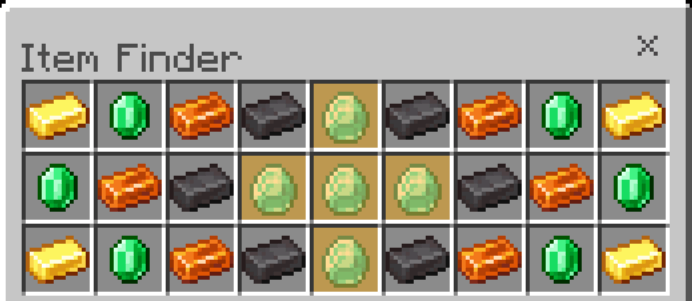
Gray - [0.667, 0.667, 0.667]:
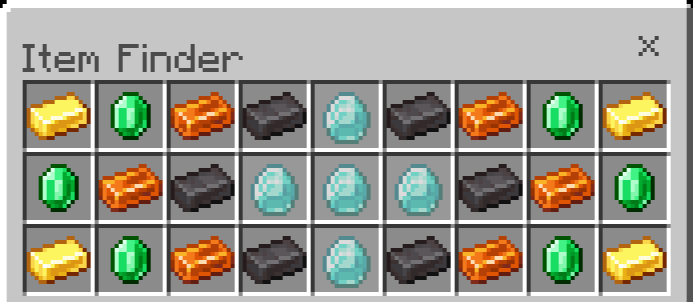
Dark Gray - [0.333, 0.333, 0.333]:
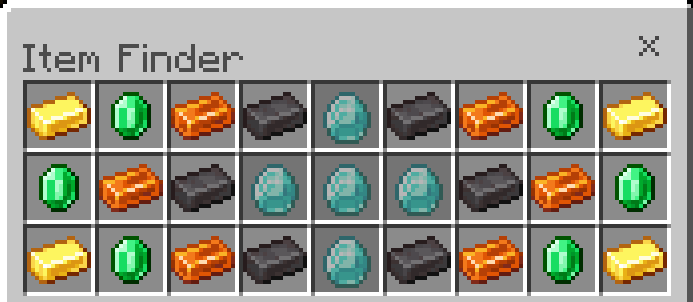
Blue - [0.333, 0.333, 1]:
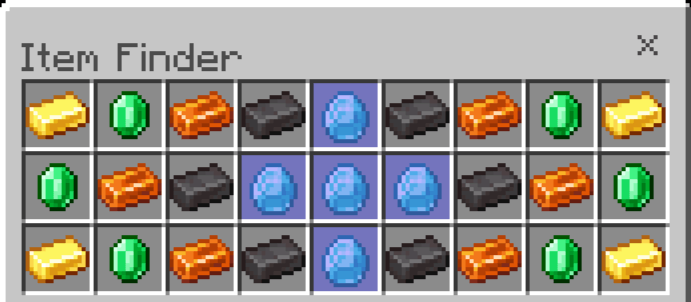
Aqua - [0.333, 1, 1]:
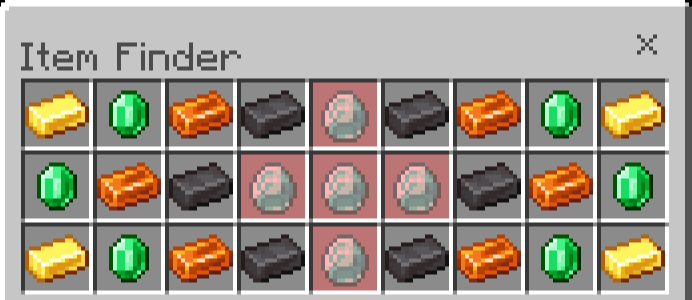
Red - [1, 0.333, 0.333]:
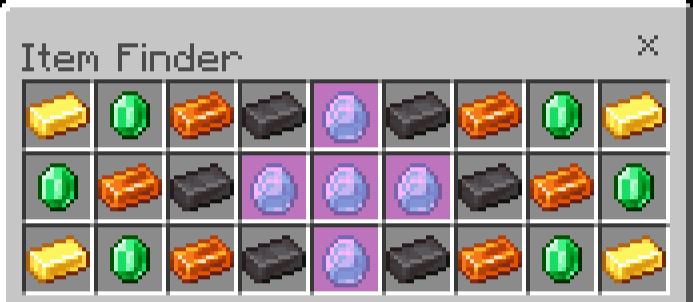
Light Purple - [1, 0.333, 1]:
Yellow - [1, 1, 0.333]:
White - [1, 1, 1]:
⚠️ Important This texture pack only works in the classic inventory interface (not in the mobile "pocket" mode).

Usage Rules:
Allowed:
- Editing textures for personal use.
- Creating videos and streaming content.

Prohibited:
- Distributing the pack via third-party links. Only official pages on MCPEDL and CurseForge.
- Publishing modified versions of the pack.

Cómo instalar Item Finder
With Millida Launcher
Install Millida Launcher
The launcher is free: download it at millida.net/launcher and sign in with any nickname.
Click “Install” on this page
The launcher opens and installs the resource pack for Minecraft 1.20–26.10 automatically.
Launch the game
A profile with it appears in the launcher: click “Play”.
Manually
Download the archive
Pick the file ItemFinder.mcpack (20 KB) for your game version. No need to unpack it.
Put it in the resourcepacks folder
The easiest way: “Options”, then “Resource Packs”, then “Open Pack Folder”, and drag the archive there.
Enable the pack
In the same window, move the pack to the right-hand “Selected” column and click “Done”.
Versiones
Con dependencias
| Minecraft | Cargador | Archivo | Fecha | Acciones |
|---|---|---|---|---|
| 1.20 | — | Item Finder | v1.019.8 KB |
FAQ
Which Minecraft versions does Item Finder work on?
There are files for 26.10, 1.20. The newest is 26.10.
Where can I download Item Finder safely?
On this page: the file ItemFinder.mcpack (20 KB) is stored on Millida’s server, with no link shorteners. SHA-1 checksum: 8fb075809e3f5a3b48838cfbdb11c9f3207864b0.
Reseñas
Sé el primero en valorar Item Finder


