

Glowing Plus Paquete de recursos para Minecraft 1.21.122
Glowing Plus hace que muchos objetos y bloques de Minecraft brillen suavemente, para que el juego se vea mejor y las cosas importantes sean más fáciles de encontrar.
Glowing Plus
Glowing Plus makes many Minecraft items and blocks glow softly, so the game looks better and important things are easier to find. The glow is subtle to avoid eye strain.
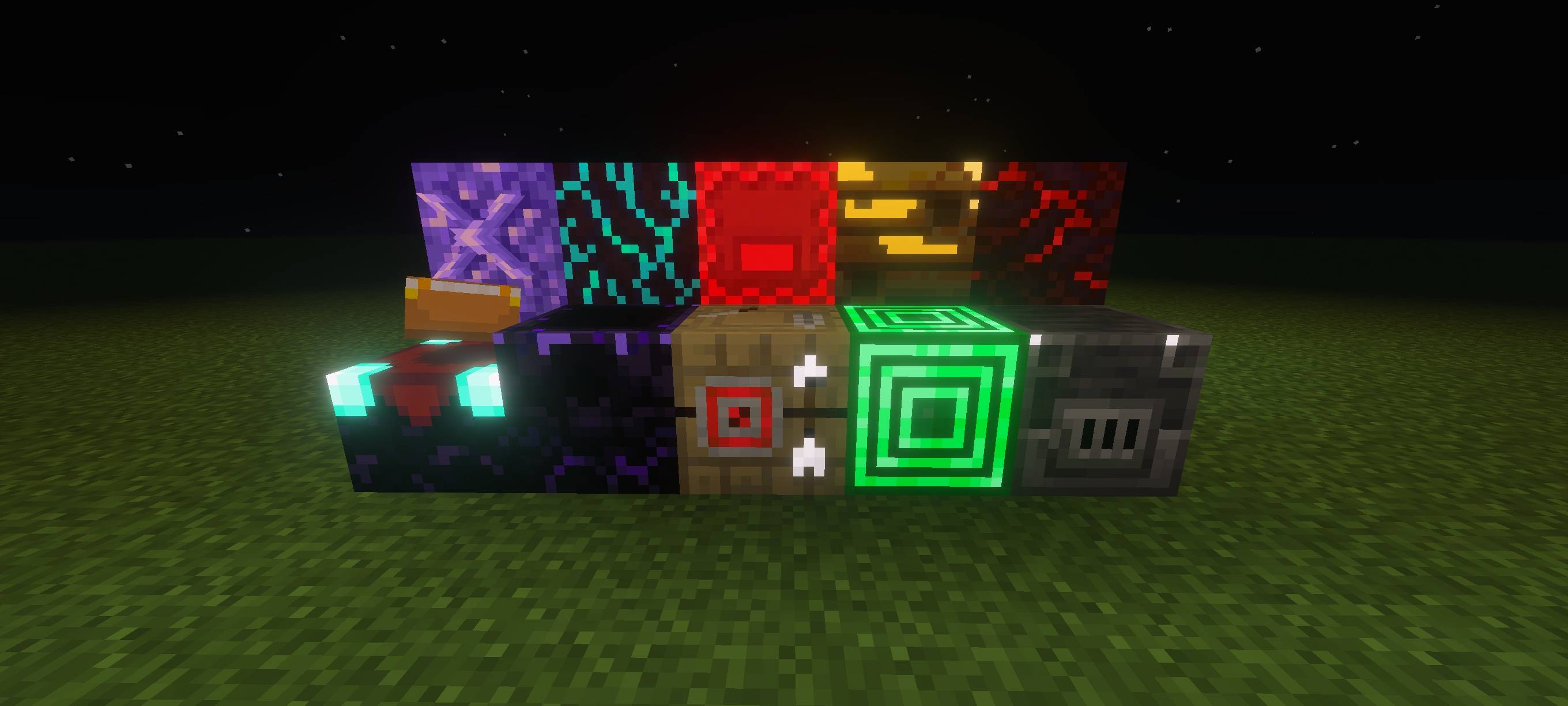
What this pack does
- Makes selected items and blocks emit a gentle glow in dark areas.
- Improves visibility for small or important objects at night or in caves.
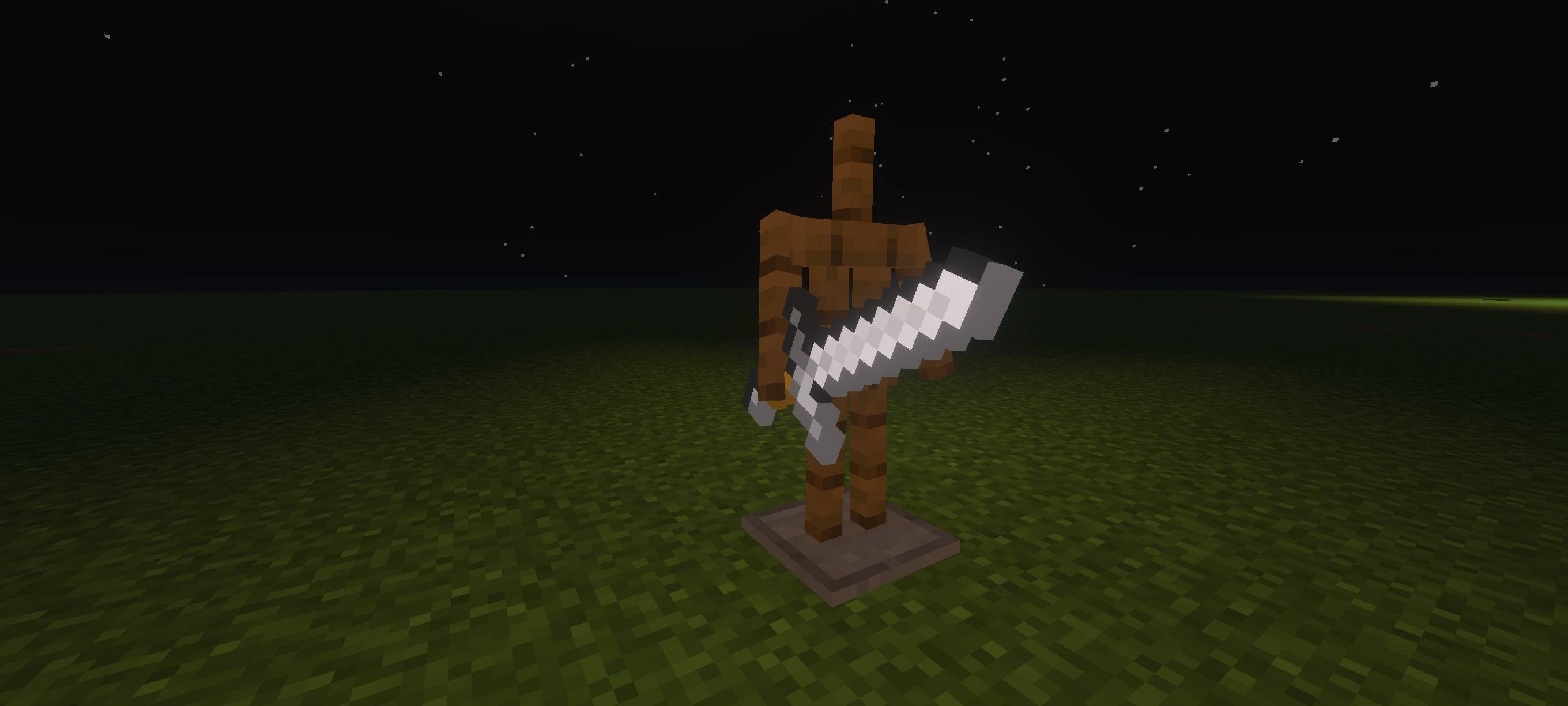
Important Note
To make this pack work properly, keep Vibrant Visuals turned ON in your game settings.
Credits
Voxen
Cómo instalar Glowing Plus
With Millida Launcher
Install Millida Launcher
The launcher is free: download it at millida.net/launcher and sign in with any nickname.
Click “Install” on this page
The launcher opens and installs the resource pack for Minecraft 1.21.122 automatically.
Launch the game
A profile with it appears in the launcher: click “Play”.
Manually
Download the archive
Pick the file Glowing_plus(v1.6).mcpack (3.2 MB) for your game version. No need to unpack it.
Put it in the resourcepacks folder
The easiest way: “Options”, then “Resource Packs”, then “Open Pack Folder”, and drag the archive there.
Enable the pack
In the same window, move the pack to the right-hand “Selected” column and click “Done”.
Versiones
Con dependencias
| Minecraft | Cargador | Archivo | Fecha | Acciones |
|---|---|---|---|---|
| 1.21.122 | — | Glowing_plus(v1.6).mcpack3.2 MB |
Reseñas
Sé el primero en valorar Glowing Plus



