

Flamingo Visuals Paquete de recursos para Minecraft 26.30
Shader visual vibrante Flamingo
FLAMINGO VISUALS 🦩
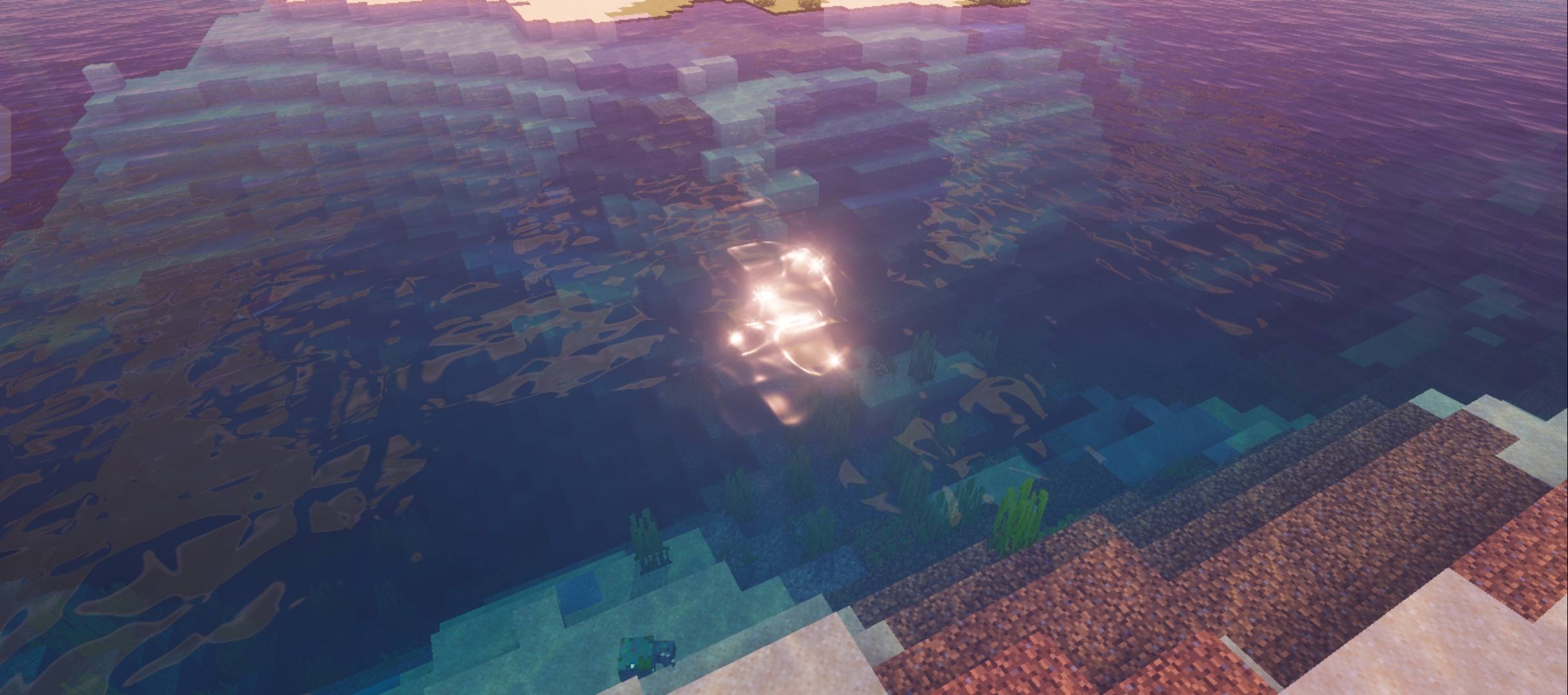
‎Experience Minecraft with a fresh visual style through Flamingo Shader - a performance friendly shader pack focused on atmosphere, lighting, and enhanced world details.
‎Flamingo Shader includes built-in PBR support for improved material depth and detail, while maintaining compatibility with other resource packs using the default settings.
Features:
‎✨ Built-in PBR Textures Option
Enhanced blocks and materials with realistic depth, reflections, and surface details (can be toggled on and off).
‎🎨 Resource Pack Compatibility
‎Works with other resource packs using the default configuration for a smoother visual experience.
‎🌈 Custom Lighting & Biome Colors
‎Enjoy unique lighting tones and biome-based color adjustments that make every environment feel different.
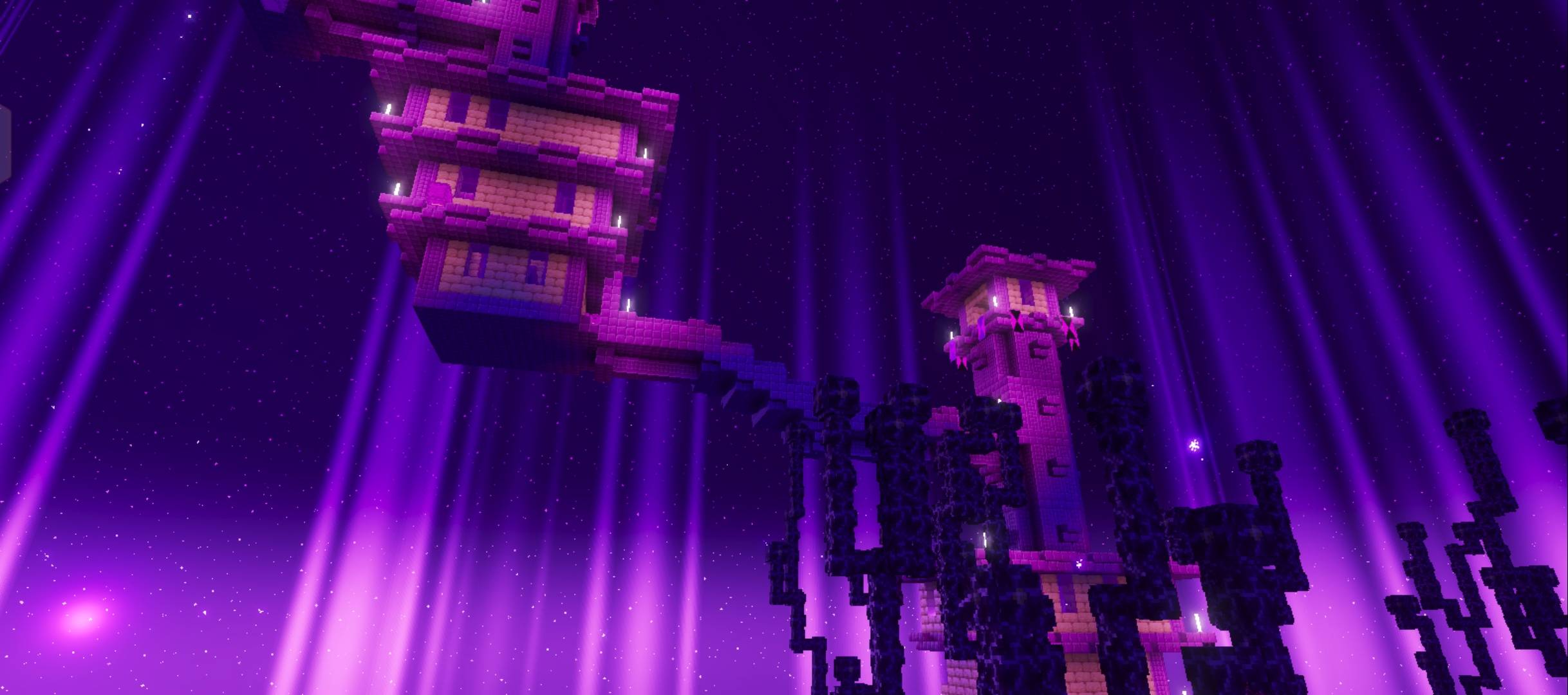
‎🌌 Northern Lights in Snow Biomes
‎Adds beautiful aurora effects to snowy landscapes for a more immersive experience.
‎🟣 End Biome Effects
‎Includes End biome beams and spark effects to make the End dimension more alive. (can be toggled on and off).
‎💡Shadow Point Light Support (Preview Minecraft versions only)
‎Adds support for dynamic shadow point lights for improved lighting effects.
‎⚡ Optimized Performance
‎Designed to provide enhanced visuals while keeping performance in mind.
Cómo instalar Flamingo Visuals
With Millida Launcher
Install Millida Launcher
The launcher is free: download it at millida.net/launcher and sign in with any nickname.
Click “Install” on this page
The launcher opens and installs the resource pack for Minecraft 26.3–26.30 automatically.
Launch the game
A profile with it appears in the launcher: click “Play”.
Manually
Download the archive
Pick the file Flamingo Visuals 2.2.mcpack (16 MB) for your game version. No need to unpack it.
Put it in the resourcepacks folder
The easiest way: “Options”, then “Resource Packs”, then “Open Pack Folder”, and drag the archive there.
Enable the pack
In the same window, move the pack to the right-hand “Selected” column and click “Done”.
Versiones
Con dependencias
| Minecraft | Cargador | Archivo | Fecha | Acciones |
|---|---|---|---|---|
| 26.3 | — | Flamingo Visuals v2.2.mcpack15.9 MB |
Reseñas
Sé el primero en valorar Flamingo Visuals



