

Dark Transparent GUI Paquete de recursos para Minecraft 26.3
Ve más a través de una interfaz gráfica transparente
Dark Transparent GUI by Pabli
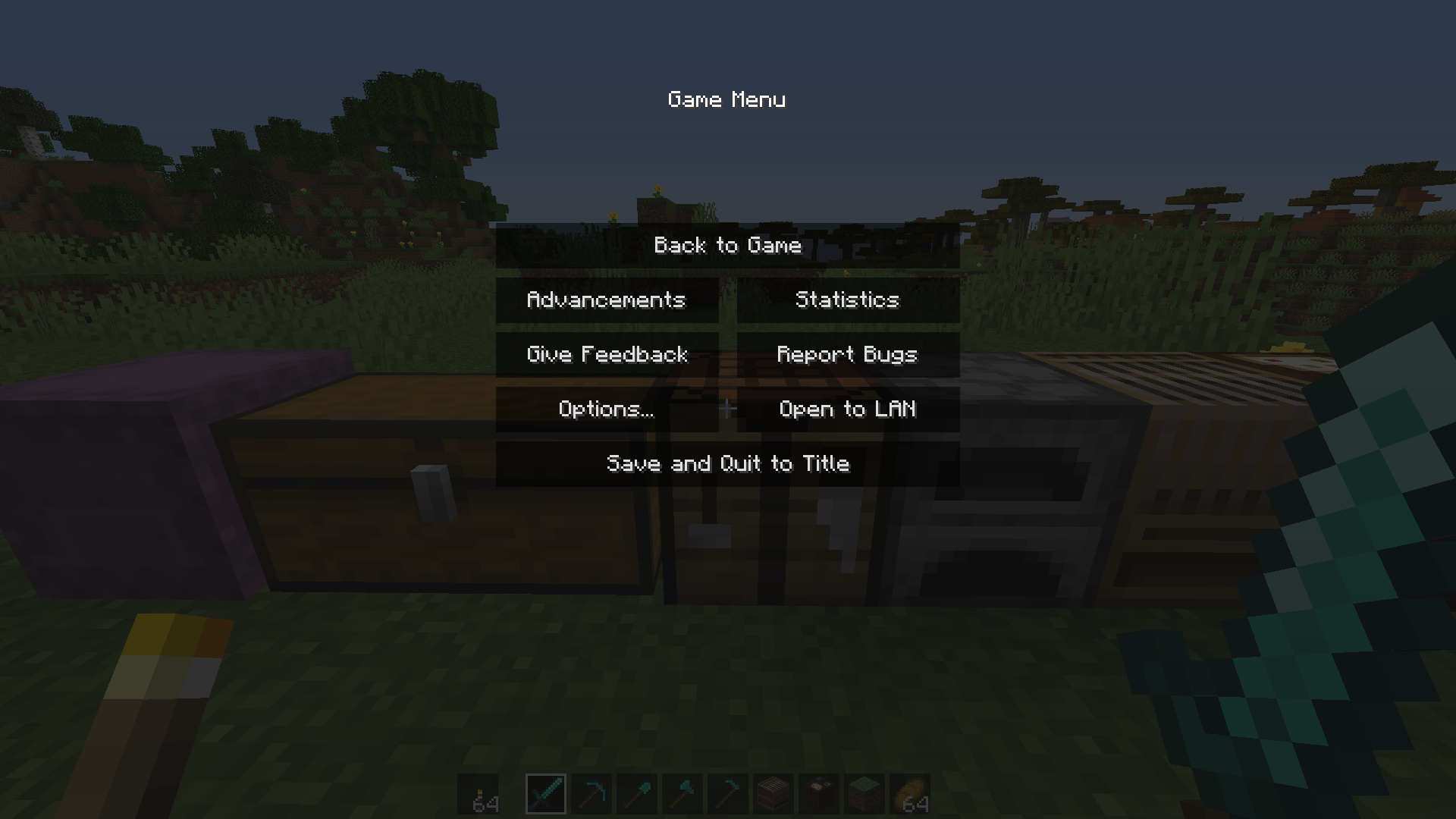
See more through transparent gui.
This texture pack turns all graphical user interface (GUIs and HUDs) clear and minimalistic with only black borders, offering an uninterrupted view of gameplay.
DOWNLOAD
Optional:
- Install Respackopts (v2.3.0+) for config menu (DTG v3.0+) - you can choose different background menu image and disable some textures
- Install OptiFine for black background on Mojang logo loading screen
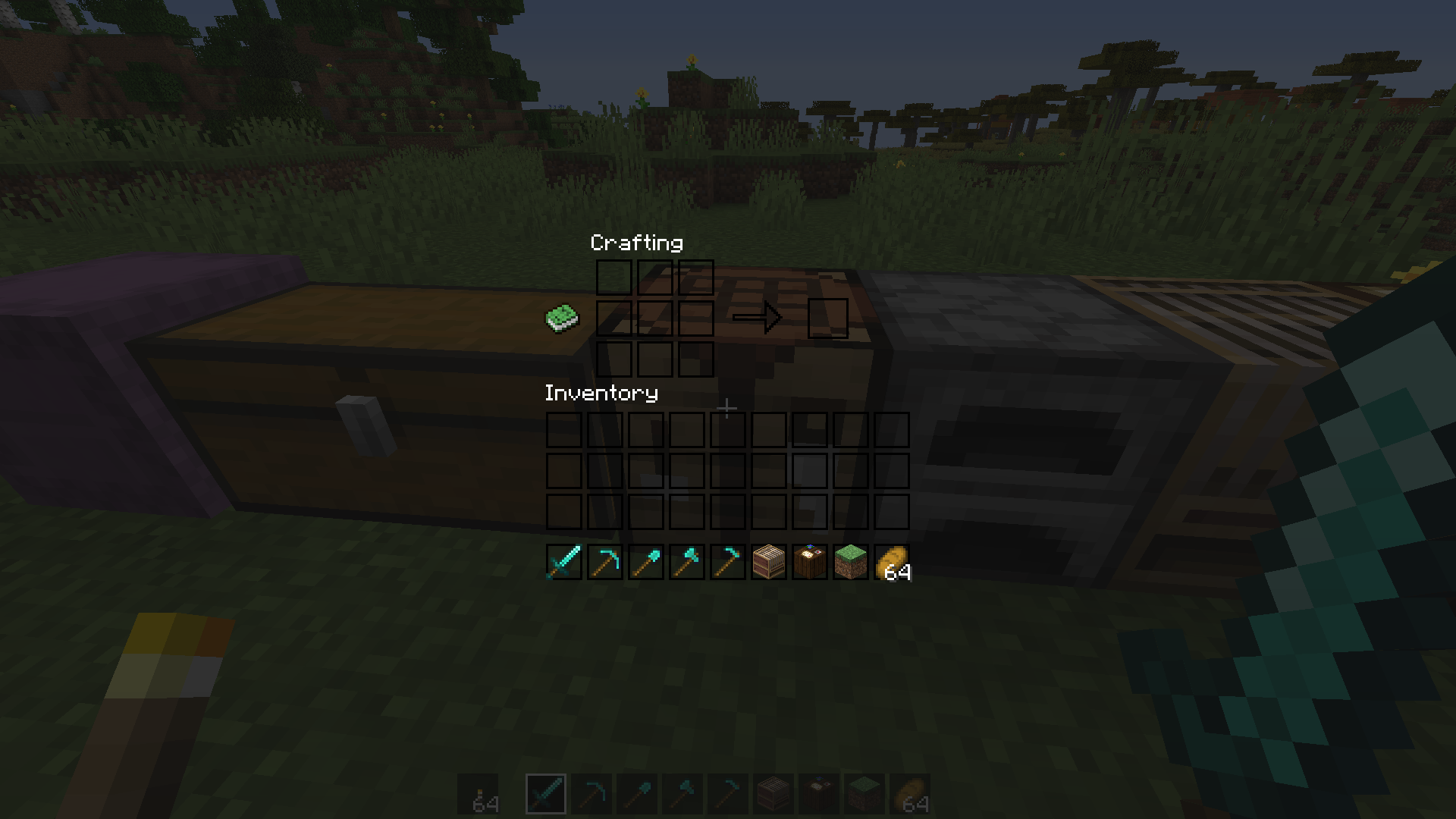
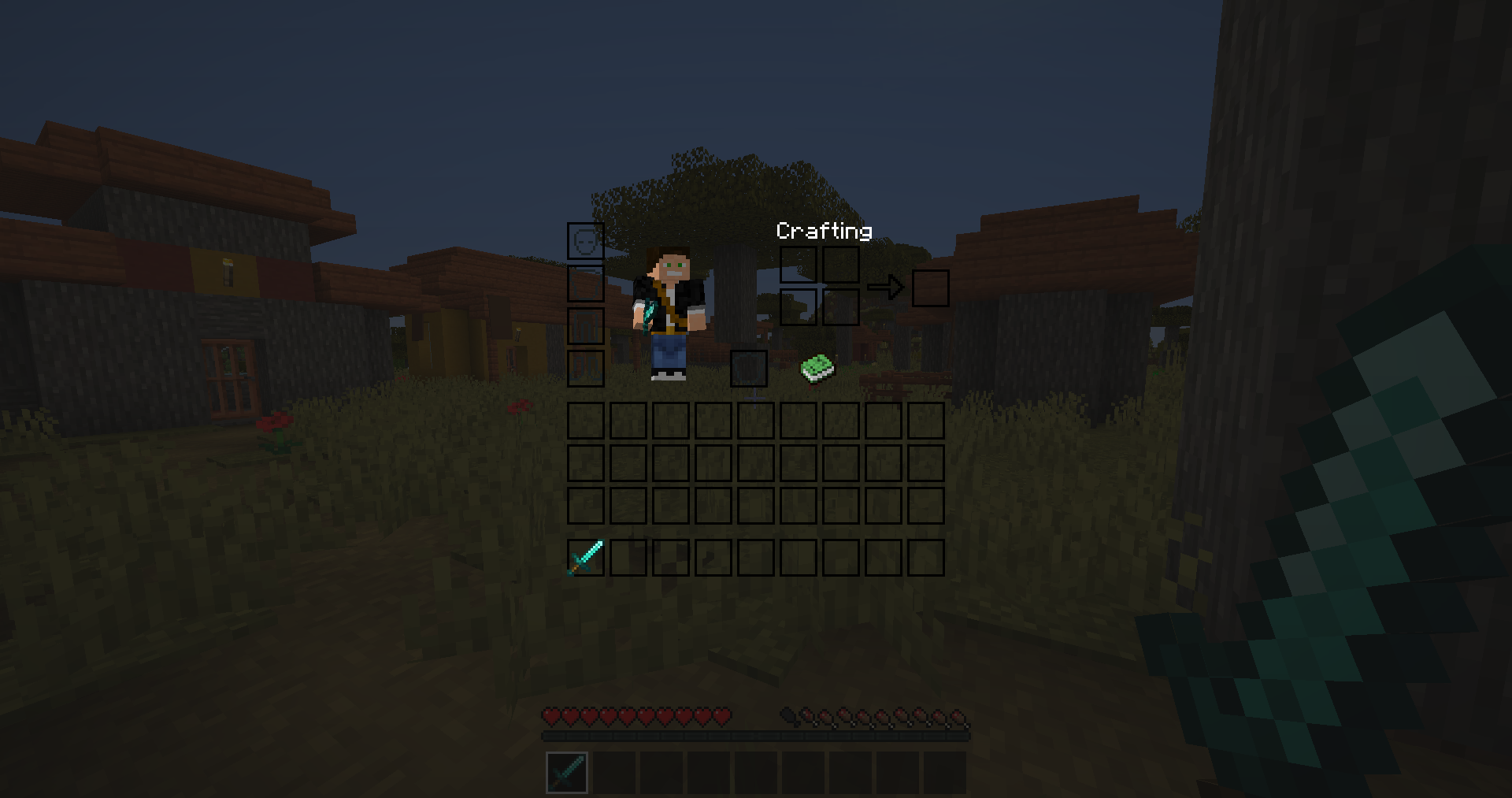
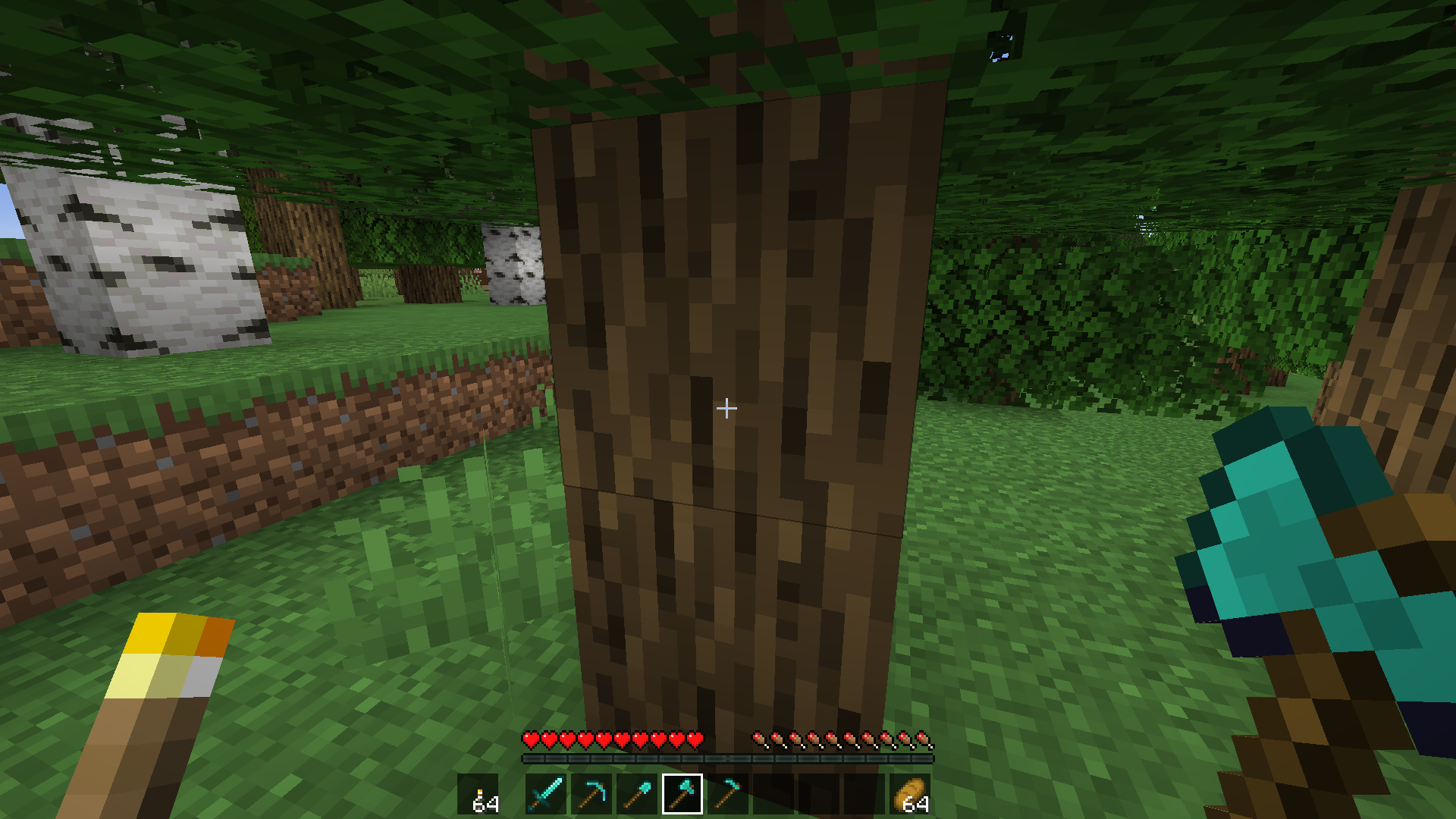
More screenshots
Credits:
- Vanilla Tweaks - white text
My other work:
- Mojang Black Background
- Better visibility of ores
The resurcepack is also available on modrinth
Cómo instalar Dark Transparent GUI
With Millida Launcher
Install Millida Launcher
The launcher is free: download it at millida.net/launcher and sign in with any nickname.
Click “Install” on this page
The launcher opens and installs the resource pack for Minecraft 1.21.6–26.3 automatically.
Launch the game
A profile with it appears in the launcher: click “Play”.
Manually
Download the archive
Pick the file Dark Transparent GUI v4.3.zip (351 KB) for your game version. No need to unpack it.
Put it in the resourcepacks folder
The easiest way: “Options”, then “Resource Packs”, then “Open Pack Folder”, and drag the archive there.
Enable the pack
In the same window, move the pack to the right-hand “Selected” column and click “Done”.
Versiones
Con dependencias
| Minecraft | Cargador | Archivo | Fecha | Acciones |
|---|---|---|---|---|
| 1.21.8 | — | Dark Transparent GUI v4.3 mc 1.21.6+351 KB 6 |
Reseñas
Sé el primero en valorar Dark Transparent GUI



