
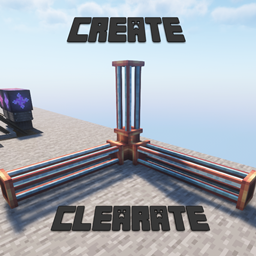
Acerca del paquete de recursos Create: Clearate
- Hey, my name's Brip
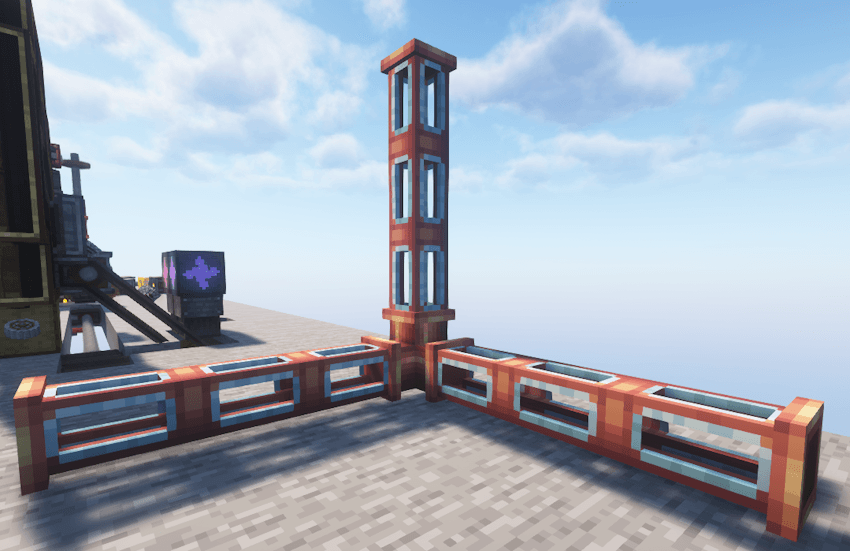
And this is a small and simple resource pack made for Create mod that changes just one thing. It makes the Transparent Fluid Pipes more transparent Initially I wanted to use Fusion's Connected Textures, but I couldn't get it to work (Any help would be greatly appreciated)
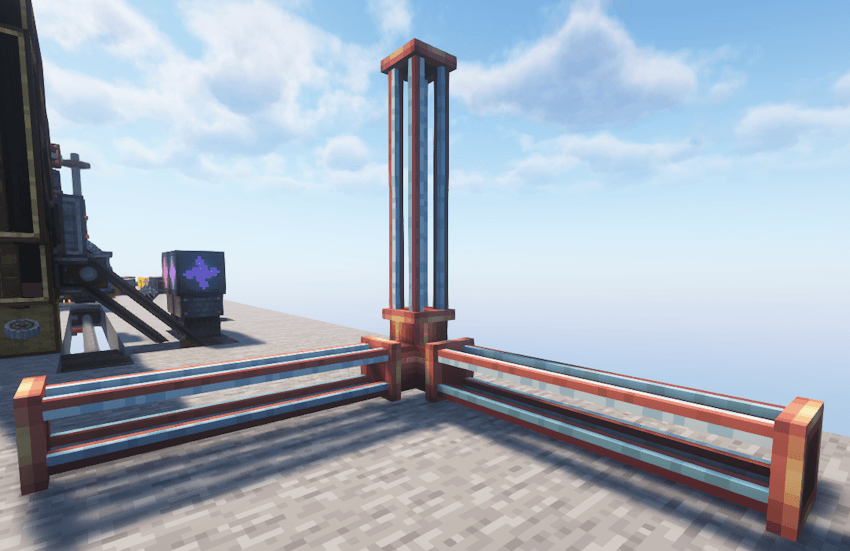
Support for Create 6.0 is out!
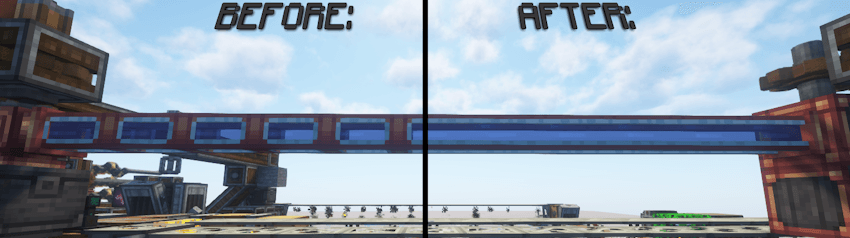
Note: All screenshots were taken while playing GoldySlav's Create 2 Mekanism: Sky Edition 2 modpack, I highly recommend playing it!
I hope you like this fun little pack more than I do and have fun<3
Cómo instalar Create: Clearate
With Millida Launcher
Install Millida Launcher
The launcher is free: download it at millida.net/launcher and sign in with any nickname.
Click “Install” on this page
The launcher opens and installs the resource pack for Minecraft 1.14.4–1.21.1 automatically.
Launch the game
A profile with it appears in the launcher: click “Play”.
Manually
Download the archive
Pick the file Clearate_v1.zip (449 KB) for your game version. No need to unpack it.
Put it in the resourcepacks folder
The easiest way: “Options”, then “Resource Packs”, then “Open Pack Folder”, and drag the archive there.
Enable the pack
In the same window, move the pack to the right-hand “Selected” column and click “Done”.
Versiones
Con dependencias
| Minecraft | Cargador | Archivo | Fecha | Acciones |
|---|---|---|---|---|
| 1.16.3 | — | Create: Clearate v1449 KB |
FAQ
Which Minecraft versions does Create: Clearate work on?
There are files for 1.14.4–1.21.1, 12 versions in total. The newest is 1.21.1.
Where can I download Create: Clearate safely?
On this page: the file Clearate_v1.zip (449 KB) is stored on Millida’s server, with no link shorteners. SHA-1 checksum: e54dd91f88c9667cc6deb67f614630c9b0d970d8.
Reseñas
Sé el primero en valorar Create: Clearate


