
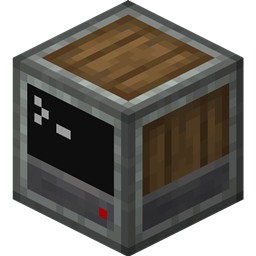
Computer Create
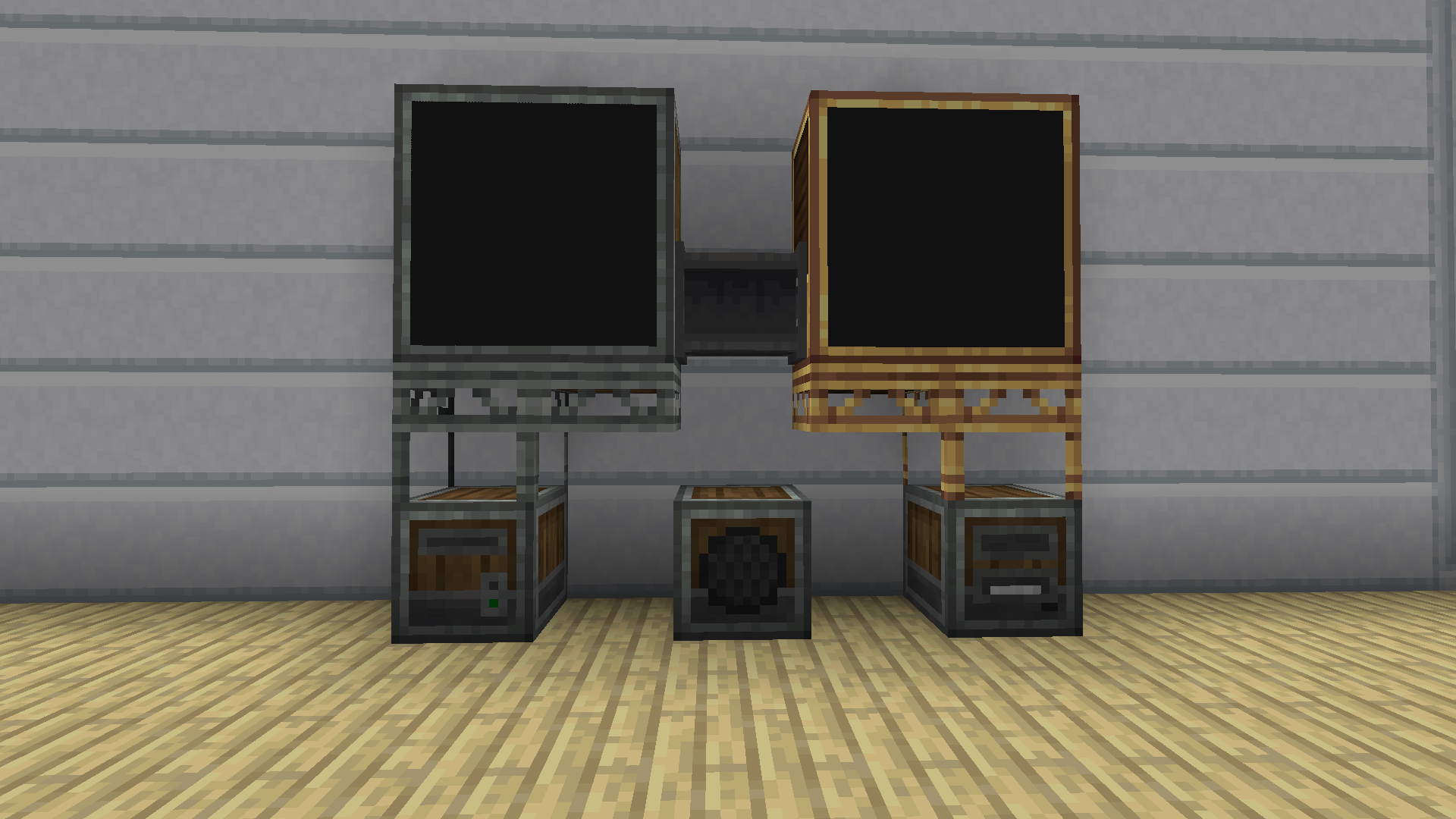
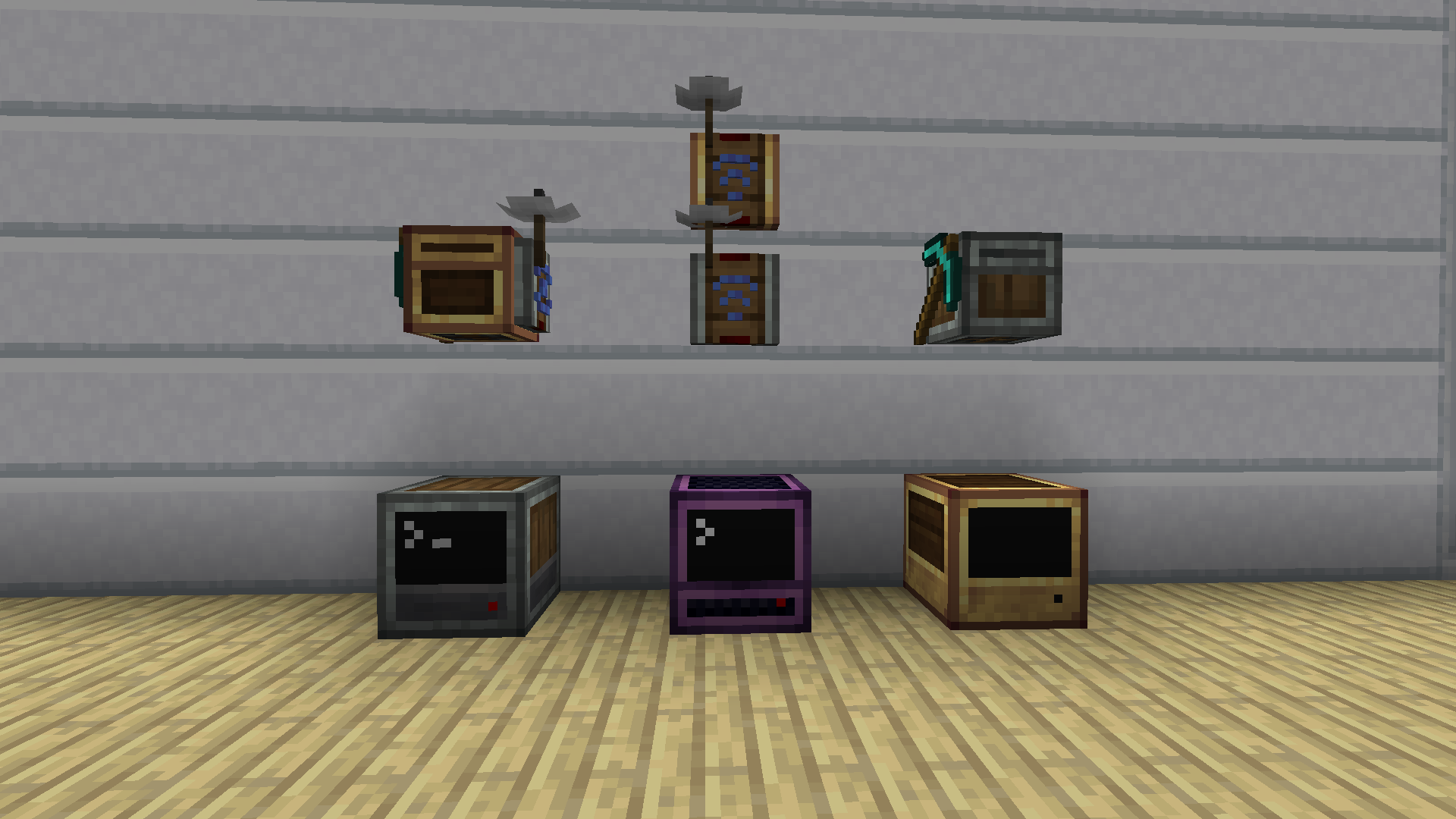
Computer Create is a resource pack for minecraft that applies the texture style of the Create Mod to all recent flavors of ComputerCraft (CC:Tweaked for forge, CC:Retistched for fabric).
With this pack your computers will no longer looks out of place!
The pack changes the textures of each block, and improves the GUIs of computers and turtles.
You can also find this pack on Modrinth.
I have an issue, contributing
Feel free to open an issue on the GitHub, if you have any question or issues.
I you want to contribute, you can open a pull request and I will take a look at it.
Plans
The pack is globally finished, with all blocks and items textures.
Support for other mods focused on Computer Craft is planned (maybe), such as CC:CB and Advanced Peripherals.
Reuse this resourcepack
I have chosen the licence (CC BY) so that you can freely reuse the pack and modify it, but a mention to the original work is needed.
This work is licensed under a Creative Commons Attribution 4.0 International License.
Cómo instalar ComputerCreate
With Millida Launcher
Install Millida Launcher
The launcher is free: download it at millida.net/launcher and sign in with any nickname.
Click “Install” on this page
The launcher opens and installs the resource pack automatically.
Launch the game
A profile with it appears in the launcher: click “Play”.
Manually
Download the archive
Pick the file ComputerCreate.zip (1.2 MB) for your game version. No need to unpack it.
Put it in the resourcepacks folder
The easiest way: “Options”, then “Resource Packs”, then “Open Pack Folder”, and drag the archive there.
Enable the pack
In the same window, move the pack to the right-hand “Selected” column and click “Done”.
Versiones
Con dependencias
| Minecraft | Cargador | Archivo | Fecha | Acciones |
|---|---|---|---|---|
| — | — | ComputerCreate.zip1.2 MB |
FAQ
Where can I download ComputerCreate safely?
On this page: the file ComputerCreate.zip (1.2 MB) is stored on Millida’s server, with no link shorteners. SHA-1 checksum: d3e983ad1f74498d9cc8041f2024b408a12cf474.
Reseñas
Sé el primero en valorar ComputerCreate


