
Acerca del paquete de recursos Compatibility Items
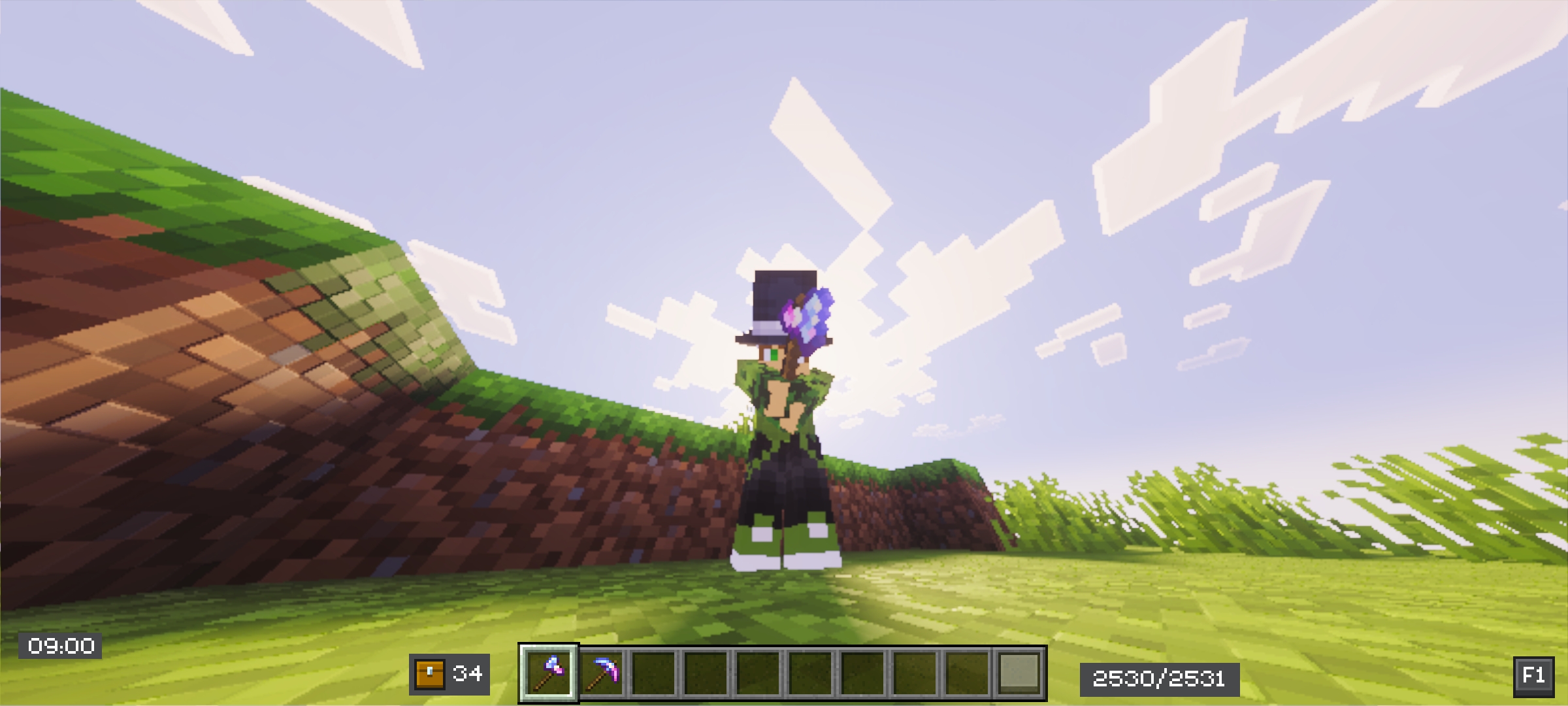
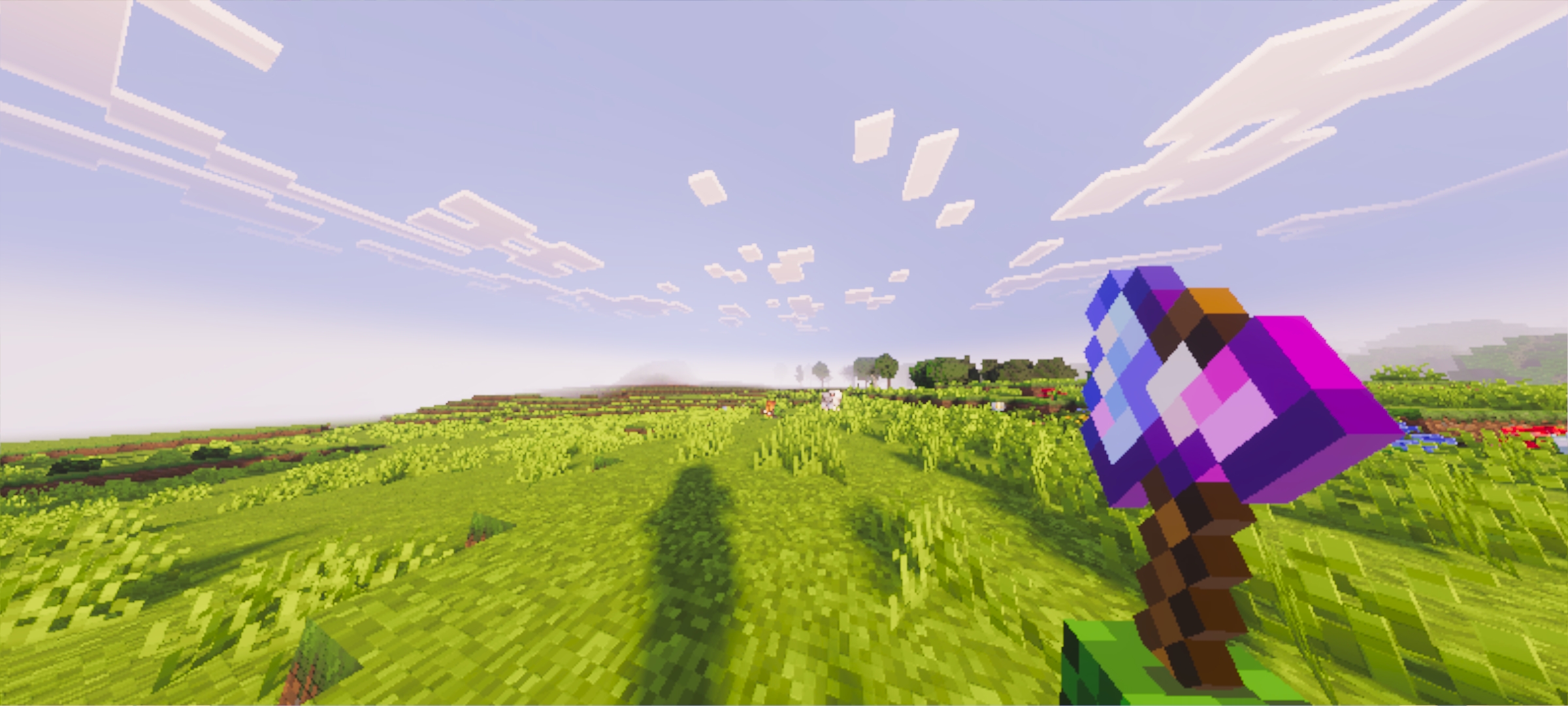
Hello this is a new project that I created myself what it does is that the tools of other addon are compatible with the animations of action and stuff or prizma
Okay, in the add-on there's a file and a folder called backup, and the txt file is for the action and stuff folder. And by the way, you have to modify them yourself; check if it's a sword and just change the indeterminate and the texture within the JSON file.
I hope this is clear and please give it 5 stars. Thank you.
Settngs Pack Minecraft:
NOTE 🗒️
This pack includes multiple item configuration files.
If you want your custom items to display correctly, you must select the correct file for each item inside the subpacks options.
Each subpack contains a different setup, so item behavior is not automatic - it must be chosen manually.
ALERT ⚠️
Be careful when selecting your subpack!
Make sure you pick the version that matches the system you are using:
Action & Stuff subpack → for Action & Stuff users
Prizma subpack → for Prizma users
Choosing the wrong subpack may cause items to render incorrectly or not appear in 3D.
Cómo instalar Compatibility Items
With Millida Launcher
Install Millida Launcher
The launcher is free: download it at millida.net/launcher and sign in with any nickname.
Click “Install” on this page
The launcher opens and installs the resource pack for Minecraft 1.21.122 automatically.
Launch the game
A profile with it appears in the launcher: click “Play”.
Manually
Download the archive
Pick the file Compatibility Items.mcpack (2.8 MB) for your game version. No need to unpack it.
Put it in the resourcepacks folder
The easiest way: “Options”, then “Resource Packs”, then “Open Pack Folder”, and drag the archive there.
Enable the pack
In the same window, move the pack to the right-hand “Selected” column and click “Done”.
Versiones
Con dependencias
| Minecraft | Cargador | Archivo | Fecha | Acciones |
|---|---|---|---|---|
| 1.21.122 | — | Compatibility Items.mcpack2.8 MB |
FAQ
Which Minecraft versions does Compatibility Items work on?
Only Minecraft 1.21.122: there are no files for other versions.
Where can I download Compatibility Items safely?
On this page: the file Compatibility Items.mcpack (2.8 MB) is stored on Millida’s server, with no link shorteners. SHA-1 checksum: 8b0ec511b6bf54412d574e0657d31d0684ca18a8.
Reseñas
Sé el primero en valorar Compatibility Items


