

Allure Paquete de recursos para Minecraft 1.21.1, 1.21
¡La sensación Vanilla de Minecraft pero... más adorable!
- descargas
- 35 descargas
- visualizaciones
- 189 visualizaciones
- Actualizado
- Actualizado 28.10.2026
- 1.20.2 — 26.3
 Juego vanilla
- Cliente
Acerca del paquete de recursos Allure


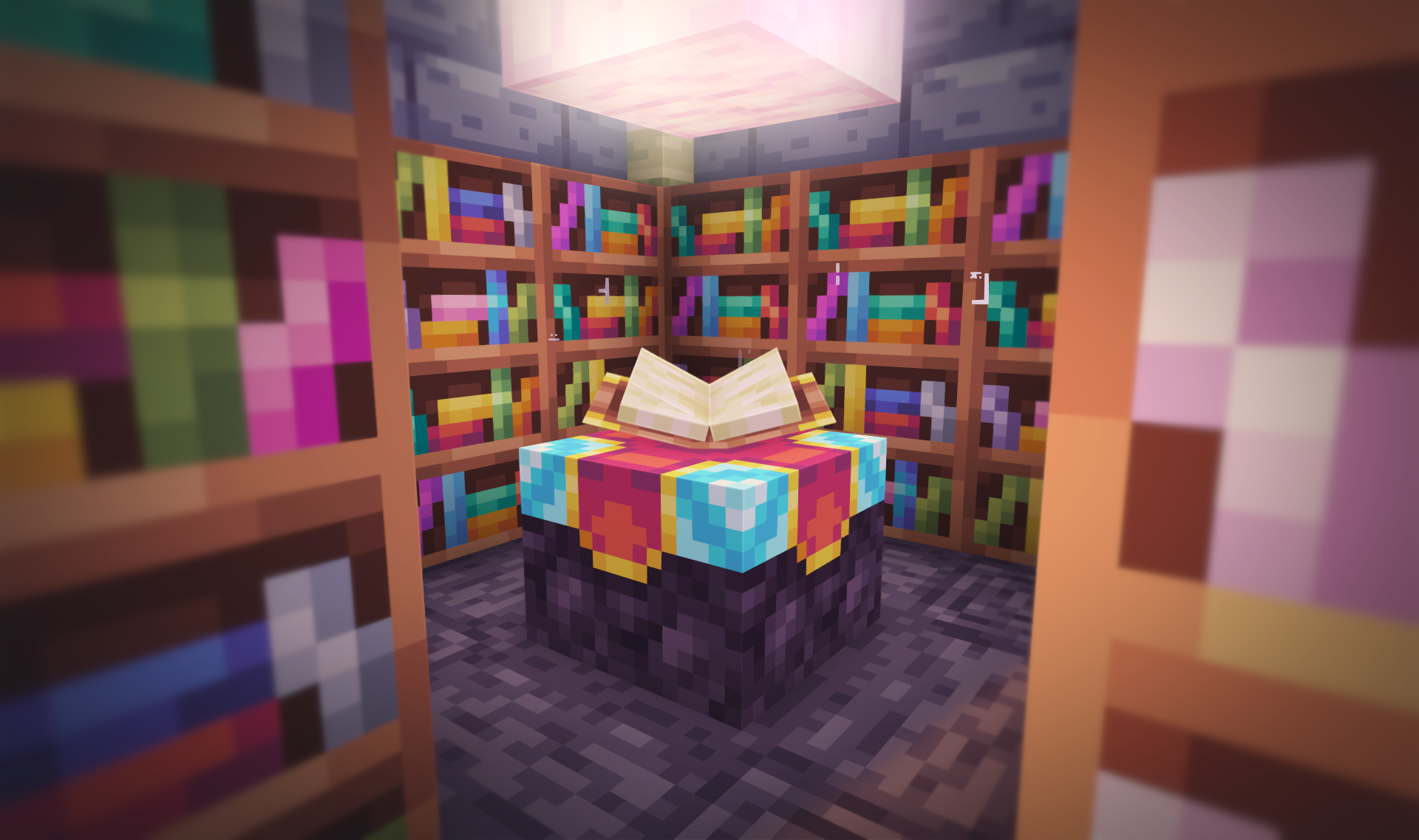
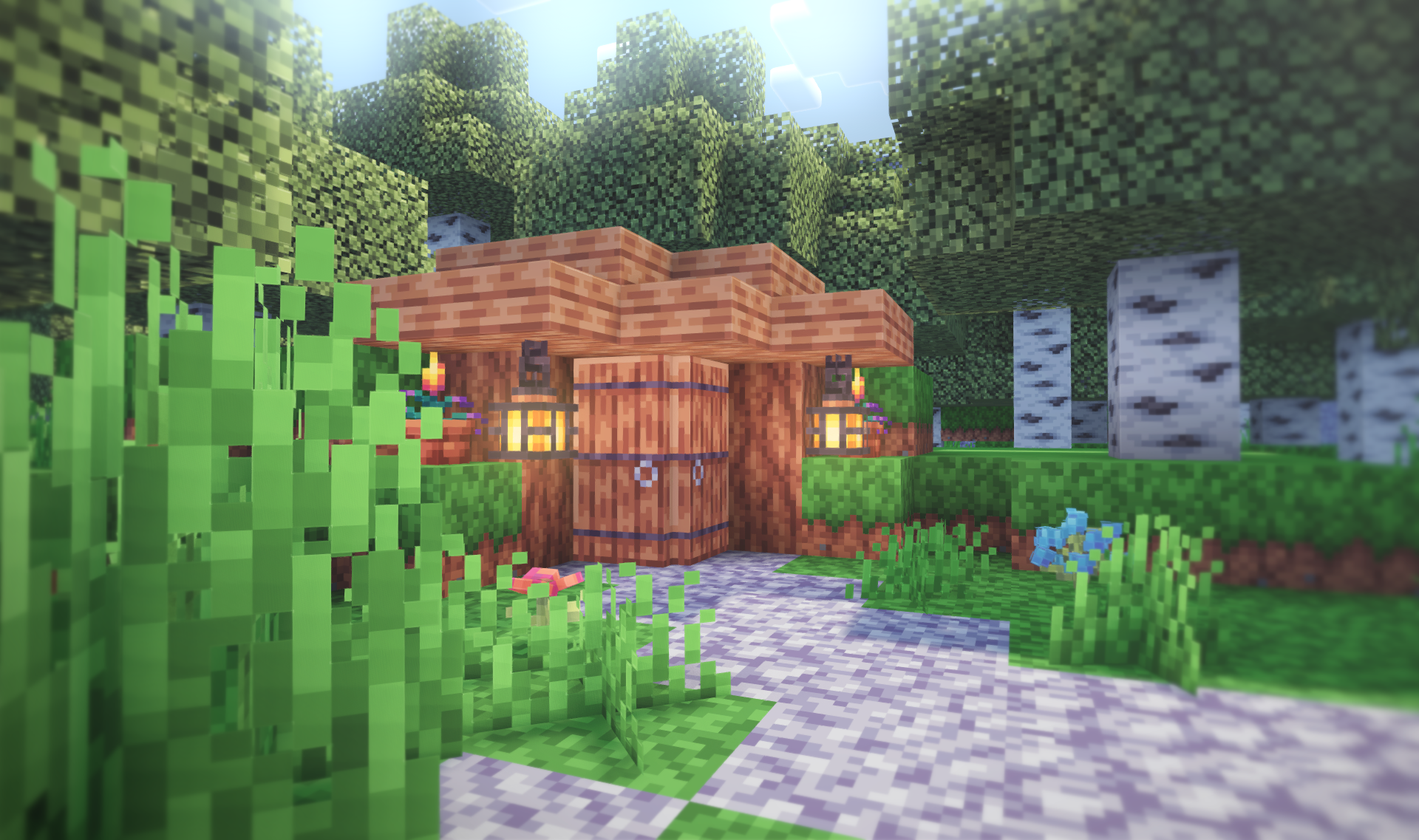
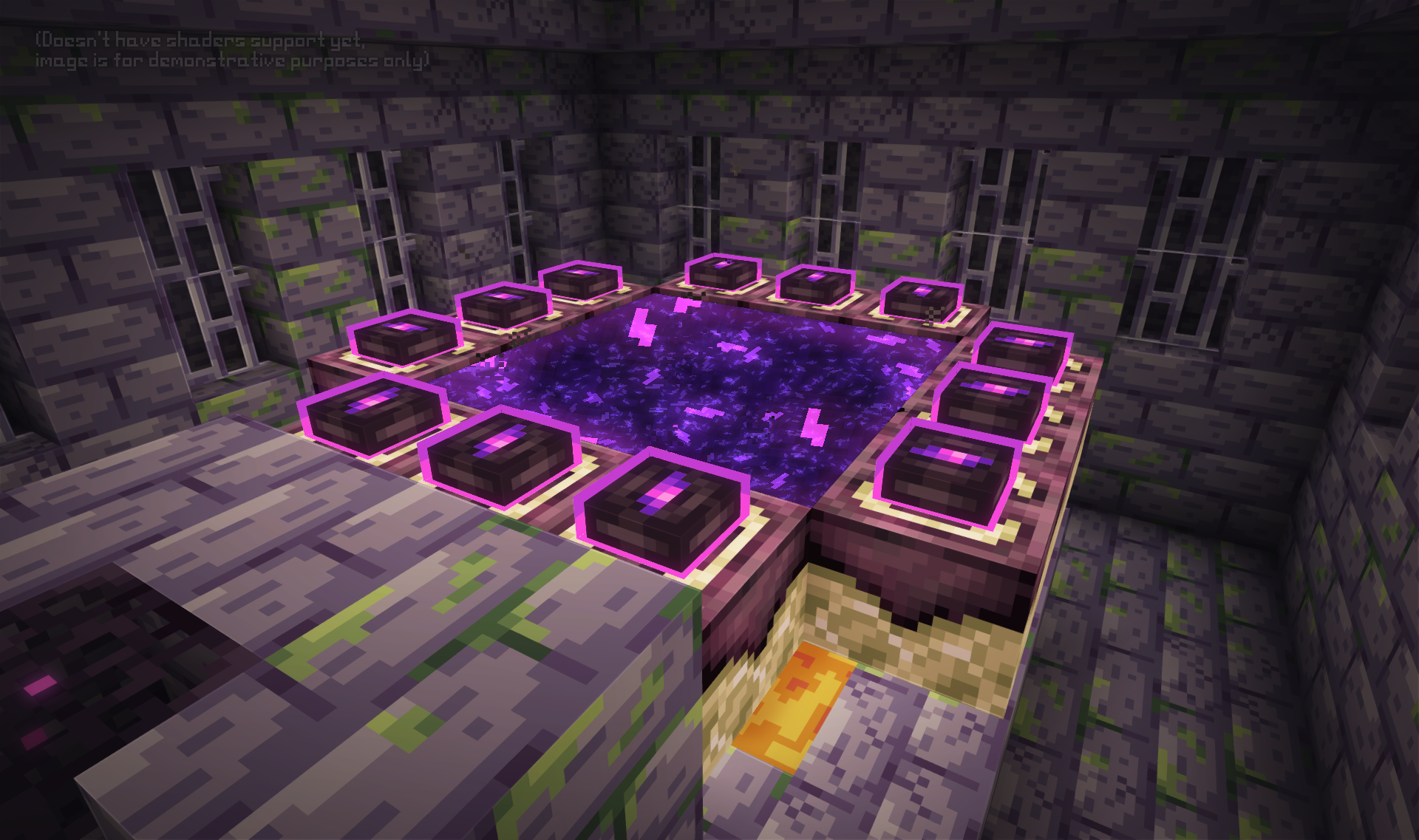
Allure is a 16x16 W.I.P Resourcepack which with its vibrant palette and its shading style makes Minecraft cuter in a way. One of the main goals for the pack (besides containing every single texture there is in Minecraft) is wide compatibility, the pack will have ports ranging even from Minecraft Alpha 1.2.2 (the first Minecraft version in which Texturepacks were introduced).
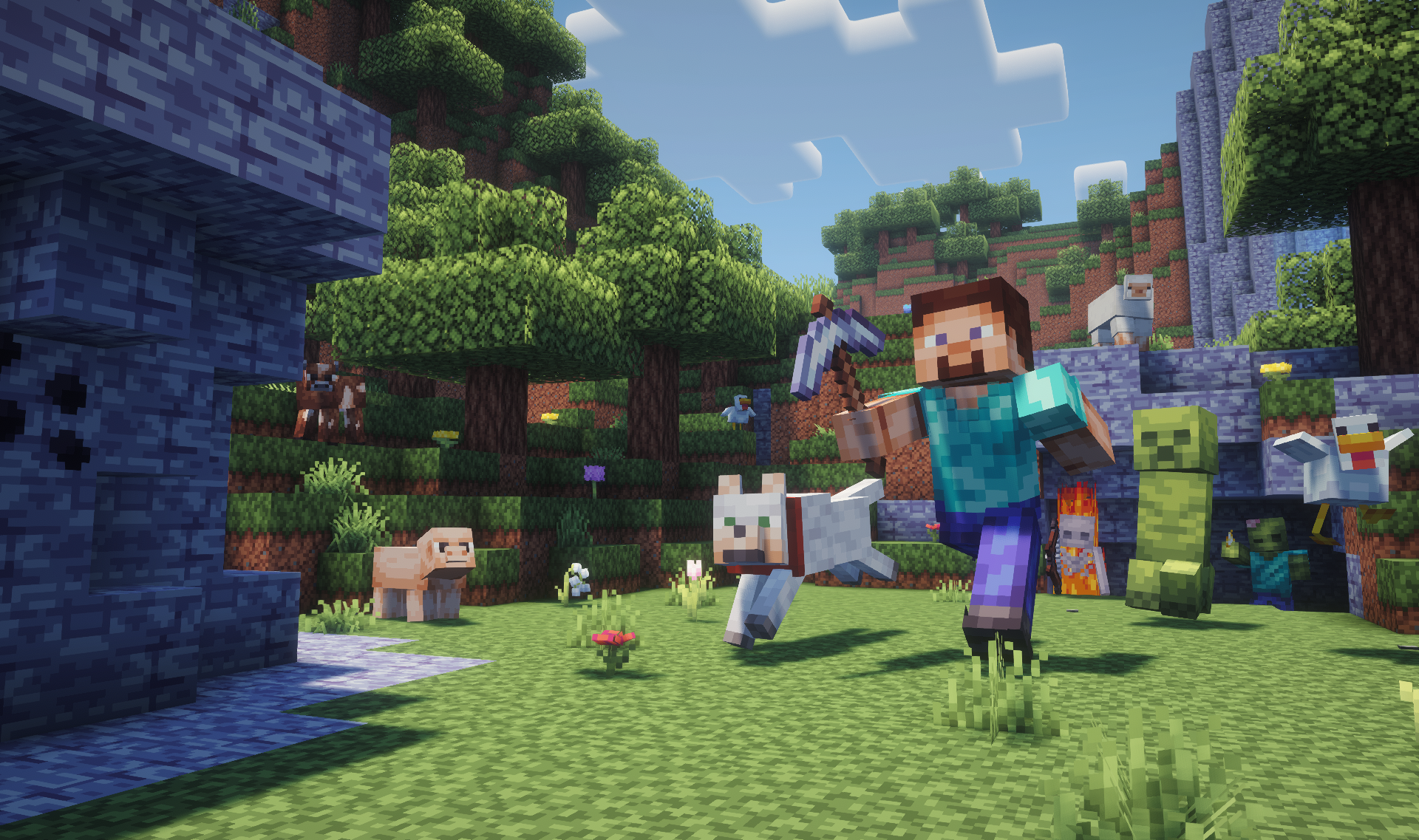
(Build and Posing made by Quoraal)
Frequently Asked Questions:
Does Allure require any Mods to work?
No, you don't need any mods to play with Allure. If you're gonna play with mods though, please don't use Optifine, Allure makes use of the vanilla core shaders functionality which is not usually compatible with Optifine. If you're playing on Fabric though, it is recommended to play with Sodium, ETF, EMF, Continuity and Polytone.

What Mods does Allure Support?
Allure's main goal is to be universally compatible with everything, so here is a list of compatible mods to use with the pack:






The pack is still in the works so please be patient for updates 💛 If you want to get notified for updates on the pack progress, consider joining my Discord server here!

Other Projects!


Cómo instalar Allure
With Millida Launcher
Install Millida Launcher
The launcher is free: download it at millida.net/launcher and sign in with any nickname.
Click “Install” on this page
The launcher opens and installs the resource pack for Minecraft 1.20.2–26.3 automatically.
Launch the game
A profile with it appears in the launcher: click “Play”.
Manually
Download the archive
Pick the file §e§lAllure.zip (12 MB) for your game version. No need to unpack it.
Put it in the resourcepacks folder
The easiest way: “Options”, then “Resource Packs”, then “Open Pack Folder”, and drag the archive there.
Enable the pack
In the same window, move the pack to the right-hand “Selected” column and click “Done”.
Versiones
Con dependencias
| Minecraft | Cargador | Archivo | Fecha | Acciones |
|---|---|---|---|---|
| 26.3 | — | 26.311.6 MB 1 | ||
| 26.3 | — | 26.311.6 MB 1 | ||
| 26.3 | — | 26.311.5 MB 14 | ||
| 26.2 | — | 26.211.3 MB 5 | ||
| 26.1 | — | 26.111.3 MB | ||
| 1.21.11 | — | 1.21.1111.3 MB 4 |
Contenido que lo necesita
FAQ
How do I download Allure?
With Millida Launcher: it installs Allure into a modpack by itself, for the right game version and loader. The launcher is free.
Reseñas
Sé el primero en valorar Allure



