

Vanilla Remake Shader para Minecraft 1.20.1, 1.21.1
es un shaderpack limpio y optimizado diseñado para reimaginar el Minecraft vanilla.
Acerca de los shaders Vanilla Remake Shader
<main class="min-h-[calc(100vh-4.5rem-310.59px)]">
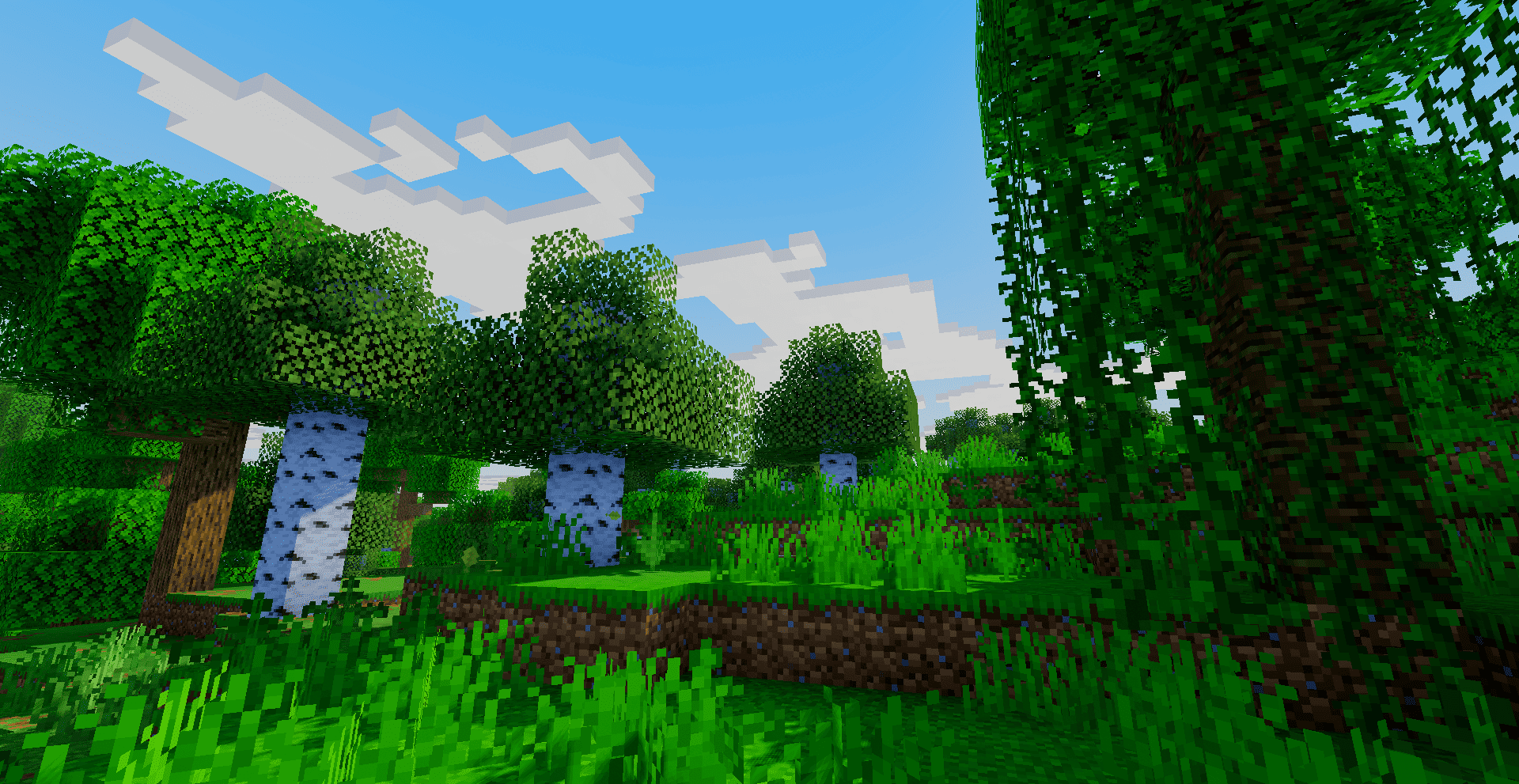
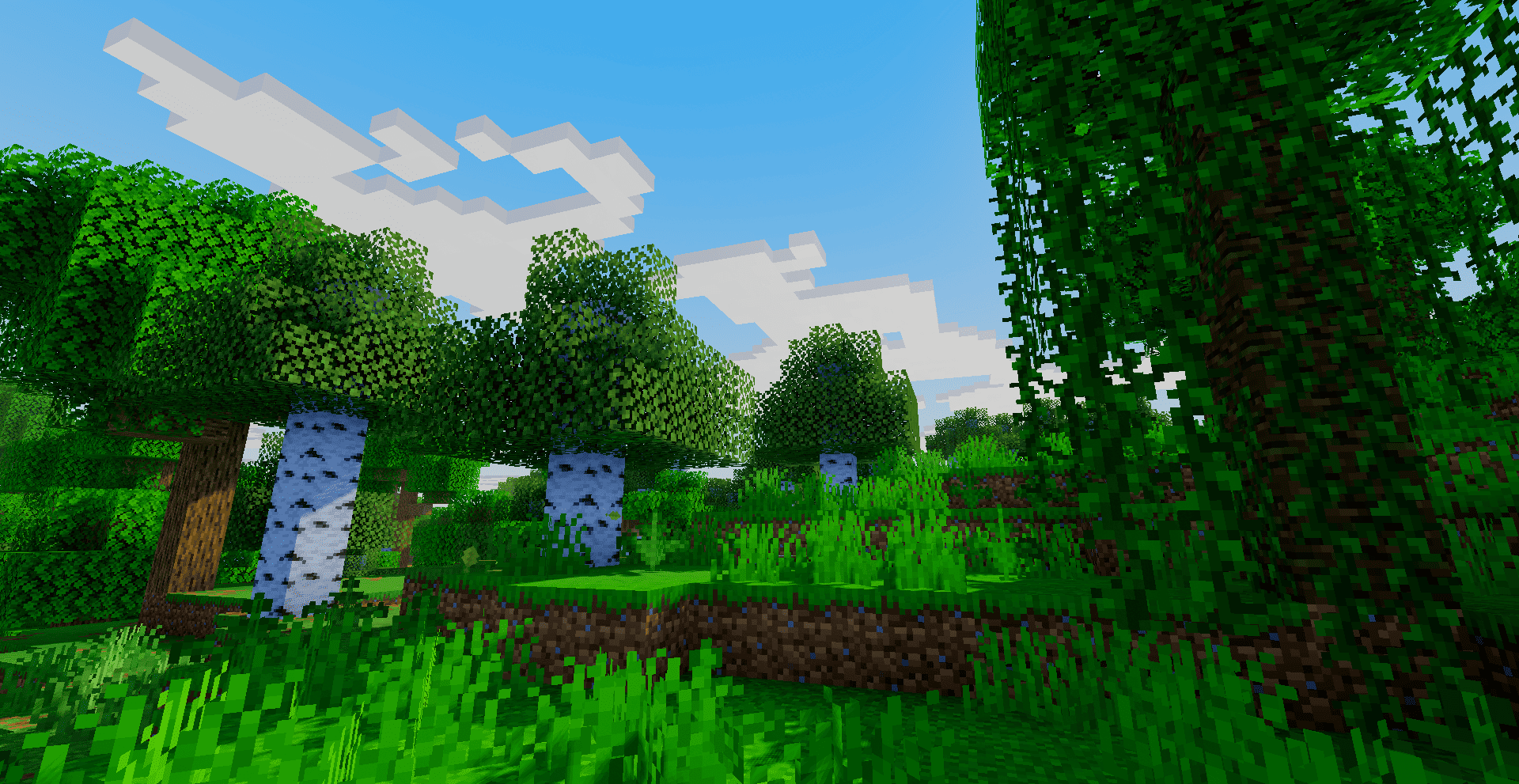
Vanilla Remake Shader is a clean, optimized shaderpack designed to re-imagine vanilla Minecraft. Built from scratch with an ACES filmic tonemap, it delivers bright, vibrant, and natural colors without washing out highlights. Instead of hyper-realistic effects, it enhances the game's classic square identity with stylized blocky clouds, square sun/moon billboards, and shimmering volumetric god rays.
</main>
Cómo instalar Vanilla Remake Shader
With Millida Launcher
Install Millida Launcher
The launcher is free: download it at millida.net/launcher and sign in with any nickname.
Click “Install” on this page
The launcher opens and installs the shaders for Minecraft 1.18.2–26.2 automatically.
Launch the game
A profile with it appears in the launcher: click “Play”.
Manually
Install Iris or OptiFine
Without a shader mod the game cannot see shaders. Install it for the same Minecraft version.
Download the shader archive
Pick the file Vanilla Remake Shader.zip (41 KB) and do not unpack it.
Put it in the shaderpacks folder
“Options”, then “Video Settings”, then “Shader Packs”, then “Open Shader Pack Folder”, and drag the archive there.
Select the shaders
In the same window, click the pack name and “Apply”.
Versiones
Con dependencias
| Minecraft | Cargador | Archivo | Fecha | Acciones |
|---|---|---|---|---|
| 1.21 | — | Vanilla Remake Shader.zip40.8 KB 11 |
FAQ
Which Minecraft versions does Vanilla Remake Shader work on?
There are files for 1.18.2–26.2, 29 versions in total. The newest is 26.2.
Where can I download Vanilla Remake Shader safely?
On this page: the file Vanilla Remake Shader.zip (41 KB) is stored on Millida’s server, with no link shorteners. SHA-1 checksum: 9137e309143f06e9b75982ad5f3025b31b2d7c55.
Reseñas
Sé el primero en valorar Vanilla Remake Shader


