

PSX Shader para Minecraft 1.20.1, 1.21
Shader simple, el objetivo es imitar el aspecto de los juegos de PSX.
 Fabric
 OptiFine
Features:
- Vertex Snap (My favorite, and most crucial effect)
- Custom Texture Filtering
- Posterization
- Scale Lines
- Pixelization
- Distant Horizons Support

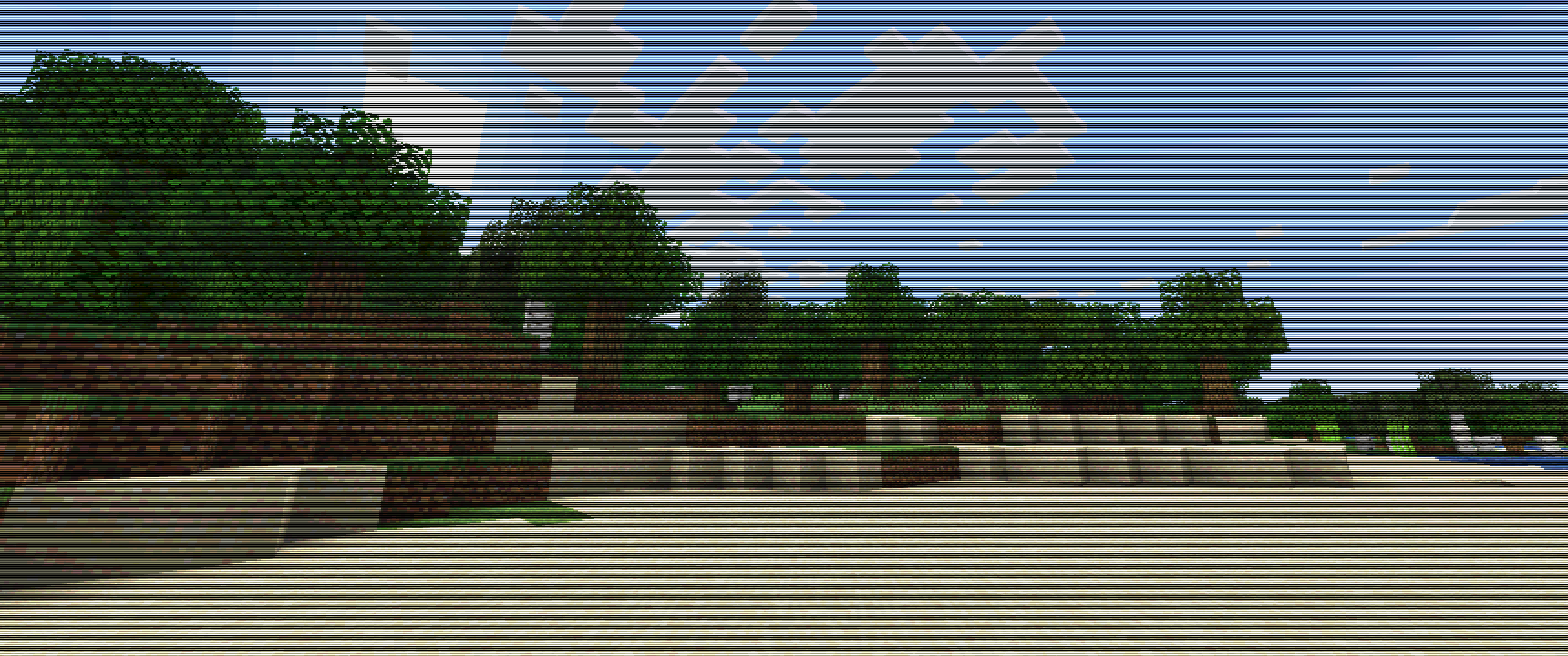
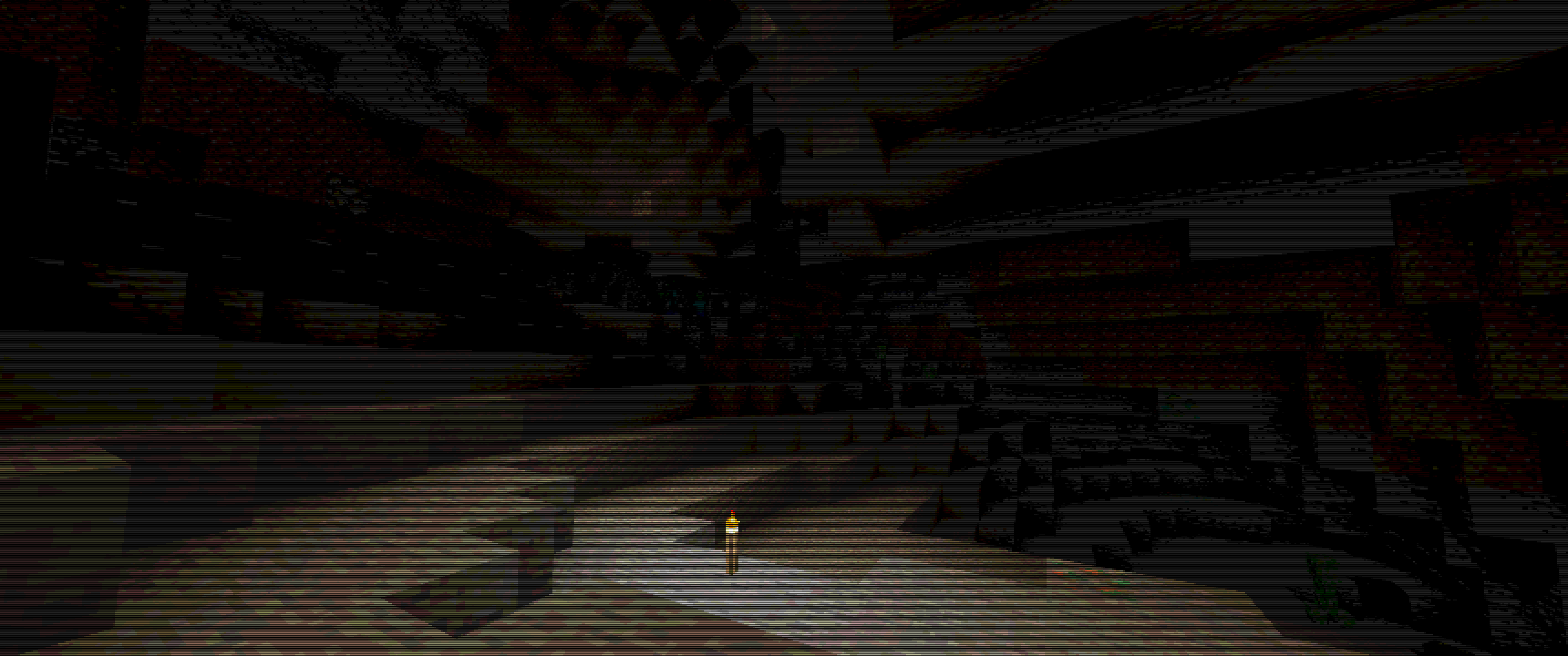
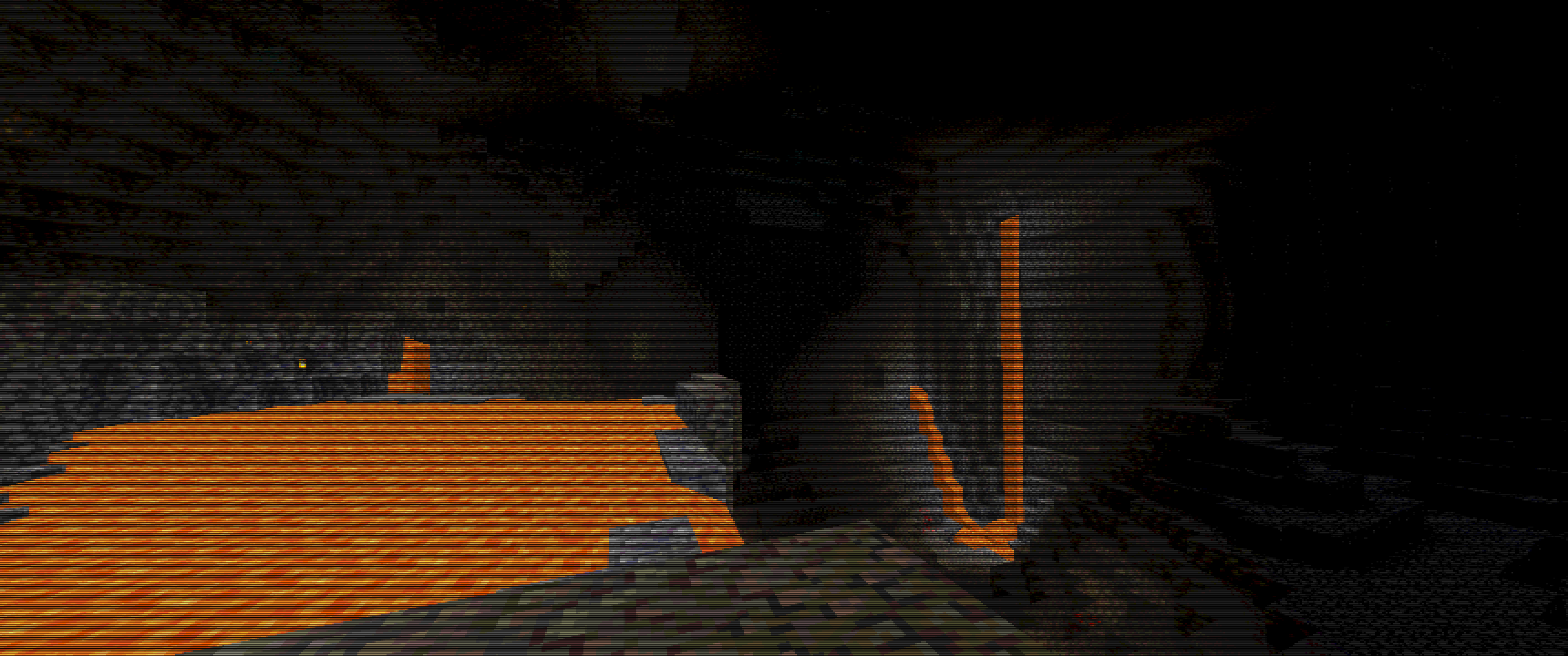
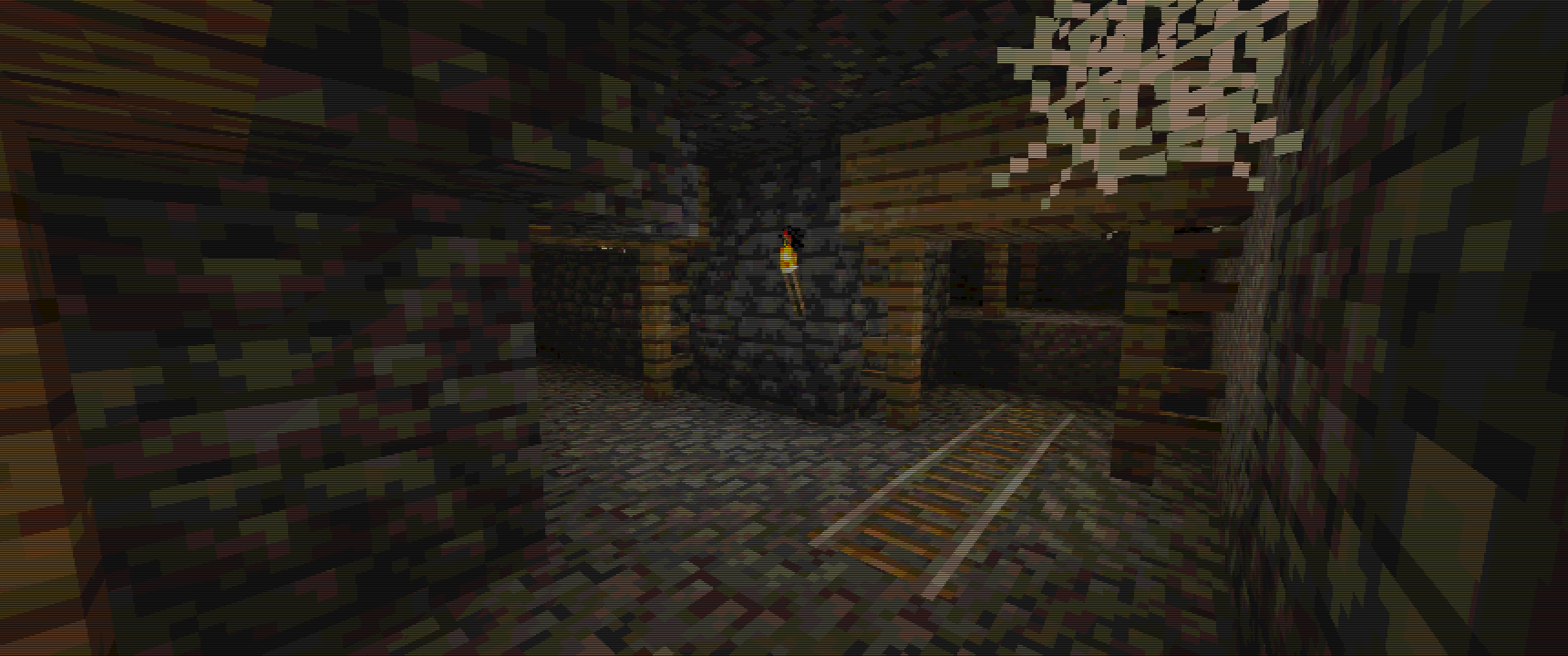
Some Examples :
Keep in mind, viewing experience might be different on different resolutions, due to scale lines, you can see weird lines appear on images...
For example my Display is 3440x1440, so its 1440p 21:9, and this is how I tested it.

For best images I recommend going into gallery of this project!
Images
Overworld :
Cave :
Lava Cave :
Mineshaft :
Cómo instalar PSX Shader
With Millida Launcher
Install Millida Launcher
The launcher is free: download it at millida.net/launcher and sign in with any nickname.
Click “Install” on this page
The launcher opens and installs the shaders for Minecraft 1.20–1.21 automatically.
Launch the game
A profile with it appears in the launcher: click “Play”.
Manually
Install Iris or OptiFine
Without a shader mod the game cannot see shaders. Install it for the same Minecraft version.
Download the shader archive
Pick the file PSX_Shader.zip (29 KB) and do not unpack it.
Put it in the shaderpacks folder
“Options”, then “Video Settings”, then “Shader Packs”, then “Open Shader Pack Folder”, and drag the archive there.
Select the shaders
In the same window, click the pack name and “Apply”.
Versiones
Con dependencias
| Minecraft | Cargador | Archivo | Fecha | Acciones |
|---|---|---|---|---|
| 1.21 | Iris, OptiFine | 1.2129.1 KB 5 | — | |
| 1.20.1 | Iris, OptiFine | 1.20.129.1 KB | — |
FAQ
Which Minecraft versions does PSX Shader work on?
There are files for 1.20–1.21, 8 versions in total. The newest is 1.21.
What do I need to run PSX Shader?
Shaders are loaded through Iris or OptiFine: without one of them the game cannot see them.
Where can I download PSX Shader safely?
On this page: the file PSX_Shader.zip (29 KB) is stored on Millida’s server, with no link shorteners. SHA-1 checksum: 25564b6b11c6298e37f29663973d0c1cc743e6da.
Reseñas
Sé el primero en valorar PSX Shader


