
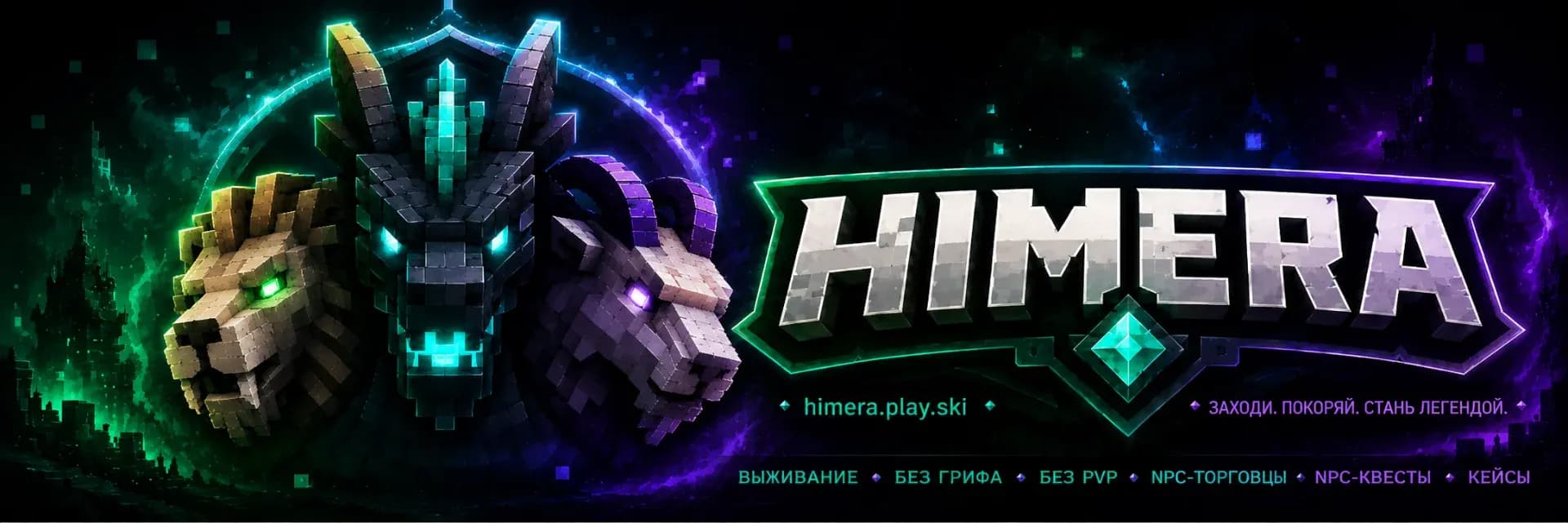

Himera
Servidor de Minecraft Java + Bedrock, modo de juego: Supervivencia: Dirección IP y jugadores en línea
- Puesto en el top
- Joined in 7 days
- 1
- Versiones
- 1.21 – 26.1
- Plataforma
- Java + Bedrock
- Original
- Original
- Cómo entrar
- Straight by IP
- Votos en noviembre
- 0
- Votos de todos los tiempos
- 22
- Puntuación del mes
- 9
Etiquetas del servidor
Etiquetas del servidor
Related lists
Sobre el servidor
HIMERA is a vanilla survival with character. No fly modes, no pay-to-win, no cheater privileges — just honest survival and a lively community.
The economy is built on diamonds (◆): mine, trade, get rich. NPC traders at spawn — Blacksmith, Alchemist, Farmer, Traveler, Exotic and others — offer gear, potions, rare blocks and exotic items. A converter lets you exchange resources without any hassle.
A quest system from the Farmer and the Miner: 40 tasks of varying difficulty with rewards in PP, experience and diamonds. Cases of five rarity levels, an auction house, professions via Jobs Reborn.
Bedrock player support. Spawn protection. Graves on death. Random teleport /rtp. Discord integration.
A server for those who want to play, not donate.
En línea
actualizado hace 22 minCómo entrar al servidor Himera
Cómo entrar al servidor Himera
Cómo entrar desde el PC
- 1Inicia Minecraft Java Edition en la versión correcta.
- 2En la pantalla principal, pulsa Multijugador.
- 3Pulsa Añadir servidor y pega la dirección.
- 4Pega la IP: himera.play.ski
- 5Guárdalo, elige el servidor en la lista y pulsa Unirse al servidor.
Cómo entrar desde el móvil
- 1Abre Minecraft en tu móvil (Bedrock, Android/iOS).
- 2Pestaña Servidores → desplázate hacia abajo → Añadir servidor.
- 3Introduce la dirección himera.play.ski y el puerto si aparece uno.
- 4Guárdalo y toca el servidor para entrar.
Himera en Minecraft 1.21
Para entrar en Himera desde Minecraft 1.21, inicie el juego en esa versión, añada la IP himera.play.ski a su lista de servidores y conéctese. Si el servidor usa otra versión, emplee un cliente compatible.
Himera en Minecraft 1.20
Para entrar en Himera desde Minecraft 1.20, inicie el juego en esa versión, añada la IP himera.play.ski a su lista de servidores y conéctese. Si el servidor usa otra versión, emplee un cliente compatible.
Himera en Minecraft 1.19
Para entrar en Himera desde Minecraft 1.19, inicie el juego en esa versión, añada la IP himera.play.ski a su lista de servidores y conéctese. Si el servidor usa otra versión, emplee un cliente compatible.
Himera en Minecraft 1.18
Para entrar en Himera desde Minecraft 1.18, inicie el juego en esa versión, añada la IP himera.play.ski a su lista de servidores y conéctese. Si el servidor usa otra versión, emplee un cliente compatible.
Himera en Minecraft 1.17
Para entrar en Himera desde Minecraft 1.17, inicie el juego en esa versión, añada la IP himera.play.ski a su lista de servidores y conéctese. Si el servidor usa otra versión, emplee un cliente compatible.
Himera en Minecraft 1.16.5
Para entrar en Himera desde Minecraft 1.16.5, inicie el juego en esa versión, añada la IP himera.play.ski a su lista de servidores y conéctese. Si el servidor usa otra versión, emplee un cliente compatible.
Wipes del servidor
Seguimiento de redes sociales 24/7Reseñas · 3
Reseñas · 3
- zetnik20030/7/2026
У админа мама Химера ебаная. Просто ужасный сервер, невозможно гамать. Лучше уж в очко хуи принимать ежедневно чем это.
- volterczr17/7/2026
Очень нравится сервер! Я давно искала там где можно поиграть как в обычный ванильный майнкрафт! Понравилось что сделаны квесты дополнительные, не заскучаешь на сервере, есть много торговцев на рынке, кучу вещей можно купить и не искать долго по миру!! Классный сервер, спасибо за то что открыли такое чудо🥰😘
Respuesta del servidor· 20/7/2026спасибо за ваш отзыв!
- alya29/6/2026
Очень нравится сервер! Я давно искала там где можно поиграть как в обычный ванильный майнкрафт! Понравилось что сделаны квесты дополнительные, не заскучаешь на сервере, есть много торговцев на рынке, кучу вещей можно купить и не искать долго по миру!! Классный сервер, спасибо за то что открыли такое чудо🥰😘
Respuesta del servidor· 29/6/2026Благодарим вас за этот прекрасный отзыв! Мы очень ценим мнение наших игроков!


Preguntas frecuentes
Preguntas frecuentes
What is the IP address of Himera?
The IP address of Himera is himera.play.ski. Copy it from this page and paste it into your Minecraft client when you add the server.
How do I join Himera?
Open Minecraft → Multiplayer → Add Server, paste the IP himera.play.ski and press Done. Then pick the server from the list and hit Join Server.
Which Minecraft version does Himera run?
Himera runs version 26.1. Connect with a matching client version.
Do I need a premium Minecraft account for Himera?
Yes, Himera is a premium server: you can only join with an official (purchased) Minecraft account.
What does Himera have?
Himera has: Cases, Quests, Events, Custom items, Pets, Crossplay, No lag, Anti-cheat, Not pay-to-win, Beginner-friendly, Economy, Jobs, Auction house, Skills, Farming, Alchemy. The full list of modes and features is in the server tags block on this page.
How do I vote for Himera, and why bother?
Open the Himera page and press Vote (once a day). Votes move the server up the Millida server list, and the server hands out an in-game reward for voting.
What do players say about Himera?
Himera is rated 4.0 out of 5 from 3 player reviews. Read them and leave your own in the reviews block.
When is the next wipe on Himera?
Wipe dates for Himera live on a separate schedule page — we take them from the project's own channel and show a countdown. If nothing is announced, the server has not named a date.
Where is the community and the news of Himera?
The Himera community lives on Discord — the links are in the contacts block on this page. News, wipes and events are posted there too.

Votos para el servidor
Feed de actividad
Código para insertar en la web

Un enlace a nosotros en la web del servidor: +1 punto de valoración mientras siga publicado.
Servidores similares


