

 Forge
Acerca del modpack Level Border
joint gladly my discord to find out suggestions ect! https://discord.gg/4TTvGt9uXn
i have created this project for all who want to play level border in a different way, it will be permanently worked on that there will be more updates. i hope you enjoy the mod pack !
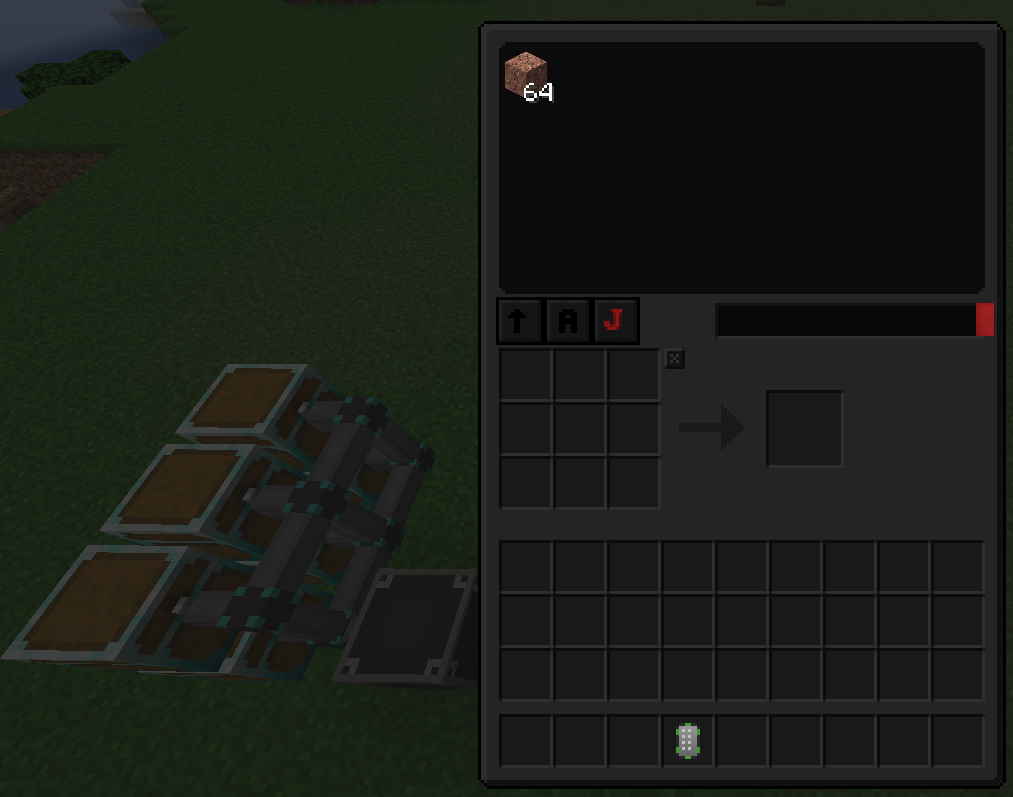
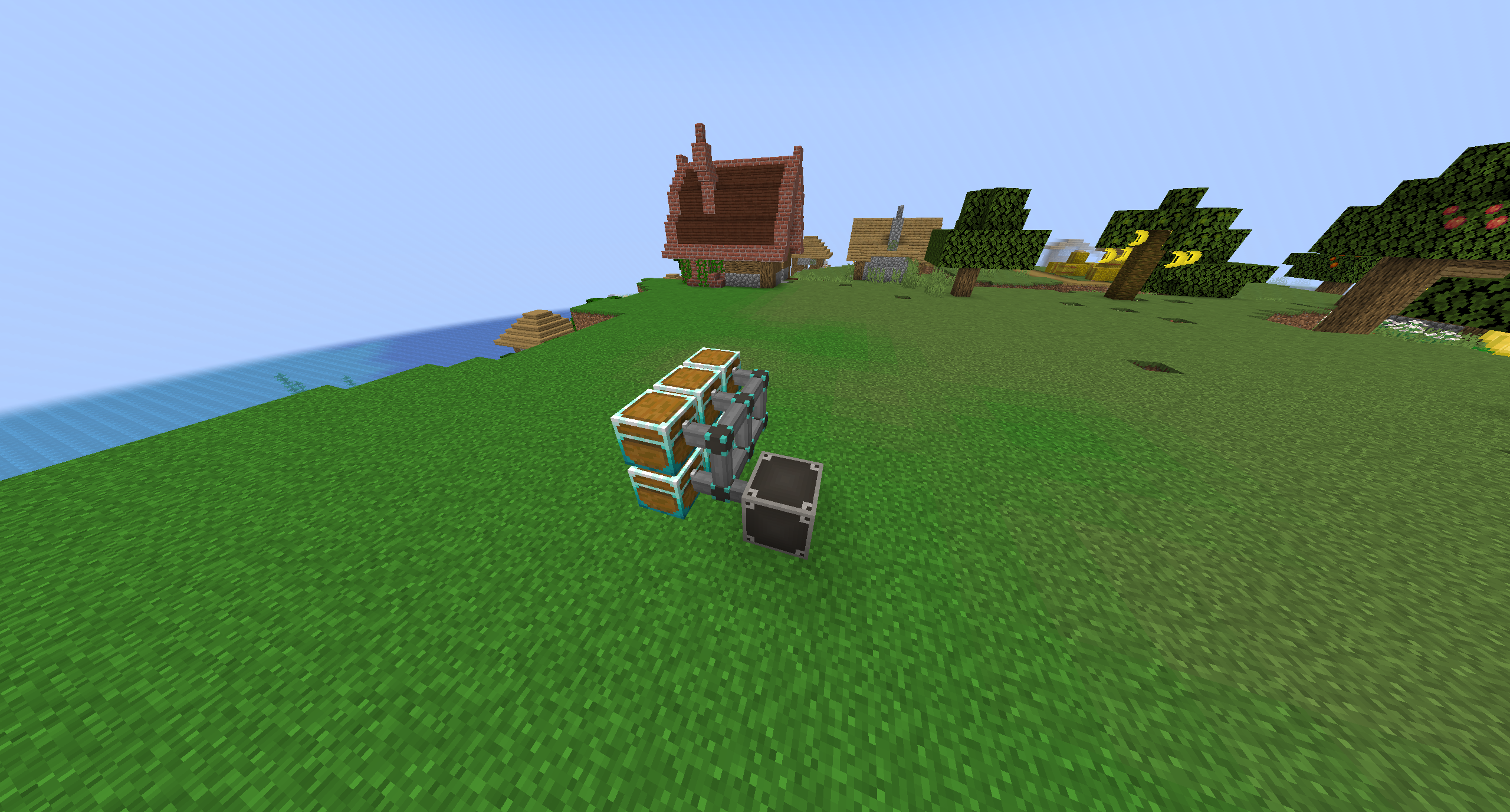
this mod pack is about a border that gets bigger with every level, the question you ask yourself is what do i have to do, and that's what the quest book tells you to do there is one main quest and several side quests you have completed the project when you have completed the main quests. but there is one difficulty where you have to be careful, with every death you lose all levels and the border goes back to a 1x1 field, play through the quests without dying once.
in addition, I am busy and fix bugs ect, for more questions you can join my discord and ask me these questions :)
mfg : Blxkoutarmy
Cómo instalar Level Border
With Millida Launcher
Install Millida Launcher
The launcher is free: download it at millida.net/launcher and sign in with any nickname.
Click “Install” on this page
The launcher opens and installs the modpack for Minecraft 1.18.2 on Forge automatically.
Launch the game
A profile with it appears in the launcher: click “Play”.
Manually
Download the modpack archive
In the version list above, pick the file Level Border-1.41.zip (307 KB).
Import it into a launcher
A launcher that supports modpacks (Millida Launcher, Prism) takes the archive via “Add modpack”, then “From file”. No need to unpack it yourself.
Allocate memory
Modpacks need more memory than the plain game: set 4–6 GB in the profile settings.
On a server
Use the “To server” button
On Millida Hosting, the button at the top of the page uploads the file to your server and restarts it for you.
Invite friends: they install the same modpack
To join the server, every player needs the same modpack version.
Minecraft 1.18.2 runs on Java 17: with a different Java version the game may close right after launch.
Versiones
Con dependencias
| Minecraft | Cargador | Archivo | Fecha | Acciones |
|---|---|---|---|---|
| 1.18.2 | Forge | Level Border 1.41307 KB |
FAQ
Which Minecraft versions does Level Border work on?
Only Minecraft 1.18.2: there are no files for other versions.
Is Level Border for Forge or Fabric?
Only for Forge: 1.18.2.
Which Java does Level Border need?
Minecraft 1.18.2 runs on Java 17. If the game closes right after launch, the usual cause is the wrong Java version in the profile settings.
Where can I download Level Border safely?
On this page: the file Level Border-1.41.zip (307 KB) is stored on Millida’s server, with no link shorteners. SHA-1 checksum: a832c459af813cd108e3d82f4f9f574f8eba3987.
Reseñas
Sé el primero en valorar Level Border


