

Chroma Technology Modpack para Minecraft 1.12.2
Chroma Technology es un modpack de progresión para jugar con tus mods favoritos de 1.12.2
Chroma Technology strives to bring a new modpack experience. Multiple craft have been changed to be able to move slowly towards the end game.
Featuring a unique collection of mods like AmbientSounds, Galacticraft and ExtraPlanets, Gravitation Suit, Modular Powersuits and more, on top of classics such as IC2, BuildCraft, Twilight Forest, AE2, and their add-ons, you have a lot to expect.
With a unique collection of over 300 mods, 1000+ quests, optimized & configured gameplay, and more surprises.Chroma Technology strives to provide the best playing experience.
• The recommended RAM allocation for the pack is 7-8GB
• Computers with only 8GB of RAM: make sure to close any other open browser or major programs while running the pack
If you're interested in hosting a server for Chroma Technology, click the image below!
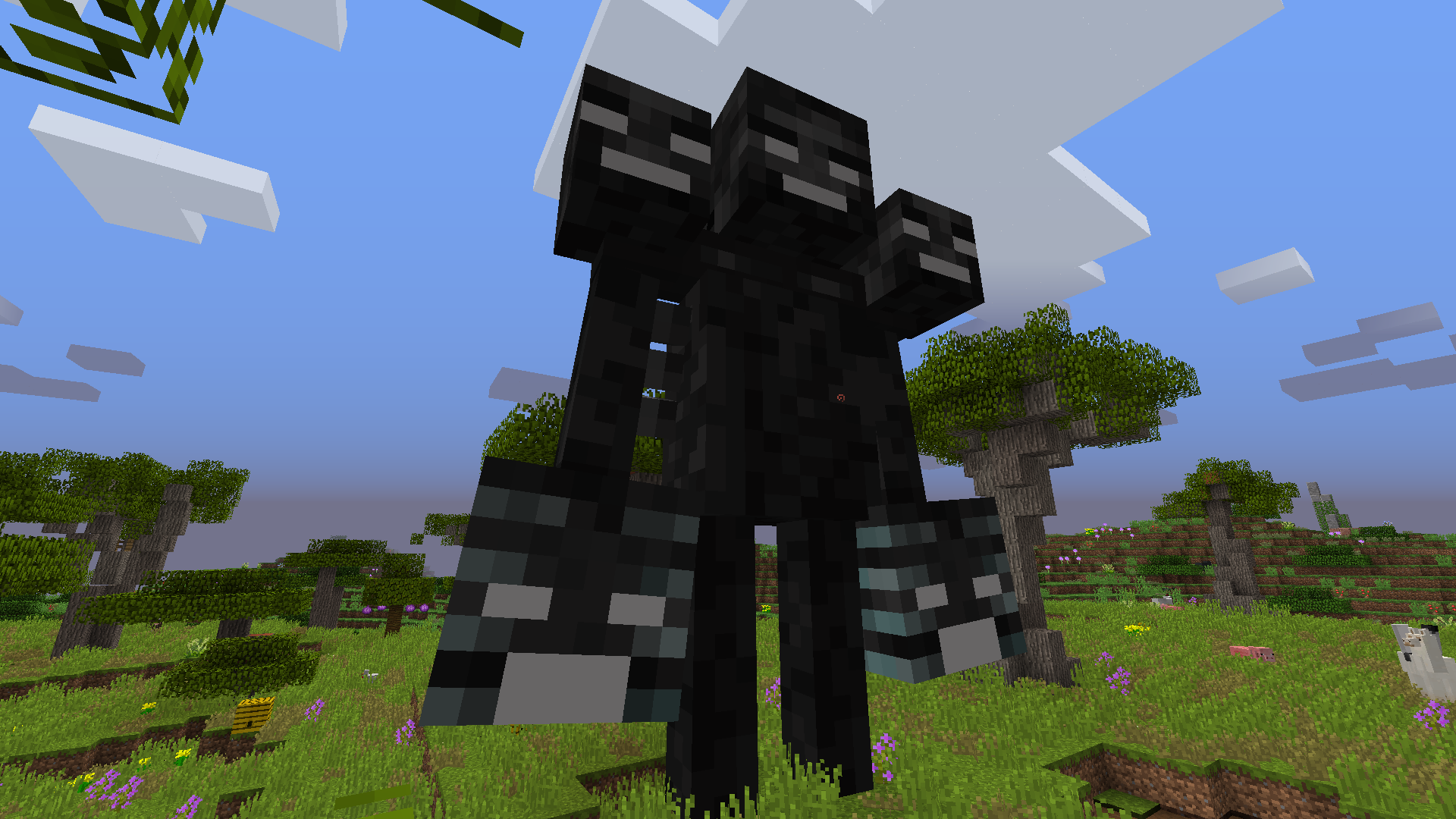
Click on the picture above, select plan(at least 5GB),
use my code CHROMATECH to get 25% off your first month, and enjoy playing with your friends!
A Modpack by: Gogo08, Nolifertu, Koepss
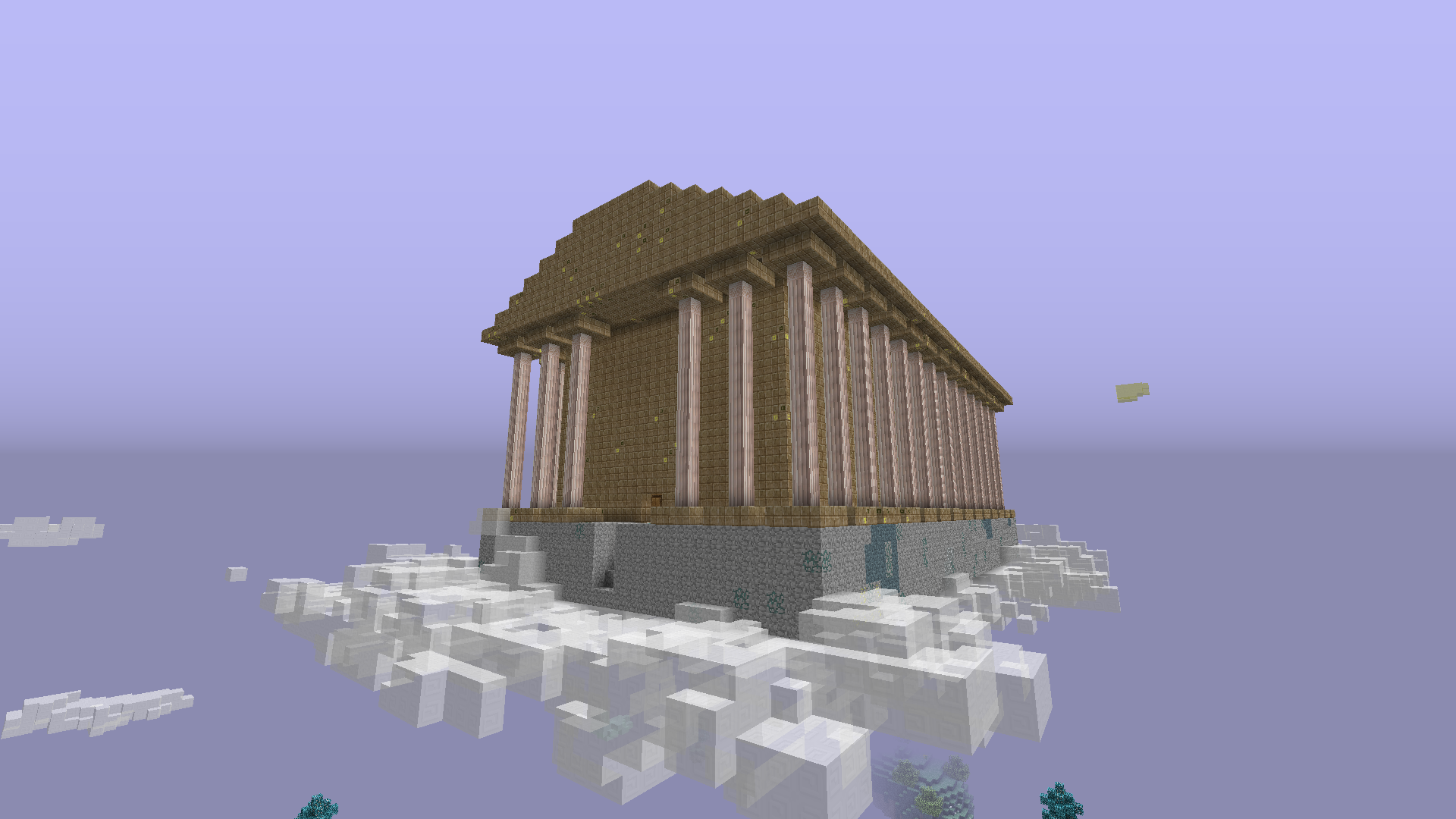
Cómo instalar Chroma Technology
With Millida Launcher
Install Millida Launcher
The launcher is free: download it at millida.net/launcher and sign in with any nickname.
Click “Install” on this page
The launcher opens and installs the modpack for Minecraft 1.12.2 automatically.
Launch the game
A profile with it appears in the launcher: click “Play”.
Manually
Download the modpack archive
In the version list above, pick the file Chroma Technology-1.4.3.zip (43 MB).
Import it into a launcher
A launcher that supports modpacks (Millida Launcher, Prism) takes the archive via “Add modpack”, then “From file”. No need to unpack it yourself.
Allocate memory
Modpacks need more memory than the plain game: set 4–6 GB in the profile settings.
On a server
Use the “To server” button
On Millida Hosting, the button at the top of the page uploads the file to your server and restarts it for you.
Invite friends: they install the same modpack
To join the server, every player needs the same modpack version.
Minecraft 1.12.2 runs on Java 8: with a different Java version the game may close right after launch.
Versiones
Con dependencias
| Minecraft | Cargador | Archivo | Fecha | Acciones |
|---|---|---|---|---|
| 1.12.2 | — | Chroma Technology v-1.4.343.2 MB |
FAQ
Which Minecraft versions does Chroma Technology work on?
Only Minecraft 1.12.2: there are no files for other versions.
Which Java does Chroma Technology need?
Minecraft 1.12.2 runs on Java 8. If the game closes right after launch, the usual cause is the wrong Java version in the profile settings.
Where can I download Chroma Technology safely?
On this page: the file Chroma Technology-1.4.3.zip (43 MB) is stored on Millida’s server, with no link shorteners. SHA-1 checksum: 70f76a758cfa9fdd73540425b88fe6d8bcbedcb7.
Reseñas
Sé el primero en valorar Chroma Technology


