
TEMPLE WARS Mapa para Minecraft 26.50
¡Reza en un TEMPLO japonés! Reza para ganar dinero y compite por ponerlo en el cepillo de las ofrendas en este minijuego.
2026/5/9 V2.1.5 Uploaded
● Removed the “Sneak action triggers repeatedly” section from the tutorial and revised some of the text.
2026/3/24 V2.1.4 Uploaded
● Optimized audio files-game size reduced from 50 MB to 28 MB!
2026/3/13 Gameplay Overview Video Released
Check it out!
TEMPLE WARS - Minecraft Bedrock PvP map | Gameplay Overview
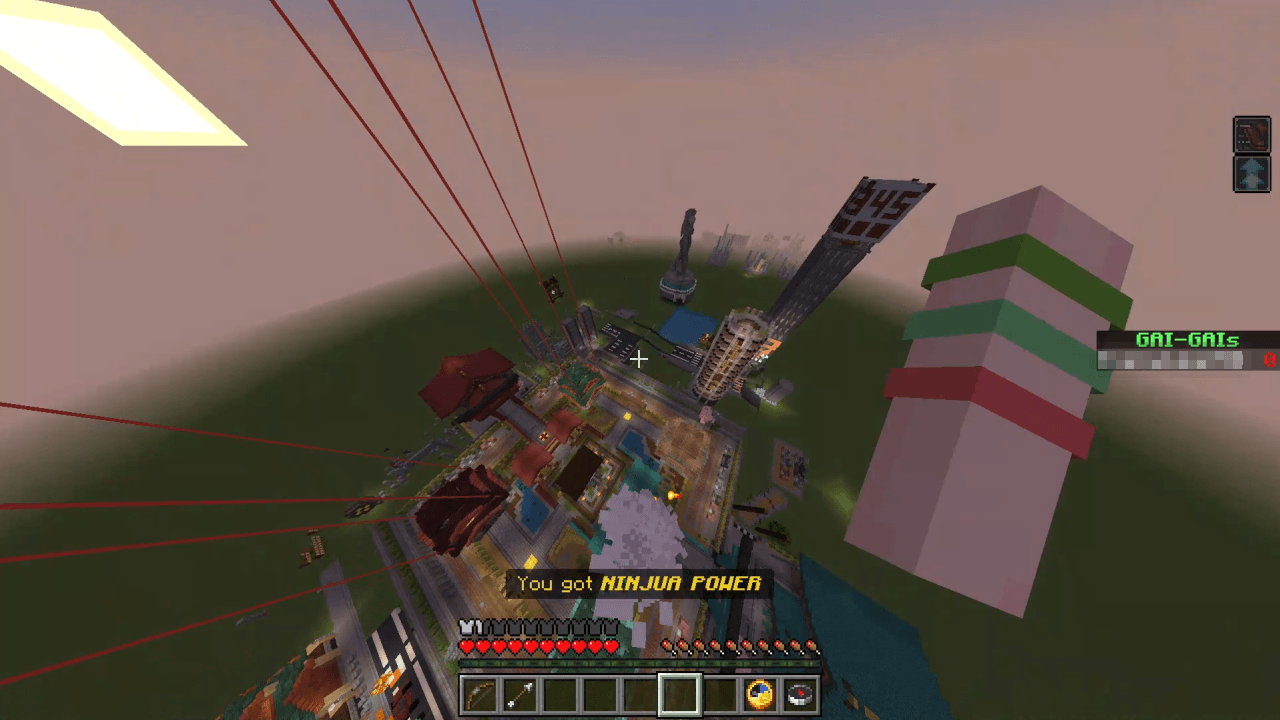
GAME'S RULE
・A competitive mini-game that supports single-player and multiplayer modes. Players are divided into two teams and compete against each other.
・Compete at a Japanese temple! Pray at the temple, collect money, put it in the offertory box, and the team that earns the most money wins! ...That's this game basic rule. (Rules can be changed.)
・You can focus solely on earning money, steal money from the opposing team, plant bombs in their offertory box and blow them up... There is a wide range of possible plays.
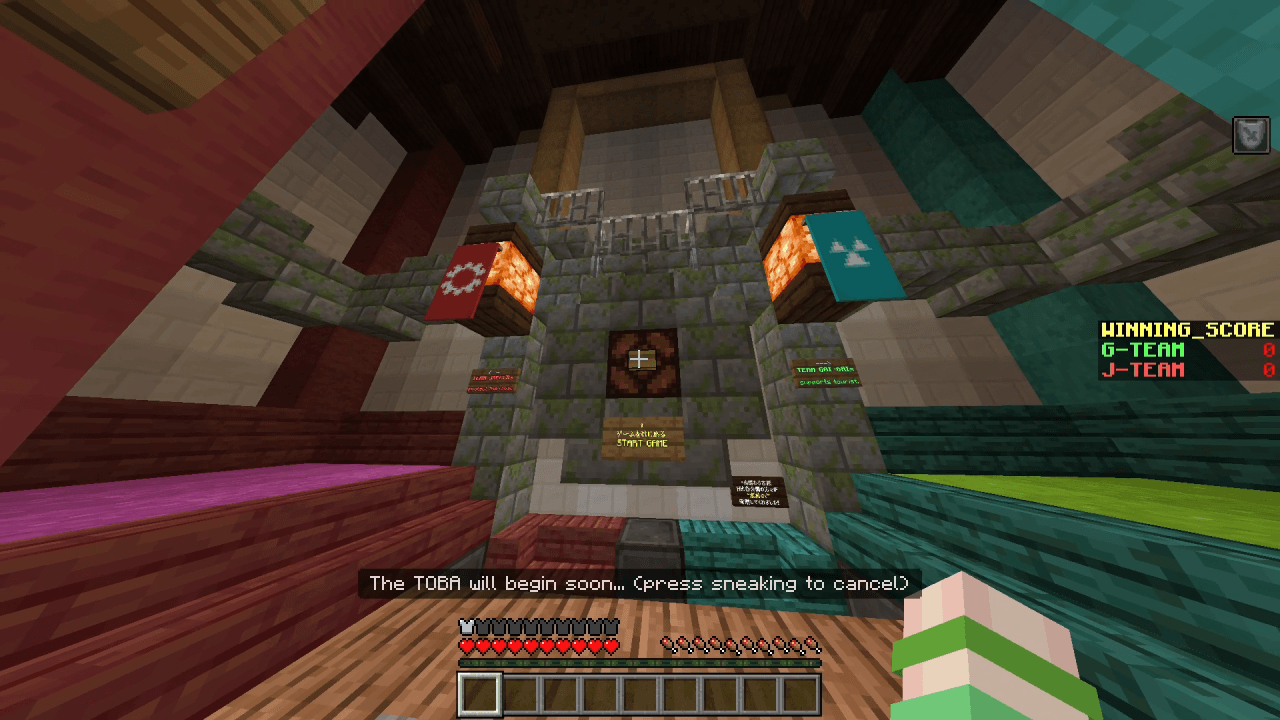
ATTENTION
・Depending on the performance of the device, operation may become extremely slow, and the expected behaviour may not occur.
・As there are many scenes where you shake your head vigorously, we recommend setting your field of view to a wide angle (70 degrees or more) to avoid feeling motion sickness.
・The recommended language settings for Minecraft are English (US, UK) and Japanese. (The item selector may not work properly in English...)(Please report any bugs you encounter! シ)
・Bonus Game 3 (Happy Smile Kids Garden) has been suspended due to being unfinished and its hidden content being deemed inappropriate. Sorry.
Listen to music (YouTube link)⇩
https://www.youtube.com/playlist?list=PL3IrFhb0pt0UvqM4I2Y4MH5WYmJiGDVAW
Japanese distribution page (クラフターズコロニー)⇩
https://minecraft-mcworld.com/155069/
copyright notice
(c)️2025,2026 TEAM MigrantSoft (Darvy, UmemL)
This text was created using DeepL and an English conversation website. (This is temporary and will be revised later to make it sound more natural in English.)
Cómo instalar TEMPLE WARS
With Millida Launcher
Install Millida Launcher
The launcher is free: download it at millida.net/launcher and sign in with any nickname.
Click “Install” on this page
The launcher opens and installs the map for Minecraft 1.21.90–26.50 automatically.
Launch the game
A profile with it appears in the launcher: click “Play”.
Manually
Download the map archive
Pick the file TEMPLE DASH.mcworld (359 KB).
Unpack it into the saves folder
The world folder (with level.dat inside) must sit directly in .minecraft/saves.
Open the world
“Singleplayer”: the map will be in your world list.
On a server
Replace the world folder
Stop the server and put the map folder in place of world (or set its name in level-name).
Use the “To server” button
On Millida Hosting, the button at the top of the page uploads the file to your server and restarts it for you.
Versiones
Con dependencias
| Minecraft | Cargador | Archivo | Fecha | Acciones |
|---|---|---|---|---|
| 1.21.90 | — | TEMPLE WARS V2.1.5(en).mcworld26.3 MB | ||
| 1.21.120 | — | bonusgame2_TEMPLE DASH(oldver).mcworld359 KB | ||
| 1.21.90 | — | TEMPLE WARS V1.0.1β.mcworld47.3 MB |
FAQ
Which Minecraft versions does TEMPLE WARS work on?
There are files for 26.50, 26.40, 26.30, 26.3, 1.21.120, 1.21.90. The newest is 26.50.
How do I download TEMPLE WARS?
With Millida Launcher: it installs TEMPLE WARS into a modpack by itself, for the right game version and loader. The launcher is free.
Reseñas
Sé el primero en valorar TEMPLE WARS



