

parkour with levals Mapa para Minecraft 26.0.02
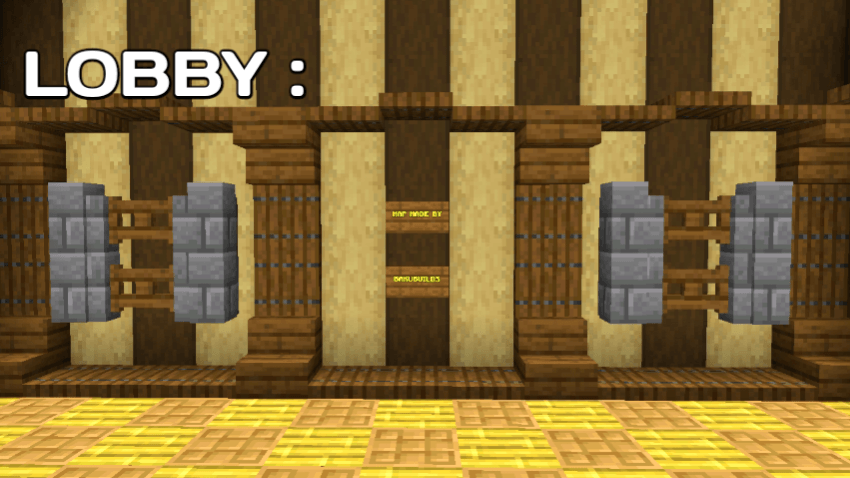
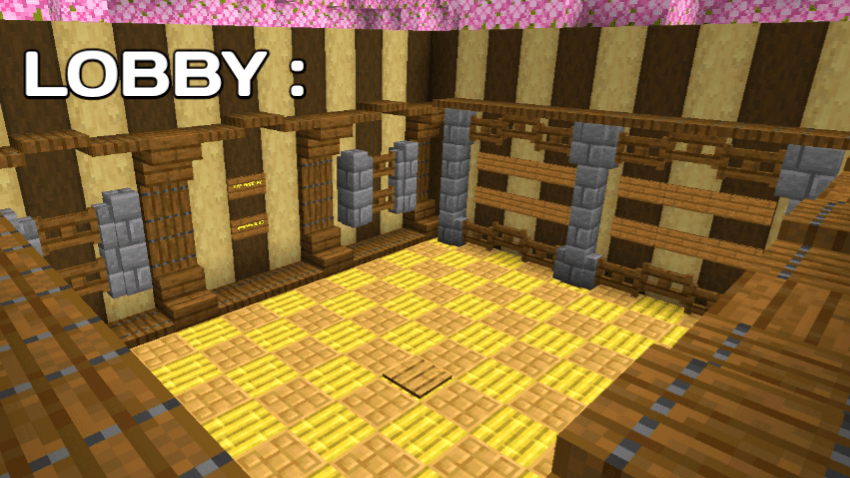
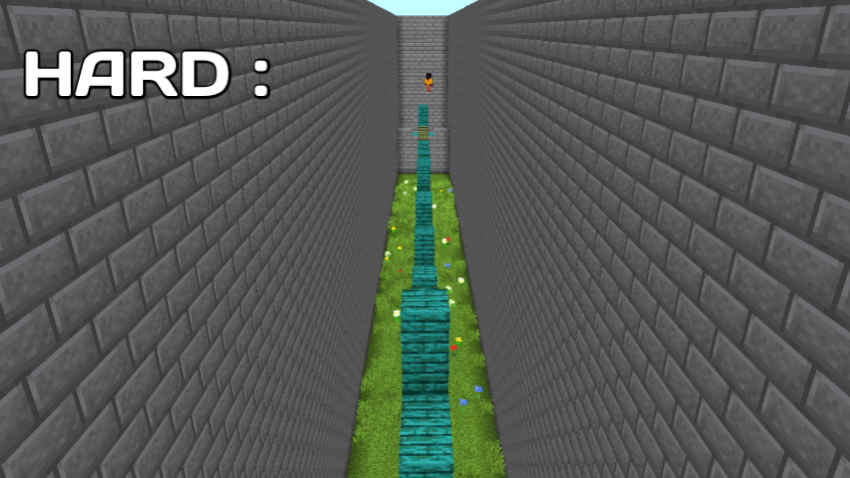
Este mapa de parkour ofrece tres modos de dificultad emocionantes: Fácil, Medio y Difícil. Pon a prueba tus habilidades de salto, tu sincronización y tu concentración mientras avanzas por niveles divertidos y desafiantes. Perfecto para jugar en solitario y mejorar tus habilidades.
Acerca del mapa parkour with levals
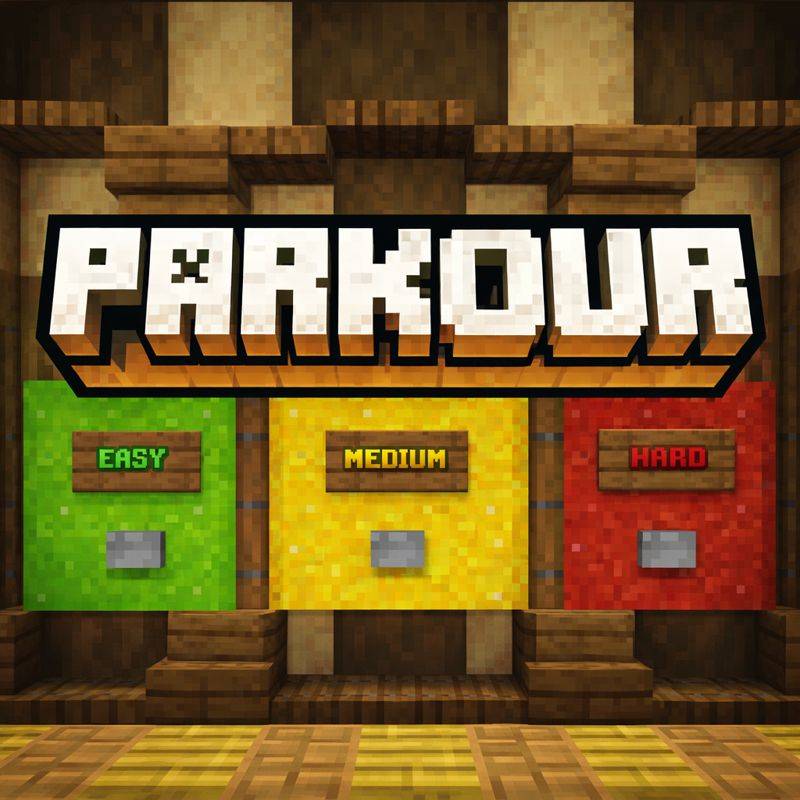
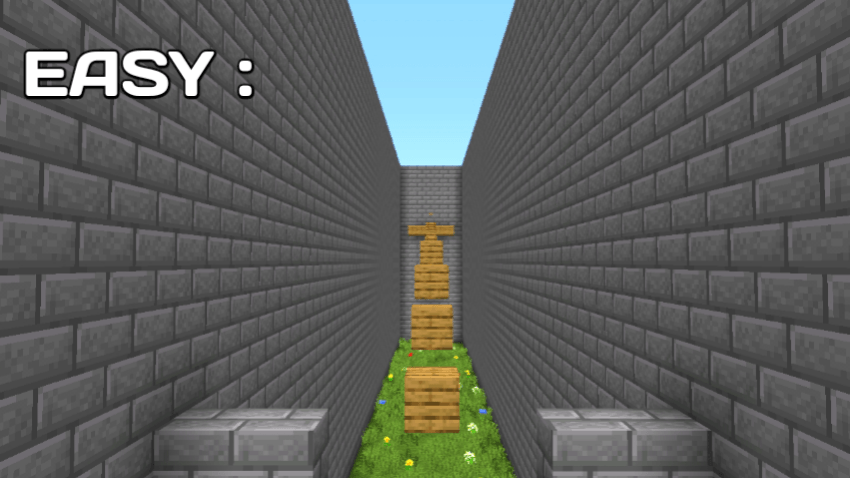
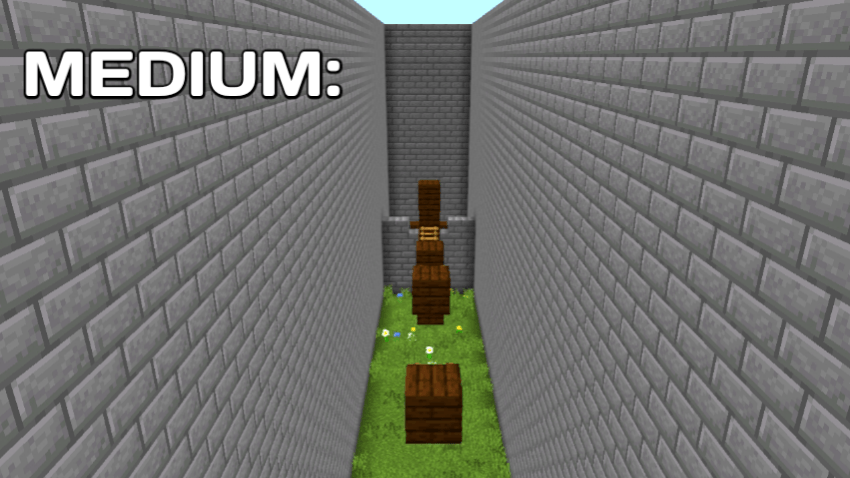
Welcome to an exciting Parkour Map designed to test your movement, timing, and jumping skills! This map features three difficulty levels - Easy, Medium, and Hard, so players of all skill levels can enjoy the challenge.
Start with Easy to learn the mechanics, move to Medium for more precise jumps, and finally face Hard, where only perfect timing and focus will help you succeed. Each level is carefully built with smooth parkour mechanics, clean design, and fair checkpoints.
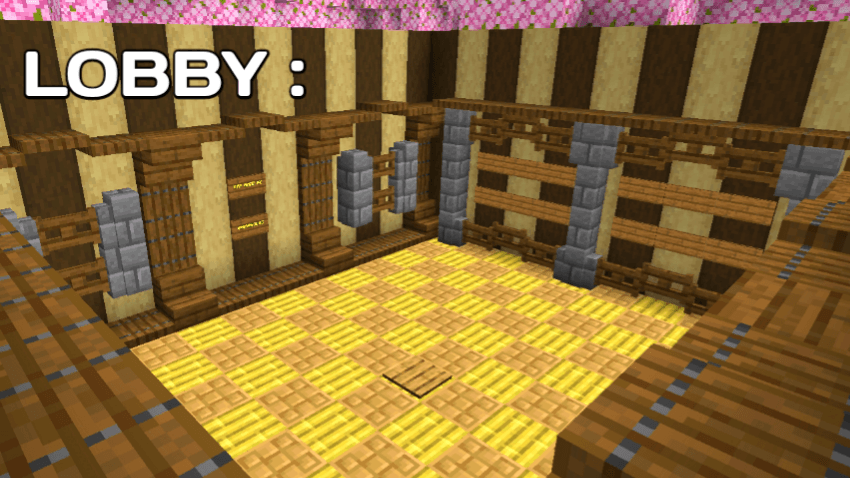
✨ Features:
3 difficulty modes (Easy, Medium, Hard)
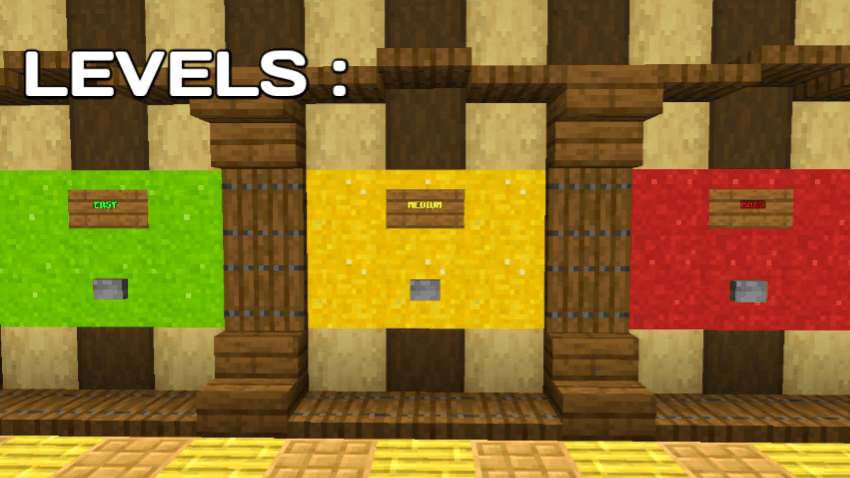
Smooth and balanced parkour jumps
Suitable for solo players and practice
No mods required, pure vanilla gameplay
Challenge yourself, improve your parkour skills, and see if you can complete all levels without falling! 🏃‍♂️🧱
Cómo instalar parkour with levals
With Millida Launcher
Install Millida Launcher
The launcher is free: download it at millida.net/launcher and sign in with any nickname.
Click “Install” on this page
The launcher opens and installs the map for Minecraft 1.21.131–26.0.02 automatically.
Launch the game
A profile with it appears in the launcher: click “Play”.
Manually
Download the map archive
Pick the file PARKOUR WORLD UPDATE5.mcworld (679 KB).
Unpack it into the saves folder
The world folder (with level.dat inside) must sit directly in .minecraft/saves.
Open the world
“Singleplayer”: the map will be in your world list.
On a server
Replace the world folder
Stop the server and put the map folder in place of world (or set its name in level-name).
Use the “To server” button
On Millida Hosting, the button at the top of the page uploads the file to your server and restarts it for you.
Versiones
Con dependencias
| Minecraft | Cargador | Archivo | Fecha | Acciones |
|---|---|---|---|---|
| 1.21.131 | — | PARKOUR WORLD #UPDATE5.mcworld679 KB 2 |
FAQ
Which Minecraft versions does parkour with levals work on?
There are files for 26.0.02, 26.0, 1.21.132, 1.21.131. The newest is 26.0.02.
Where can I download parkour with levals safely?
On this page: the file PARKOUR WORLD UPDATE5.mcworld (679 KB) is stored on Millida’s server, with no link shorteners. SHA-1 checksum: f32a0e606d22332ca34dde949878329166695f48.
Reseñas
Sé el primero en valorar parkour with levals



