
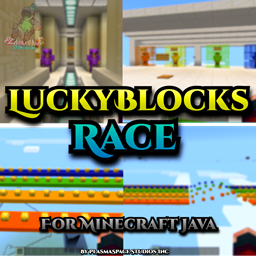
LuckyBlocksRace v1.0 For Java Mapa para Minecraft 1.21.4
Hoy te traemos un nuevo mapa de Lucky Blocks para Minecraft Java.
Acerca del mapa LuckyBlocksRace v1.0 For Java
Today we bring you a new Lucky Blocks map for Minecraft Java.
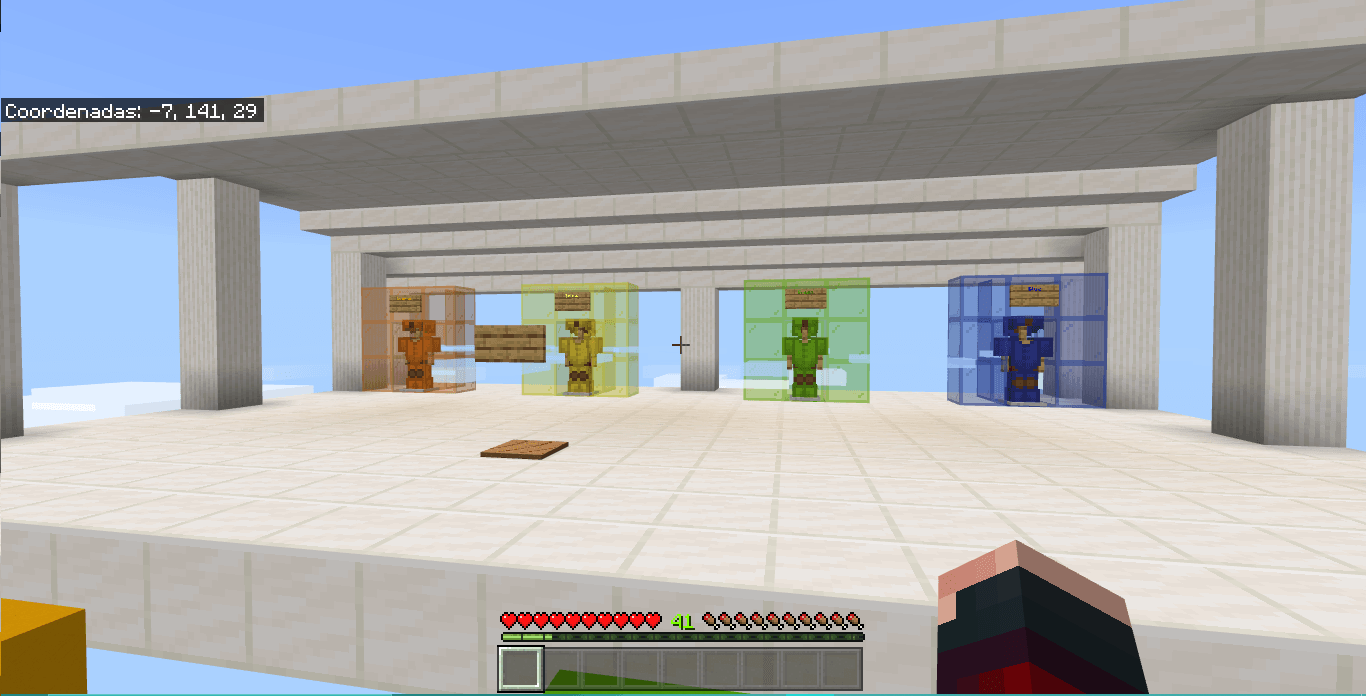
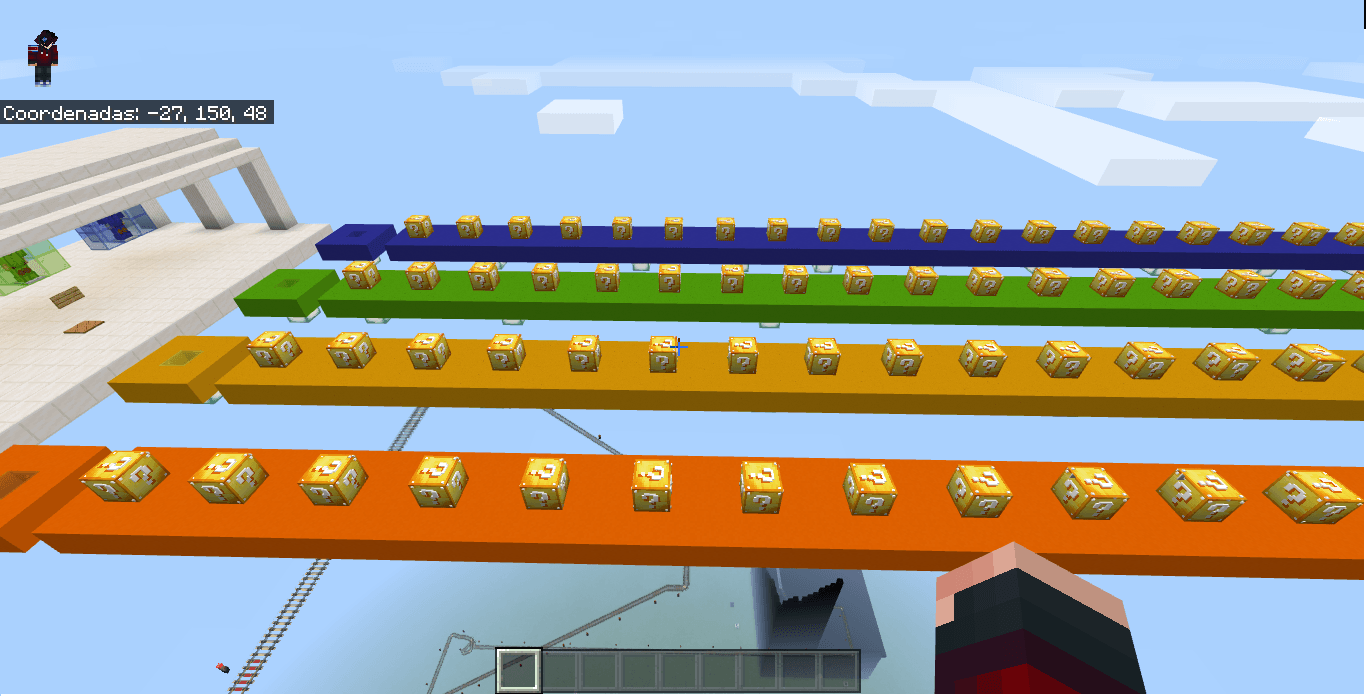
When starting the map you have to choose one of the 4 colors (blue, green, yellow or orange), then the race begins. In one part of the map you have to do a mini Parkour and in another part you are at the top and you have to do a WaterDrop. After finishing the tour of the Lucky Blocks you have to make a PVP with the other players.
This map is for a minimum of 2 players and a maximum of 4. After finishing the tour of the lucky blocks, you will have to do a PVP with the other players.
To play this map, you need to download the following MOD: https://www.curseforge.com/minecraft/mc-mods/ly-lucky-blocks
- If you have any copyright issues on YT or your website, you can contact us at the following email address: Copyright@PlasmaSpaceStudios.com
- If you have any questions or problems with the map, please contact us at:: Contact@PlasmaSpaceStudios.com
Remember to read our Terms of Use
AD
Looking for good hosting to create your Minecraft or Hytale server?
If so, check out XeroHost. They offer high-quality hosting at affordable prices. Use our code to get 20% off your first purchase.

"LuckyBlocksRace v1" by PlasmaSpace Entertainment is offered under the "Creative Use Non-Commercial (PS-UCNC)" license.
The logos and trade names of PlasmaSpace Productions, PlasmaSpace Entertainment, and PlasmaSpace Records are owned by PlasmaSpace Studios Inc. PlasmaSpace Studios Inc. is a company without legal personality. Costa Rica and Mexico.
Cómo instalar LuckyBlocksRace v1.0 For Java
With Millida Launcher
Install Millida Launcher
The launcher is free: download it at millida.net/launcher and sign in with any nickname.
Click “Install” on this page
The launcher opens and installs the map for Minecraft 1.21.4 automatically.
Launch the game
A profile with it appears in the launcher: click “Play”.
On a server
Replace the world folder
Stop the server and put the map folder in place of world (or set its name in level-name).
Use the “To server” button
On Millida Hosting, the button at the top of the page uploads the file to your server and restarts it for you.
Versiones
Con dependencias
| Minecraft | Cargador | Archivo | Fecha | Acciones |
|---|---|---|---|---|
| 1.21.4 | — | LuckyBlocksRace v1.0 .zip3.3 MB |
FAQ
Which Minecraft versions does LuckyBlocksRace v1.0 For Java work on?
Only Minecraft 1.21.4: there are no files for other versions.
How do I download LuckyBlocksRace v1.0 For Java?
With Millida Launcher: it installs LuckyBlocksRace v1.0 For Java into a modpack by itself, for the right game version and loader. The launcher is free.
Reseñas
Sé el primero en valorar LuckyBlocksRace v1.0 For Java



