
Cave Only World Mapa para Minecraft 26.30
Un mapa que cambia la generación del mundo del overworld a un tipo de mundo de cuevas, con biomas y estructuras, etc.
Cave World
This is a survival map that turns the Overworld into a cave world type and overhaules the terrain generation.
- All Overworld Biomes are there, and Structures (like villages, ancient cities, stronghold, etc.)
- Passive Mobs now can spawn in low light
- Cave Biomes are there too including their features
- Night Vision apply during the day, and removed at night
- You can beat the map, and it have all that you will need (Just like a normal world)
Notes:
- The world size is limited (only 1350x1350)
- Currently some of new biomes are not there, and they will be added in the next update soon
How To Add:
- Like any world, it will download as a ".mcworld" file, You need to just click it and it will import
- Note: If you are on android, you will need a file manager that support importing files, i recommend using FX File Explorer if you found/have a working one, you can continue using it
Screenshots:
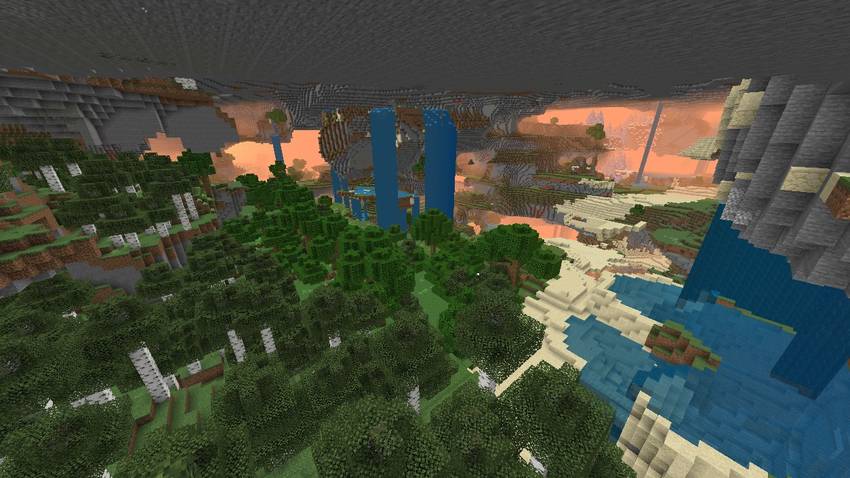
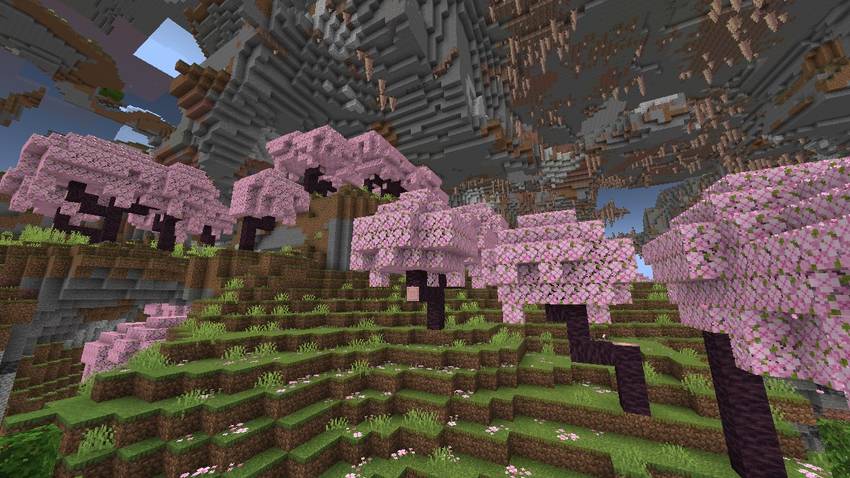
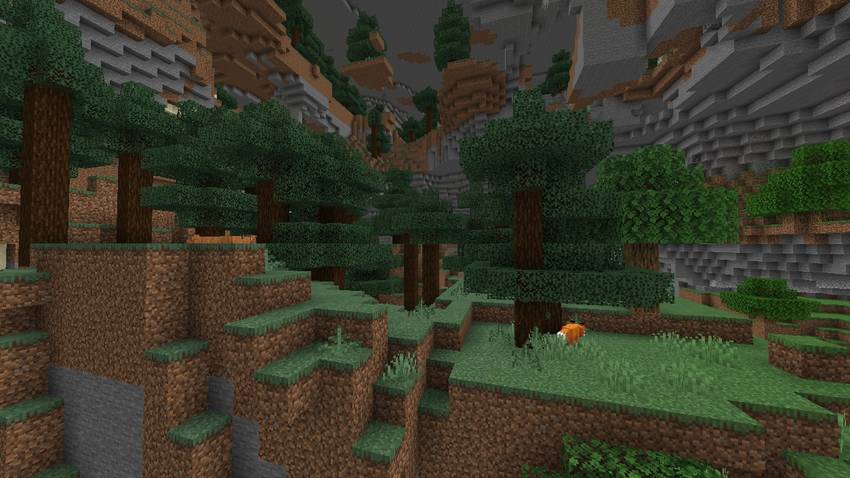
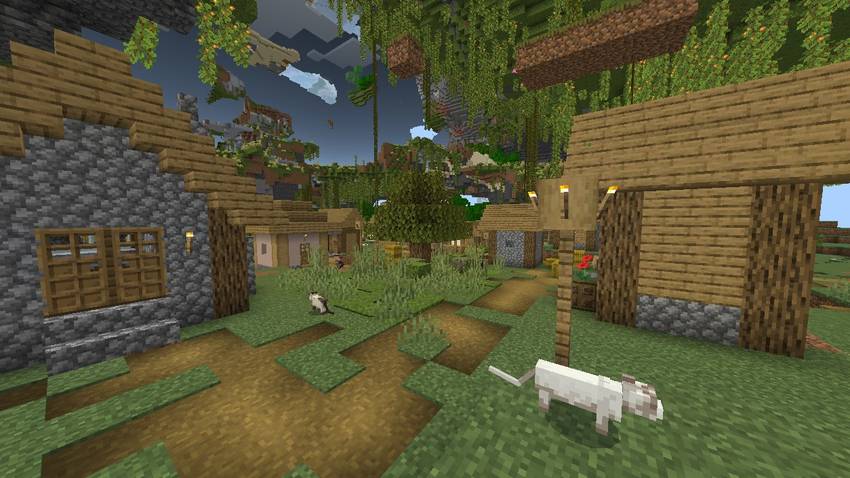
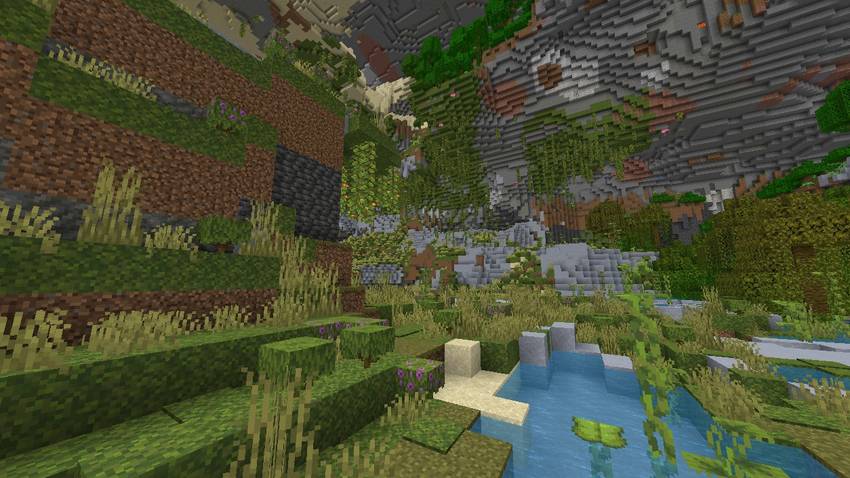
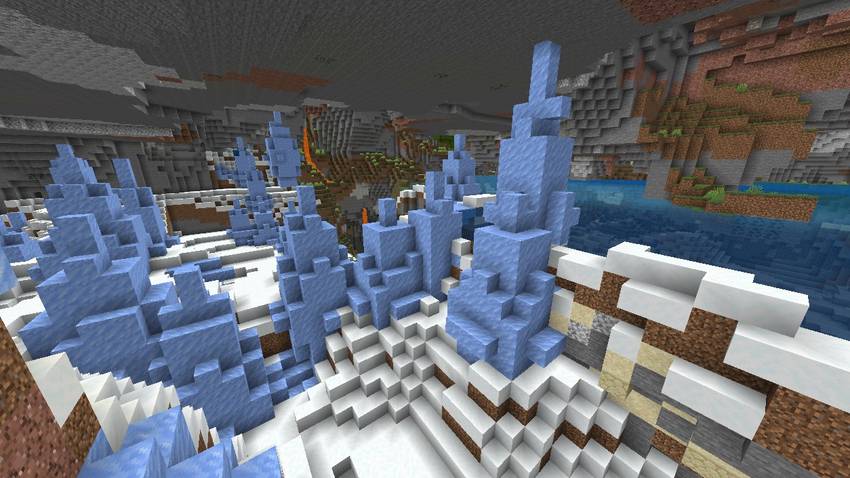
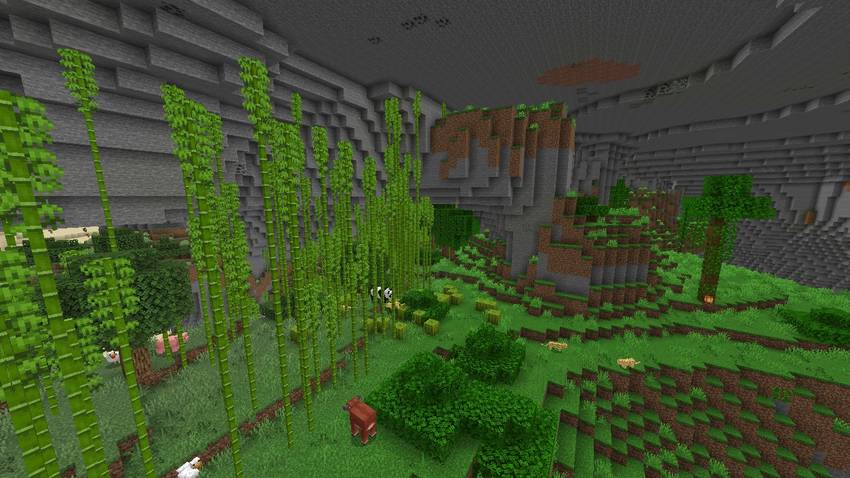
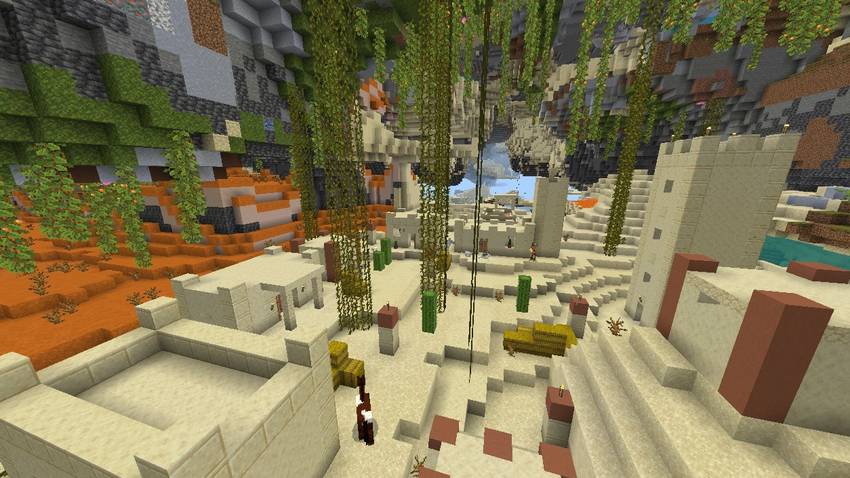
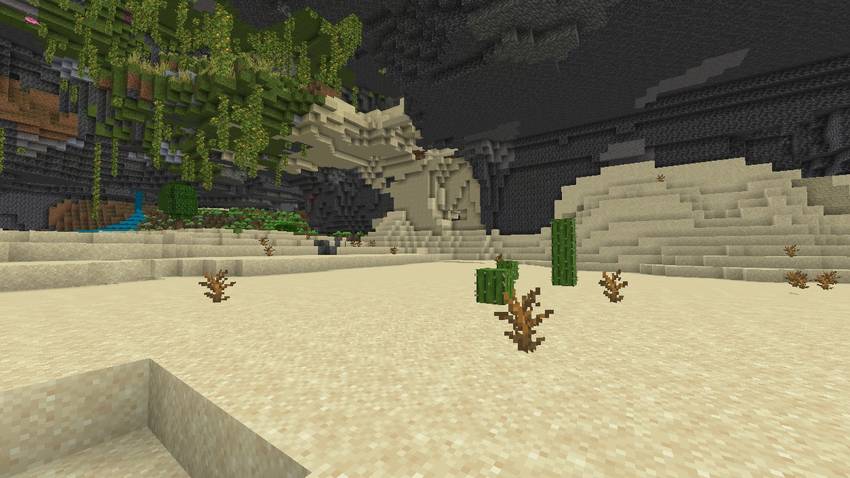
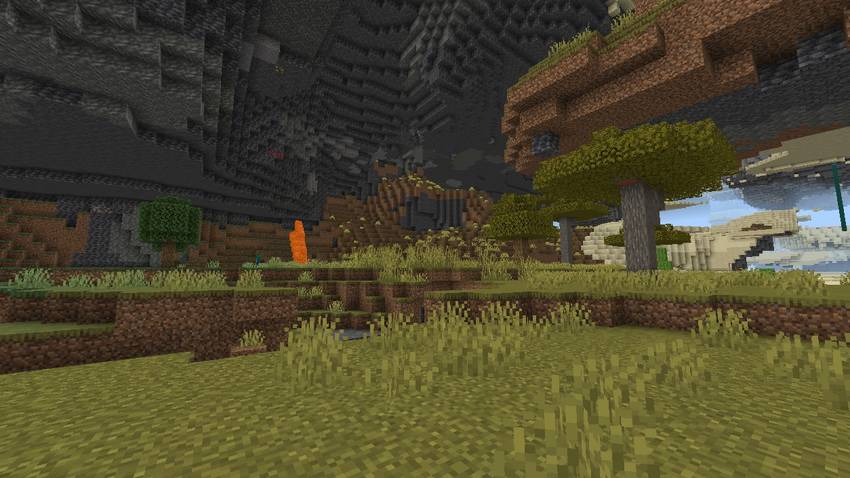
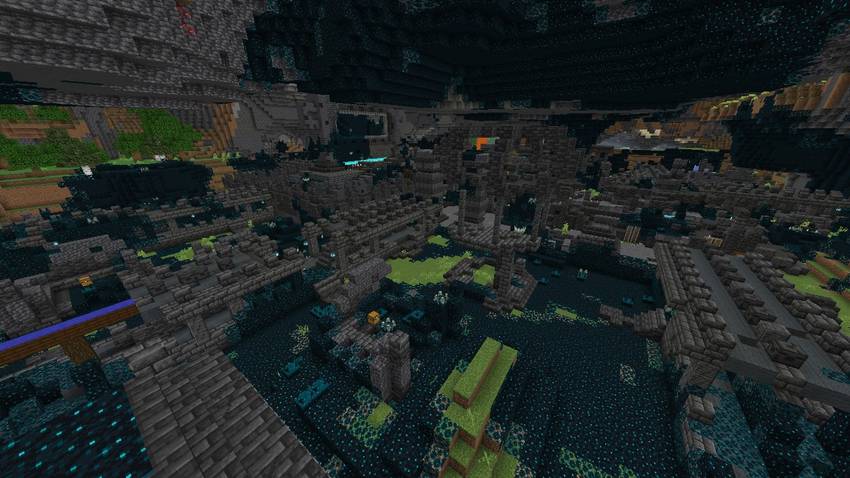
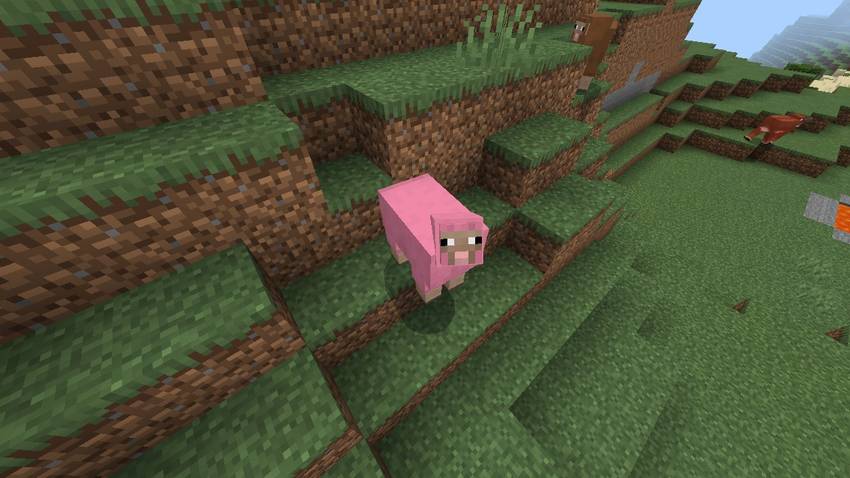
Ready for an adventure ?
Cómo instalar Cave Only World
With Millida Launcher
Install Millida Launcher
The launcher is free: download it at millida.net/launcher and sign in with any nickname.
Click “Install” on this page
The launcher opens and installs the map for Minecraft 1.20.70–26.30 automatically.
Launch the game
A profile with it appears in the launcher: click “Play”.
Manually
Download the map archive
Pick the file Cave Only World.mcworld (229 MB).
Unpack it into the saves folder
The world folder (with level.dat inside) must sit directly in .minecraft/saves.
Open the world
“Singleplayer”: the map will be in your world list.
On a server
Replace the world folder
Stop the server and put the map folder in place of world (or set its name in level-name).
Or use the “To hosting” button
On Millida Hosting, the button at the top of the page uploads the file to your server and restarts it for you.
Versiones
Con dependencias
| Minecraft | Cargador | Archivo | Fecha | Acciones |
|---|---|---|---|---|
| 1.20.70 | — | Cave World229 MB |
Reseñas
Sé el primero en valorar Cave Only World



