

Stone Rooms Paquete de datos para Minecraft 1.20.1, 1.19.2
Este datapack/mod añade 2 estructuras subterráneas para el sistema de cuevas superiores y para el sistema de cuevas inferiores
- visualizaciones
- 33 visualizaciones
- 1 reseñas
- 5.0 1 reseñas
- Actualizado
- Actualizado 23.10.2026
- 1.19 — 26.3
 Paquete de datos
- Cliente y servidor
My social networks

Description👀
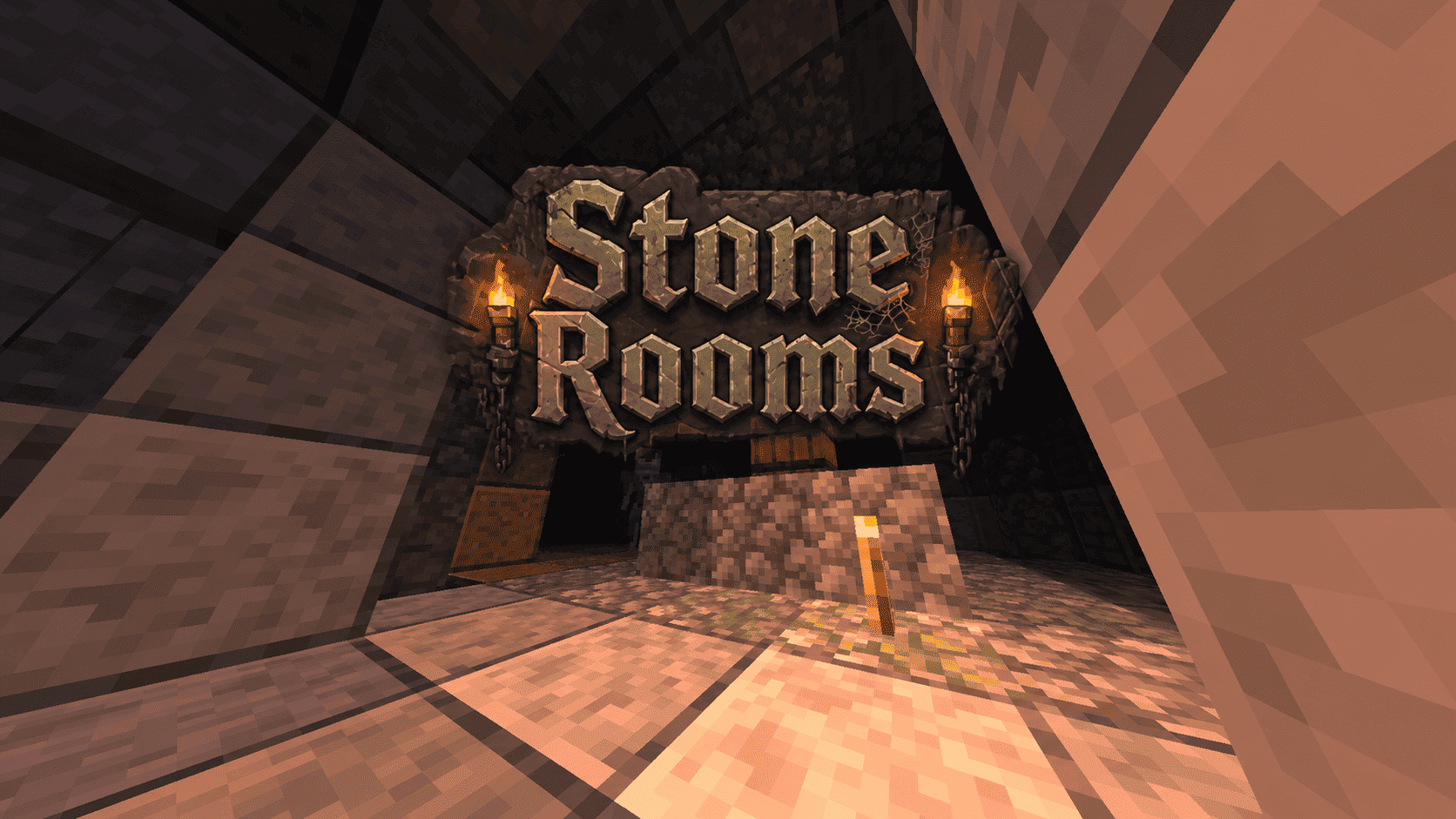
This datapack/mod adds 2 underground structures to your world, the first structure is for the upper parts of the caves (where the stone is), and the second structure is for the lower parts of the caves (where the deepslate is)
You can see screenshots of the rooms by going to the Gallery section

Useful Сommands🔧
- Use /locate structure elysianfields:stone_rooms for see dungeon coordinates
- Use /place structure elysianfields:stone_rooms for spawn dungeon
- Use /locate structure elysianfields:stone_rooms_deepslate for see dungeon coordinates
- Use /place structure elysianfields:stone_rooms_deepslate for spawn dungeon
Cómo instalar Stone Rooms
With Millida Launcher
Install Millida Launcher
The launcher is free: download it at millida.net/launcher and sign in with any nickname.
Click “Install” on this page
The launcher opens and installs the data pack for Minecraft 1.19–26.3 automatically.
Launch the game
A profile with it appears in the launcher: click “Play”.
Manually
Download the archive
Pick the file Stone Rooms v1.3.zip (338 KB) for your game version.
New world: “Data Packs”
When creating a world, click “Data Packs”, drag the archive into the window, then move it to “Selected”.
Existing world: the datapacks folder
Put the archive into saves/<world>/datapacks and type /reload in game.
On a server
Archive goes into the server world’s datapacks
The world/datapacks folder on the server; players do not need to install anything.
Reload the data
Type /reload in the server console or restart the server.
Use the “To server” button
On Millida Hosting, the button at the top of the page uploads the file to your server and restarts it for you.
Versiones
Con dependencias
| Minecraft | Cargador | Archivo | Fecha | Acciones |
|---|---|---|---|---|
| 26.3 | Paquete de datos | 26.3338 KB | ||
| 26.2 | Paquete de datos | 26.2338 KB | ||
| 1.19.2 | Paquete de datos | 1.19.2338 KB |
FAQ
Which Minecraft versions does Stone Rooms work on?
There are files for 1.19–26.3, 14 versions in total. The newest is 26.3.
Does Stone Rooms work on a server?
Yes: the data pack goes into the datapacks folder of the server world, and players do not need to install anything.
Where can I download Stone Rooms safely?
On this page: the file Stone Rooms v1.3.zip (338 KB) is stored on Millida’s server, with no link shorteners. SHA-1 checksum: a2140241062a7c6ee446c8fe940c06f66ec2b45c.
Reseñas
¿Qué te parece Stone Rooms?


