
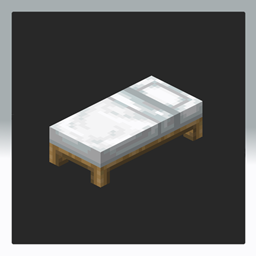
One Player Sleep - Datapack
This datapack modifies Minecraft’s default sleeping behavior by changing the sleep percentage gamerule to allow the game to transition from night to day once a single player sleeps, rather than requiring all players on the server to sleep simultaneously.
Features:
- Enables immediate night skipping when just one player sleeps.
- Maintains vanilla Minecraft gameplay without adding complex mechanics.
- Compatible with multiplayer servers, improving playability for small groups or communities.
User Experience Improvements:
- Eliminates the frustration of waiting for all players to sleep or having to leave and rejoin while someone is trying to sleep, allowing night to pass more quickly.
- Encourages smoother cooperative gameplay and reduces downtime during nighttime.
- Enhances server playability for players with varied schedules or those joining and leaving the game asynchronously.
By simplifying the sleep mechanic, this datapack creates a more seamless multiplayer experience without altering other game rules or behaviors.
Cómo instalar One Player Sleep
With Millida Launcher
Install Millida Launcher
The launcher is free: download it at millida.net/launcher and sign in with any nickname.
Click “Install” on this page
The launcher opens and installs the data pack for Minecraft 1.20–1.21.7 automatically.
Launch the game
A profile with it appears in the launcher: click “Play”.
Manually
Download the archive
Pick the file one player sleep (MC 1.21-1.21.5).zip (4 KB) for your game version.
New world: “Data Packs”
When creating a world, click “Data Packs”, drag the archive into the window, then move it to “Selected”.
Existing world: the datapacks folder
Put the archive into saves/<world>/datapacks and type /reload in game.
On a server
Archive goes into the server world’s datapacks
The world/datapacks folder on the server; players do not need to install anything.
Reload the data
Type /reload in the server console or restart the server.
Use the “To server” button
On Millida Hosting, the button at the top of the page uploads the file to your server and restarts it for you.
Versiones
Con dependencias
| Minecraft | Cargador | Archivo | Fecha | Acciones |
|---|---|---|---|---|
| 1.20.2 | — | OnePlayerSleep.zip3.7 KB |
Reseñas
Sé el primero en valorar One Player Sleep


