
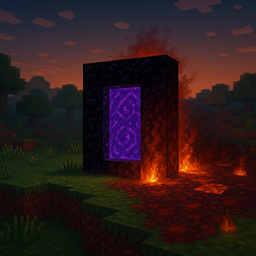
Nethergates Paquete de datos para Minecraft 1.21.1, 1.21
Este datapack añade seis portales del Nether únicos al Overworld, cada uno con la temática de un bioma del Nether diferente. Algunos son puntos de referencia tranquilos, otros trampas mortales
Acerca del paquete de datos Nethergates
This datapack adds six hand-crafted Nether portal structures to world generation, each themed after a different Nether biome. Every Nethergate includes a Bastion treasure chest! But be warned - not all gates simply offer easy access to the Nether... some may bring the Nether to you.
They can spawn in the following biomes:
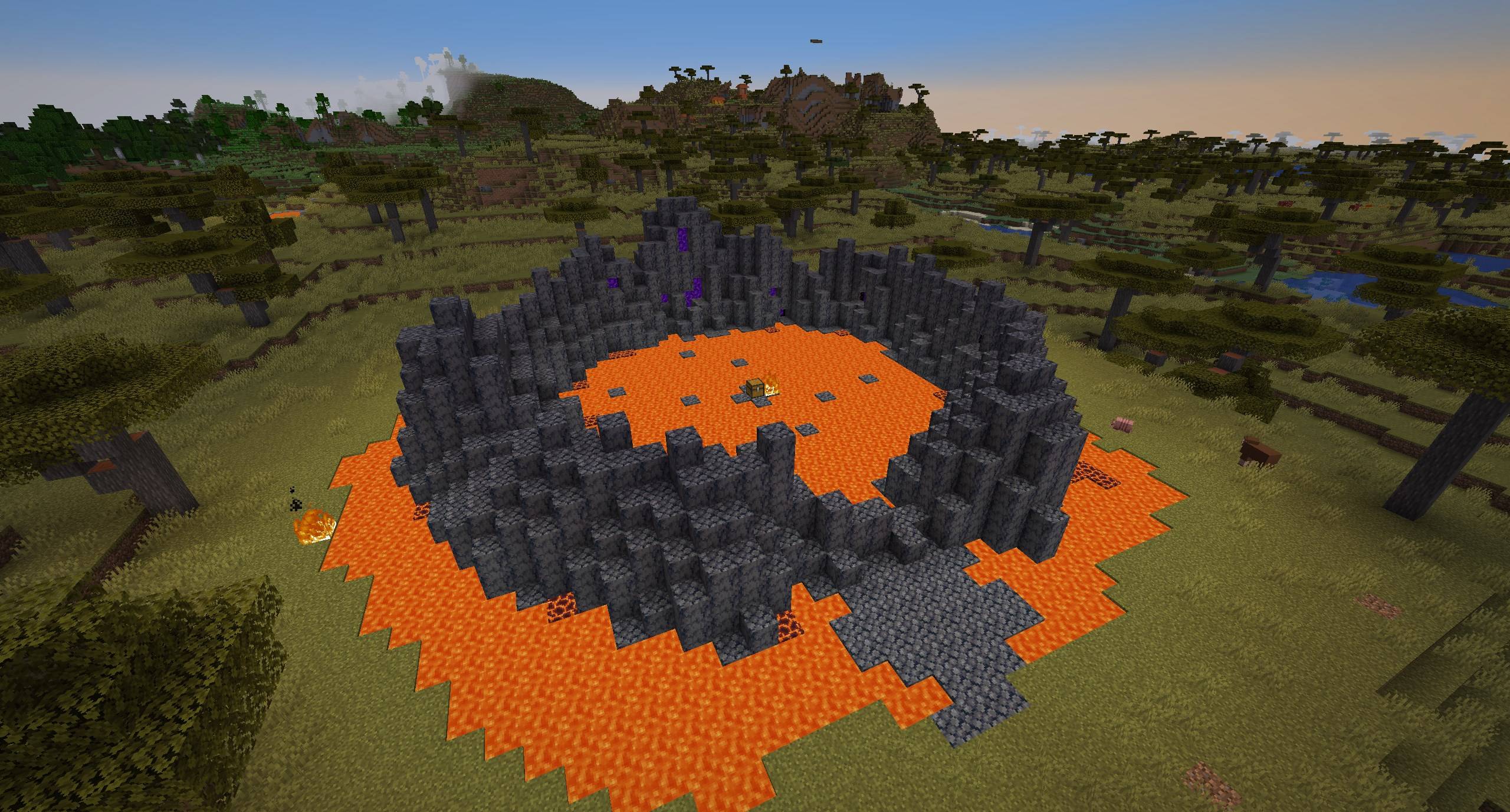
Soul Sand Valley Portal
- Badlands
- Desert
- Mangrove Swamp
- Swamp
- Savanna
- Savanna Plateau
- Windswept Gravelly Hills
- Pale Garden
- Snowy Plains
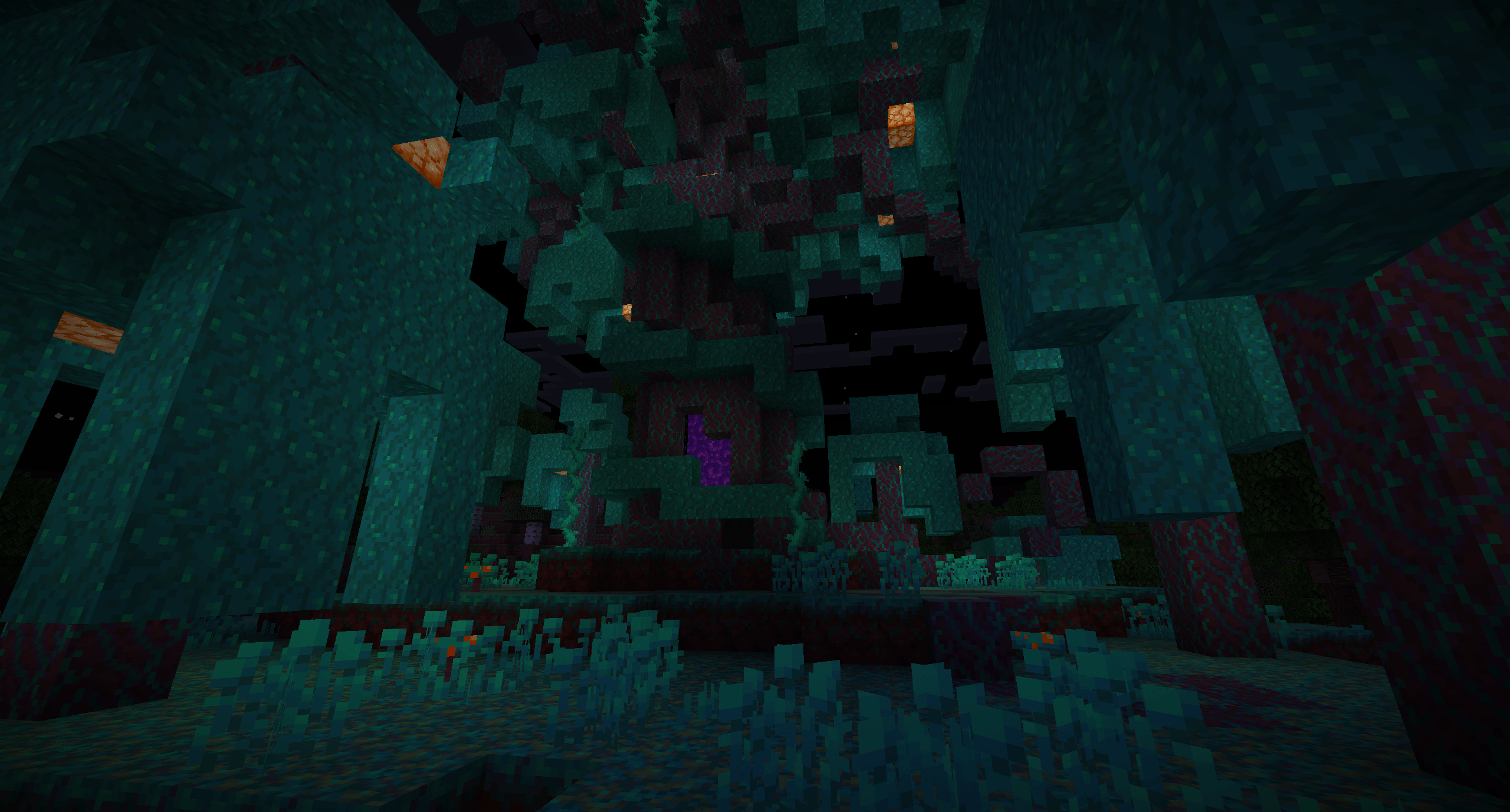
Basalt Deltas Portal
- Badlands
- Desert
- Savanna
- Savanna Plateau
- Windswept Gravelly Hills
- Pale Garden
- Snowy Plains
- Plains
Bastion Portal
- Badlands
- Desert
- Savanna
- Savanna Plateau
- Windswept Gravelly Hills
- Pale Garden
- Snowy Plains
- Plains
Seeping Portal (Nether Wastes)
- Badlands
- Desert
- Savanna
- Savanna Plateau
- Windswept Gravelly Hills
- Snowy Plains
- Plains
Crimson Forest Portal
- Wooded Badlands
- Forest
- Flower Forest
- Taiga
- Old Growth Pine Taiga
- Old Growth Spruce Taiga
- Snowy Taiga
- Birch Forest
- Old Growth Birch Forest
- Dark Forest
- Pale Garden
- Jungle
- Sparse Jungle
- Bamboo Jungle
- Cherry Grove
Warped Forest Portal
- Wooded Badlands
- Forest
- Flower Forest
- Taiga
- Old Growth Pine Taiga
- Old Growth Spruce Taiga
- Snowy Taiga
- Birch Forest
- Old Growth Birch Forest
- Dark Forest
- Pale Garden
- Jungle
- Sparse Jungle
- Bamboo Jungle
- Cherry Grove
Cómo instalar Nethergates
With Millida Launcher
Install Millida Launcher
The launcher is free: download it at millida.net/launcher and sign in with any nickname.
Click “Install” on this page
The launcher opens and installs the data pack for Minecraft 1.20.2–1.21.5 automatically.
Launch the game
A profile with it appears in the launcher: click “Play”.
Manually
Download the archive
Pick the file Nethergates.zip (1.8 MB) for your game version.
New world: “Data Packs”
When creating a world, click “Data Packs”, drag the archive into the window, then move it to “Selected”.
Existing world: the datapacks folder
Put the archive into saves/<world>/datapacks and type /reload in game.
On a server
Archive goes into the server world’s datapacks
The world/datapacks folder on the server; players do not need to install anything.
Reload the data
Type /reload in the server console or restart the server.
Use the “To server” button
On Millida Hosting, the button at the top of the page uploads the file to your server and restarts it for you.
Versiones
Con dependencias
| Minecraft | Cargador | Archivo | Fecha | Acciones |
|---|---|---|---|---|
| 1.20.2 | — | Nethergates 1.0.31.8 MB |
FAQ
Which Minecraft versions does Nethergates work on?
There are files for 1.20.2–1.21.5, 11 versions in total. The newest is 1.21.5.
Does Nethergates work on a server?
Yes: the data pack goes into the datapacks folder of the server world, and players do not need to install anything.
Where can I download Nethergates safely?
On this page: the file Nethergates.zip (1.8 MB) is stored on Millida’s server, with no link shorteners. SHA-1 checksum: 71e965f9888849fb3e1ef18fdbbd5a5c9a33436b.
Reseñas
Sé el primero en valorar Nethergates


