

Custom Totems Paquete de datos para Minecraft 26.1.2
¡Añade 3 tótems 3D extra que puedes fabricar!
- visualizaciones
- 30 visualizaciones
- Actualizado
- Actualizado 12.05.2026
- 1.21.10 — 26.1.2
 Paquete de datos
- Cliente y servidor
MORE CRAFTABLE TOTEMS!
This mod/datapack adds new cosmetic totems that you can craft!
All the totems are purely cosmetic and are made just to add a little more fun to servers and singleplayer worlds!
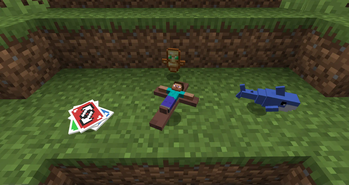
You unlock the recipes by getting a totem of undying
We have:
- Steve Cross
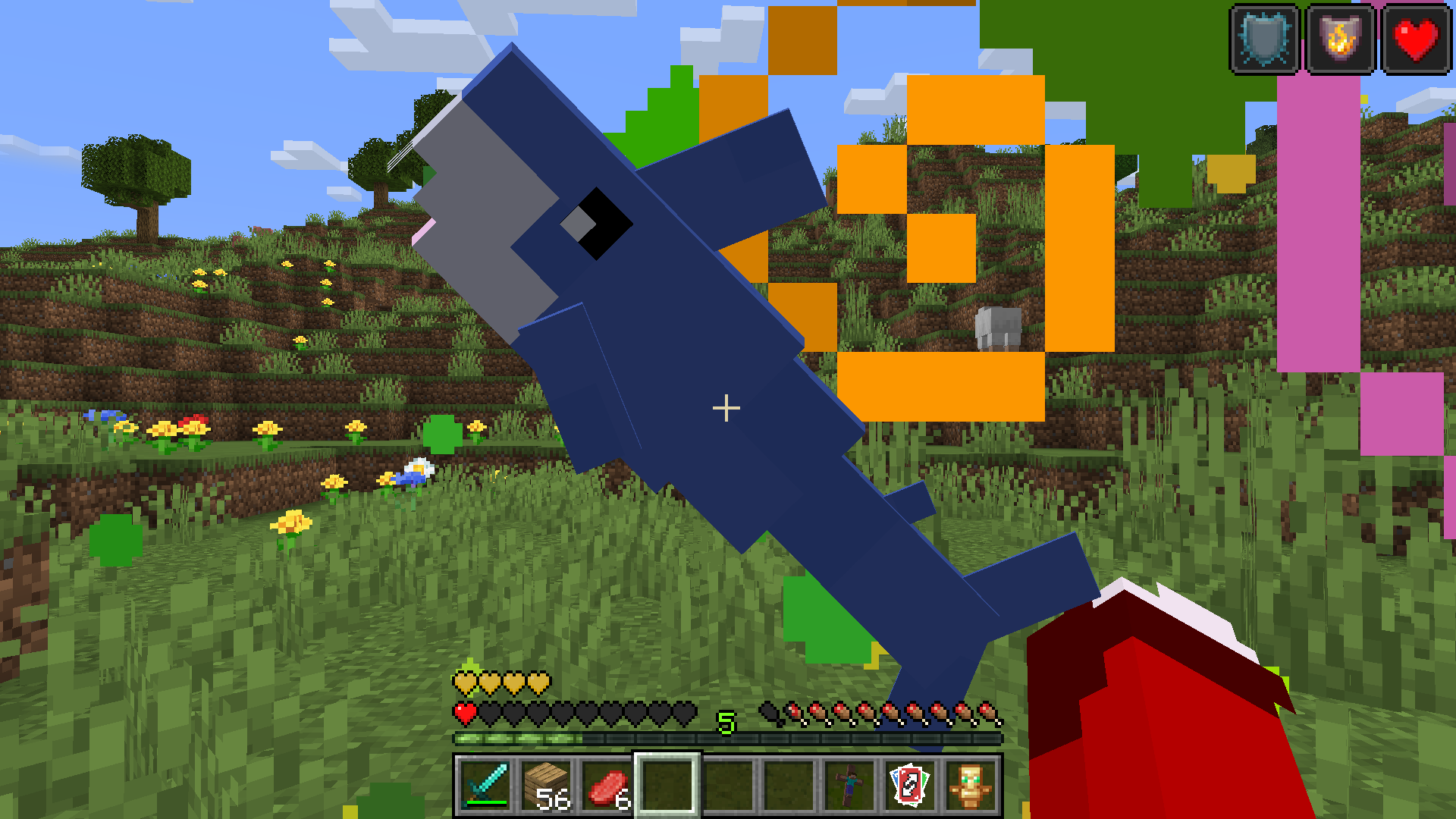
- Blahaj of undying
- Uno Reverse Card
I will be adding more in the future! Follow it for the updates!
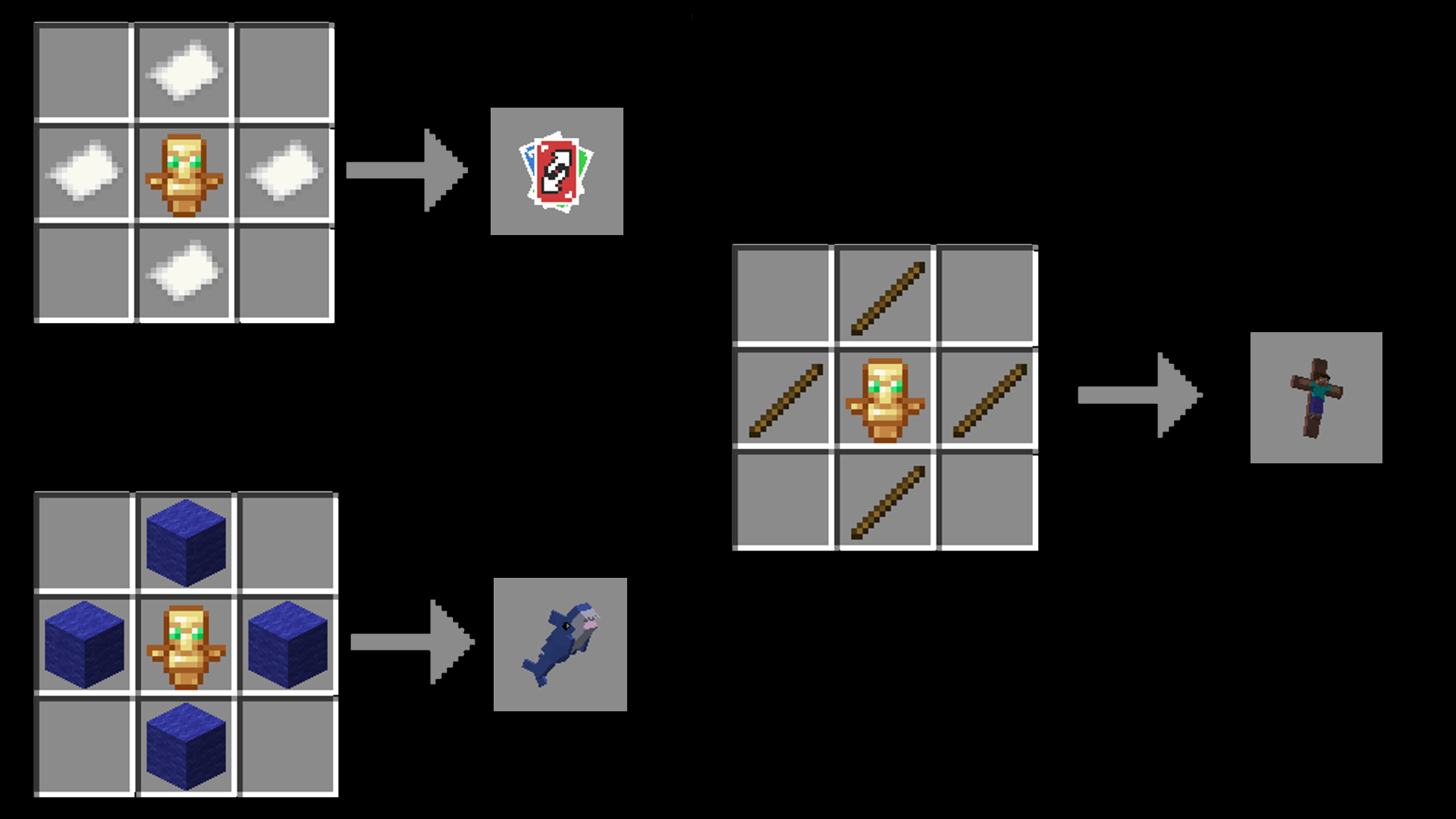
You can see other screenshots in the gallery!

🦈Installation:🦈
Mod version:
Just put the .jar in the mod folder, keep in mind that this is a datapack inside of a mod, items will not show up in the creative menu

Datapack version:
This is both a Datapack and a ResourcePack, put the zip in both directories, ignore warnings
Cómo instalar Custom Totems
With Millida Launcher
Install Millida Launcher
The launcher is free: download it at millida.net/launcher and sign in with any nickname.
Click “Install” on this page
The launcher opens and installs the data pack for Minecraft 1.21.10–26.1.2 automatically.
Launch the game
A profile with it appears in the launcher: click “Play”.
Manually
Download the archive
Pick the file MoreTotemsDONTUNZIP.zip (28 KB) for your game version.
New world: “Data Packs”
When creating a world, click “Data Packs”, drag the archive into the window, then move it to “Selected”.
Existing world: the datapacks folder
Put the archive into saves/<world>/datapacks and type /reload in game.
On a server
Archive goes into the server world’s datapacks
The world/datapacks folder on the server; players do not need to install anything.
Reload the data
Type /reload in the server console or restart the server.
Use the “To server” button
On Millida Hosting, the button at the top of the page uploads the file to your server and restarts it for you.
Versiones
Con dependencias
| Minecraft | Cargador | Archivo | Fecha | Acciones |
|---|---|---|---|---|
| 26.1 | Paquete de datos | 26.128.5 KB |
FAQ
Does Custom Totems work on a server?
Yes: the data pack goes into the datapacks folder of the server world, and players do not need to install anything.
Where can I download Custom Totems safely?
On this page: the file MoreTotemsDONTUNZIP.zip (28 KB) is stored on Millida’s server, with no link shorteners. SHA-1 checksum: 9adbed60e36e87eb4513a3eda7d258682db73cf6.
Reseñas
Sé el primero en valorar Custom Totems


