

AmpXtreme Paquete de datos para Minecraft 1.20.1, 1.21.1
Lleva la generación de mundo Amplified al siguiente nivel.
- descargas
- 5 descargas
- visualizaciones
- 53 visualizaciones
- Actualizado
- Actualizado 26.09.2026
- 1.20 — 1.21.8
 Paquete de datos
- Cliente y servidor
AmpXtreme
Taking Amplified world generation to the next level.
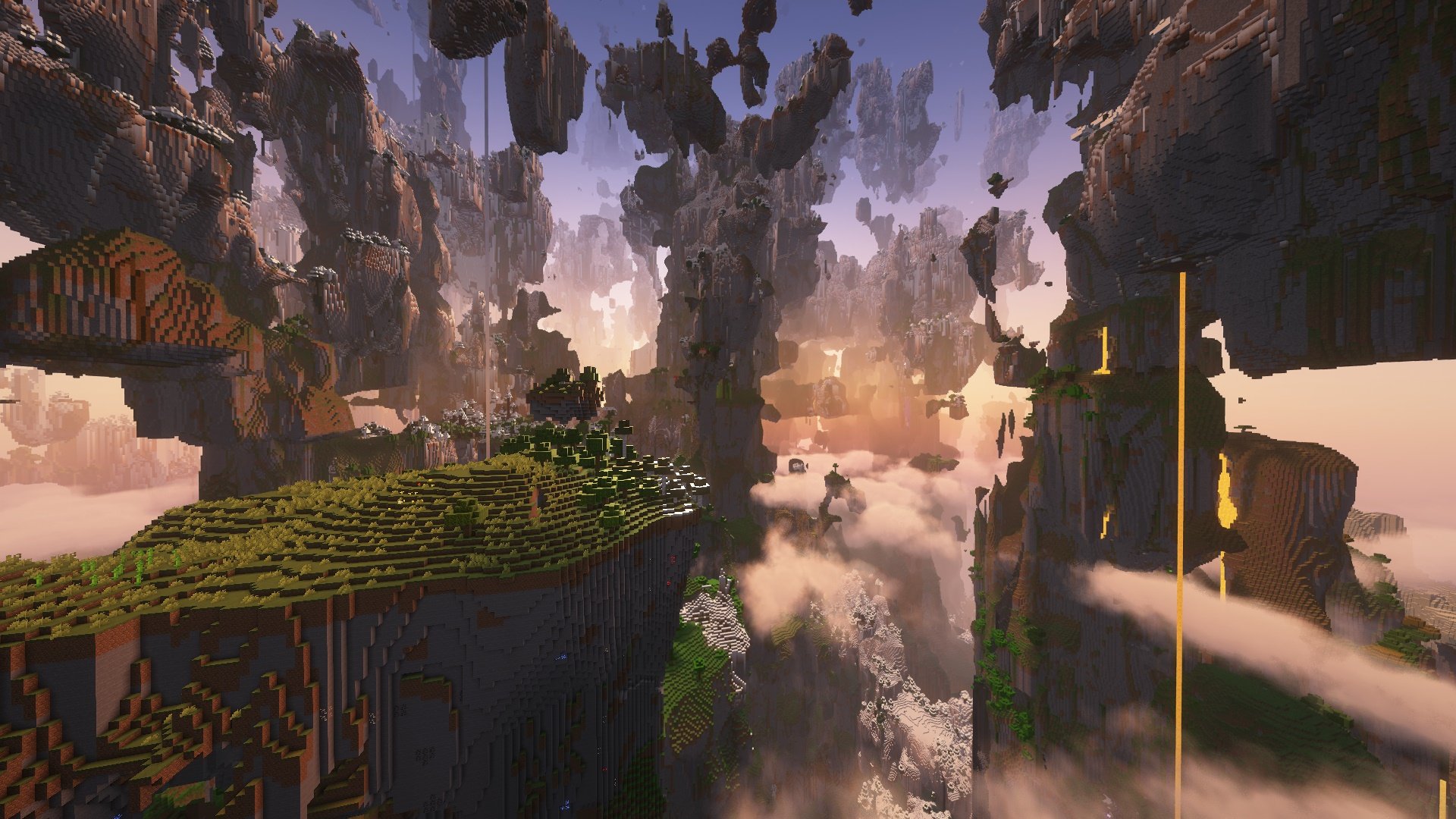
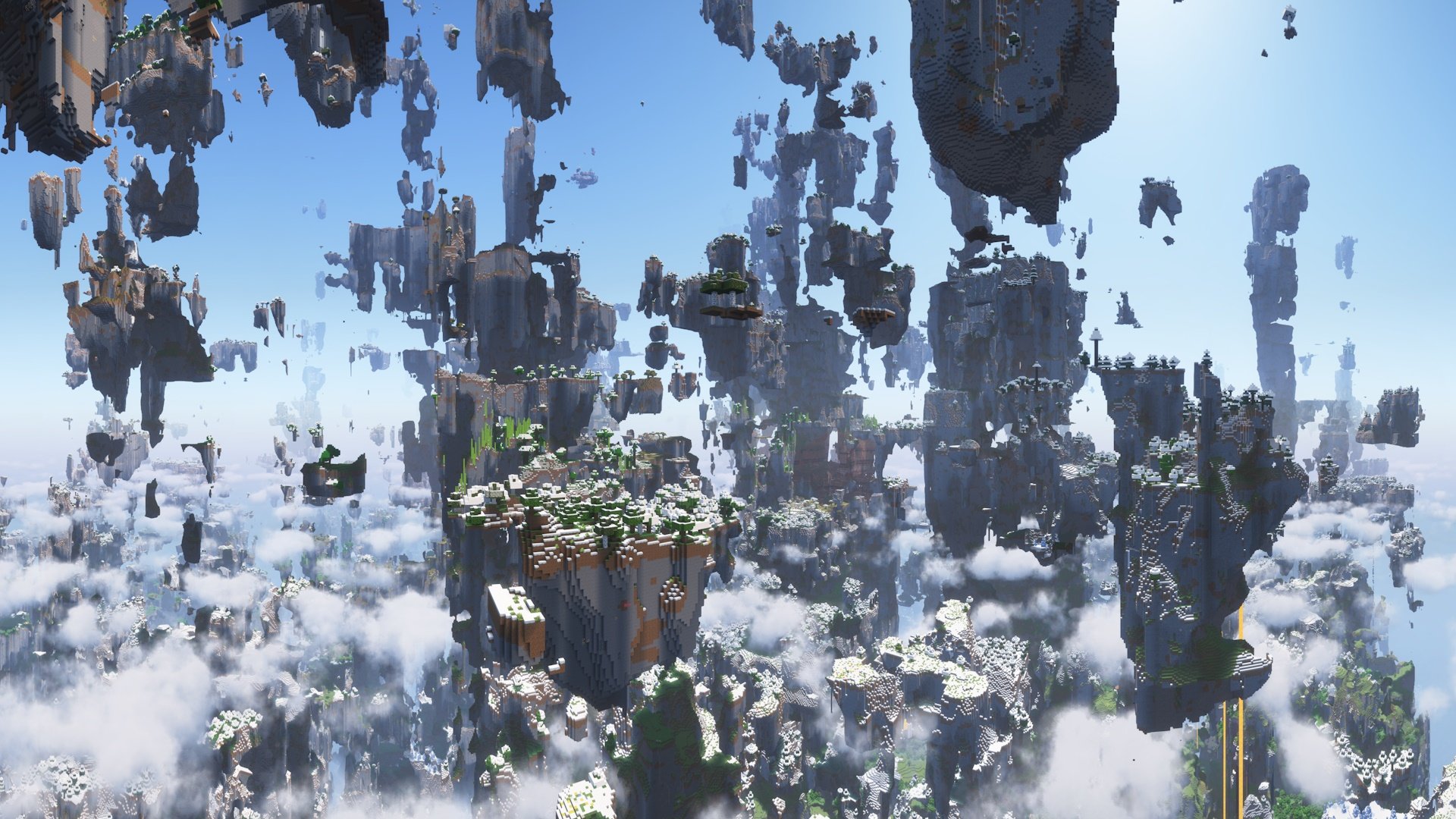
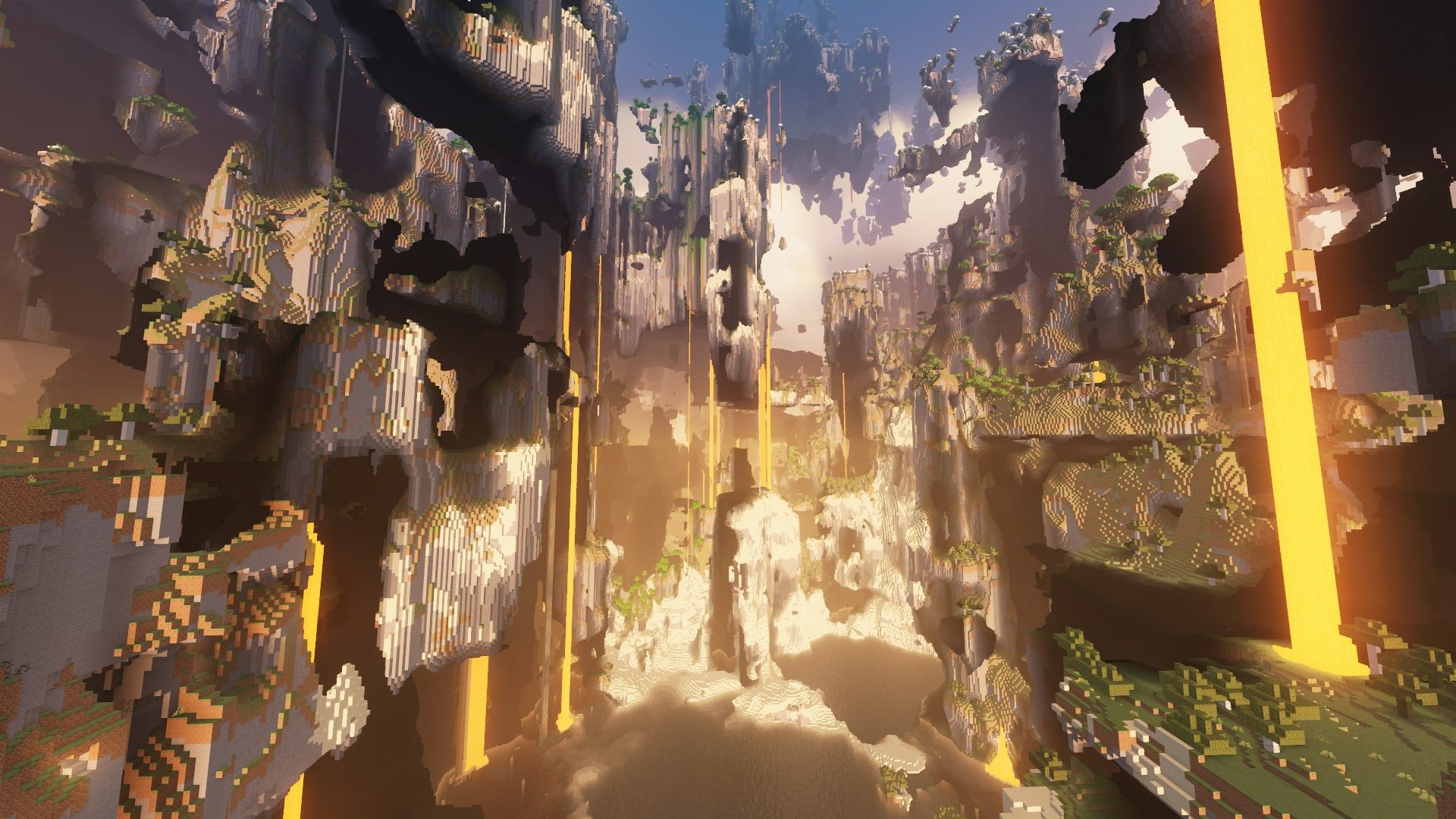
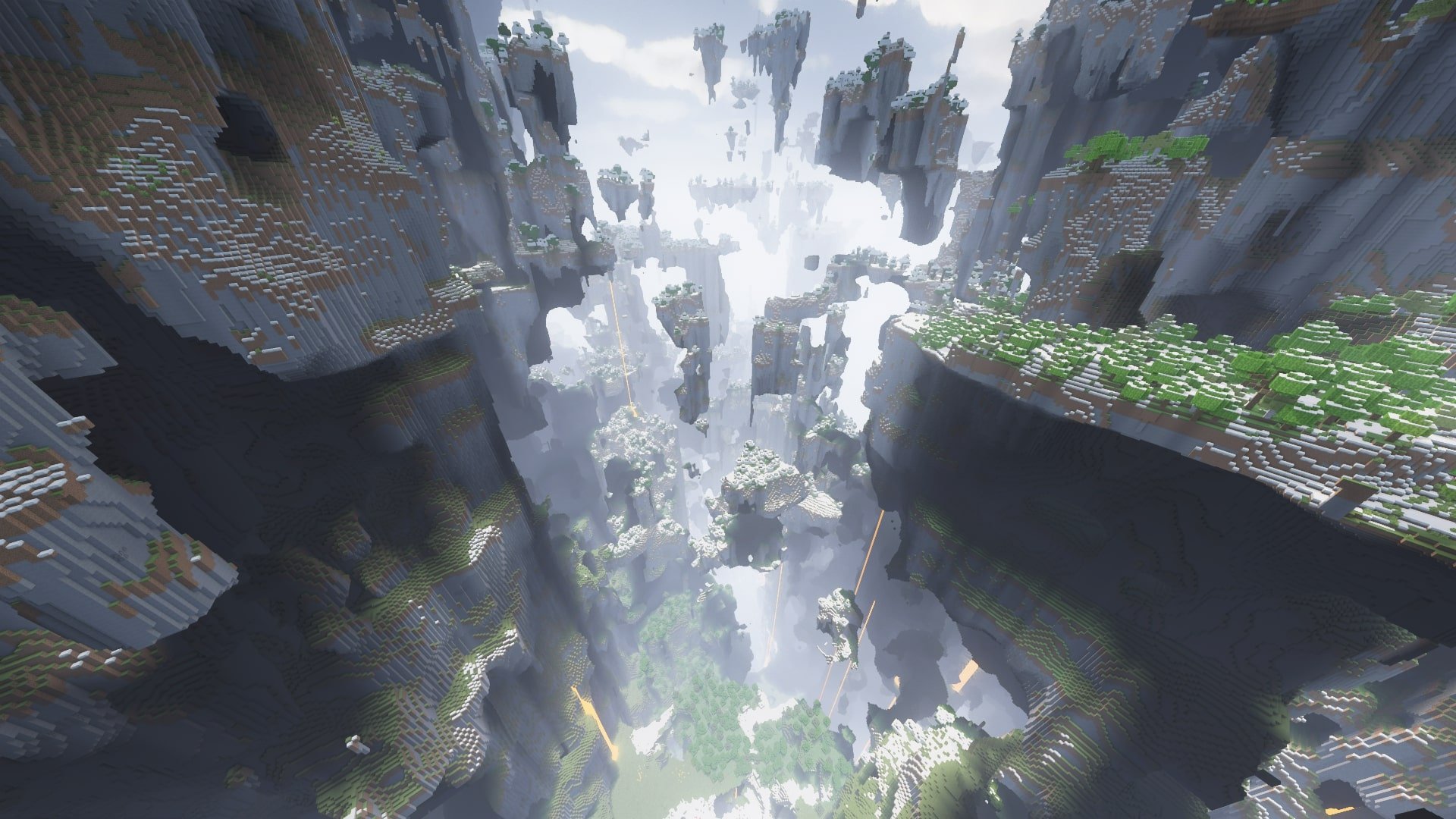
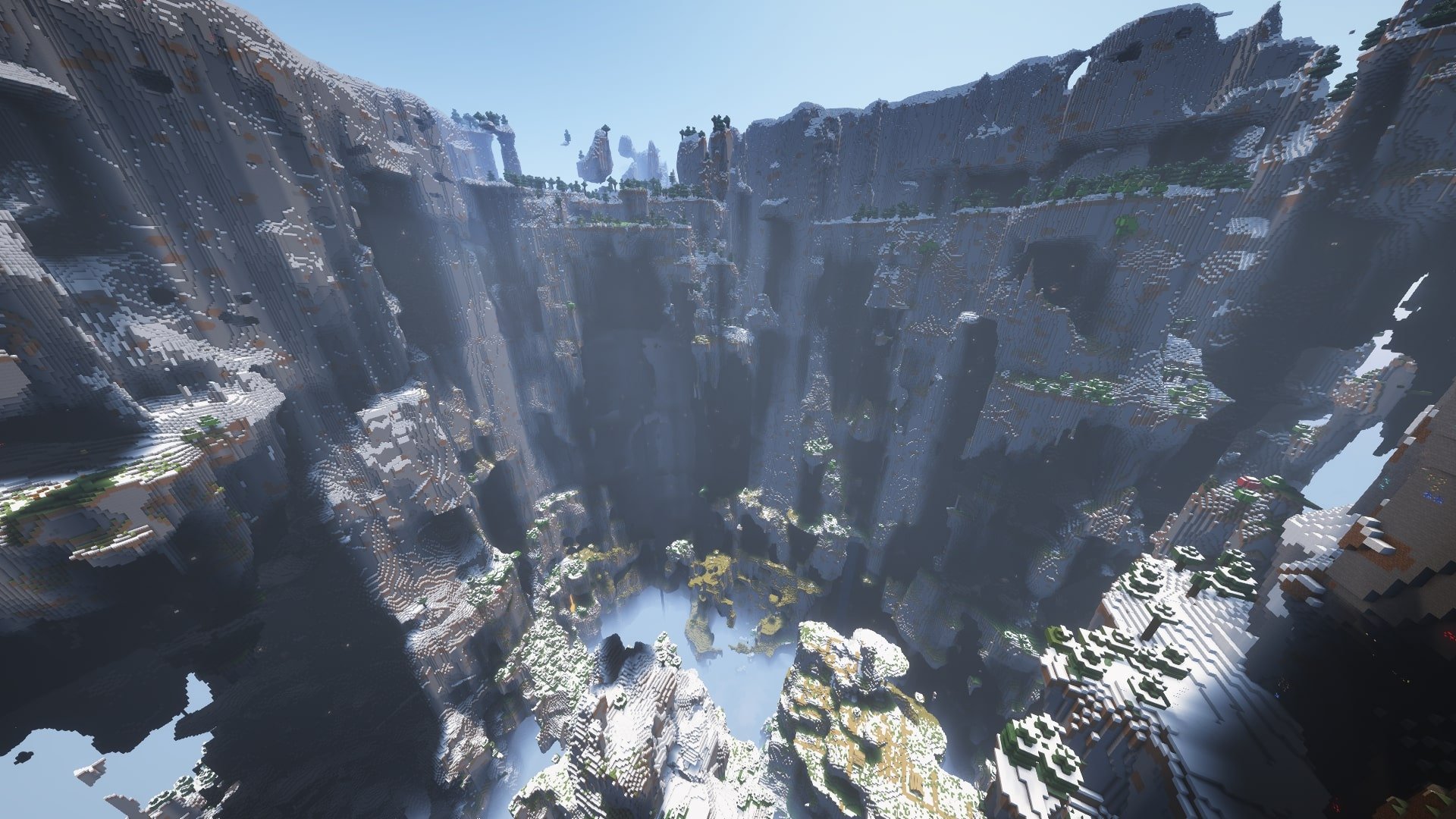
This data pack scales up Amplified generation to the highest possible world height, up to y=2031, and also adds vertical biome transitions.
The monumental scale and sheer complexity of the resulting generation is extraordinary! I've also made some adjustments to make this suitable for survival worlds, offering a unique and challenging experience full of wonder.

How to use: create new world, select AMPLIFIED generation type, and add this datapack to the world. Performance optimization mods and increased memory recommended for high render distances. I also recommend Higher Snow Lines so that snow starts higher up and doesn't just cover the whole world above the vanilla build limit.

Cómo instalar AmpXtreme
With Millida Launcher
Install Millida Launcher
The launcher is free: download it at millida.net/launcher and sign in with any nickname.
Click “Install” on this page
The launcher opens and installs the data pack for Minecraft 1.20–1.21.8 automatically.
Launch the game
A profile with it appears in the launcher: click “Play”.
Manually
Download the archive
Pick the file AmpXtreme-1.3.6+mc1.21.8.zip (173 KB) for your game version.
New world: “Data Packs”
When creating a world, click “Data Packs”, drag the archive into the window, then move it to “Selected”.
Existing world: the datapacks folder
Put the archive into saves/<world>/datapacks and type /reload in game.
On a server
Archive goes into the server world’s datapacks
The world/datapacks folder on the server; players do not need to install anything.
Reload the data
Type /reload in the server console or restart the server.
Use the “To server” button
On Millida Hosting, the button at the top of the page uploads the file to your server and restarts it for you.
Versiones
Con dependencias
| Minecraft | Cargador | Archivo | Fecha | Acciones |
|---|---|---|---|---|
| 1.21.8 | Paquete de datos | 1.21.8173 KB 2 | ||
| 1.21.8 | Paquete de datos | 1.21.8173 KB | ||
| 1.21.8 | Paquete de datos | 1.21.8171 KB | ||
| 1.21.7 | Paquete de datos | 1.21.7171 KB | ||
| 1.21.6 | Paquete de datos | 1.21.6170 KB | ||
| 1.21.6 | Paquete de datos | 1.21.629.9 KB | ||
| 1.21 | Paquete de datos | 1.2131.7 KB 1 | ||
| 1.20.1 | Paquete de datos | 1.20.129.6 KB 2 |
Reseñas
Sé el primero en valorar AmpXtreme


