
Resource packs for Minecraft 26.60
Resource packs: list
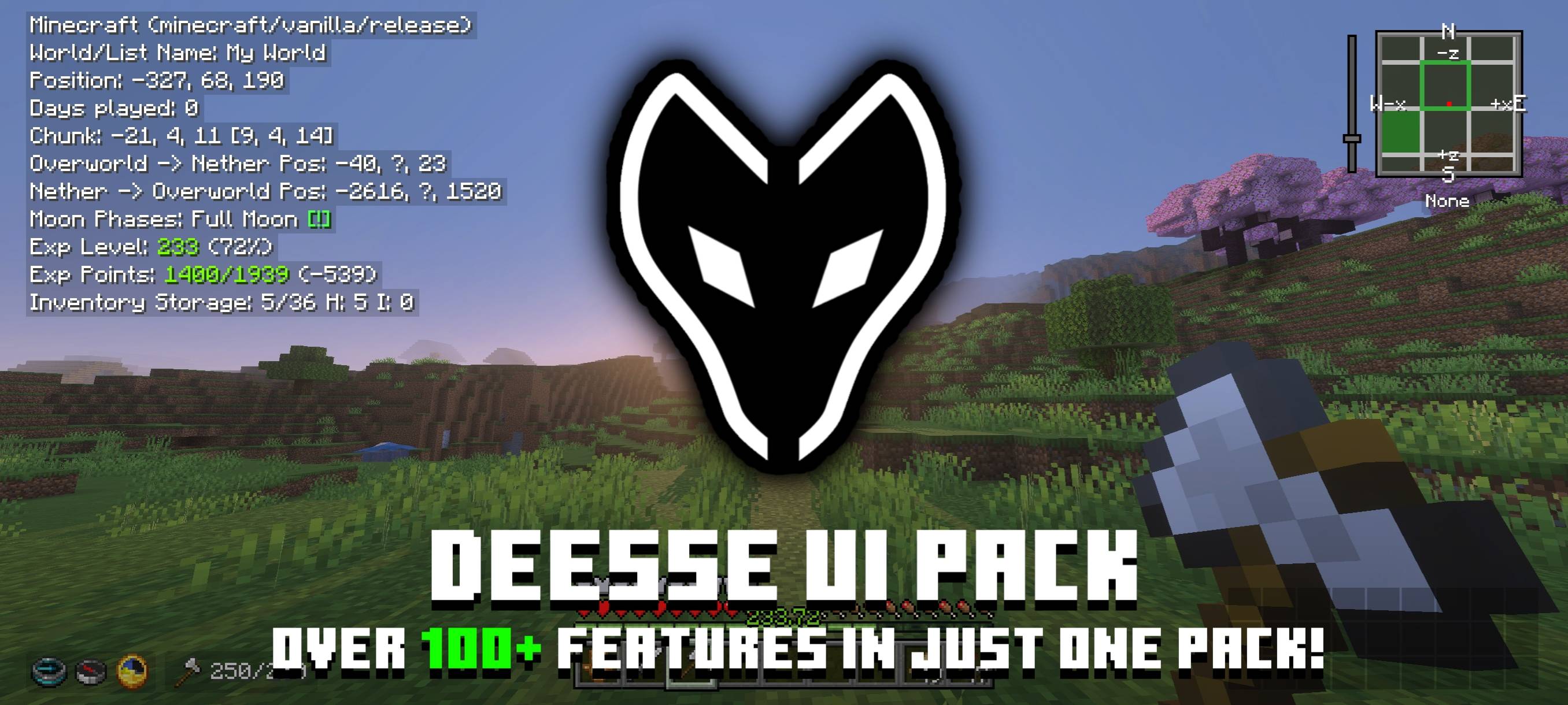

Déesse UI Pack
An UI resource pack that adds new features, tweaks and UI designs to make your Minecraft gameplay better!Download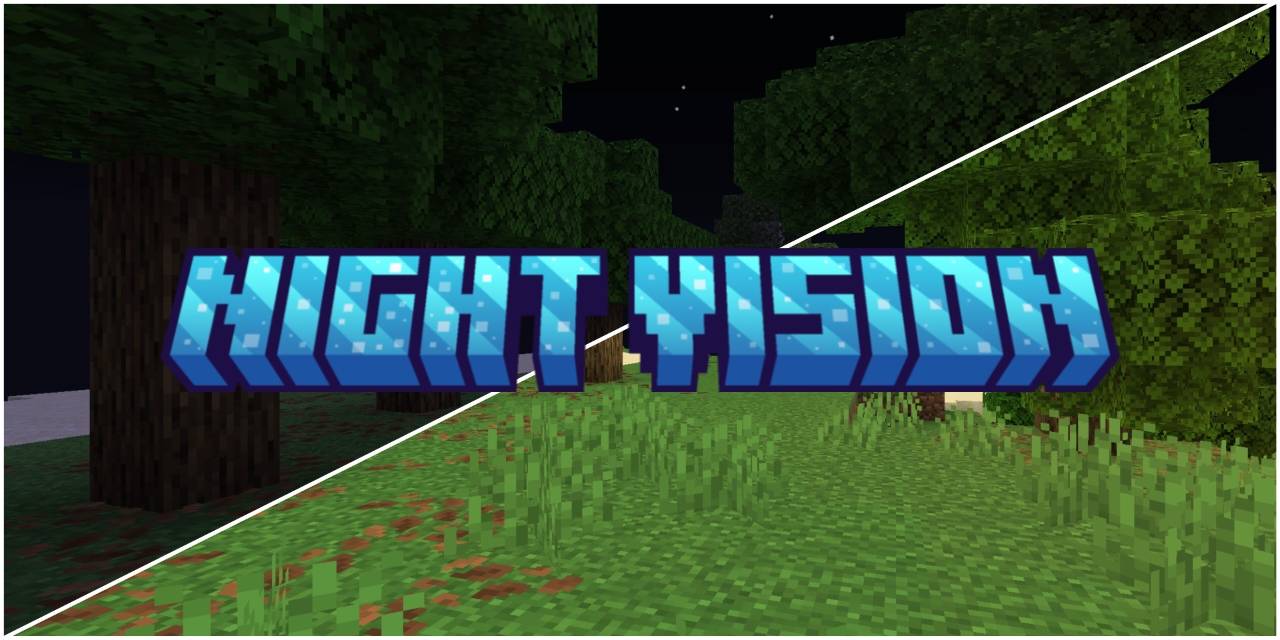
Night Vision Universal | Night vision
Night Vision Pack for MCPE / be without turning off achievements by. Enjoy full brightness anywhere—no potions needed! Perfect for caves, night, and underwater.Download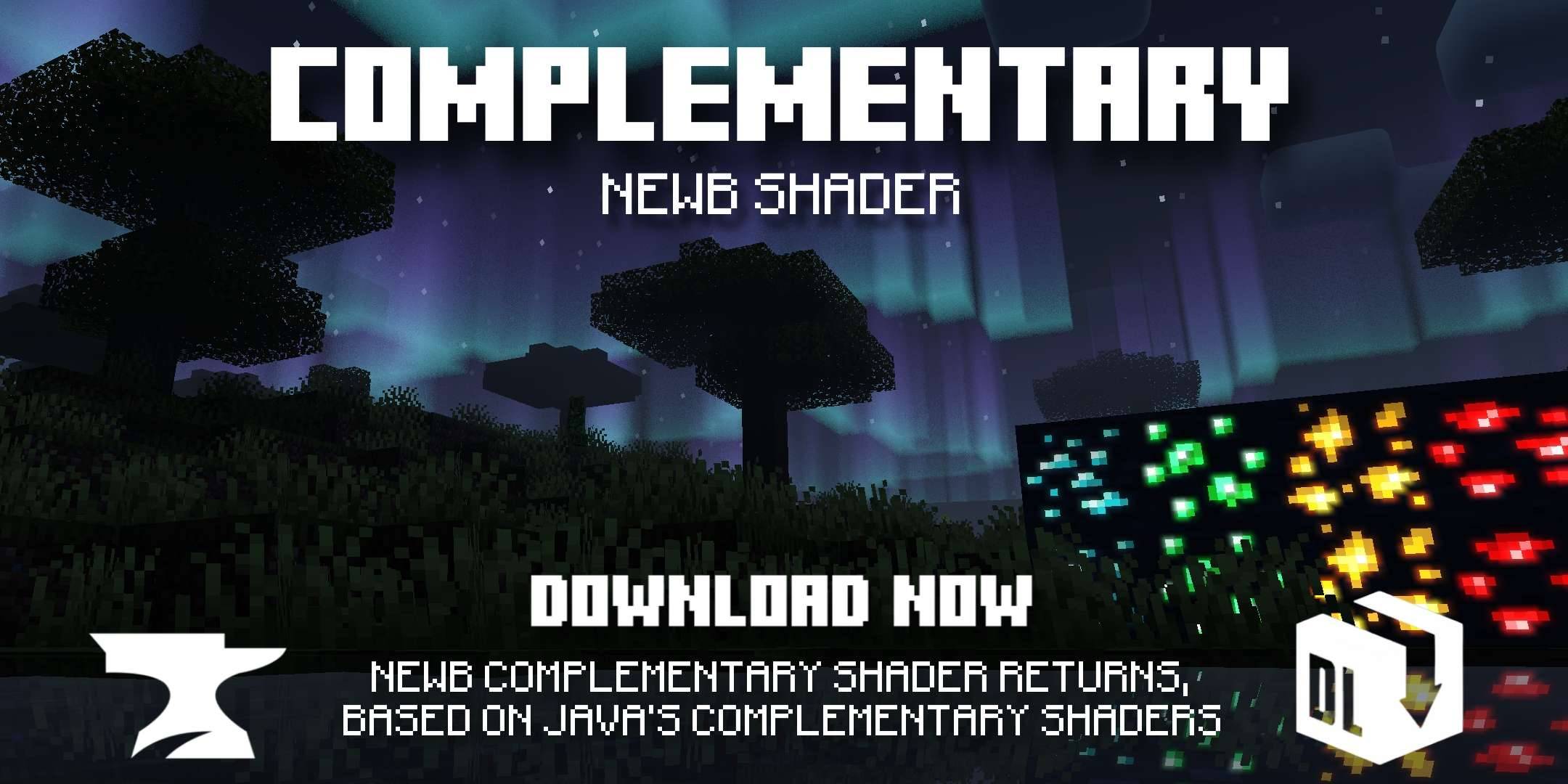
Newb Complemetary Shader | Compatible With Minecraft v26.44+
Newb Complementary is a shader pack for Minecraft Bedrock based on the Java Edition's Complementary Shaders. It is designed for MCBE users who want an experience similar to what those Java Edition shaders offer. Give it a try you won't regret it.Download
FPS Optimizer | FPS Boost Official
FPS Optimizer is a FPS Boost improves performance by reducing lag, optimizing textures, and tweaking visuals. Get smoother gameplay and higher FPS on low-end to high-end devices while keeping Minecraft’s original look.Download

Newb Shader
Newb Shader is an enhanced vanilla shader that focuses on being lightweight and having soft aesthetics. It supports Minecraft Bedrock 1.21+ (Windows/Android/iOS).Download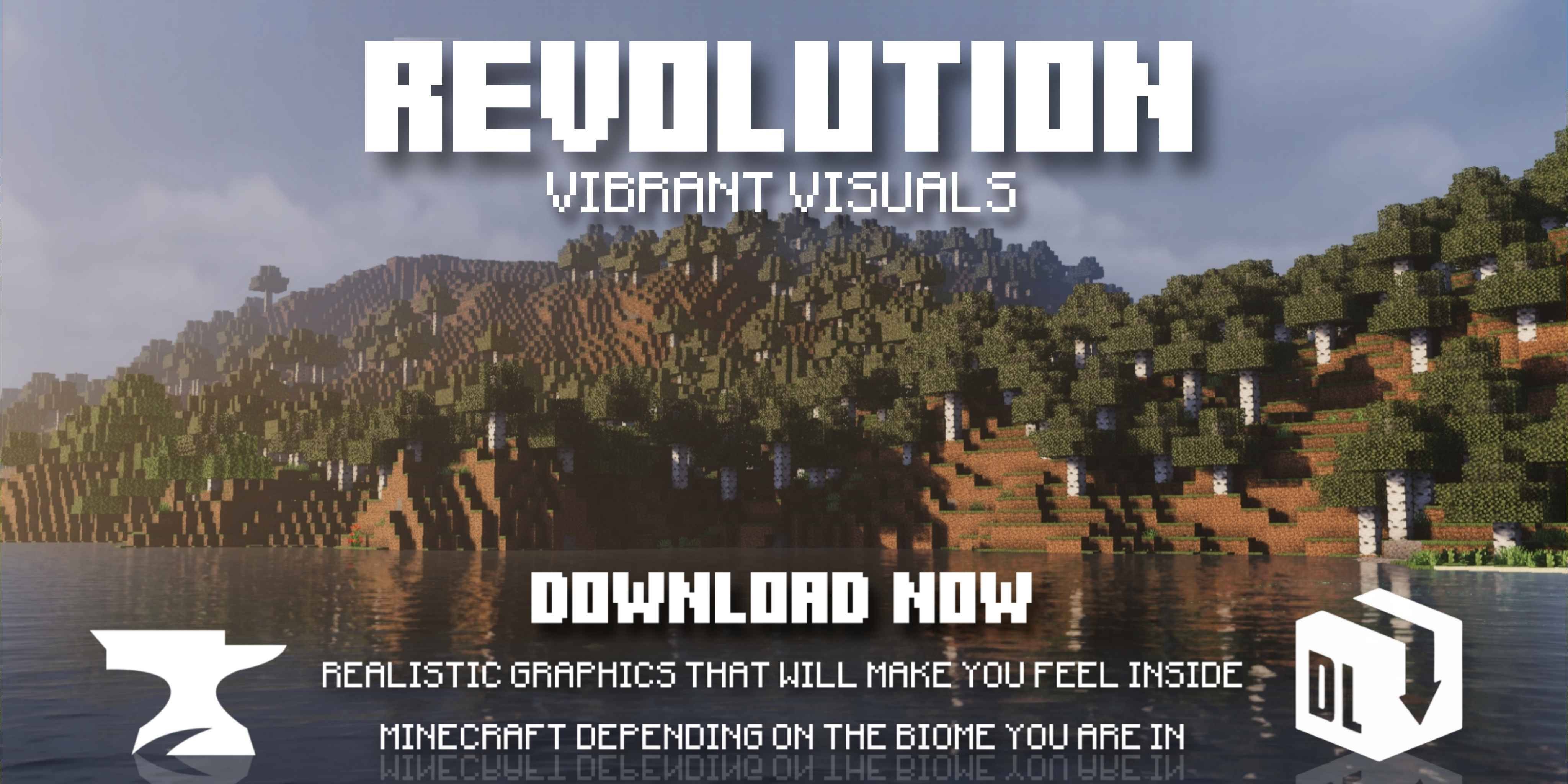
Revolution Vibrant Visuals | Static Light
As its name says, this aims to revolutionize the graphics of Minecraft Bedrock using the base of the deferred lighting technique and make it as similar as possible to Minecraft JavaDownload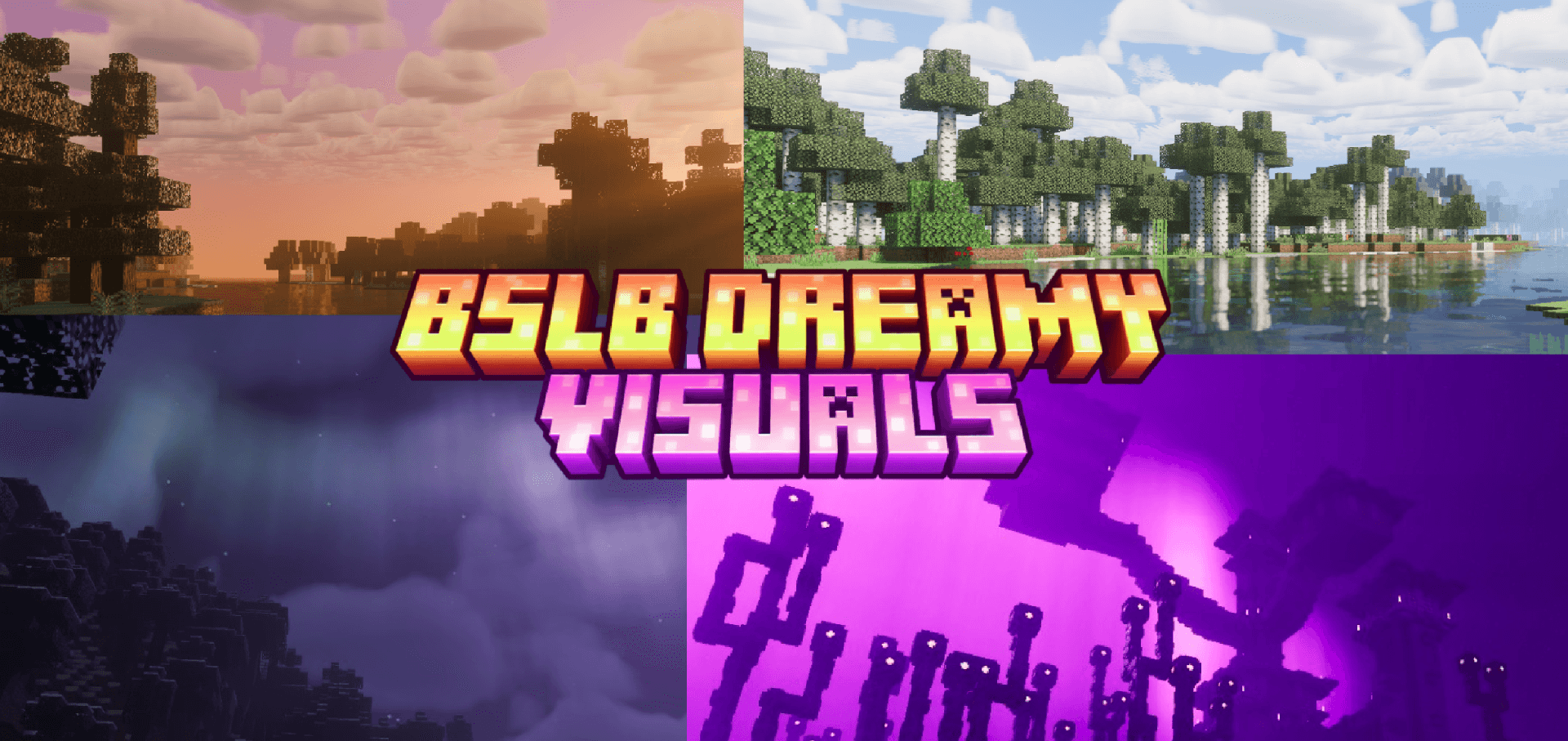
BSLB Dreamy Visuals
Dreamy Vibrant Visuals with golden god rays, pastel sunsets, per biome fog and realistic water. Every biome has its own sky, fog and mood.Download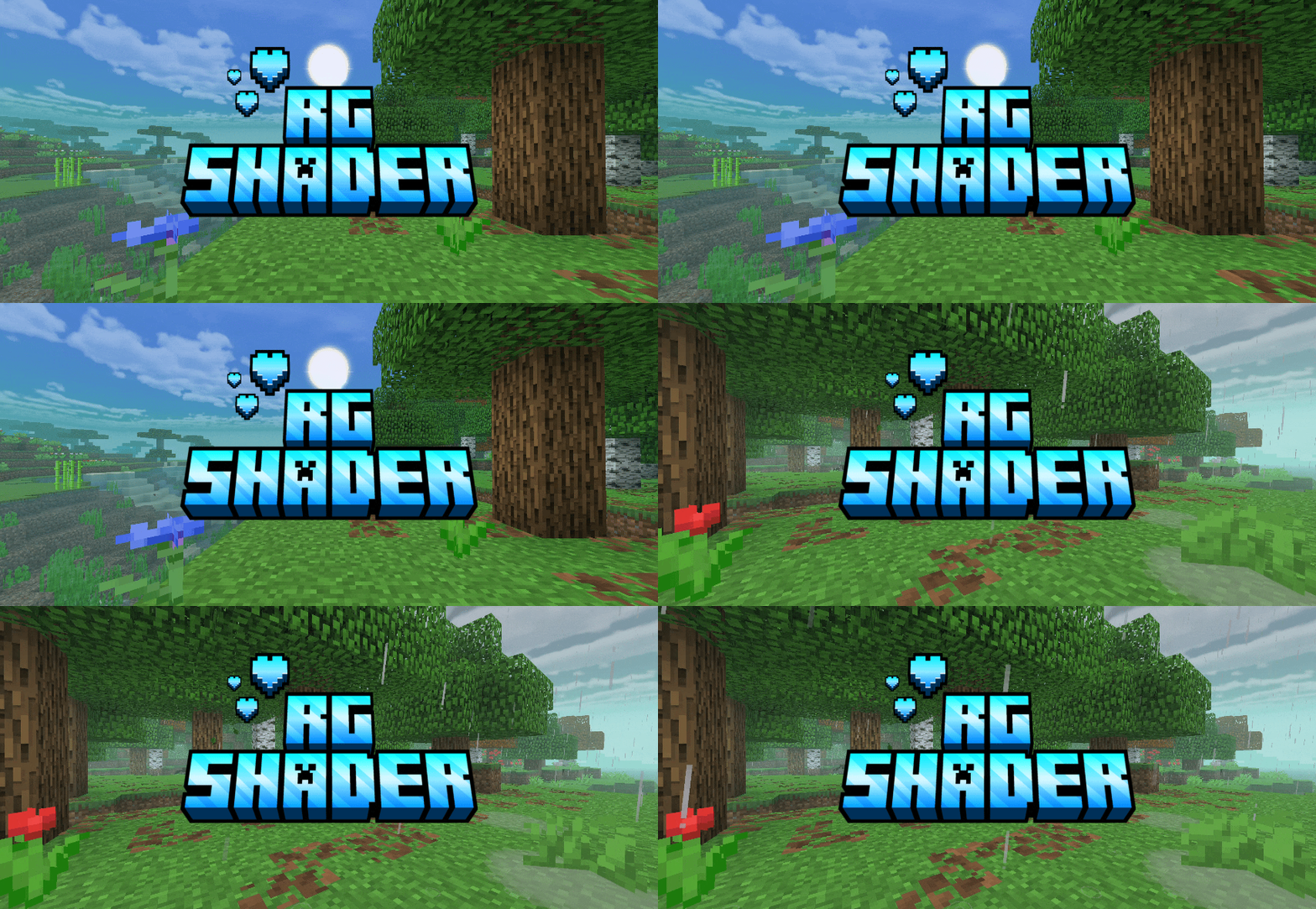
RG Shader | Renderdragon Shaders
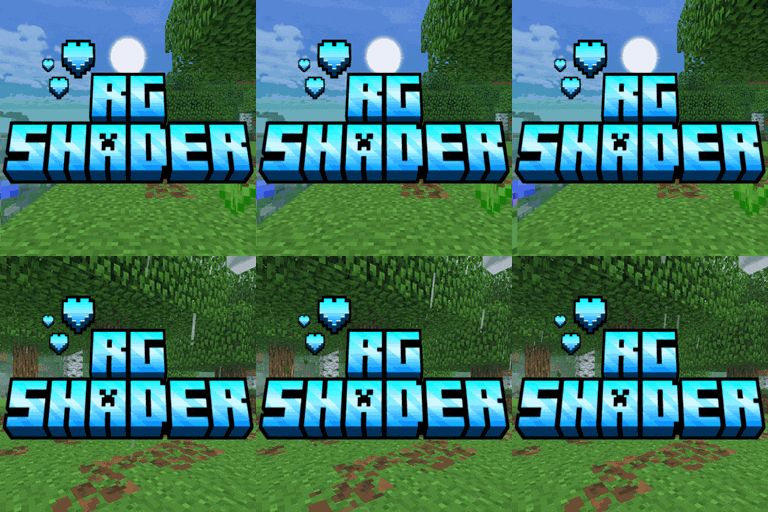
Best Non-patch Shader for MCPE & Bedrock! . Realistic fog, Godrays , waving leaves/water, smooth lighting , Better & no lag on low-end devices. Renderdragon compatible. Boost visuals without hurting performance!Download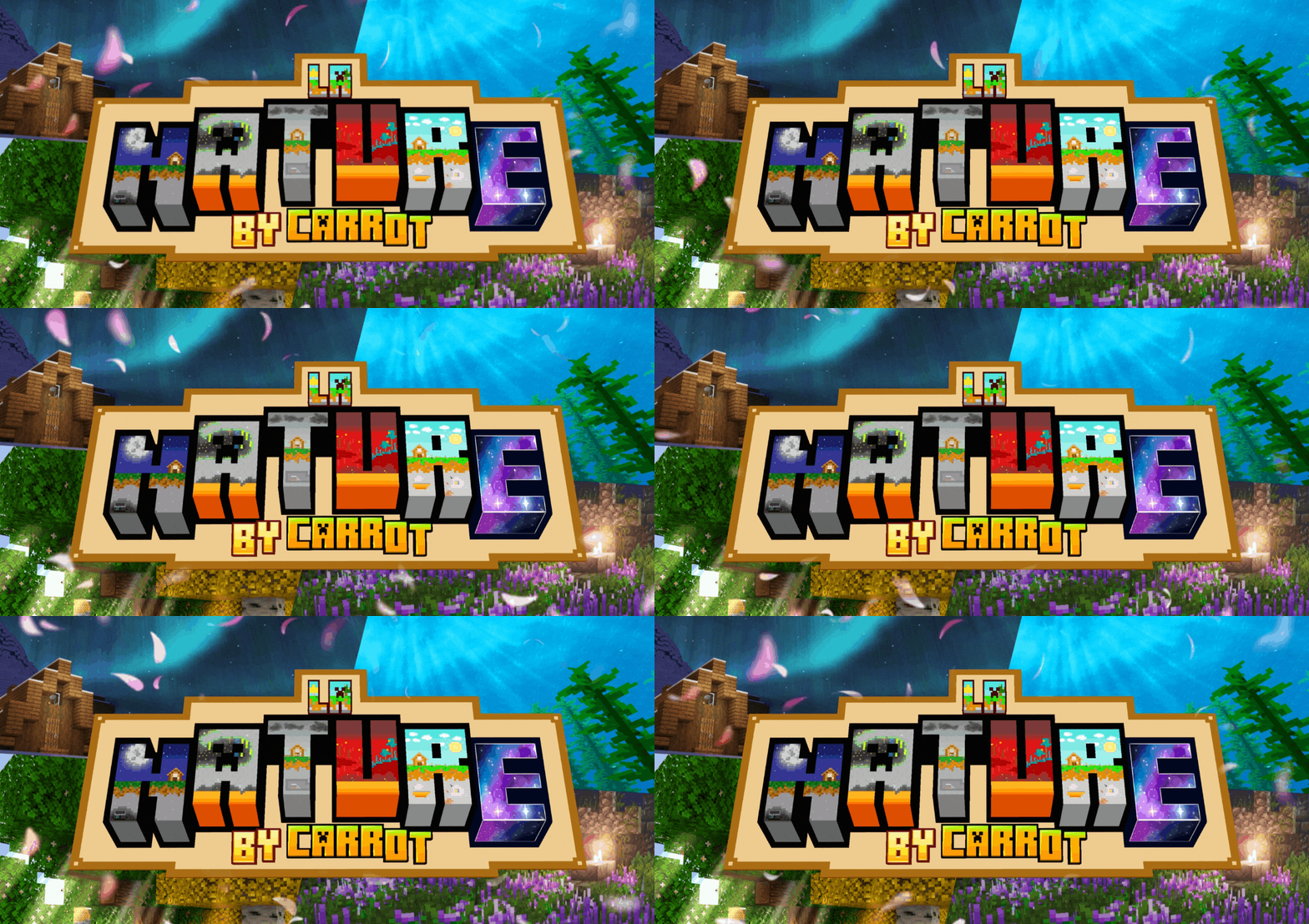
La Nature by Carrot
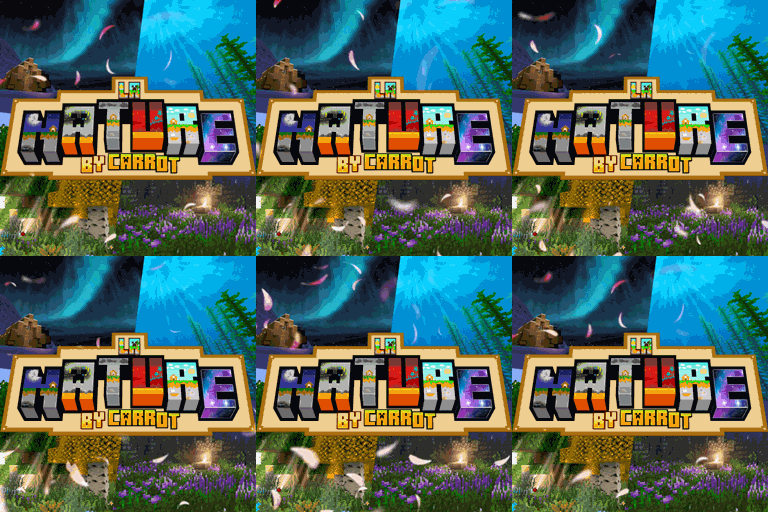
Better, realistic rain / rain splash, ambient sounds, insects, flowers, lilypad, 3D lantern, 3D sapling, fog and way more, while staying faithful to Minecraft's style and texture. The biggest nature resource pack ever made for Bedrock.Download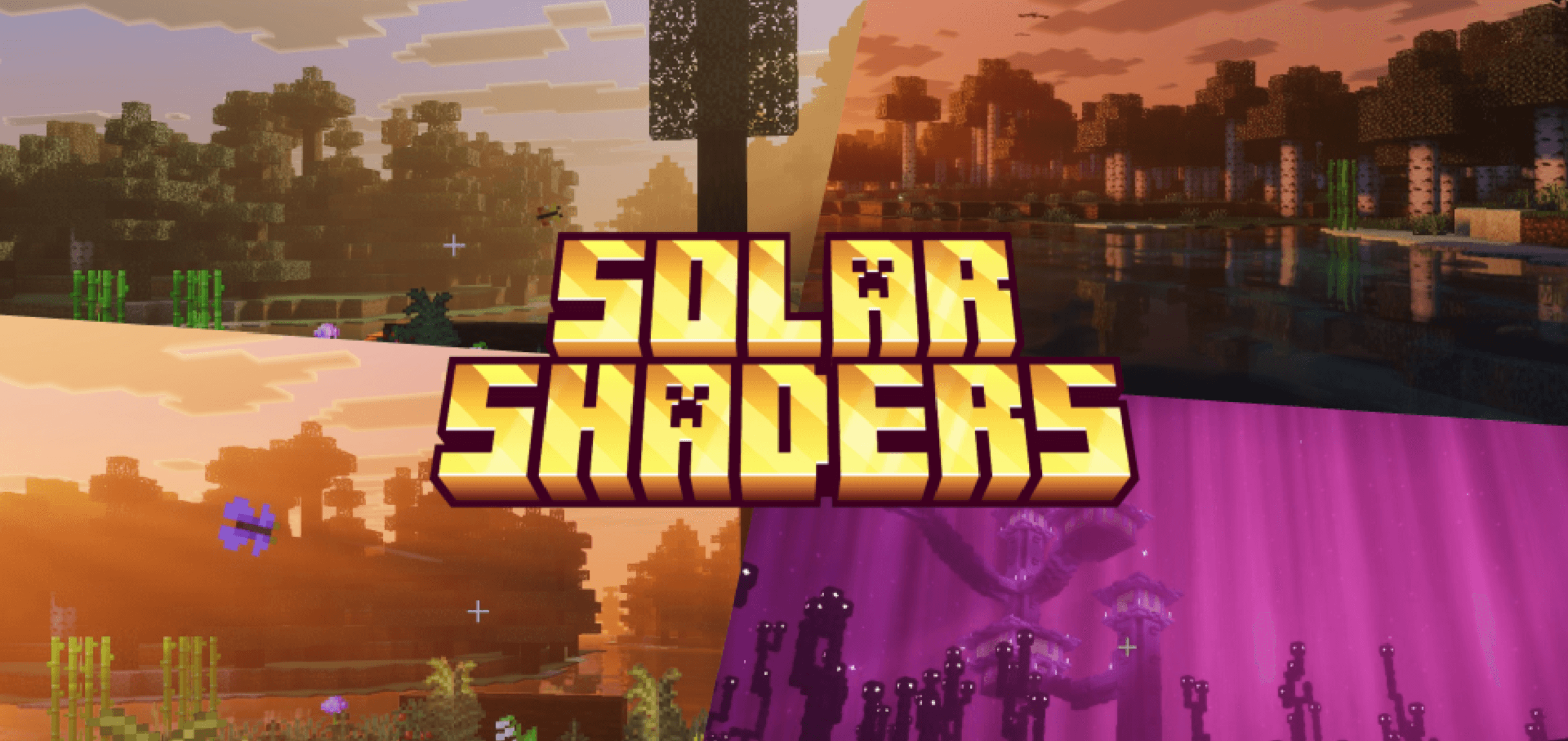
Solar Shaders
A Vibrant Visuals overhaul built for the golden hour. Volumetric amber fog tuned biome by biome, warm god rays, and layered gold-to-blue skies from dawn to midnight — with aurora, meteor showers, birds and butterflies.Download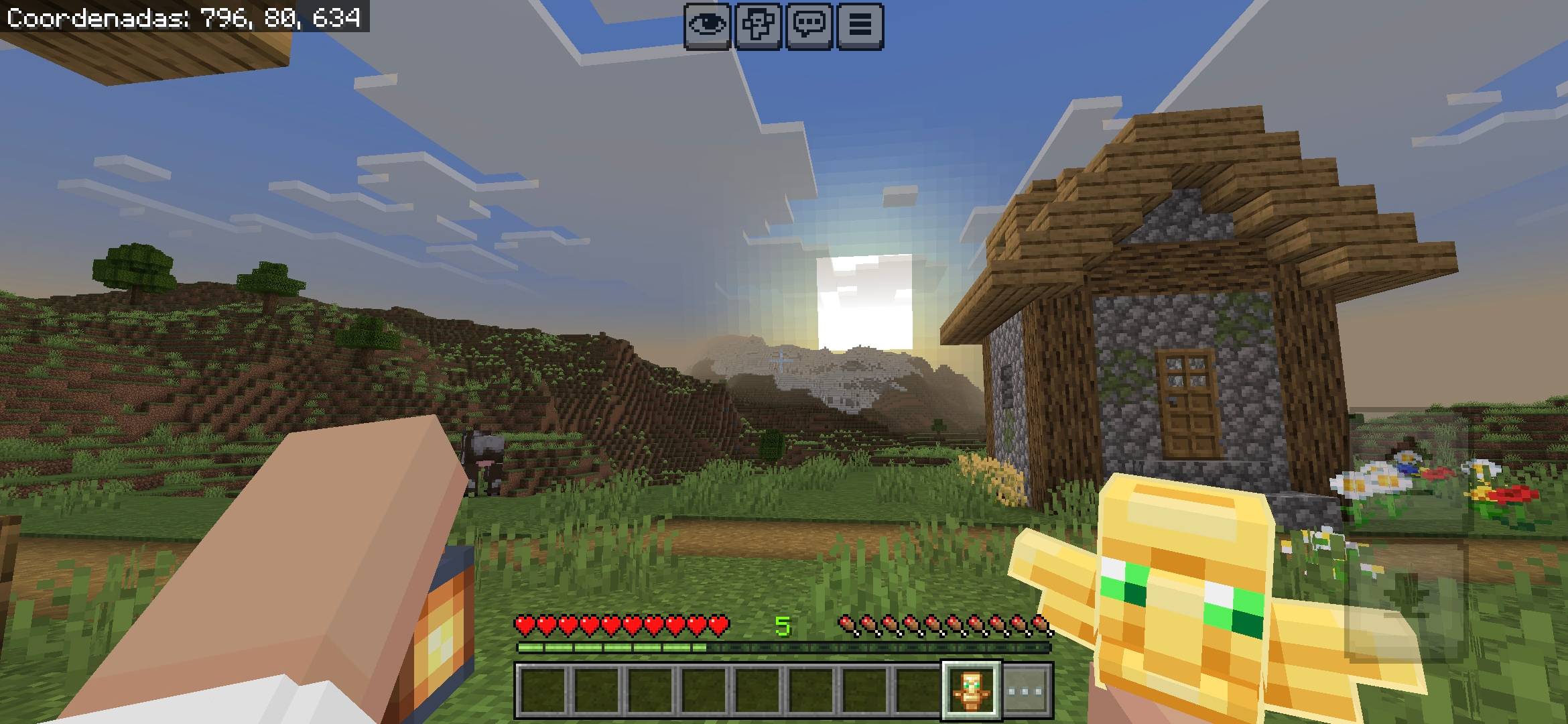
Xnova Remastered
First person animation texture pack, customizable in every possible way!Download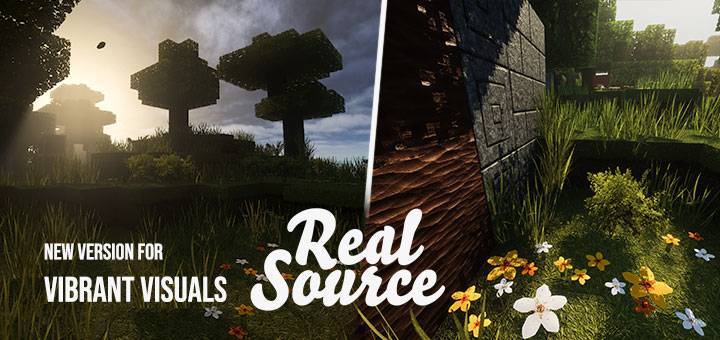
RealSource REALISTIC pack
Complete realistic texture pack with support for RTX and VIBRANT VISUALS. Optimized for any Bedrock device. Available in LOW and HD versions.Download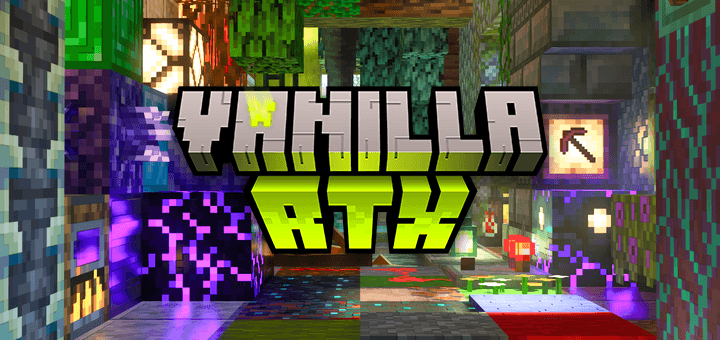
Vanilla RTX
The default ray-traced Minecraft graphics, everything is covered! – Vanilla Resources Made Available for Minecraft with RTX.Download
Optimum Realism for Bedrock Edition [Vibrant Visuals Compatible]
A glimpse of the renowned Java Edition resource pack - Optimum Realism in Bedrock Edition with Raytracing!Download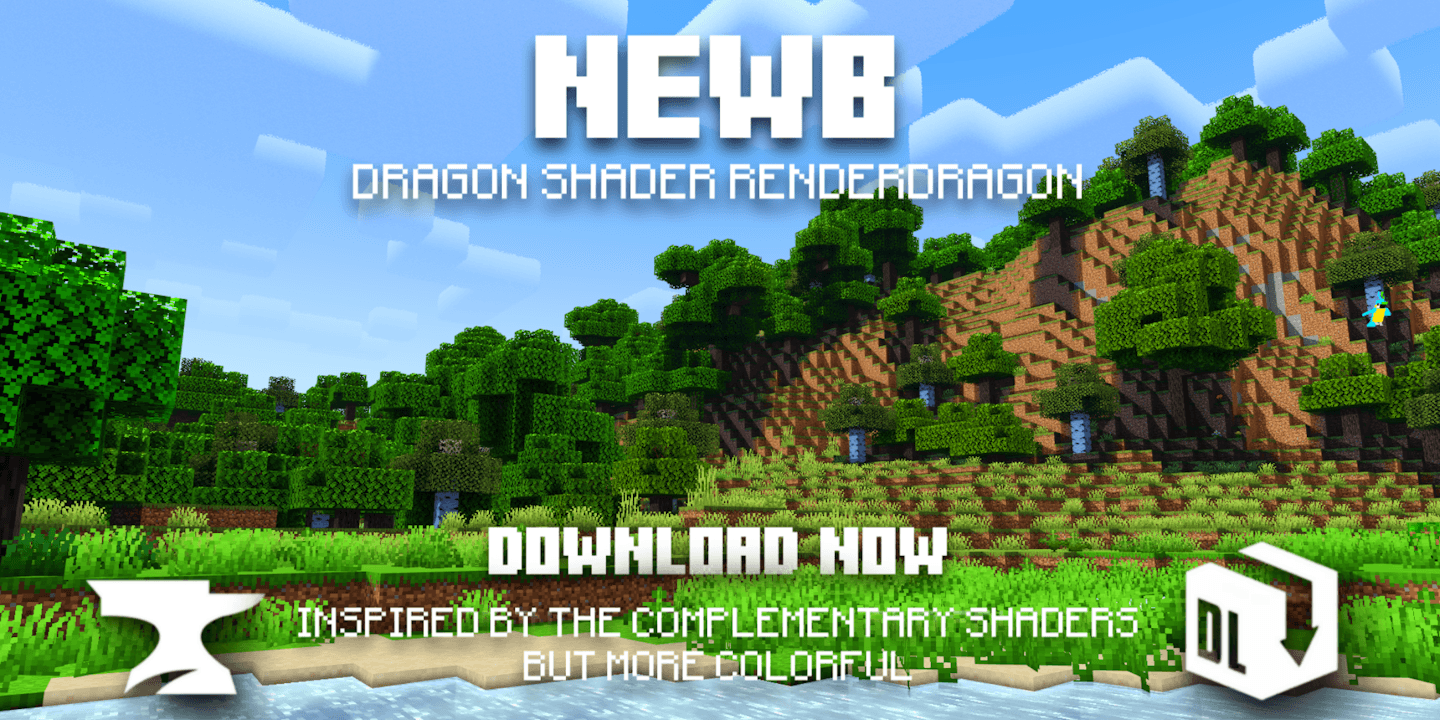
Newb X Dragon Shader | Compatible with v26.50+
After quite some time, a new update for this shader has arrived, featuring an improved look and new characteristics that are sure to delight and best of all, it is compatible with the latest version of Minecraft 26.50+Download
Ultramarine Nightfall
Upgrade your Minecraft experience with the Ultramarine Texture Pack!Download
FPS Booster | Fps Boost
The Only Real MCPE FPS booster! Boost performance and enjoy smooth gameplay. Reduces lag and heat, fully compatible with 1.21+. Perfect for low-end devices and ideal for PvP. Outperforms Sodium Optimizer and Optifine .Download
Ultramarine Overhaul
Upgrade your Minecraft experience with the Ultramarine Texture Pack!Download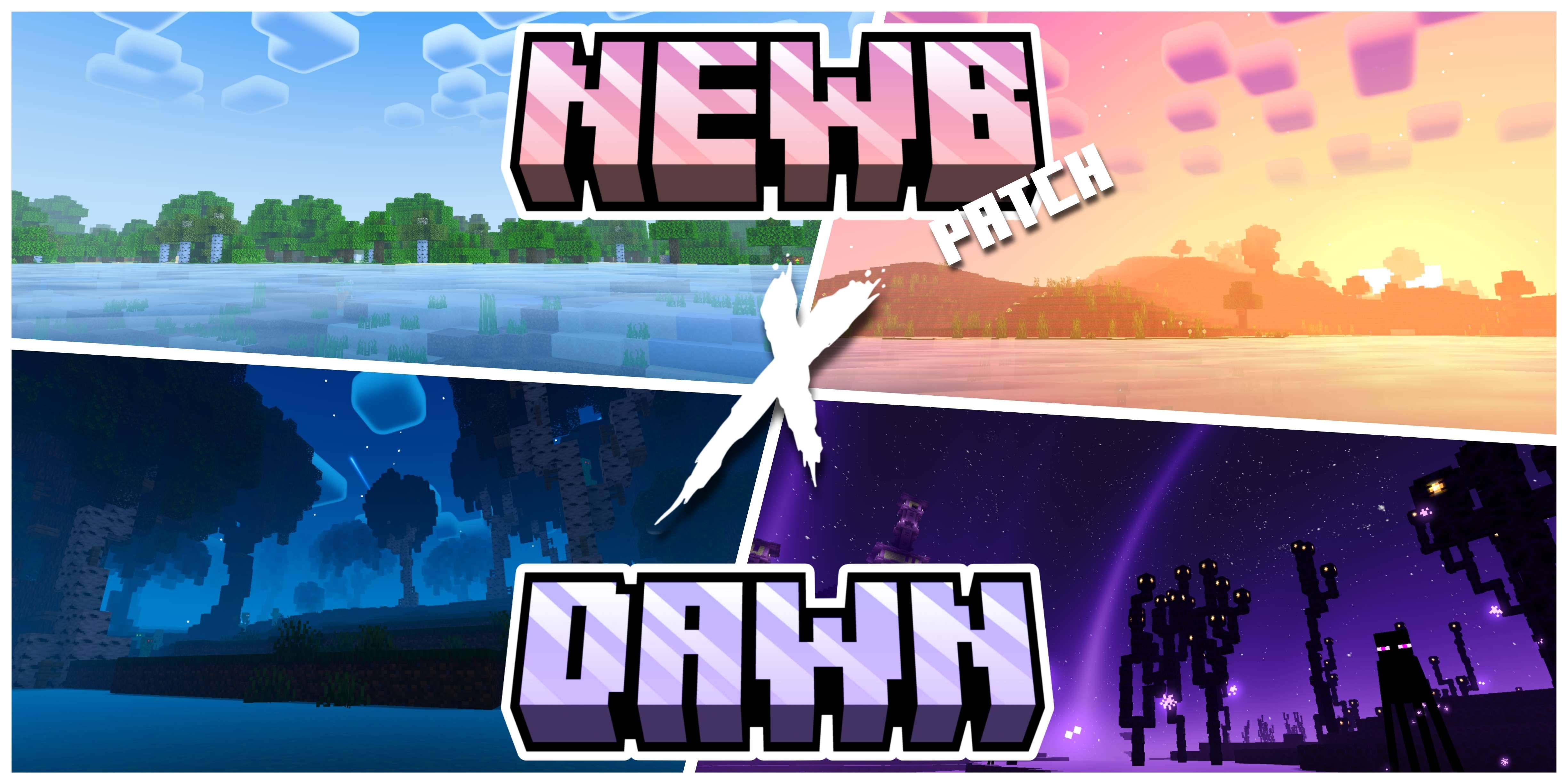
Newb X Dawn Shader | Compatible With Minecraft v26.44
There is a new update of Newb X Dawn with new features and compatible with the latest version which is the v26.44+Download
Overgrown |A Nature Overhaul Texture Pack For Bedrock (Rain Update!)
This texture pack tries to improve nature as much as possible by changing/adding new textures, models, and variants while keeping the vanilla feel to the game!Download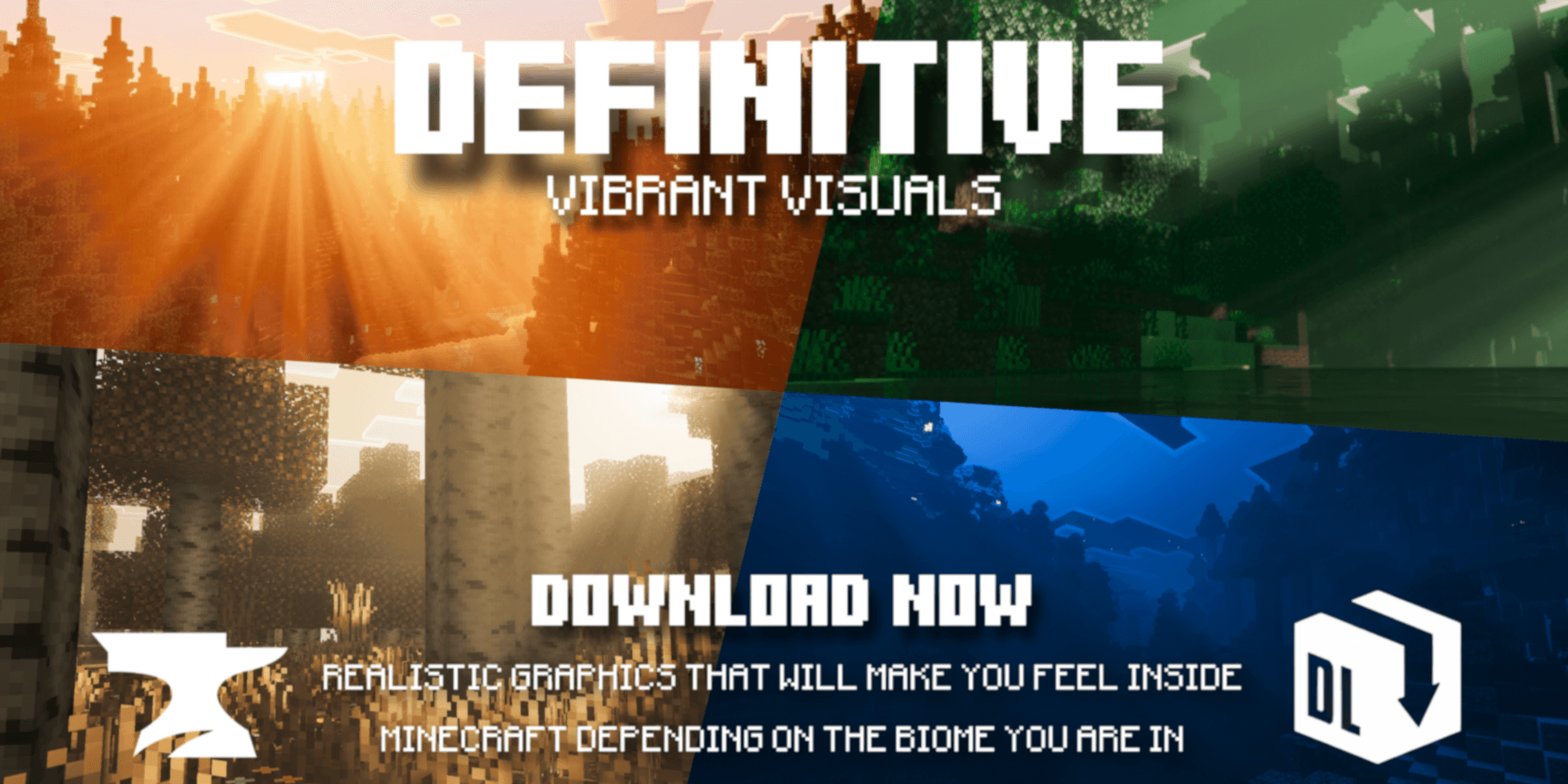
Definitive Vibrant Visuals | Static Light Update
I'm introducing my new project, which I've been investing a lot of time into, hence the name Definitive Vibrant Visuals. These realistic graphics will make you feel like you're inside MinecraftDownload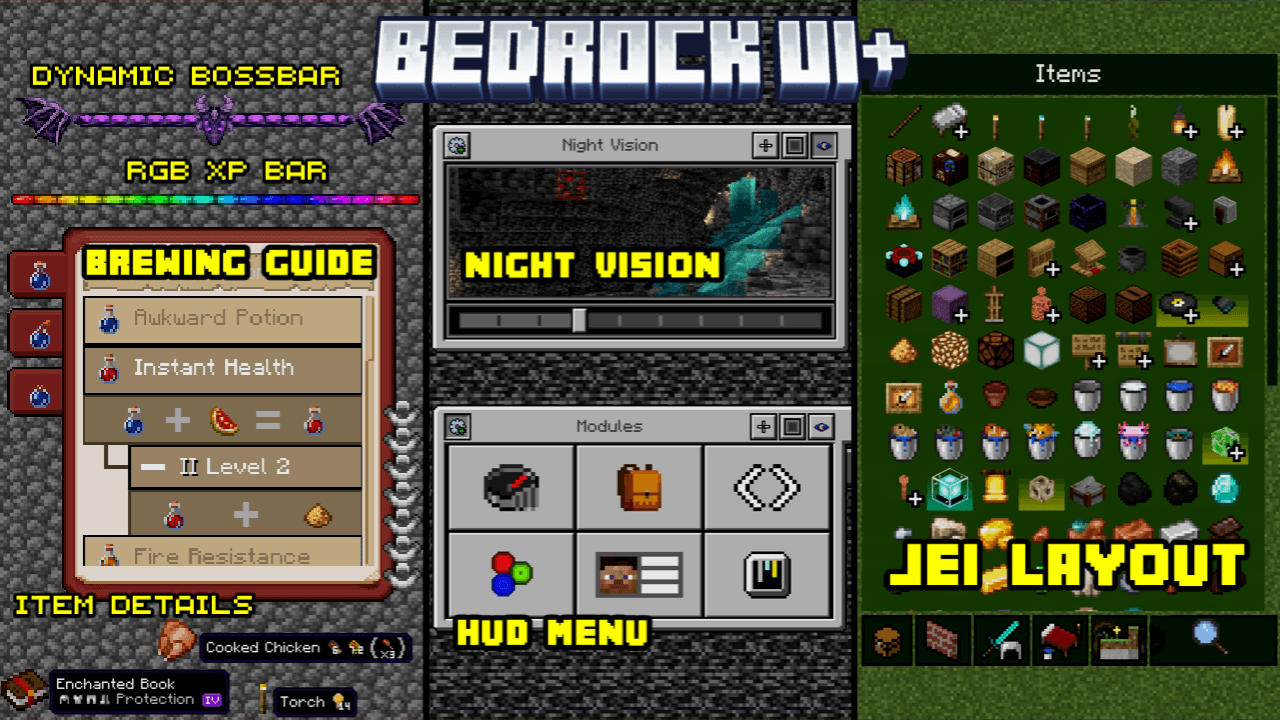
Bedrock UI+
A brand new ui Overhauled from hud+, this ui improves a lots of ui screens, also have so many features that Will helps you in gameplay, such as survival, PVP, etc.Download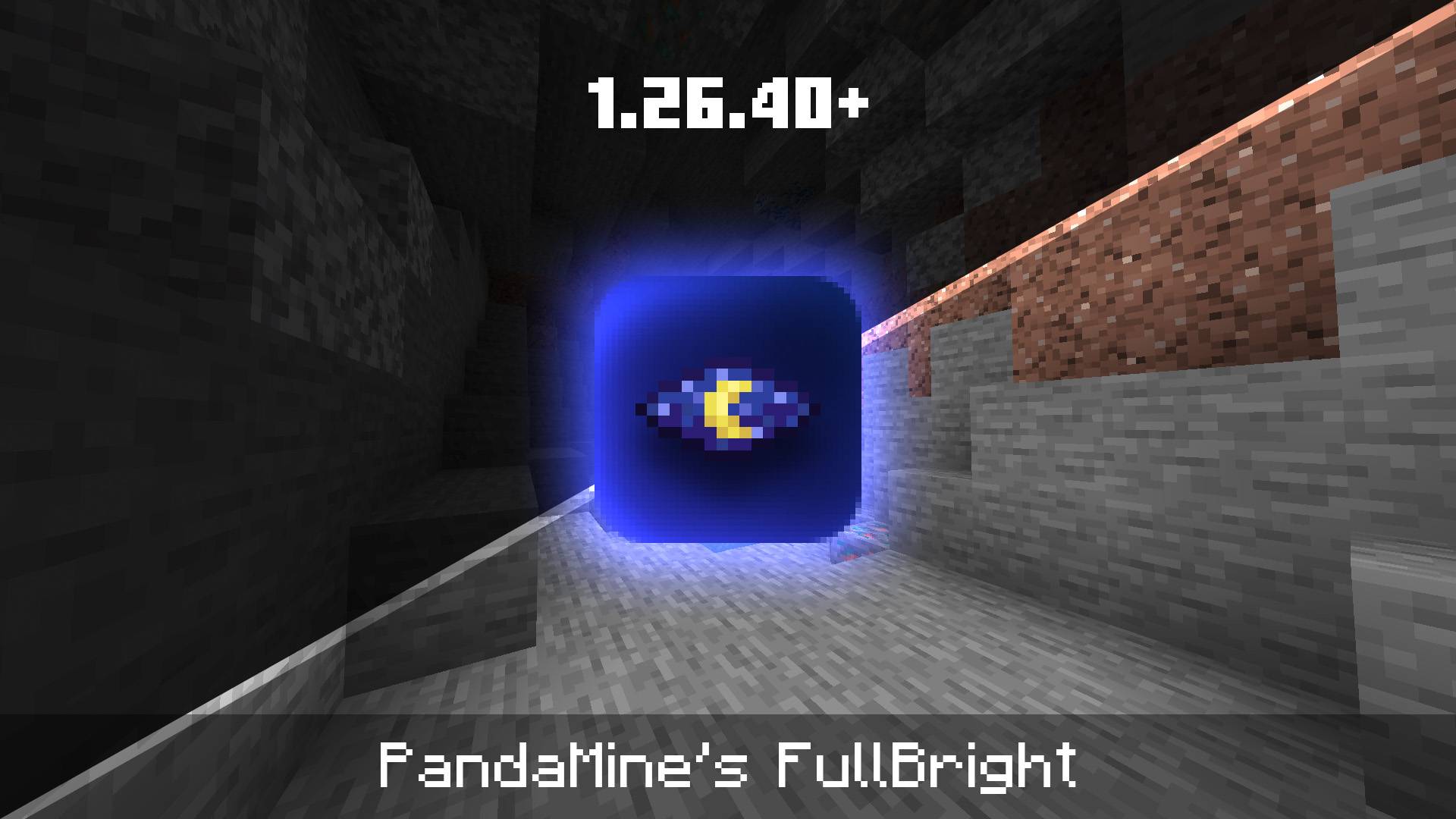

PandaMine's Fullbright (Night Vision) - 1.26 | Achievements Friendly
Simple shader that gives you real fullbright, making all caves and mobs visible. Supports: 1.21.100 - 26.60+ (Achievements friendly)DownloadFAQ
Do I need Forge or Fabric for a resource pack?
No. A resource pack works on the regular game with no loaders or mods. Click “Install” and Millida Launcher will put the pack into the right modpack — then just enable it in the settings.
What do 16×, 32×, 64× mean?
The resolution of a single texture in pixels. 16× matches the original game, 32× and 64× are more detailed and heavier, and 128× and up put a noticeable load on your graphics card.
Will a pack made for another version work?
Most likely partly: older packs don't have textures for newer blocks, so those will stay default. The game won't break, though.
How is a texture pack different from a resource pack?
Only by name and age. Before version 1.6 the sets were called texture packs and changed only textures; in 1.6 resource packs replaced them and also change sounds, fonts and the interface. Old texture packs for 1.5 and below do not work on new versions without conversion.
Which texture packs are best for PvP?
PvP packs: 16× resolution or lower, shortened swords, low fire, a clear sky and bright particles. They barely load the computer and make the opponent easier to see. These packs are collected in the PvP theme.
How do I install a resource pack?
Press Install and Millida Launcher puts the pack into the resourcepacks folder of the right instance. Then enable it in the game: Options, then Resource Packs. Manually, the archive goes into resourcepacks inside the game folder, no need to unpack it.
Resource packs for Minecraft 26.60
Resource packs for Minecraft 26.60: 65 items in the Resource packs section. Compatibility is checked against the files, not the description: only items with a build for exactly these conditions stay in the list.
The key thing about a pack is its resolution. The game's default textures are 16×16 pixels; 32× and 64× packs look more detailed, while 128× and up need a real graphics card and are usually paired with shaders. On a weak machine it makes sense to stay at 16× or go for packs that deliberately simplify graphics for more FPS. Every pack here lists its game version, author and license, and all released versions are gathered on one card. Put the downloaded archive in the resourcepacks folder and enable it in the game settings.