
Resource packs for Minecraft 1.21 — page 89
Resource packs: list


BetterMusic & BetterJukebox
BetterMusic and BetterJukebox enhance your in-game audio with classic or custom tracks, adjustable jukebox range including optional stereo mode, and multi-track discs. Use them separately or together for a fully customizable sound experience.Download

Short Swords
Makes the sword slightly shorterDownload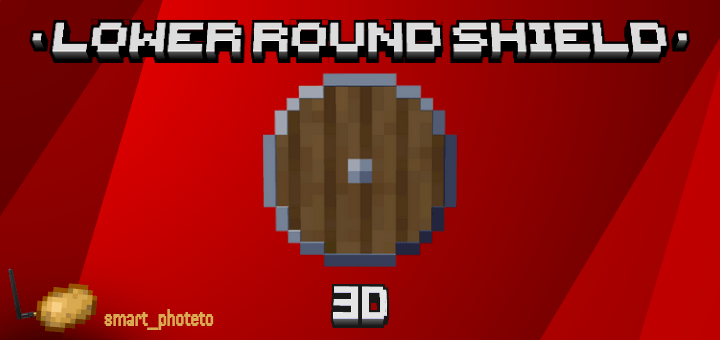

Lower Round Shield 3D
Enhance your PvP experience with the Lower Round Shield 3D pack! Replaces the default Minecraft shield with a custom low-profile round shield modelDownload

Reze Textures
Transform your Minecraft Bedrock into a completely new experience with Reze Textures. This isn’t just a texture pack — it’s a full client redesign inspired by the explosive energy of Reze.Download

xFaveXEditz 32x
A clean 32x PvP-focused texture pack designed for smooth performance and competitive gameplay.Download

Etherveil [Shader]
A performance-zero-cost Bedrock shader pack that transforms Minecraft's atmosphere with biome-tailored fog colors and distances, bringing cinematic visuals to low-end devices.Download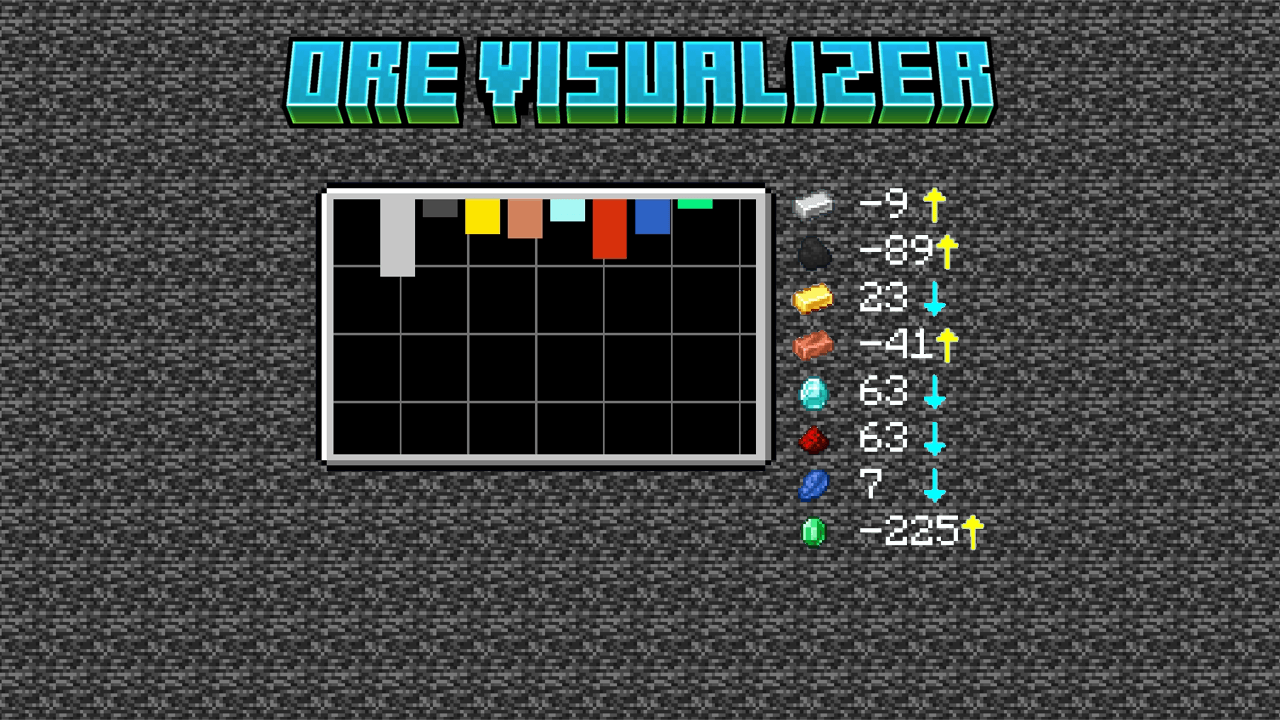
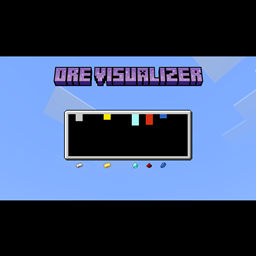
Ore Visualizer
This pack will add a feature for finding ores best positionDownload

Pigs Technoblade
Turn Minecraft's classic pig into a Technoblade-inspired pig. 👑🐷 A simple tribute to a Minecraft legend. ❤️Download

Better Visible Ores Icon
With this texture pack you'll be able to see the minerals in the caves better!!!Download

Smaller Vanilla Totem
A Bedrock PvP texture pack that makes vanilla totems smaller for better visibility and cleaner fights.Download

in search of the automatic home panorama
A RP that adds a panorama of Brazil's most famous survival series with [Complementary Reimagined]Download

Sculk UI Pack v2.0.4
Resource pack that adds a more interesting and mysterious style to the user interface, with extra features.Download

Mini Effects Icons Tooltip (Bedrock)
Add Mini Effect Tooltip IconsDownload
Shinier Enchantments
Replace the old enchantment glint with a shiny rainbow one!Download

Radiant Pack RTX [With Vibrant Visuals]
Radiant Pack RTX, created by Lioncat6, is a 16x16 RTX & Vibrant Visuals Resource pack for Minecraft Bedrock. The glow effects within the resource pack are designed to shine while retaining Minecraft originality.Download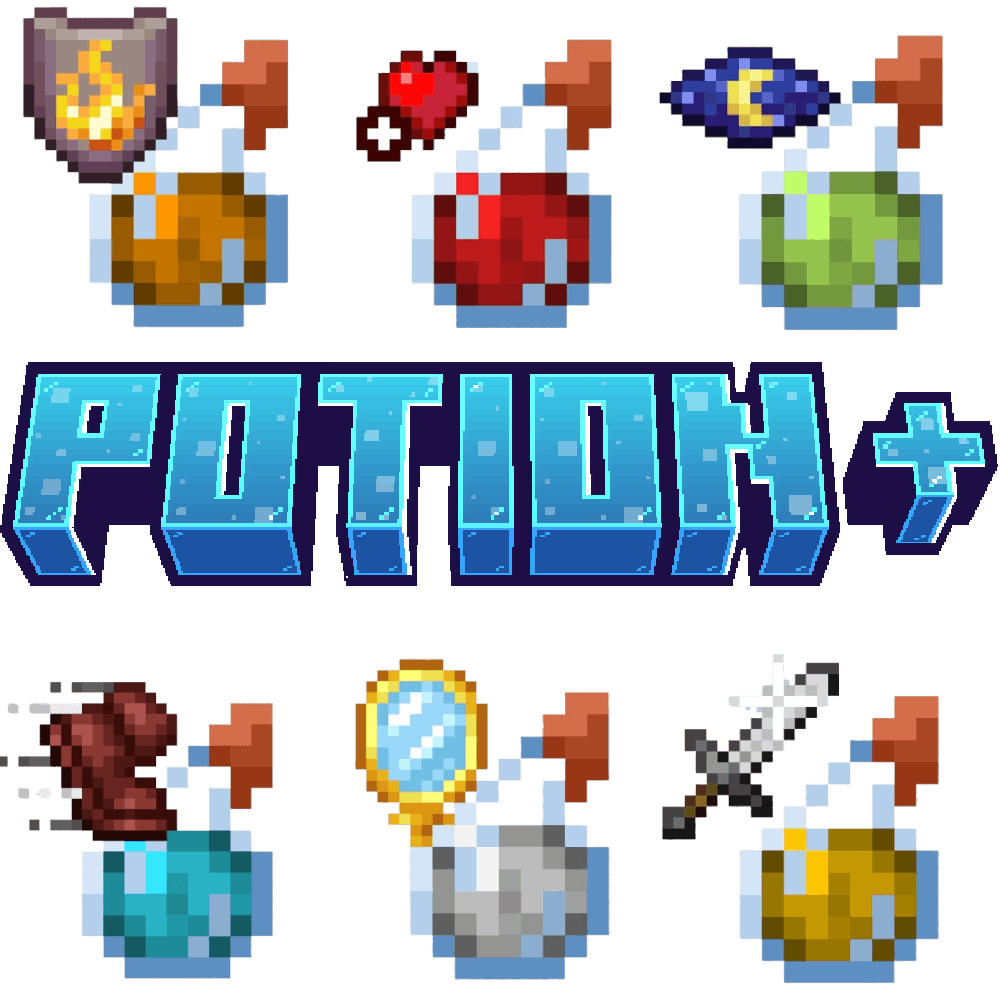

Potion +
Add Potion icon on top of the bottleDownload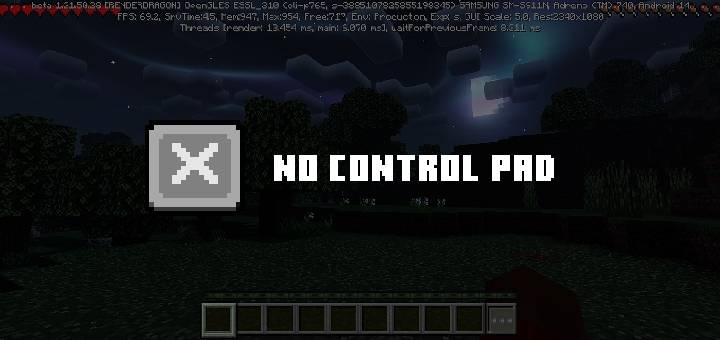

Remove Control Pad
Remove the control pad and the three buttons at the top from the screen.Download
Armor & Items HUD Display
Short Summary: A lightweight HUD that displays equipped armor and held items on screen in real time for Minecraft Bedrock Edition.Download

TotemSG 3D - Custom 3D Totem Texture, Sound. Totem with texture your skin!
A resource pack that changes the totem's texture to Sidg420 3D skin and adds a cool activation sound. This texture pack also serves as a template for creating a custom totem with its own skin and sound.Download
Universal Language Pack
100+ new & better translations for Minecraft Bedrock! (incl. LOLCAT...)Download

ꪆৎ Ribbon Headdress Helmet (Other Armor Invisible) ꪆৎ
helmet & invisible armor texture pack for be/peDownload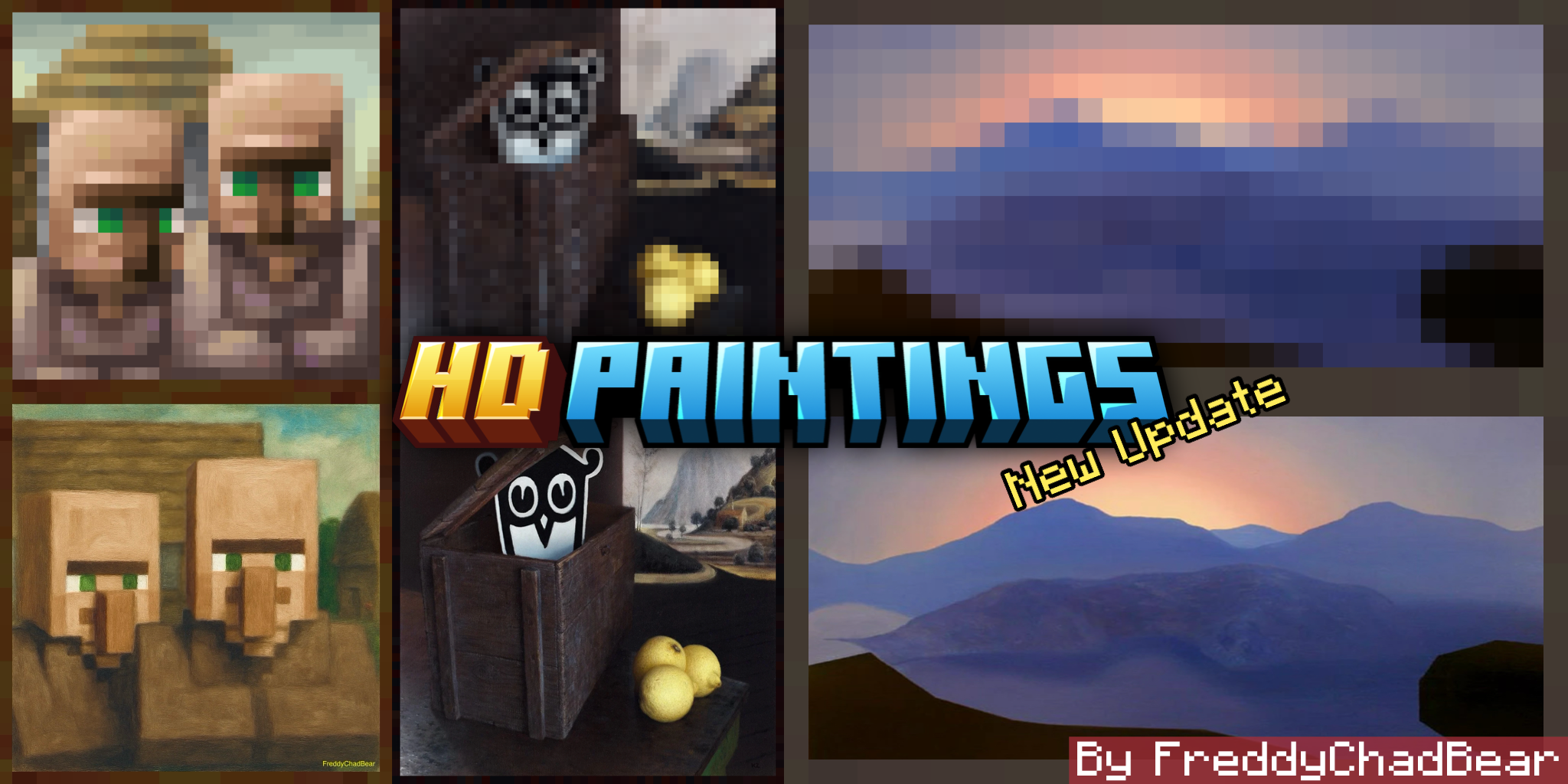

HD Paintings
In This Texture Pack I Replaced the Default Paintings With Their Original HD Version Including The New Paintings.Download
Craftsman
Turn Minecraft Into Craftsman!!DownloadFAQ
Do I need Forge or Fabric for a resource pack?
No. A resource pack works on the regular game with no loaders or mods. Click “Install” and Millida Launcher will put the pack into the right modpack — then just enable it in the settings.
What do 16×, 32×, 64× mean?
The resolution of a single texture in pixels. 16× matches the original game, 32× and 64× are more detailed and heavier, and 128× and up put a noticeable load on your graphics card.
Will a pack made for another version work?
Most likely partly: older packs don't have textures for newer blocks, so those will stay default. The game won't break, though.
How is a texture pack different from a resource pack?
Only by name and age. Before version 1.6 the sets were called texture packs and changed only textures; in 1.6 resource packs replaced them and also change sounds, fonts and the interface. Old texture packs for 1.5 and below do not work on new versions without conversion.
Which texture packs are best for PvP?
PvP packs: 16× resolution or lower, shortened swords, low fire, a clear sky and bright particles. They barely load the computer and make the opponent easier to see. These packs are collected in the PvP theme.
How do I install a resource pack?
Press Install and Millida Launcher puts the pack into the resourcepacks folder of the right instance. Then enable it in the game: Options, then Resource Packs. Manually, the archive goes into resourcepacks inside the game folder, no need to unpack it.
Resource packs for Minecraft 1.21
Resource packs for Minecraft 1.21: 2,288 items in the Resource packs section. Compatibility is checked against the files, not the description: only items with a build for exactly these conditions stay in the list.
The key thing about a pack is its resolution. The game's default textures are 16×16 pixels; 32× and 64× packs look more detailed, while 128× and up need a real graphics card and are usually paired with shaders. On a weak machine it makes sense to stay at 16× or go for packs that deliberately simplify graphics for more FPS. Every pack here lists its game version, author and license, and all released versions are gathered on one card. Put the downloaded archive in the resourcepacks folder and enable it in the game settings.