
Resource packs for Minecraft 1.21 — page 87
Resource packs: list



Spiderman Totem
Spiderman Totem made by Lazy_LegendDownload

Warrior Light | v1.0.4 Copper Update
Are you looking for futuristic weapon? well Warrior Light is the right place to download the pack! [This Project part of ModJam2025]Download

Deadpool Totem
Deadpool Totem made by Lazy LegendDownload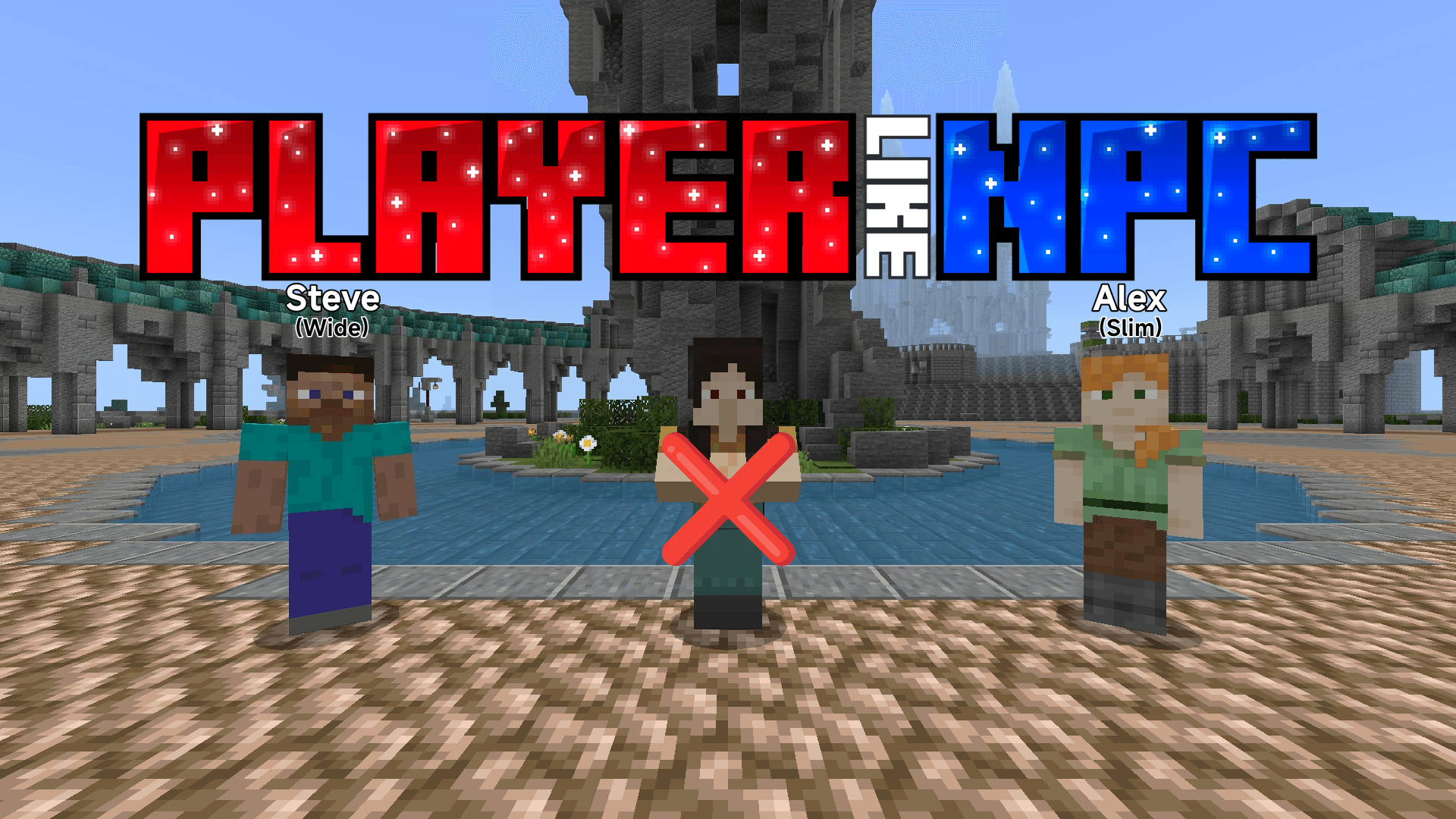

Player like NPC
It changes the appearance of default NPC to make it look more like a human player standing in one placeDownload

Cute Turtle Helmet V2
Turn your turtle shell into a cute turtle with jiggle physicsDownload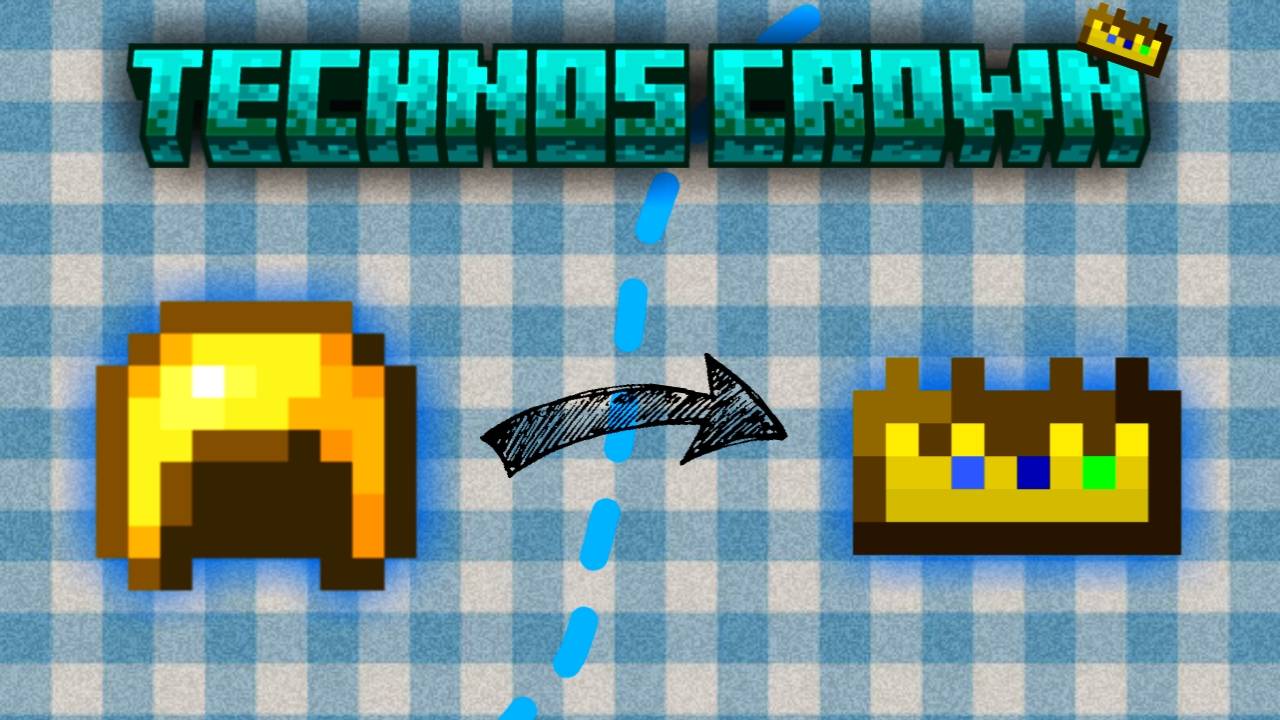

Technoblade’s Crown
Replaces the golden helmet with Technoblade’s Crown 👑Download

˖˚˳⌖ Toro inoue GUI ˖ ࣪⊹
gui hotbar HUD texture packDownload

Newb Glow Legacy x iOS
For iOS system usersDownload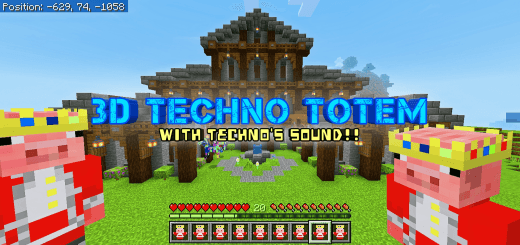

Techno Totem 3D
Replaces the default totem with a 3D model of Technoblade.Download

Clear Frames+ (Togglable via Subpack)
A customizable resource pack with three subpacks that let you toggle the visibility of item frames and glowing item frames independently.Download
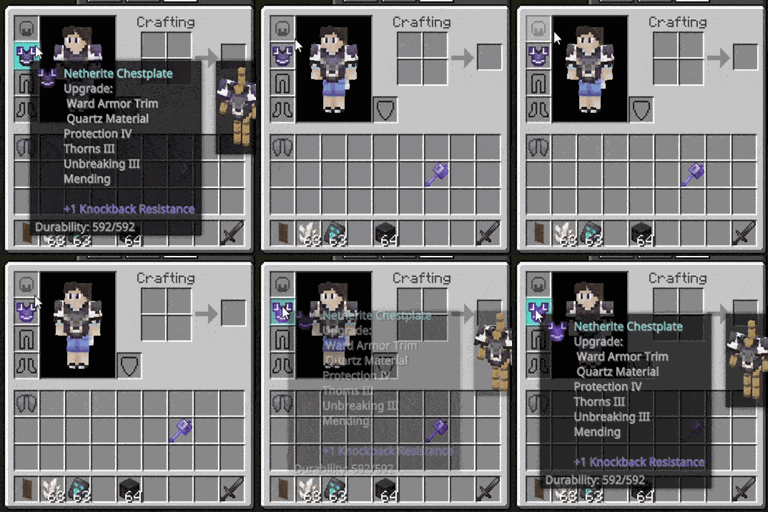
Animated Hover Tooltips
Adds unnecessary animations and effects to the item tooltips.Download
Modernized Animals
Simple texturepack that revamps the 10+ years old animal models to better fit modern Minecraft style.Download

Anime Girl Sky
Adds anime girl on skyDownload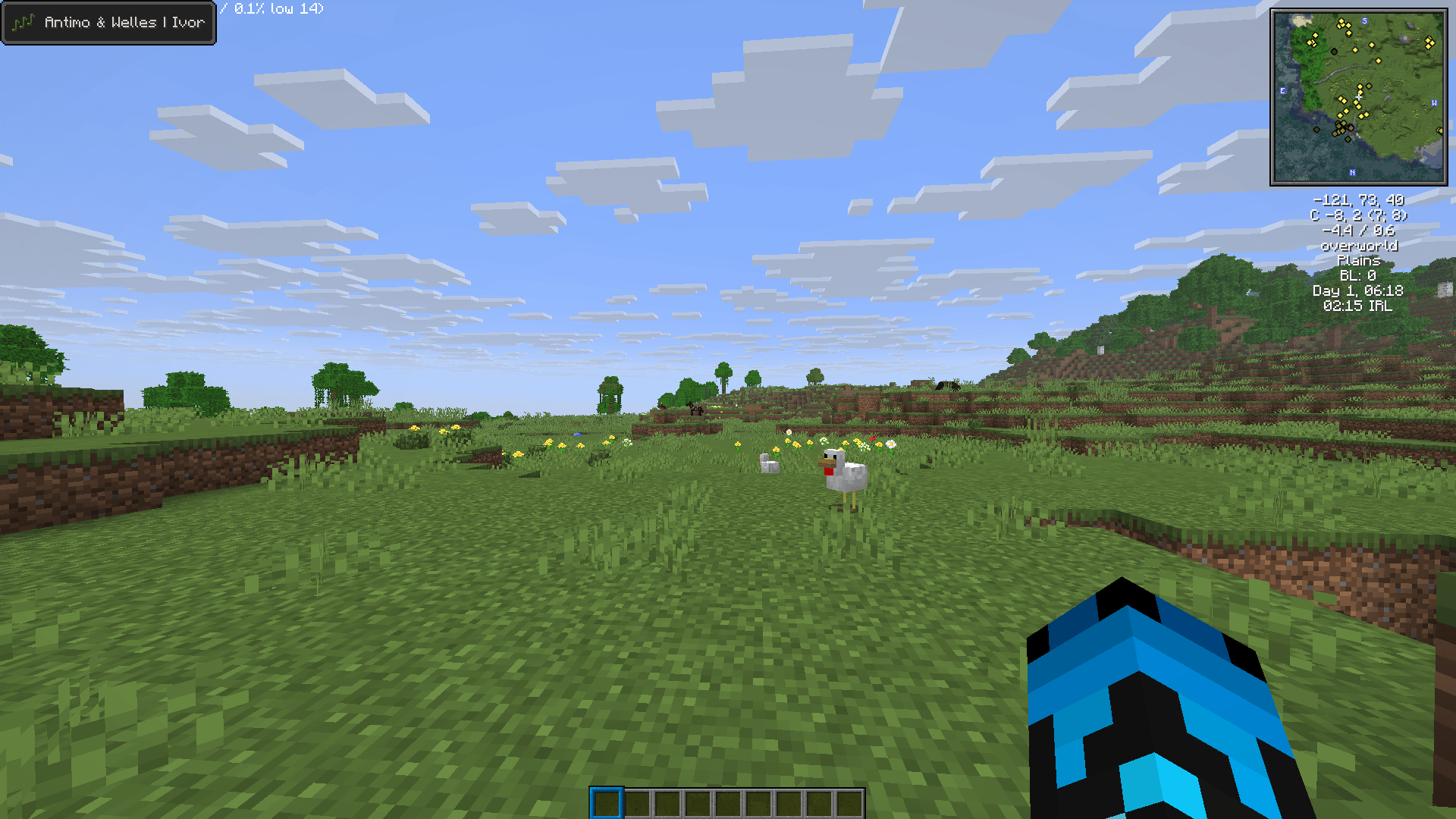

MCSM Music Pack (Bedrock)
Replaces all of Minecraft’s music with tracks from Minecraft: Story Mode. By Antimo & Welles.Download

Fused's Birds!
This texture pack adds Birds as new ambient particles that naturally spawn around trees and in the sky. They come in four random variants, each with animated flapping textures, bringing more life and movement to forests and empty skies!Download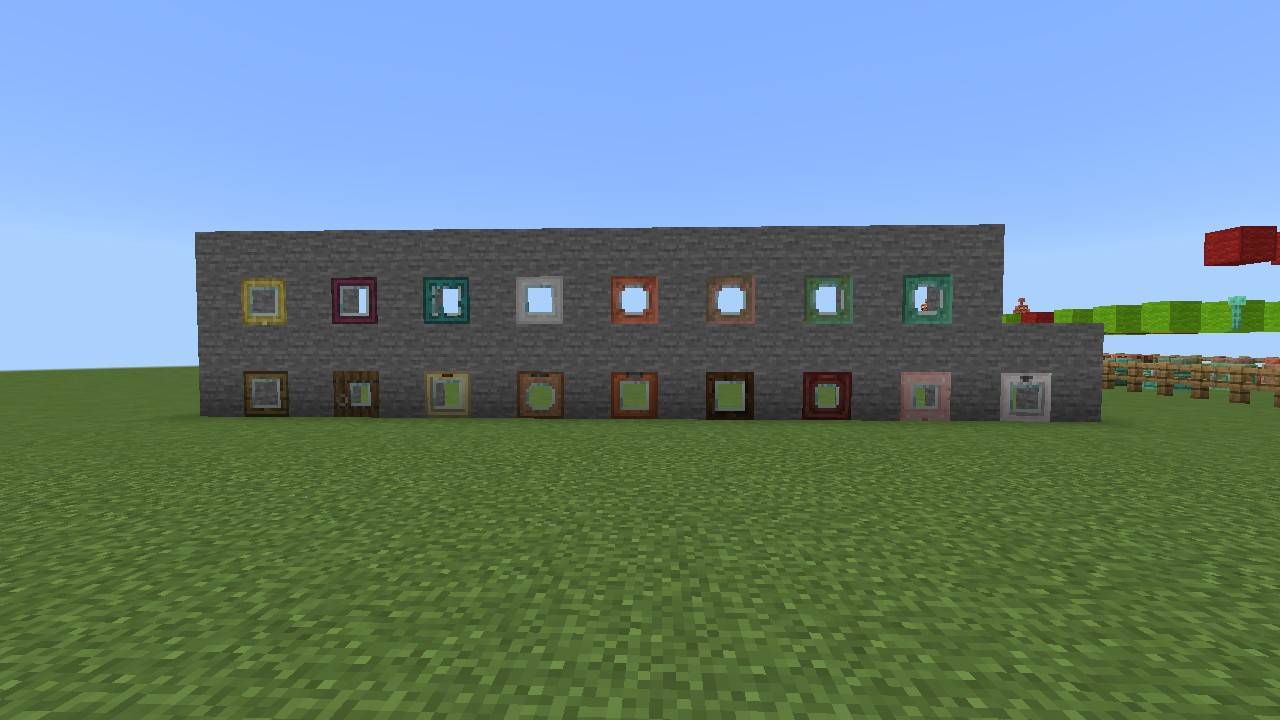

Glass Doors and Trapdoors
Insert Glass In Doors and TrapdoorsDownload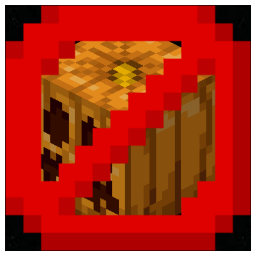
No Blur Pumpkin and Spyglass
No Blur Pumpkin and SpyglassDownload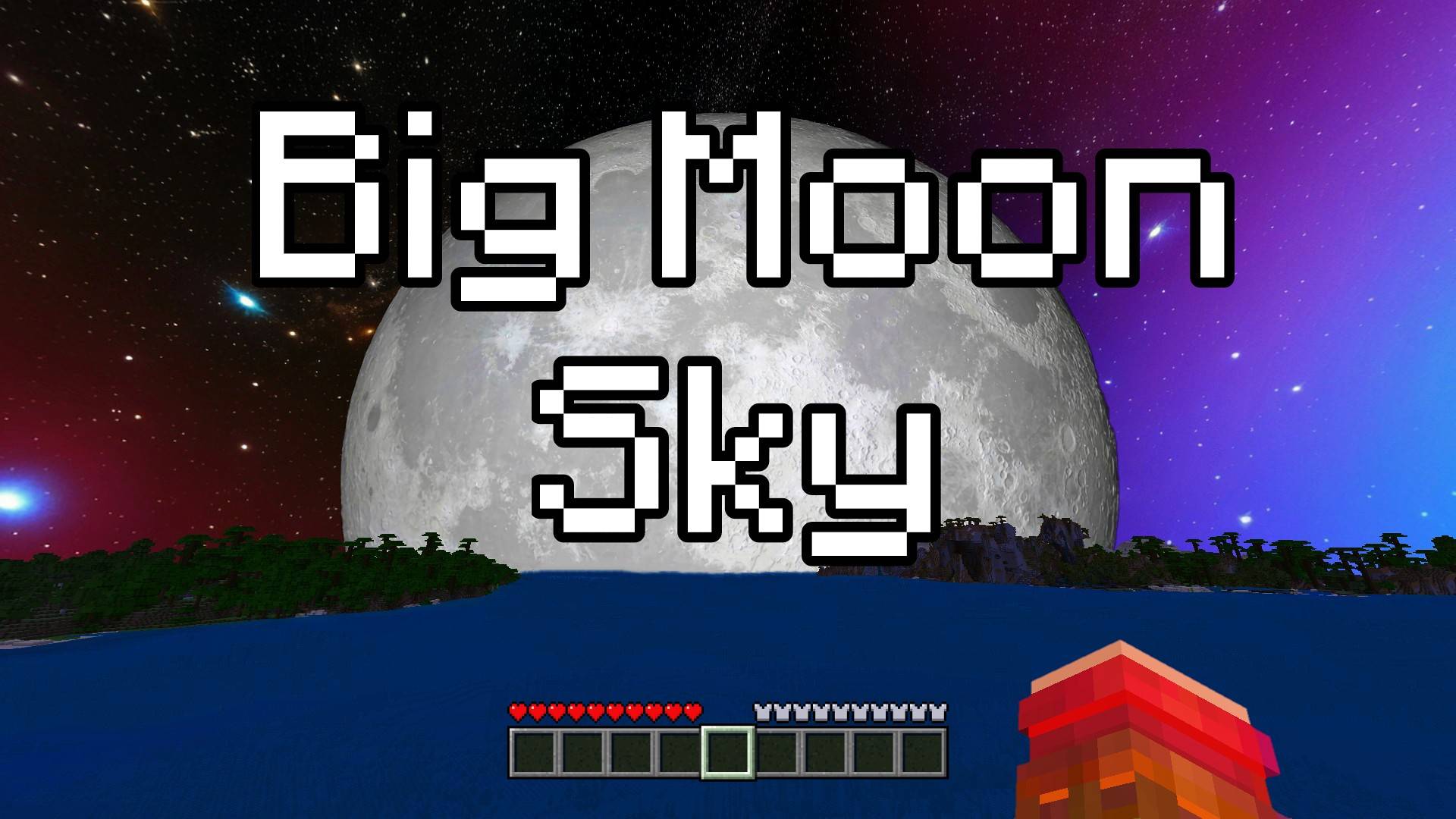

Big Moon Sky - Custom Sky
This texture pack turns your Minecraft Bedrock sky into outer space, full of shiny stars and a giant, glowing moon that follows you on your adventures. The moon is very big, much bigger than the normal one!Download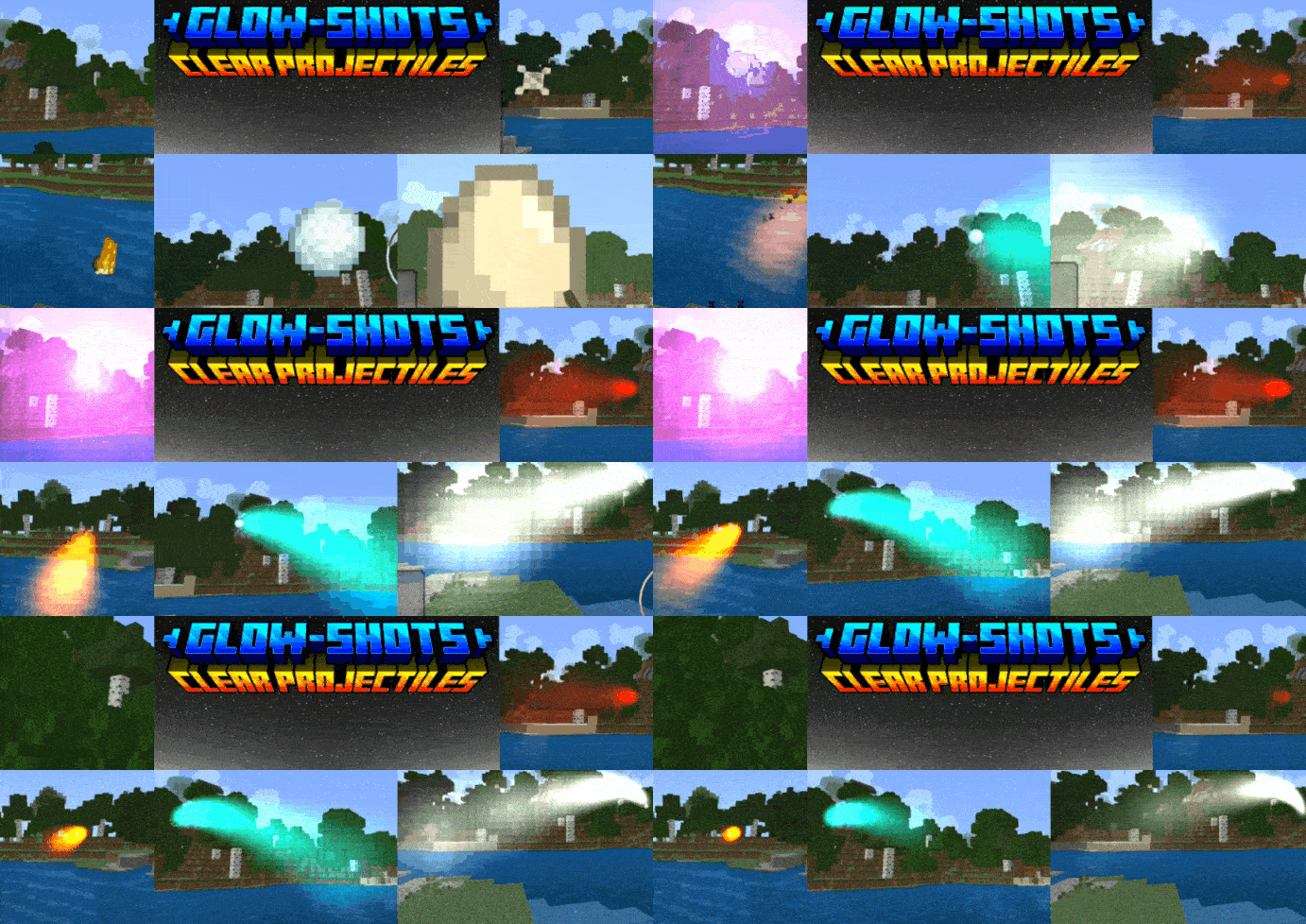

Glow-Shot Projectile Trails
Projectiles glow bright, making them much more visible. You can even see who threw which projectile!Download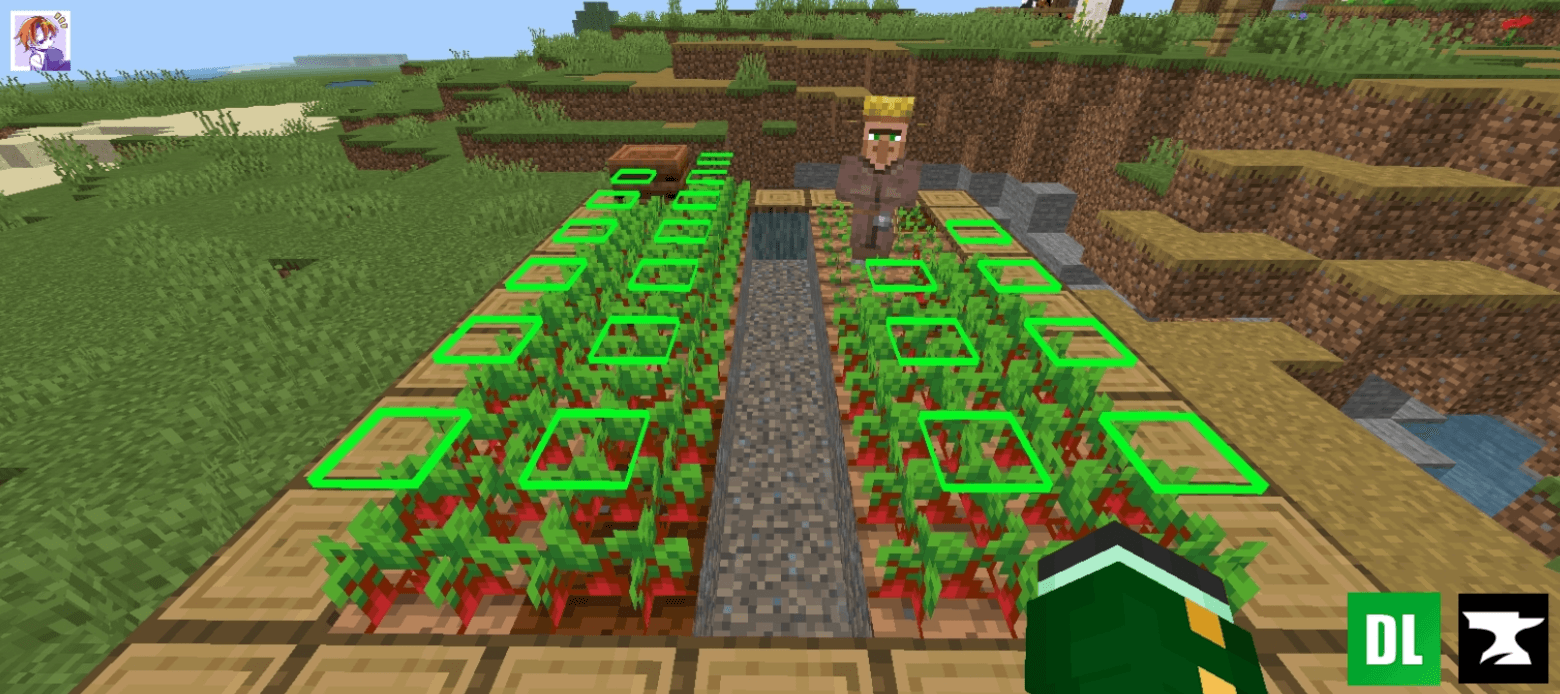
Crop Indicator
Enhance your farming experience with this intuitive Crop Indicator Resource Pack! 🌾 This pack adds a clear floating indicator above fully grown crops, making it easy to spot when your wheat, carrots, potatoes, or beetroot are ready for harvest.Download

Smaller Mace/Totems
Makes Maces and Totems smaller for PvPDownload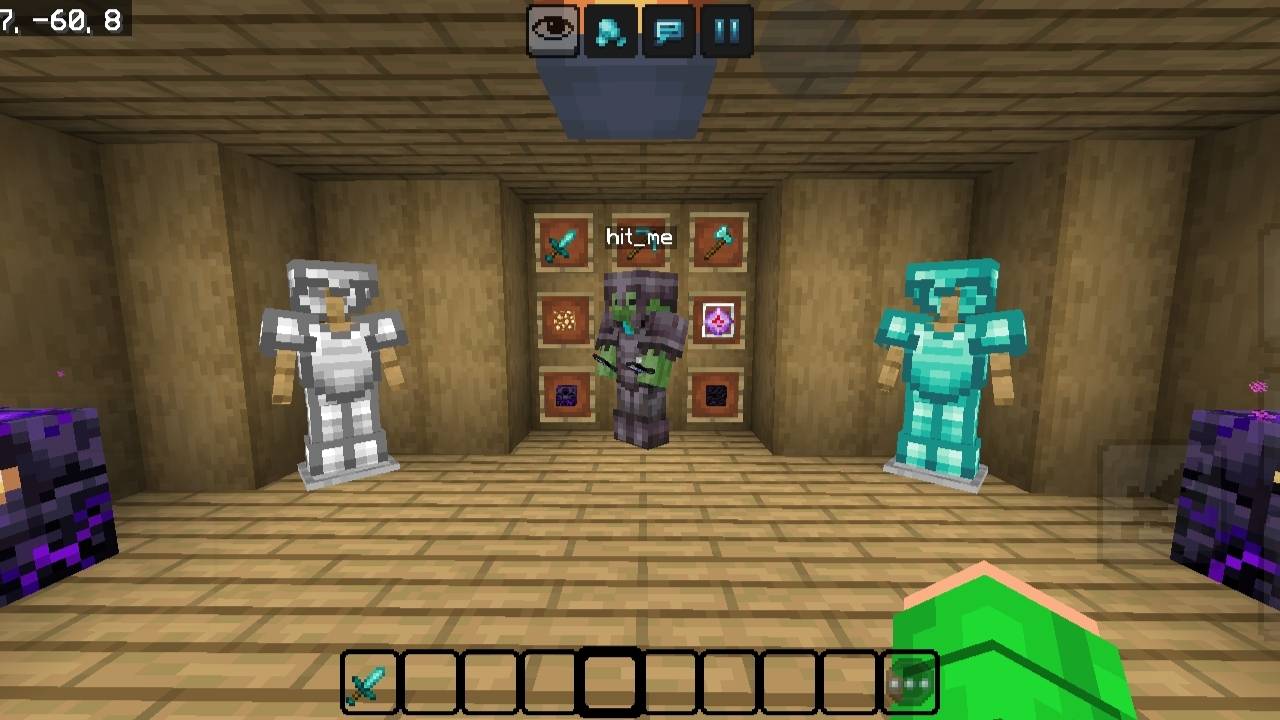

Nyxora 16x
Clean PvP packDownload

anime waifu Beds #22and21
beds with beautiful anime girlsDownloadFAQ
Do I need Forge or Fabric for a resource pack?
No. A resource pack works on the regular game with no loaders or mods. Click “Install” and Millida Launcher will put the pack into the right modpack — then just enable it in the settings.
What do 16×, 32×, 64× mean?
The resolution of a single texture in pixels. 16× matches the original game, 32× and 64× are more detailed and heavier, and 128× and up put a noticeable load on your graphics card.
Will a pack made for another version work?
Most likely partly: older packs don't have textures for newer blocks, so those will stay default. The game won't break, though.
How is a texture pack different from a resource pack?
Only by name and age. Before version 1.6 the sets were called texture packs and changed only textures; in 1.6 resource packs replaced them and also change sounds, fonts and the interface. Old texture packs for 1.5 and below do not work on new versions without conversion.
Which texture packs are best for PvP?
PvP packs: 16× resolution or lower, shortened swords, low fire, a clear sky and bright particles. They barely load the computer and make the opponent easier to see. These packs are collected in the PvP theme.
How do I install a resource pack?
Press Install and Millida Launcher puts the pack into the resourcepacks folder of the right instance. Then enable it in the game: Options, then Resource Packs. Manually, the archive goes into resourcepacks inside the game folder, no need to unpack it.
Resource packs for Minecraft 1.21
Resource packs for Minecraft 1.21: 2,306 items in the Resource packs section. Compatibility is checked against the files, not the description: only items with a build for exactly these conditions stay in the list.
The key thing about a pack is its resolution. The game's default textures are 16×16 pixels; 32× and 64× packs look more detailed, while 128× and up need a real graphics card and are usually paired with shaders. On a weak machine it makes sense to stay at 16× or go for packs that deliberately simplify graphics for more FPS. Every pack here lists its game version, author and license, and all released versions are gathered on one card. Put the downloaded archive in the resourcepacks folder and enable it in the game settings.