
Resource packs for Minecraft 1.21 — page 85
Resource packs: list


AtNet Shader New Version
AtNet is a Shader that smoothly changes the fog and water color in each biome so that there can be more diversity.Download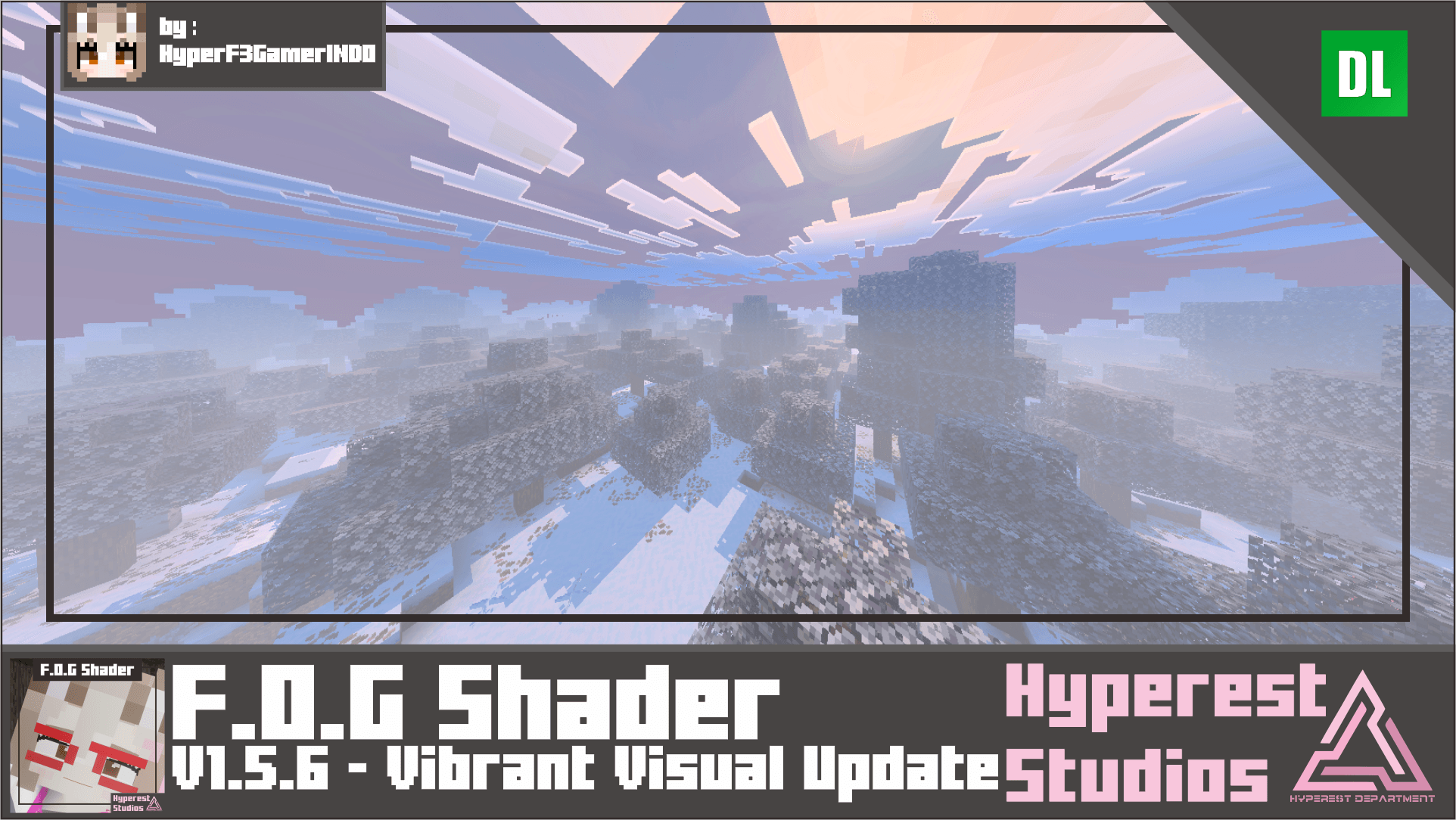

F.O.G Shader | v1.5.6 Vibrant Visual Update
Are you looking for Foggy, Scarry Shader and stuff, well maybe this is for you. So, this Shader is aimed for Fog, it's not that fancy, it just looks more scary, un-vibrant, and un color and Scary.Download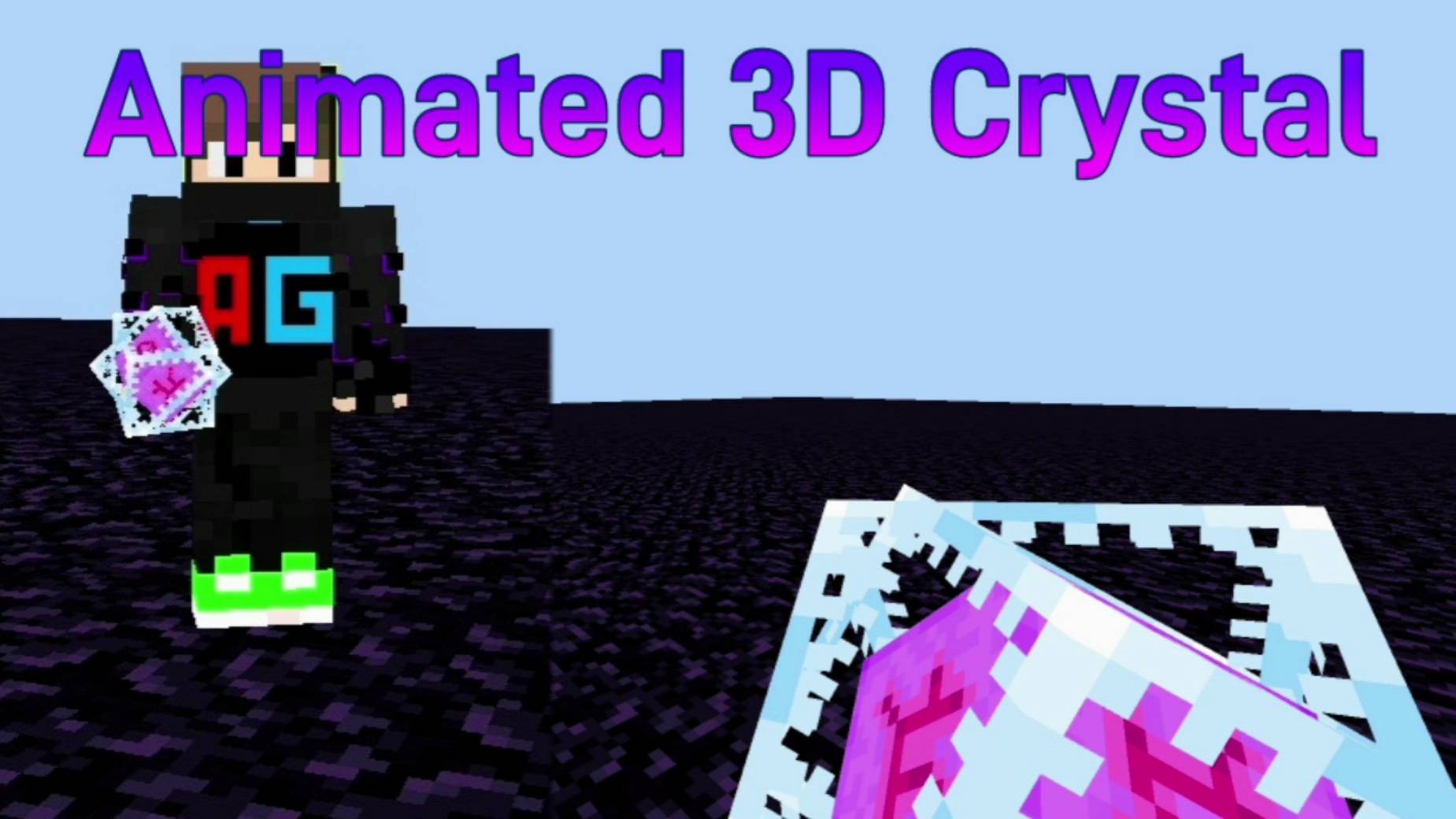

Animated 3D End Crystal (3D Crystal)
Makes the default boring end crystal to a striking 3D visual! Works with any texture pack/AddOn.Download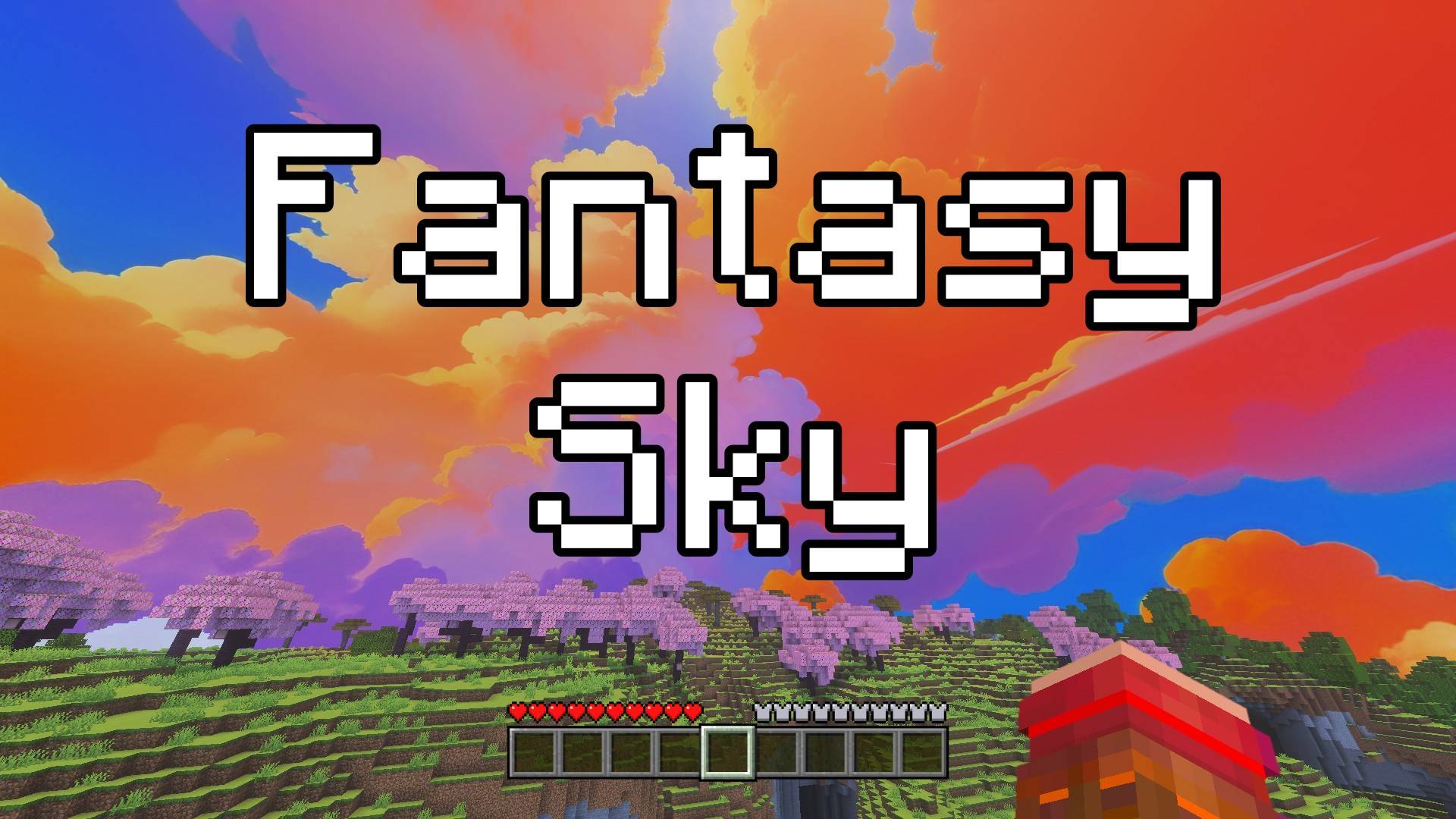

Fantasy Sky - Custom Sky
This pack adds a beautiful fantasy-style sky full of magical clouds and dreamy colors. It makes your world feel more magical and fun, just like in a fairytale. Perfect for building, exploring, or just relaxing and watching the sky!Download

Skygleam Shaders For Mcpe
One Of The Best Shaders For McpeDownload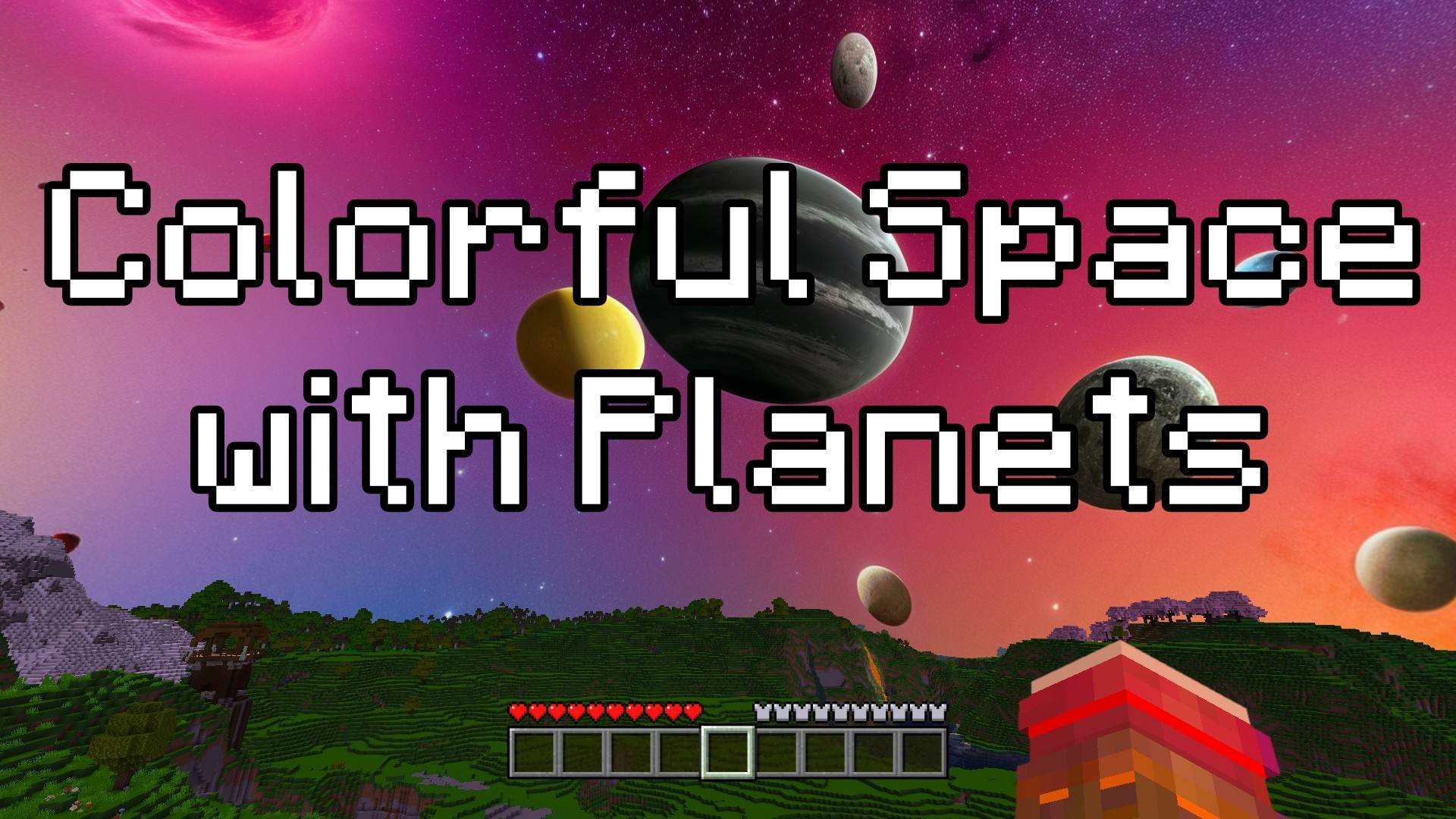

Colorful Space with Planets - Custom Sky
This texture pack changes the sky into a beautiful space scene. Now, when you look up, you’ll see stars, colorful space clouds, and even some cool planets! Whether it’s day or night, the sky will always look amazing and full of adventure.Download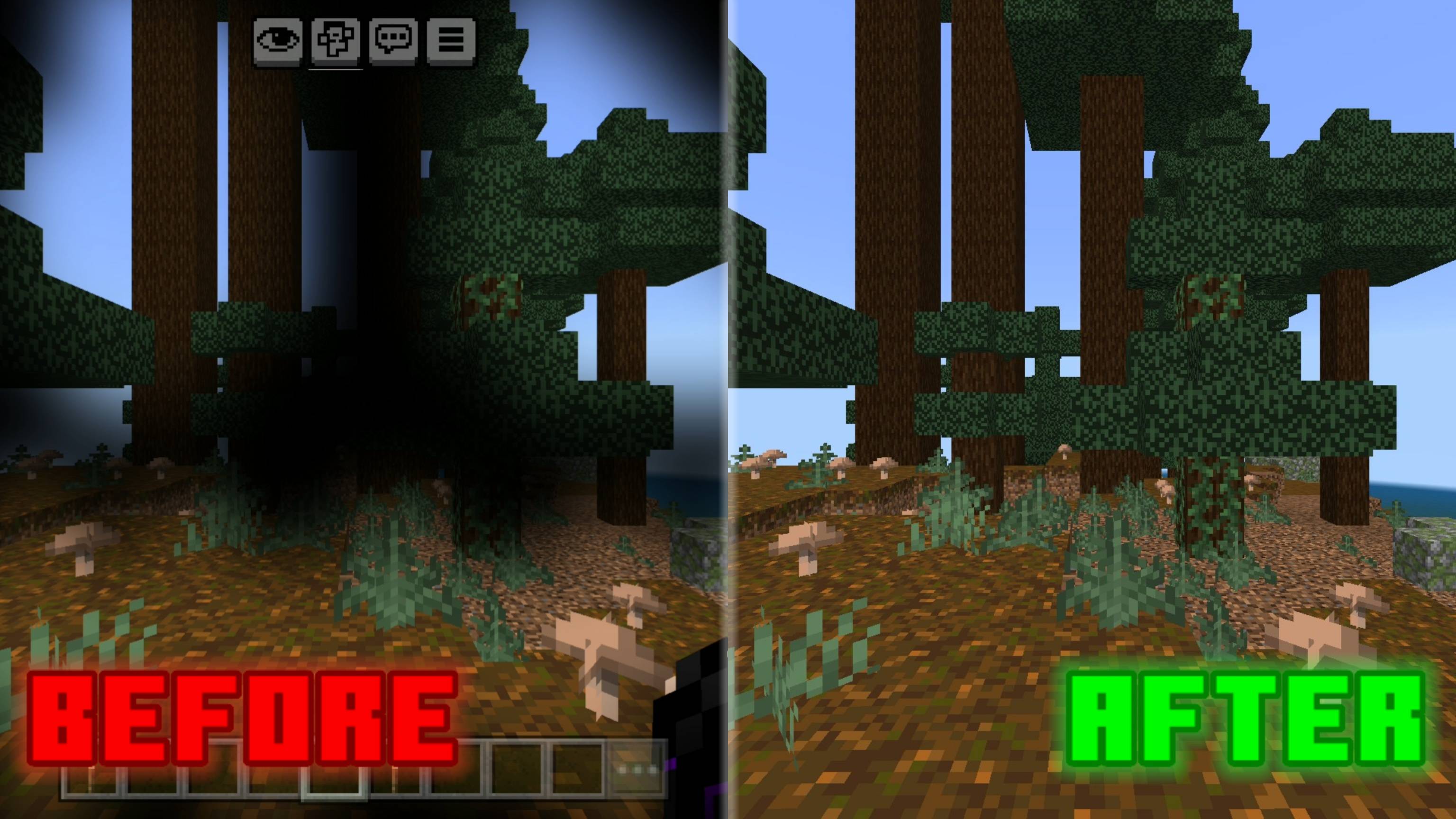

No Pumpkin Blur
Removes the pumpkin blur overlay for clear vision while wearing a carved pumpkin. Clean, simple, and perfect for the End.Download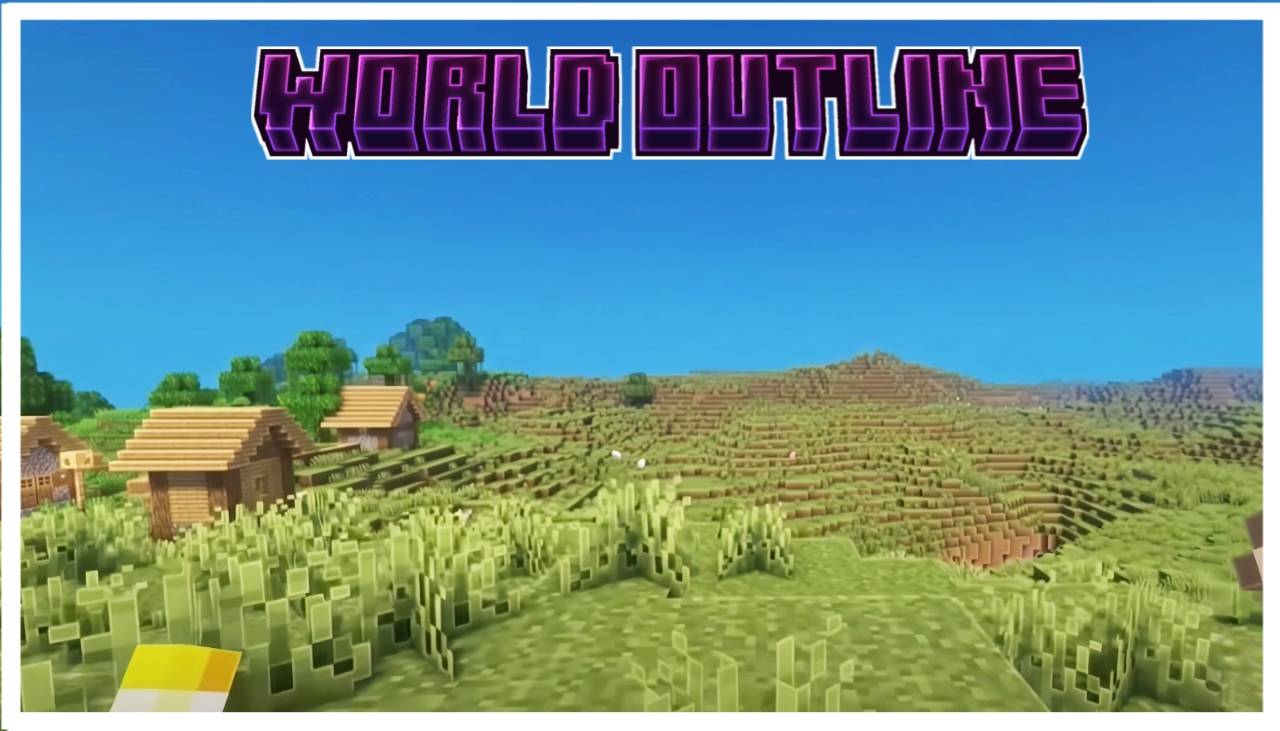

Beter Outlines
Beter outline texture pack for mcpeDownload

Axis UI
Texture for Minecraft Technical BedrockDownload

Low fire (Unanimated)
Removes animation and Reduces height of fireDownload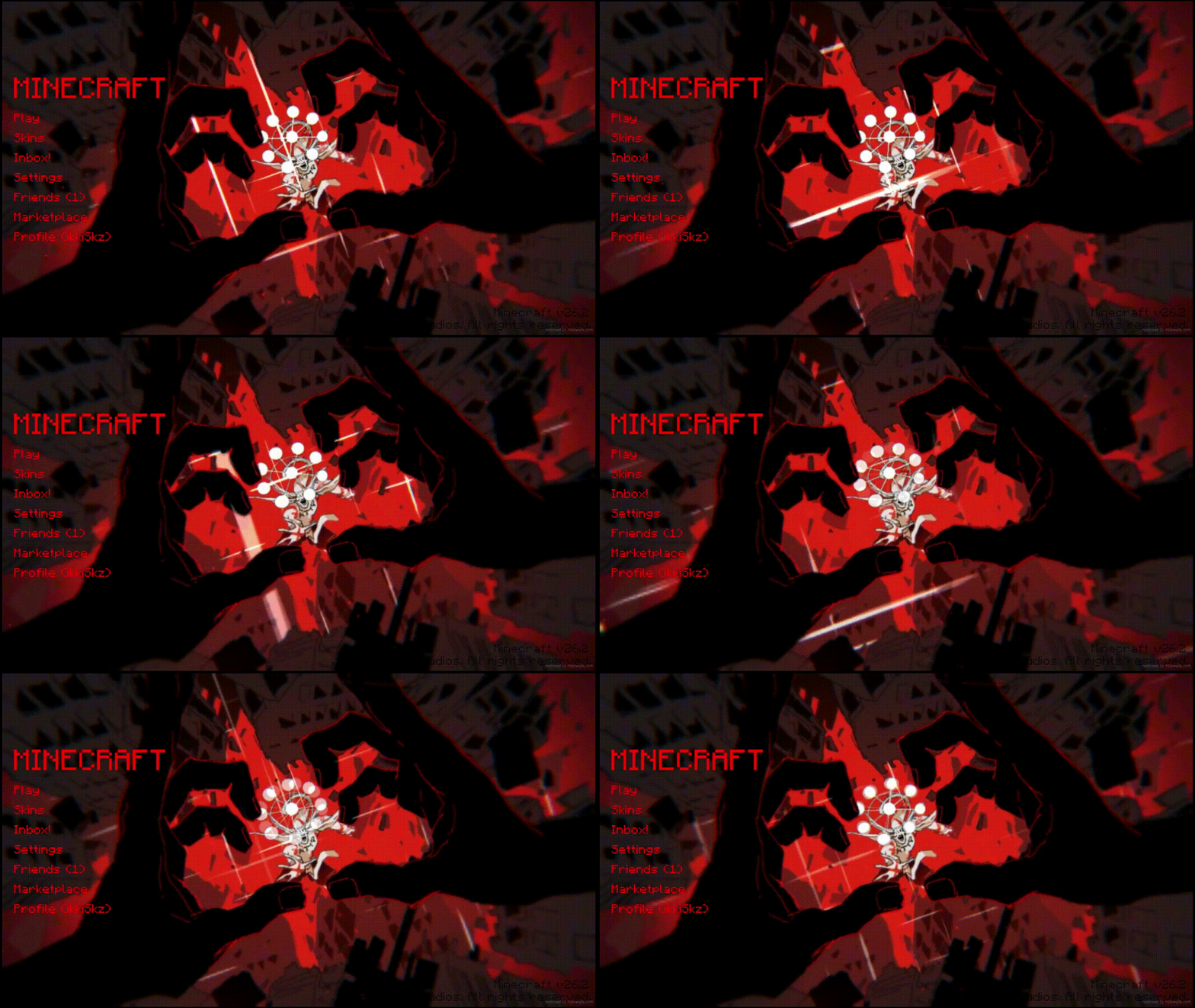

Animated Menu: Sukuna Malevolent Shrine
Malevolent Shrine animated menu for Start & Settings. Sukuna’s domain vs Mahoraga: pulsing crimson slashes expand/retract on dark shrine background, faint Cleave traces, cursed sparks & red mist. Black-crimson-purple oppressive vibe.Download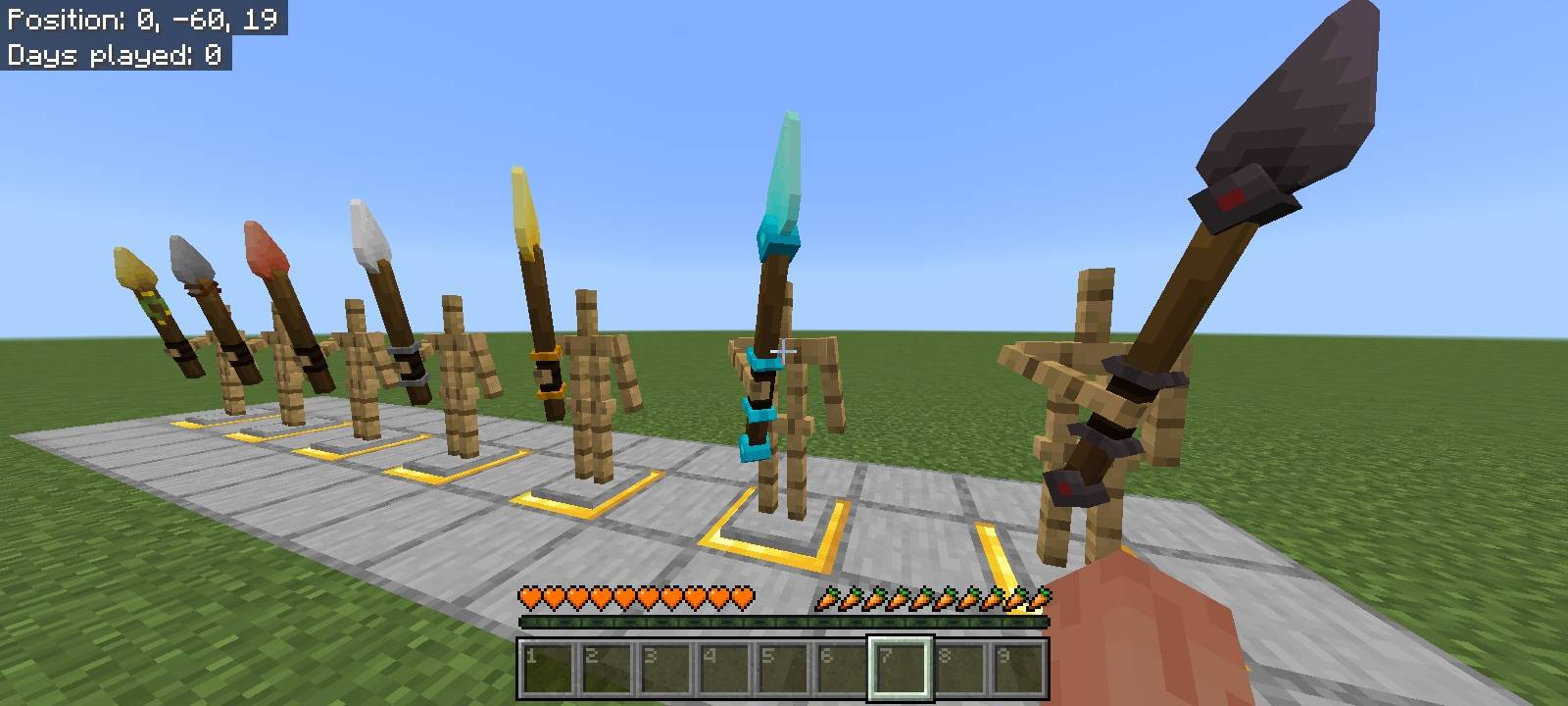
Items 3D - Tools Update
Transforms Minecraft's flat items into 3D models while preserving the vanilla feel.Download

FPS OPTIMIZER | NOLAG | EXTREME FPS BOOST | FPS BOOST
ULTIMATE FPS BOOST 🔥Download

CartoonCraft
This texture pack looks like a cartoon, with a childish and basic theme.Download

The Hive Aspects (Texture Pack)
A fresh take on the iconic Hive style! This pack enhances your Minecraft Bedrock experience with smooth animations, vibrant colors, and crisp details, all while keeping the recognizable aesthetic of The Hive.Download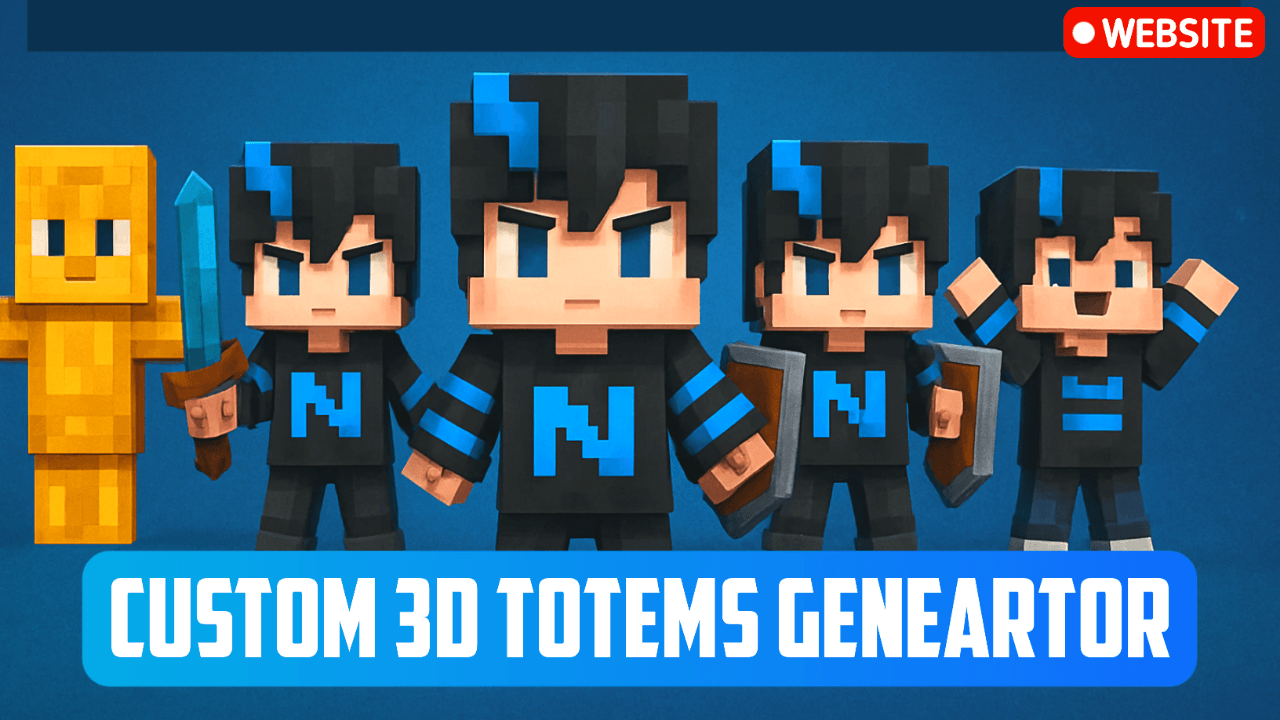

NeBux Custom 3D Totems
NeBux 3D Totems replaces the boring default totem with 5 unique 3D styles in MCPE/Bedrock. Customize it manually by replacing the Totem41.png file with your own skin for a personalized in-game totem experience.Download

Blue Ancient Debris
This lightweight texture pack makes Ancient Debris much easier to notice while keeping Minecraft’s original style intact. Perfect for players who want to streamline their Nether mining experience without adding unnecessary changes.Download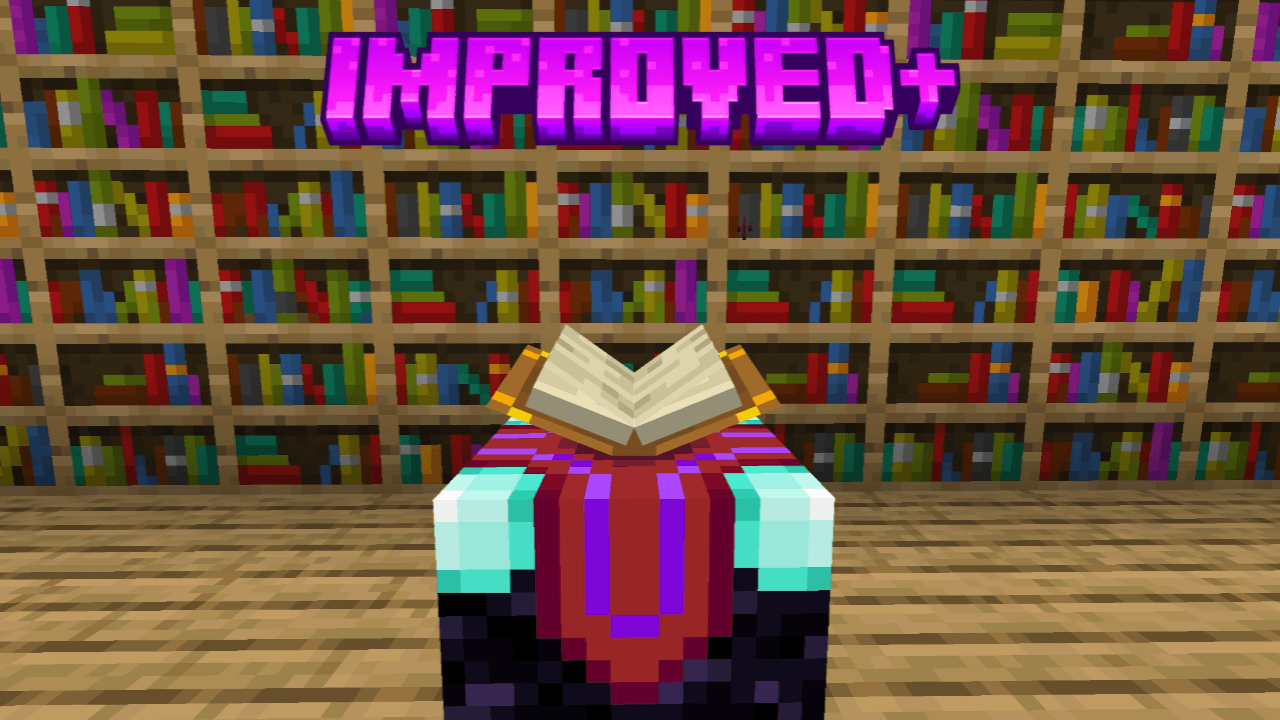
Improved+
This pack improves some textures and shapes of blocks to looks better and enhance your world. Animated outline ores, 3d dripstone and sugarcane, glass doors, glass trapdoors, variated blocks, and more!Download

christmas resource pack
Christmas resource pack mcpeDownload

Liso4ka Ultimate PVP Pack
The Liso4ka Ultimate PVP Pack is a performance-tuned, visually polished texture pack built specifically for competitive Minecraft Bedrock playersDownload

† ANUBIS † Client PvP
† ANUBIS † Client is a 16x PvP & BedWars pack for Bedrock (Render Dragon). Features Dark UI, short swords, and a purple theme. Optimized for high FPS and clean visuals. Perfect for competitive play!Download

Better Weather By RisabGamerz
Better Weather For Minecraft pe. enhances rain, snow , cloudsDownload

BOOST X | FPS OPTIMIZER | FPS BOOST & Extreme FPS
BOOST X 🚀 is a lightweight FPS booster pack for smooth gameplay ⚡. It features PvP enhancements ⚔️, a clean dot crosshair 🎯, and optimized 4-chunk rendering 📈—perfect for low-end devices 🔥.DownloadFAQ
Do I need Forge or Fabric for a resource pack?
No. A resource pack works on the regular game with no loaders or mods. Click “Install” and Millida Launcher will put the pack into the right modpack — then just enable it in the settings.
What do 16×, 32×, 64× mean?
The resolution of a single texture in pixels. 16× matches the original game, 32× and 64× are more detailed and heavier, and 128× and up put a noticeable load on your graphics card.
Will a pack made for another version work?
Most likely partly: older packs don't have textures for newer blocks, so those will stay default. The game won't break, though.
How is a texture pack different from a resource pack?
Only by name and age. Before version 1.6 the sets were called texture packs and changed only textures; in 1.6 resource packs replaced them and also change sounds, fonts and the interface. Old texture packs for 1.5 and below do not work on new versions without conversion.
Which texture packs are best for PvP?
PvP packs: 16× resolution or lower, shortened swords, low fire, a clear sky and bright particles. They barely load the computer and make the opponent easier to see. These packs are collected in the PvP theme.
How do I install a resource pack?
Press Install and Millida Launcher puts the pack into the resourcepacks folder of the right instance. Then enable it in the game: Options, then Resource Packs. Manually, the archive goes into resourcepacks inside the game folder, no need to unpack it.
Resource packs for Minecraft 1.21
Resource packs for Minecraft 1.21: 2,288 items in the Resource packs section. Compatibility is checked against the files, not the description: only items with a build for exactly these conditions stay in the list.
The key thing about a pack is its resolution. The game's default textures are 16×16 pixels; 32× and 64× packs look more detailed, while 128× and up need a real graphics card and are usually paired with shaders. On a weak machine it makes sense to stay at 16× or go for packs that deliberately simplify graphics for more FPS. Every pack here lists its game version, author and license, and all released versions are gathered on one card. Put the downloaded archive in the resourcepacks folder and enable it in the game settings.