
Resource packs for Minecraft 1.21 — page 79
Resource packs: list


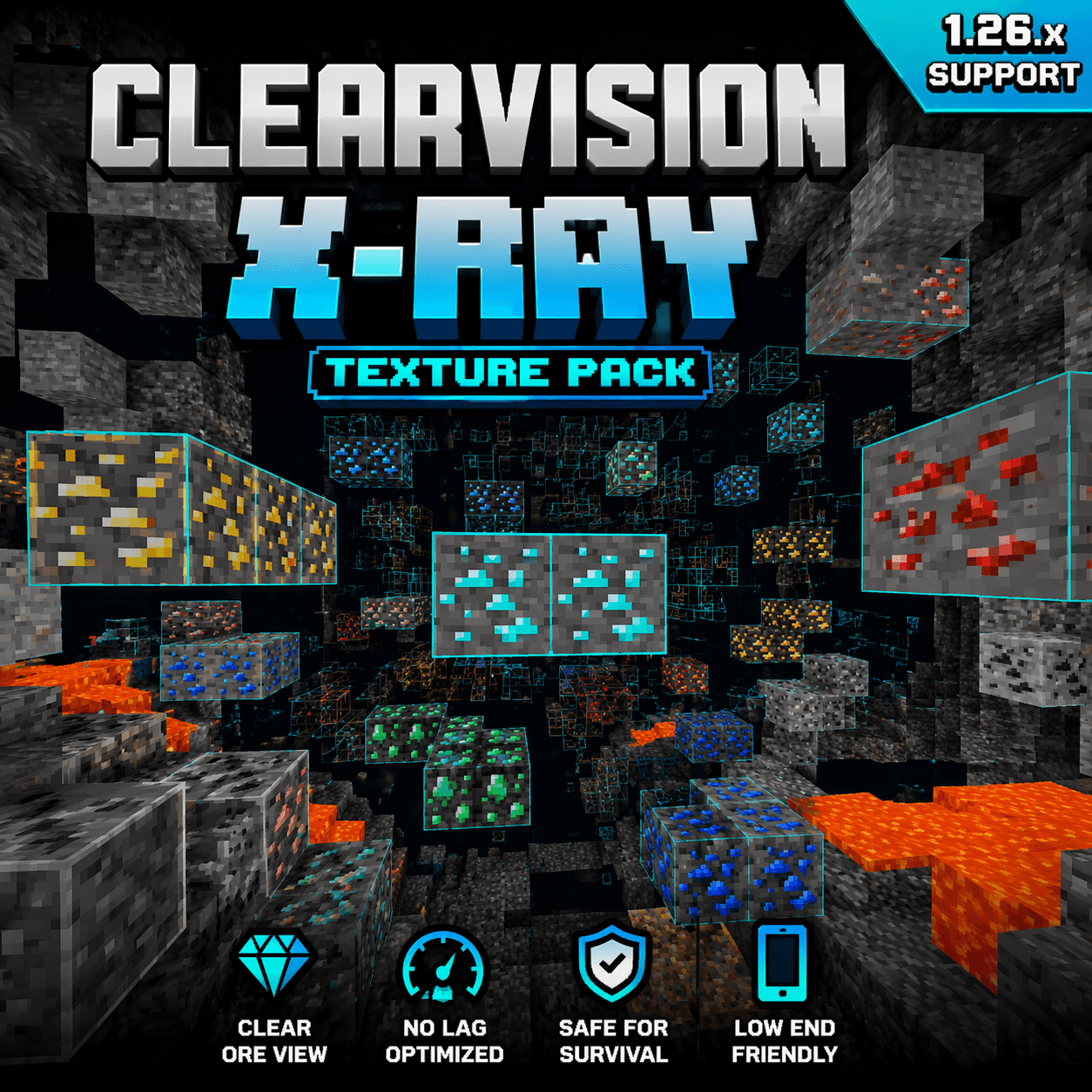

Minecraft X-Ray 1.26.x – No Lag Ore Visibility Pack
A clean and optimized X-Ray texture pack for Minecraft Bedrock 1.26.x that improves ore visibility with smooth, no-lag performance.Download

Grey64's Animated Items
Animates some item textures.Install

Jesus Totem of Undying
The Jesus Totem resource pack offers a unique spiritual touch to Minecraft by transforming the totem of undying into a depiction of Jesus.Install

Newb X Old Times
This is a shader made to give you old Minecraft Alpha as well as VHS vibes. It also has custom alpha textures.Download

Fake Hardcore Hearts
Hardcore Hearts Texture Pack (Bedrock Edition)Download
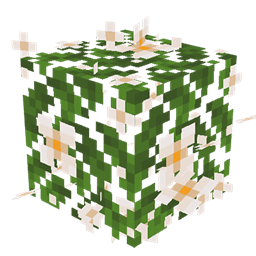
JS Leaves+ for Biomes O' Plenty
This resource pack improves the foliage in Biomes O' Plenty by adding volume to it.Install

Immersive Interfaces - Cosmetic Armor Reworked Mod Support
This texture pack adds special compatibility with Cosmetic Armor Reworked, integrating its grooves into the aesthetics of Immersive Interfaces.Install

BETTER PVP PLUS
WHIT THIS TEXTURE PACKS YOU CAN WIN MORE PVP PLAYSDownload

Visible Og Ores Plus
Bring back classic Minecraft ore textures with glowing effects that make them easier to find. ⛏️✨Download

Consistent 2D Items
Re-textures and reworks some items to either be 2D, or to be more consistent with other 2D items!Install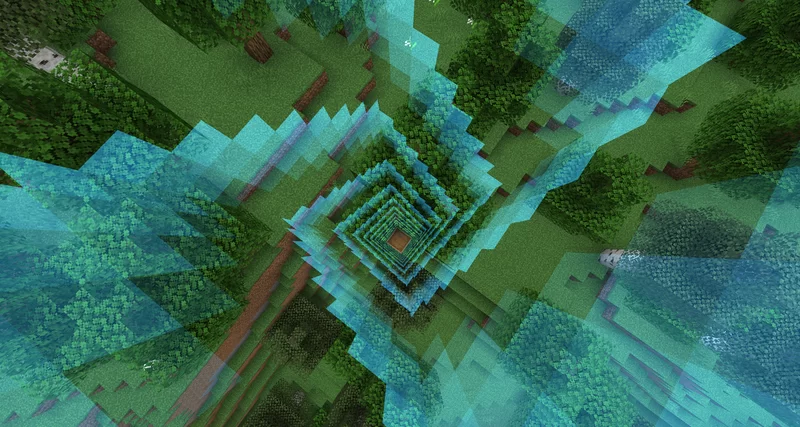

Achievements Expand Border
Advance your worlds border by completing achievementsInstall

Classic Menu Panorama
Replaces the menu panorama with the original one from before 1.13Install

Excalibur | It Takes a Pillage support
This resource pack redraws the It Takes a pillage continuation mod in the Excalibur styleInstall

Smooth Glass
Smooth Glass is a texture pack for Minecraft that enhances the appearance of glass blocks, making them cleaner and more visually appealing.Install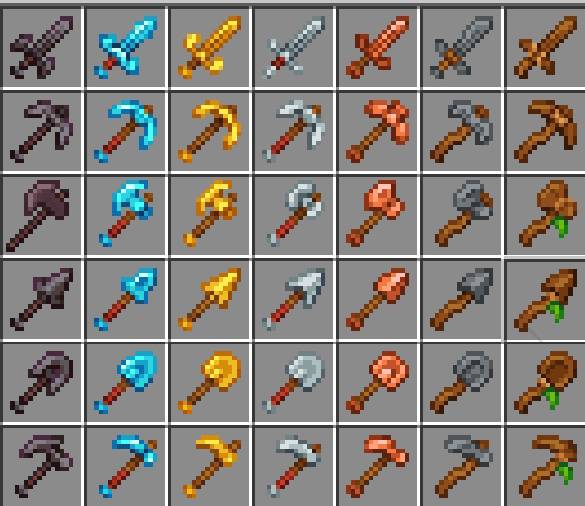

A&S Tools
Modifying tools for a more modern and harmonious aesthetic.Download

Just Some More Doggos
Extra Wolf textures to add some more life into your world!Install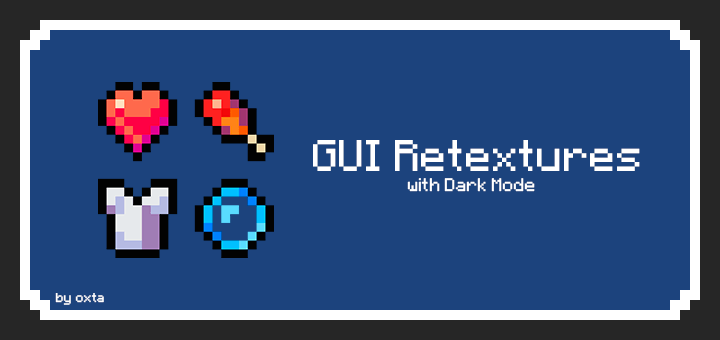

GUI Retextures BE
Makes GUI and HUD fancier with dark mode included. This is an unofficial «GUI Retextures» port, originally made by frugbug for Java.Download

Glass Hotbar Connected
This resource pack changes the hotbar background to glass.Install

Shiny Ores - Bedrock
Shiny Ores makes every ore easier to spot by adding glowing ores in Vibrant Visuals and clear ore outlines in Fancy Graphics, helping you find valuable resources faster.Download

Full blue Netherite & Ancient Debris
A resource pack which changes the ancien debris/Netherite texture to better see it while classic/lava miningInstall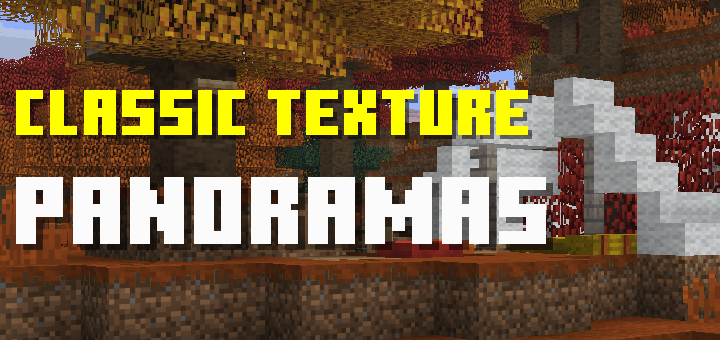

Classic Texture Panorama
Vanilla panoramas in classic texturesDownload

Blacksea animation for punchy(黑海)
A resource pack built on the Punchy mod that swaps out the axe animations in-game for ones inspired by the 'Black Sea' weapon from Delta Force."Install

Fox Totem of Undying
Fox Totem customizes the Totem of Undying in Minecraft with a vibrant fox design, adding a playful touch to your gameplay.InstallFAQ
Do I need Forge or Fabric for a resource pack?
No. A resource pack works on the regular game with no loaders or mods. Click “Install” and Millida Launcher will put the pack into the right modpack — then just enable it in the settings.
What do 16×, 32×, 64× mean?
The resolution of a single texture in pixels. 16× matches the original game, 32× and 64× are more detailed and heavier, and 128× and up put a noticeable load on your graphics card.
Will a pack made for another version work?
Most likely partly: older packs don't have textures for newer blocks, so those will stay default. The game won't break, though.
How is a texture pack different from a resource pack?
Only by name and age. Before version 1.6 the sets were called texture packs and changed only textures; in 1.6 resource packs replaced them and also change sounds, fonts and the interface. Old texture packs for 1.5 and below do not work on new versions without conversion.
Which texture packs are best for PvP?
PvP packs: 16× resolution or lower, shortened swords, low fire, a clear sky and bright particles. They barely load the computer and make the opponent easier to see. These packs are collected in the PvP theme.
How do I install a resource pack?
Press Install and Millida Launcher puts the pack into the resourcepacks folder of the right instance. Then enable it in the game: Options, then Resource Packs. Manually, the archive goes into resourcepacks inside the game folder, no need to unpack it.
Resource packs for Minecraft 1.21
Resource packs for Minecraft 1.21: 2,305 items in the Resource packs section. Compatibility is checked against the files, not the description: only items with a build for exactly these conditions stay in the list.
The key thing about a pack is its resolution. The game's default textures are 16×16 pixels; 32× and 64× packs look more detailed, while 128× and up need a real graphics card and are usually paired with shaders. On a weak machine it makes sense to stay at 16× or go for packs that deliberately simplify graphics for more FPS. Every pack here lists its game version, author and license, and all released versions are gathered on one card. Put the downloaded archive in the resourcepacks folder and enable it in the game settings.