
Resource packs for Minecraft 1.21 — page 7
Resource packs: list


Small Shield & Totem
Compatible with custom totem textures. Also adds small totem popInstall

Marlowww+
Clean CPvP texture pack focused on clarity, high visibility, and performance for Crystal PvP.Install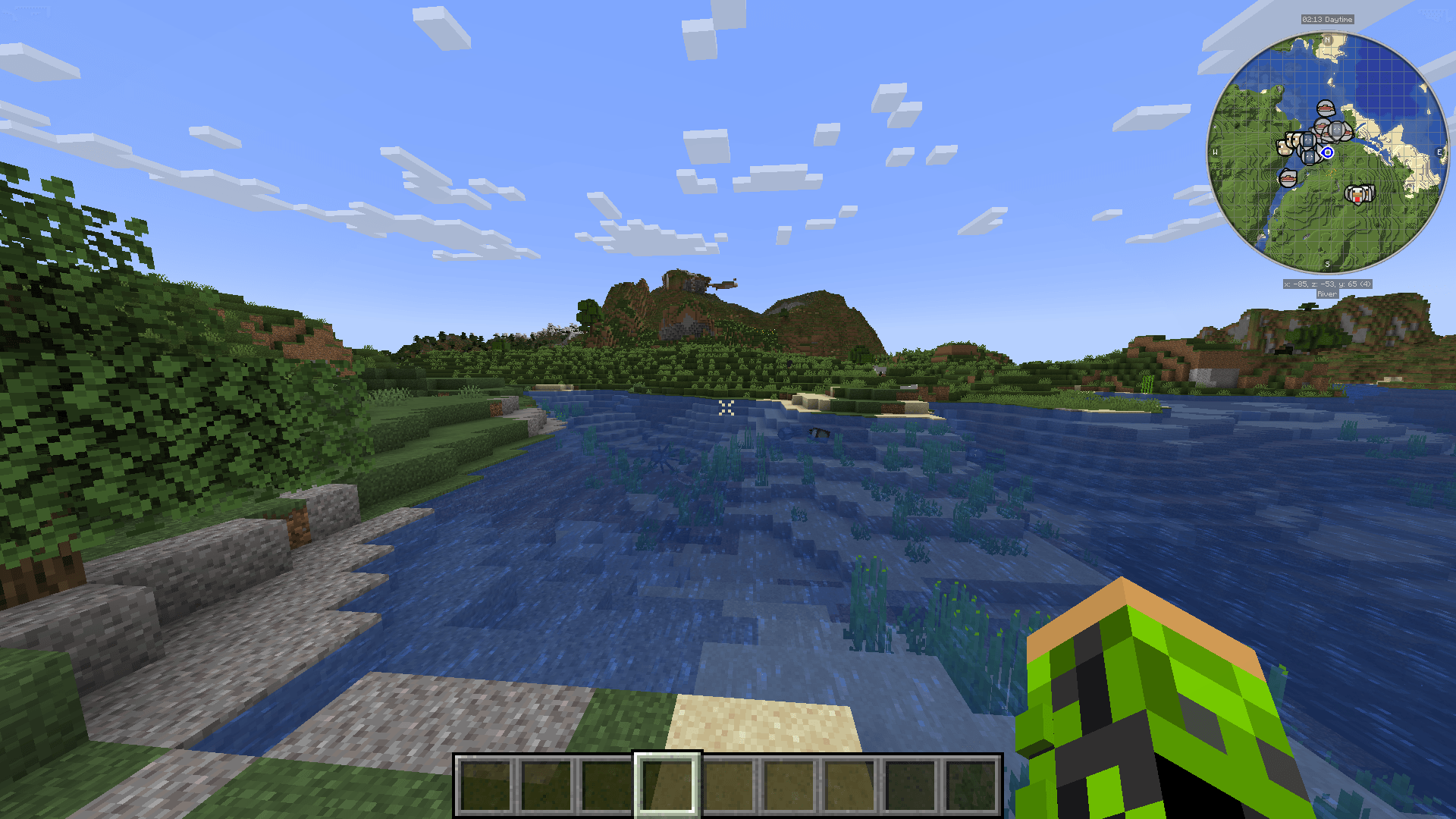
Central Crosshair
A centralised crosshair for the user HUD with a simplistic lookInstall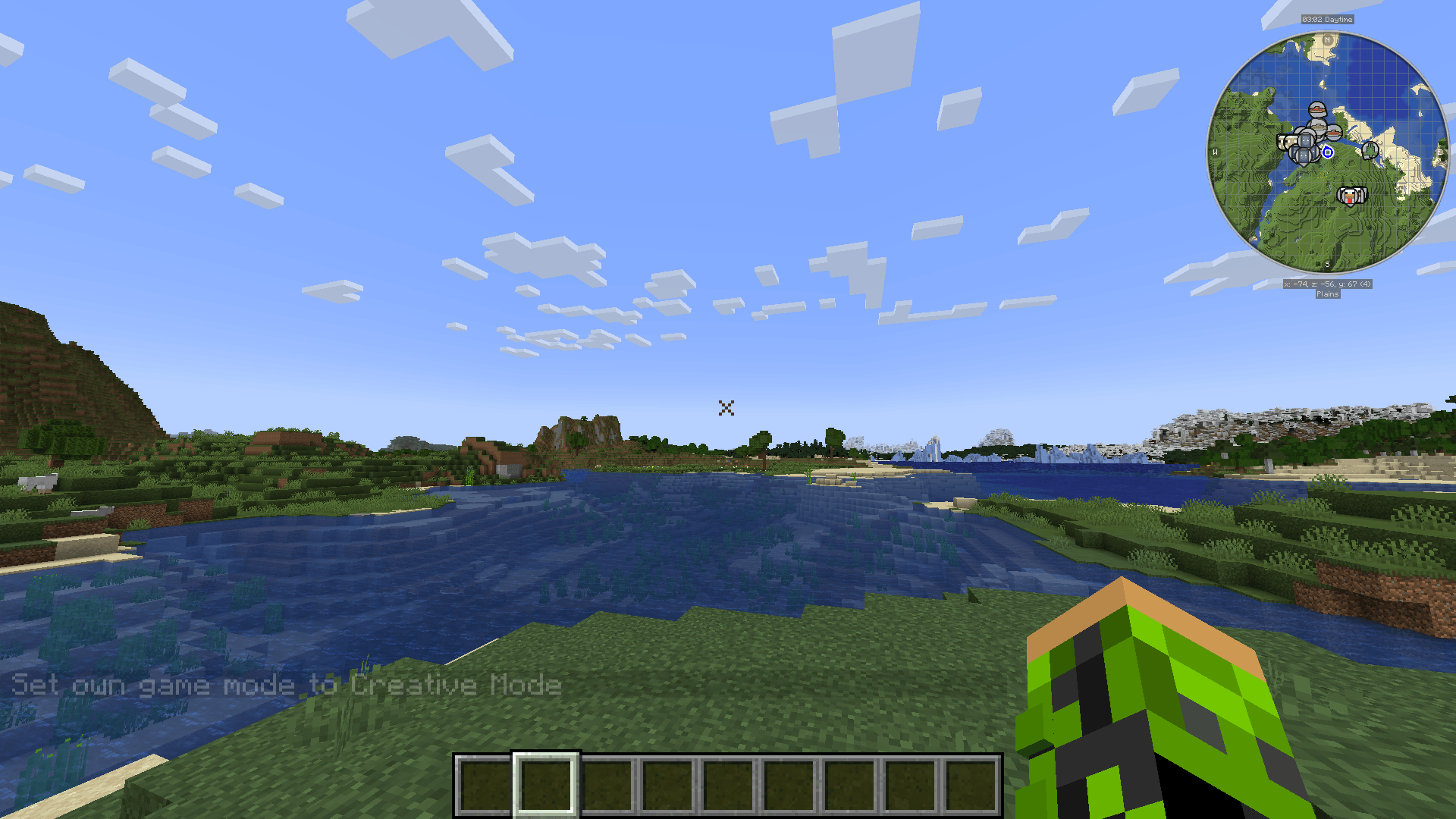
X Crosshair Shape
An X crosshair shape for the user HUDInstall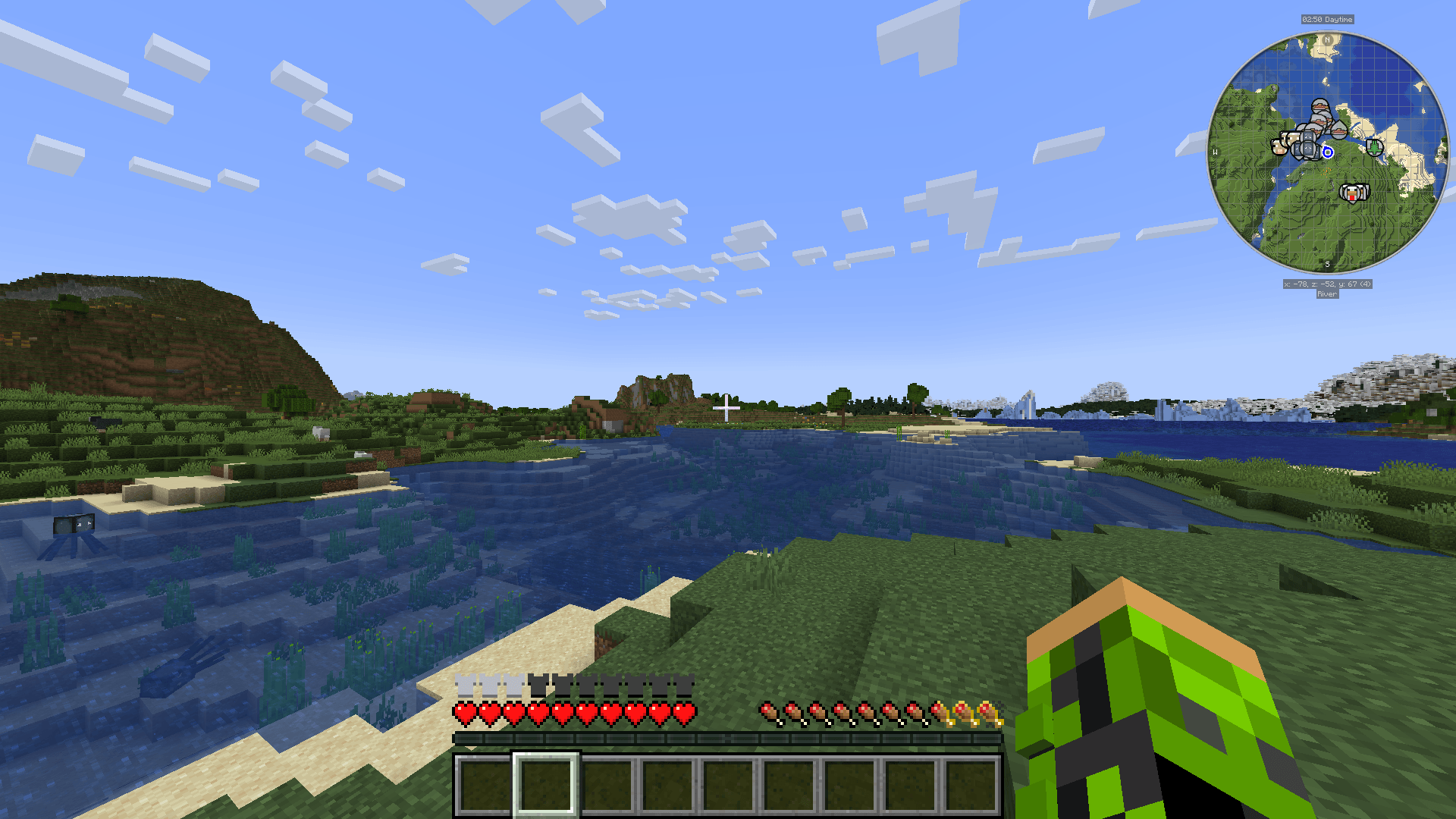
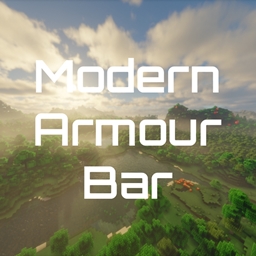
Modern Armour Bar
A simplisitc, modern-looking armour barInstall
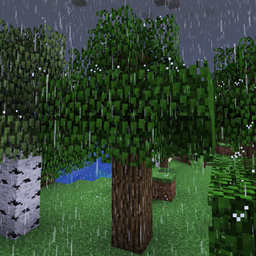
Realistic Rain
A long-time resource pack developed to reimagine the Minecraft rain sound effects and textures.Install

Alacrity
32x resource pack with crazy attention to detailsInstall
Create UI
Create-Mod themed UIInstall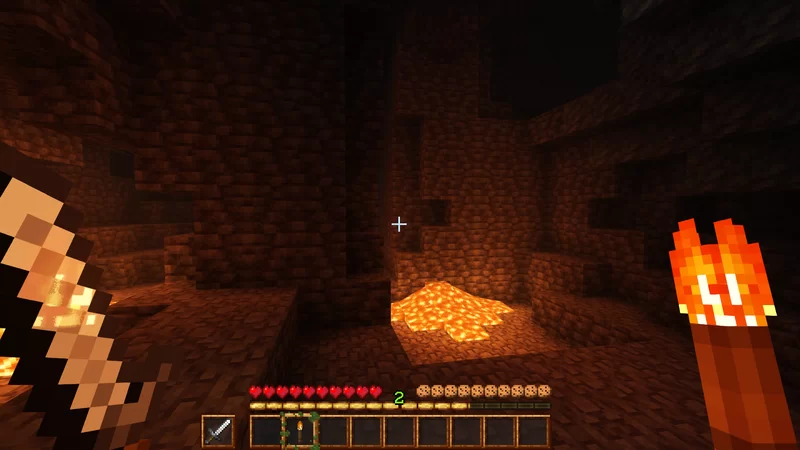
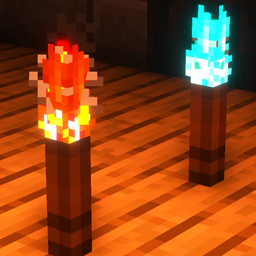
Snod Animated Torches
Nice little animated torchesInstall

Vanilla Experience+
It improves, refines, and fixes various aspects while keeping the Vanilla style.Install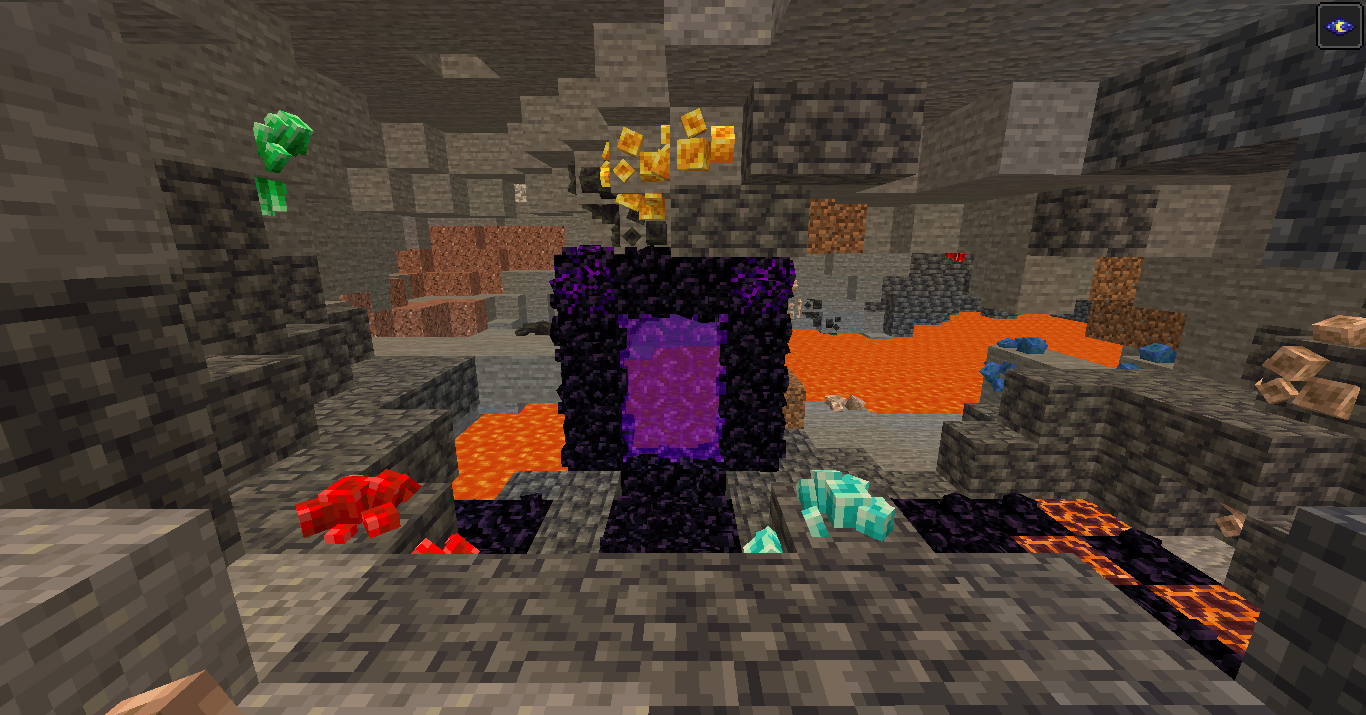
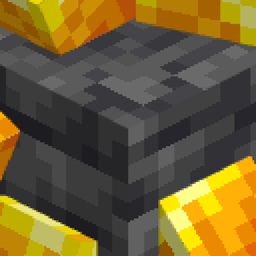
Fantasy Ores by CesarZorak
Bring more happiness to classic Minecraft ores!Install

PvP Crosshair
The one and only crosshair to PvP with, available on all versions!Install

Excalibur | Lootr Support
This is a support pack that converts Lootr Mod textures to match the awesome Excalibur ResourcePack.Install

Enchantment Glows
Adds a glowing visual effect to enchanted toolsInstall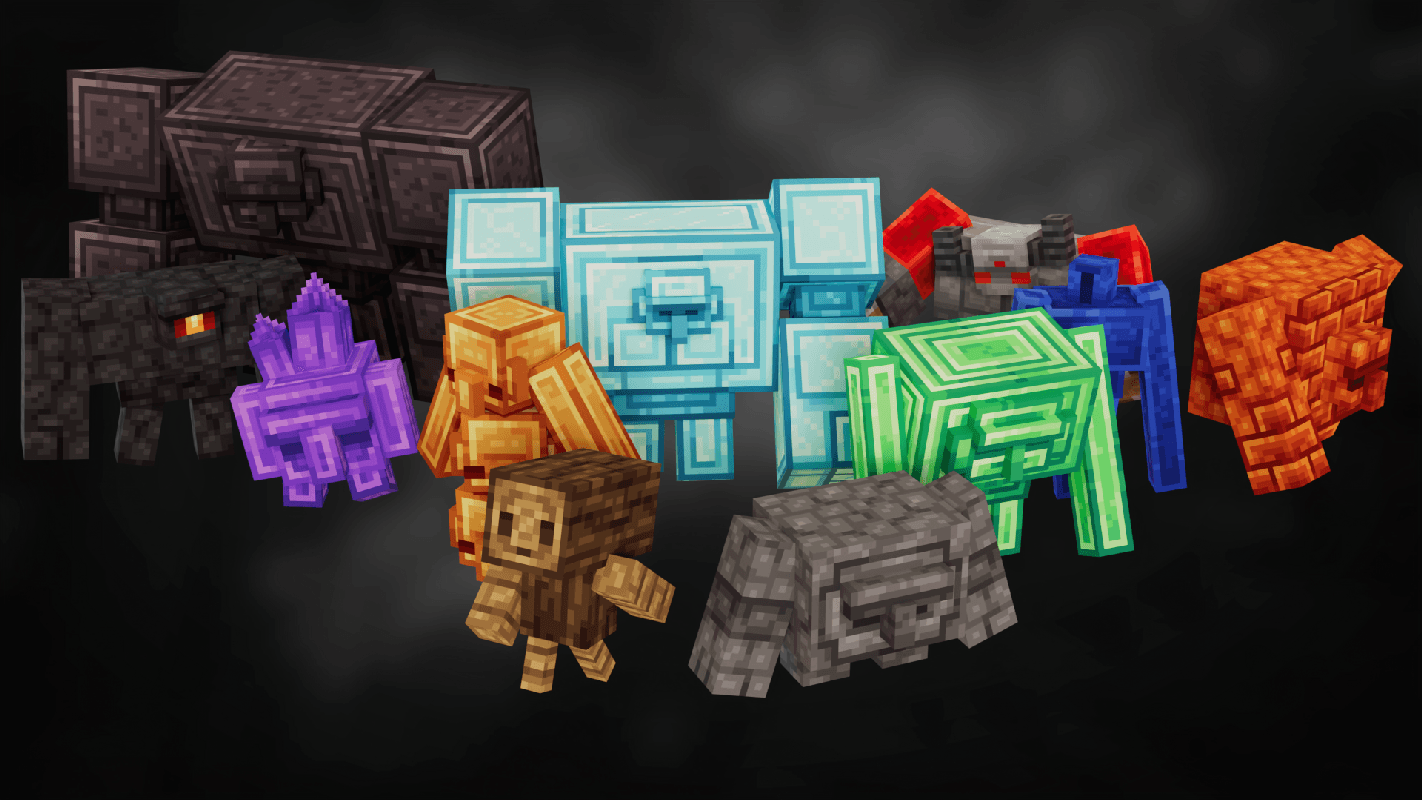
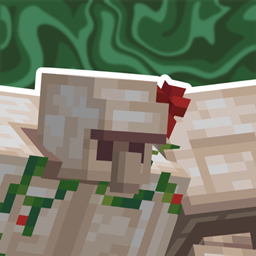
Golems Refreshed
Golems with a Refreshed Take!Install

Gentler Weather Sounds
Weather sounds you won't mind listening to // Complete replacement for rain & thunder!Install

FancyFast Bushy Leaves
Bushy leaves designed with performance in mind, especially for mid-range and lower-end PCs.Install

AL's Zombies Revamped x Fresh Animations
A pack that makes AL's Zombies Revamped compatible with Fresh Animations by Fresh_LX!Install

Nautilus 3D
Nautilus 3D is a Minecraft Resource-pack, mainly focused on 3D-Models with a vanilla style.Install

Fancy Beds
Changes the beds to be more fancy and cute!Install

Fresh Buckets
A Minecraft resource pack that adds 3D bucket models!Install

Dungeons Crit Sound
Replaces the Critical Hit sound with the one from Minecraft Dungeons.Install

Better 3D Beds
Better 3D Beds is a texture pack for Minecraft that significantly enhances the appearance of beds in the game, making them more realistic and detailed with new 3D models. This texture replaces the old bed models with more beautiful and immersive versions.InstallFAQ
Do I need Forge or Fabric for a resource pack?
No. A resource pack works on the regular game with no loaders or mods. Click “Install” and Millida Launcher will put the pack into the right modpack — then just enable it in the settings.
What do 16×, 32×, 64× mean?
The resolution of a single texture in pixels. 16× matches the original game, 32× and 64× are more detailed and heavier, and 128× and up put a noticeable load on your graphics card.
Will a pack made for another version work?
Most likely partly: older packs don't have textures for newer blocks, so those will stay default. The game won't break, though.
How is a texture pack different from a resource pack?
Only by name and age. Before version 1.6 the sets were called texture packs and changed only textures; in 1.6 resource packs replaced them and also change sounds, fonts and the interface. Old texture packs for 1.5 and below do not work on new versions without conversion.
Which texture packs are best for PvP?
PvP packs: 16× resolution or lower, shortened swords, low fire, a clear sky and bright particles. They barely load the computer and make the opponent easier to see. These packs are collected in the PvP theme.
How do I install a resource pack?
Press Install and Millida Launcher puts the pack into the resourcepacks folder of the right instance. Then enable it in the game: Options, then Resource Packs. Manually, the archive goes into resourcepacks inside the game folder, no need to unpack it.
Resource packs for Minecraft 1.21
Resource packs for Minecraft 1.21: 2,301 items in the Resource packs section. Compatibility is checked against the files, not the description: only items with a build for exactly these conditions stay in the list.
The key thing about a pack is its resolution. The game's default textures are 16×16 pixels; 32× and 64× packs look more detailed, while 128× and up need a real graphics card and are usually paired with shaders. On a weak machine it makes sense to stay at 16× or go for packs that deliberately simplify graphics for more FPS. Every pack here lists its game version, author and license, and all released versions are gathered on one card. Put the downloaded archive in the resourcepacks folder and enable it in the game settings.