
Resource packs for Minecraft 1.21 — page 52
Resource packs: list



No fog
Hides all fog and thus, increases render distance without increasing lagDownload

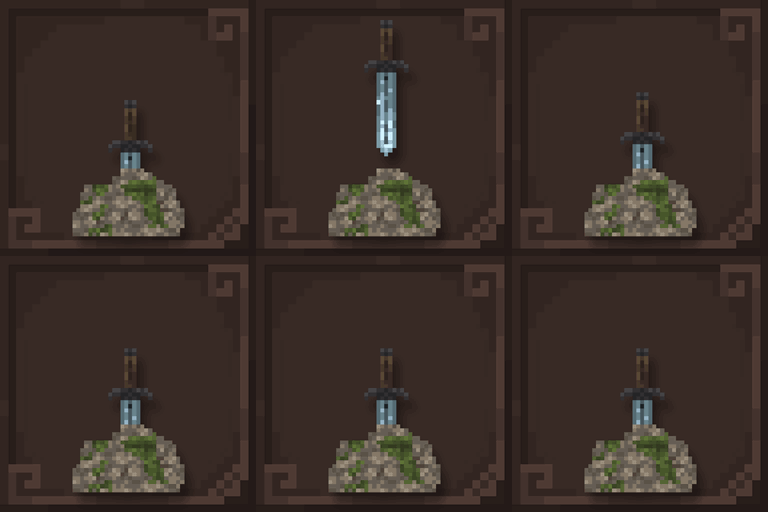
Incendium Textures Reimagined
A repaint of the Incendium item textures the from Sparkles resource packInstall
Excalibur | Additions: Minor Mods Support
A set of small mod supports, unified into one smooth Excalibur-themed collectionInstall

Particles +
Additional, unique and fixed particles across the boardInstall

Lanostry's foxes x Fresh animations
Fresh Animations compat with Lanostry FoxesInstall

Raven Phantoms
Replaces Phantoms with dark-winged Ravens!Install

Amended SVC Icons
Refreshing every Simple Voice Chat icon with a cleaner and more polished look while still staying true to the recognizable original designs.Install
Night Vision Ultimate | Night Vision
Night Vision Pack for Minecraft without turning off achievements by. Enjoy full brightness anywhere—no potions needed! Perfect for caves, night, and underwater.Install

Low Fire!
makes the Fire overlay look small on your screen in order to clean your Obstructed view!Install

Fresh Paintings
A Minecraft resource pack that adds 3D paintings and item frames models!Install

Fishing Rod 3D
Vanilla + Fishing Rod 3DInstall

Emissive Trims Shader
An RP that makes armor details emissive in vanilla and with shadersInstall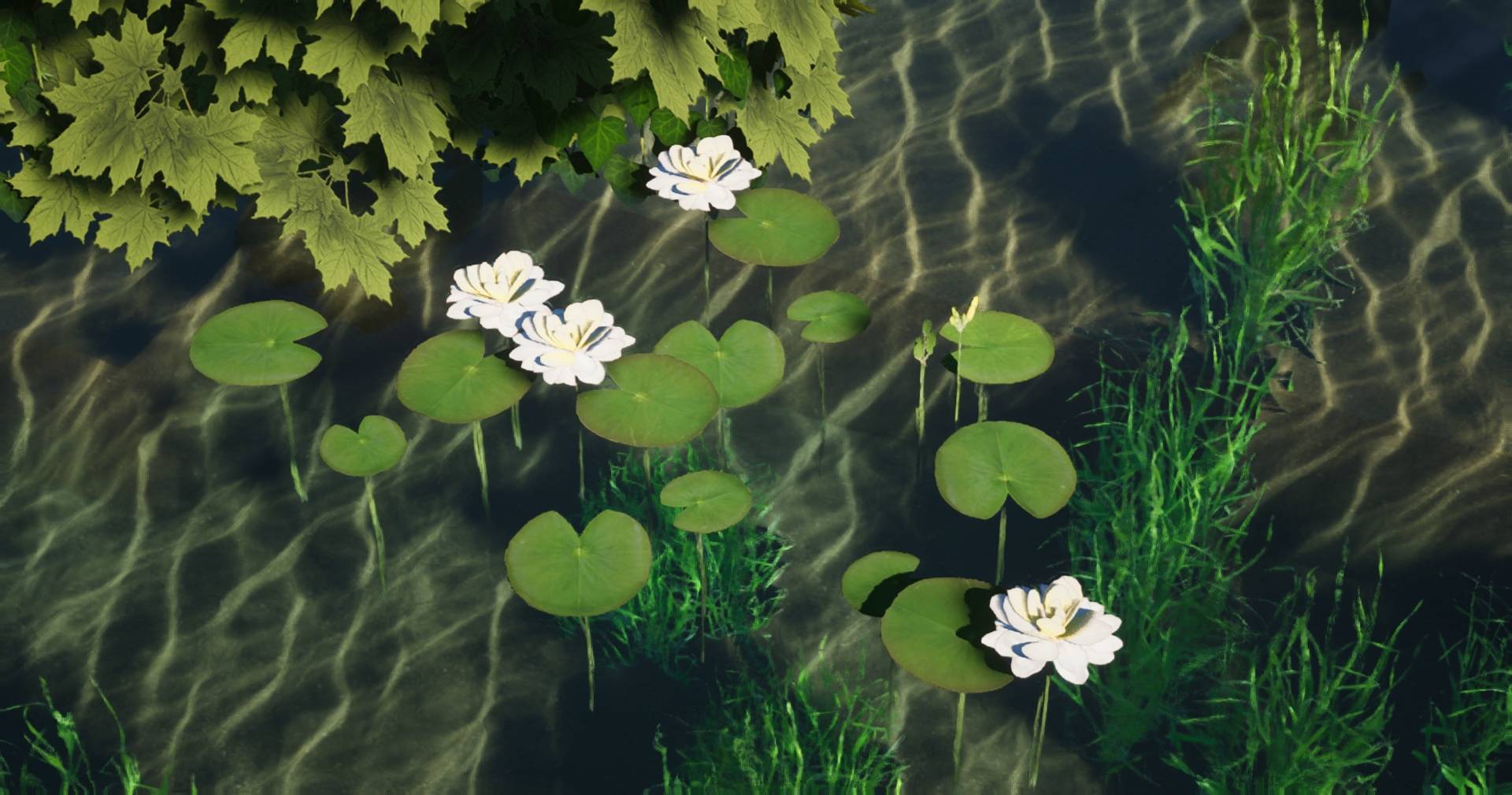
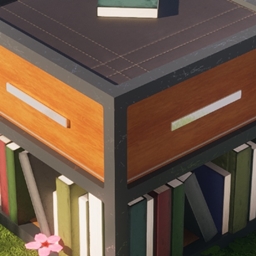
Destiny 128x
A modern themed realistic texture pack that comes in 4 different resolutions, all the way up to 1024x.Install

One Pixeled - The Ultimate FPS Booster Texture Pack! v1.6
Want to increase your FPS? Or just want a smooth and simple look? Then this is the Texture Pack for you!Download
BMP Translations
Resource pack created by the BMProjects team for adding translations for some mods!Install
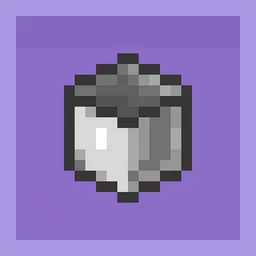
Cube-ish Buckets
Buckets! Do you think the vanilla one is a circle... or some kind of polygon?Install

Better Saplings & Mushrooms Texture Pack(Pale Oak Update!)
Ever wanted some bonsai trees or puffy mushrooms? Then this texture pack is for you! This small texture pack improves the saplings and makes them bushier and makes the mushrooms puffier!Download

Eating Animations x Quark
Add compatibility between Eating Animations and the food of the mod Quark and variants of some other Quark theme modInstall

No Explosion Sounds
No explosion sounds for crystal pvp or just anything in general.Install

PvP Fundamentals
A Texturepack That Contains Everything Needed for PvPInstall

Midnighttigger's Default Connected Textures Addons
Addons such as Clear Glass to Midnighttigger's Default Connected Textures/Better Grass & SnowInstall

Bare Bones - Emissive Ores
Adds glowing emissive effects to ores, enhancing their appearance while maintaining the minimalist style of the Bare Bones pack.Install

Default Skinpack
Adds Default Skin into Legacy4J as a SkinpackInstallFAQ
Do I need Forge or Fabric for a resource pack?
No. A resource pack works on the regular game with no loaders or mods. Click “Install” and Millida Launcher will put the pack into the right modpack — then just enable it in the settings.
What do 16×, 32×, 64× mean?
The resolution of a single texture in pixels. 16× matches the original game, 32× and 64× are more detailed and heavier, and 128× and up put a noticeable load on your graphics card.
Will a pack made for another version work?
Most likely partly: older packs don't have textures for newer blocks, so those will stay default. The game won't break, though.
How is a texture pack different from a resource pack?
Only by name and age. Before version 1.6 the sets were called texture packs and changed only textures; in 1.6 resource packs replaced them and also change sounds, fonts and the interface. Old texture packs for 1.5 and below do not work on new versions without conversion.
Which texture packs are best for PvP?
PvP packs: 16× resolution or lower, shortened swords, low fire, a clear sky and bright particles. They barely load the computer and make the opponent easier to see. These packs are collected in the PvP theme.
How do I install a resource pack?
Press Install and Millida Launcher puts the pack into the resourcepacks folder of the right instance. Then enable it in the game: Options, then Resource Packs. Manually, the archive goes into resourcepacks inside the game folder, no need to unpack it.
Resource packs for Minecraft 1.21
Resource packs for Minecraft 1.21: 2,288 items in the Resource packs section. Compatibility is checked against the files, not the description: only items with a build for exactly these conditions stay in the list.
The key thing about a pack is its resolution. The game's default textures are 16×16 pixels; 32× and 64× packs look more detailed, while 128× and up need a real graphics card and are usually paired with shaders. On a weak machine it makes sense to stay at 16× or go for packs that deliberately simplify graphics for more FPS. Every pack here lists its game version, author and license, and all released versions are gathered on one card. Put the downloaded archive in the resourcepacks folder and enable it in the game settings.