
Resource packs for Minecraft 1.21 — page 40
Resource packs: list



Os' Shulkers
Give each color of shulker a unique pattern upon dying it to identify it even easier.Install

Enhanced Evil x FA
Enhanced hostile mobs Textures & VariationsInstall

OF FPS Booster
High-performance optimization for smoother gameplay and maximum frames.Download
Fast Loading Screen Pack
This pack "removes" the loading screen menu and allows you to freely move your camera and mouse while loading the world or dimension.Download

Durability Overlay Netherite
Shows Armor durability by changing its color. Has 11 different durability colorsInstall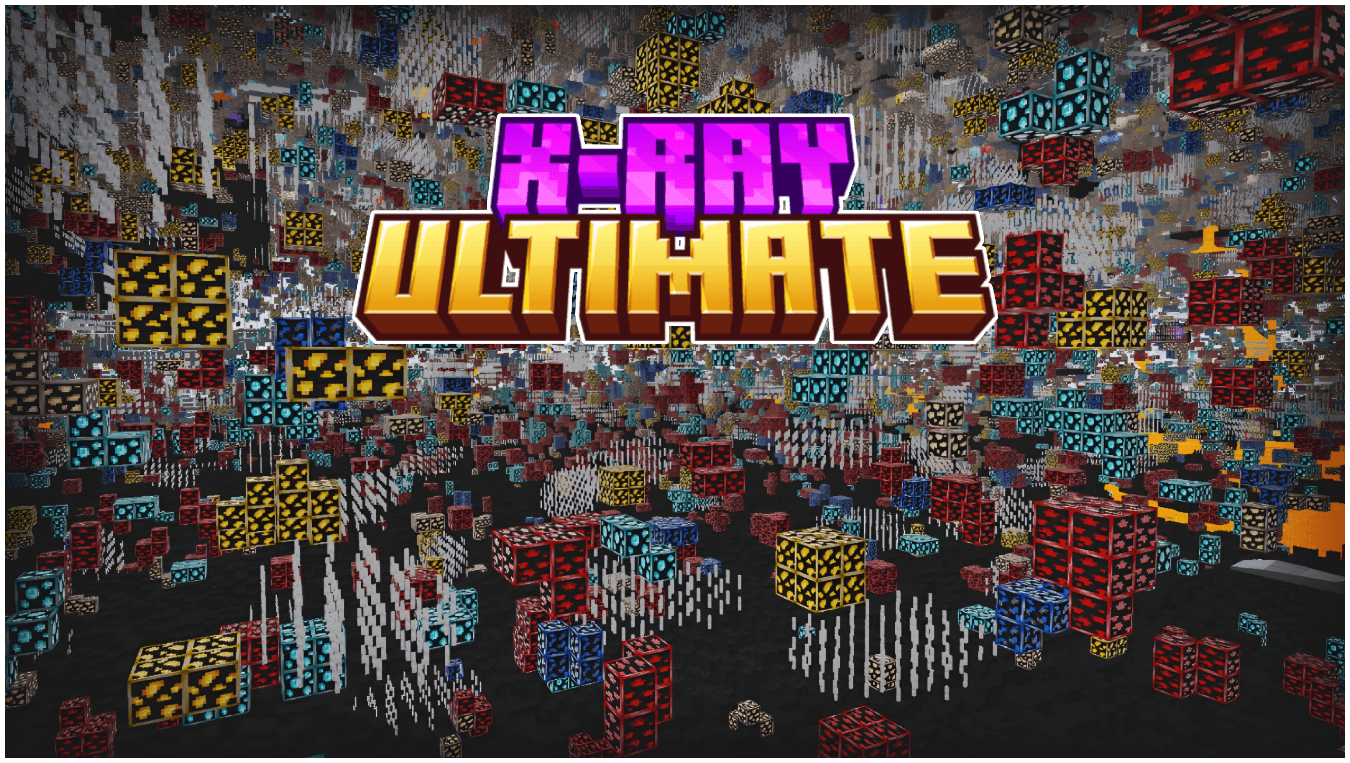

X-Ray Ultimate | Outlined Ores
See every valuable block instantly with Ultimate X-Ray, featuring clearly outlined and glowing ores for maximum visibility. Mine smarter, locate resources faster, and never miss diamonds again.Download

Fresh AI Tweaks
Allows Fresh Animations to work with Mob AI TweaksInstall

Scaffolding Delta - FastShowDistance Module
Show distance without add extra parts at original ScaffoldingInstall
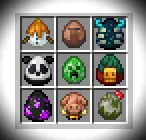
EGG textures from version 1.21.5
A texture pack that adds new eggs from the official version of Minecraft 1.21.5 (25w08a).Install

钠-汉化包(Sodium Chinese Localization Pack)
A project can translate you mod into ChineseInstall

Bare Bones x LambdaBetterGrass
LambdaBetterGrass integration for Bare Bones!Install
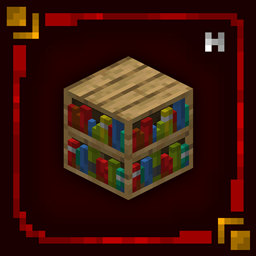
Hellim's 3D Blocks
Enhances core building blocks with subtle 3D depth and cleaner structure, adding dimension while fully preserving their original vanilla textures and style.Install

Scaffolding Delta - Package Fast Edition
Version of Scaffolding Delta but without implement new model partsInstall

Scaffolding Delta - FancyShowDistance Module
Show distance with add new colours partsInstall

Animated Hotbar RGB
Enhance your Minecraft experience with sleek, color-cycling neon borders for your hotbar slots.Install

Netherite & Ancient Debris Lava mining Full Setup
A resource pack to optimize Netherite lava mining as much as possible!Install

Fresh Better Turtle Variants
Fresh Animations Addon for Better Turtle Variants Resourcepack!Install

Diagonal Perfect Rails 3D PBR
Curved rails now go 45 degrees straight! Minecarts now run smoothly on continuous curved rails! Now support PBR and Create Mod!Install

Scaffolding Delta - CTM Module
ConnectTextureModel with scaffolding ? why notInstall

[ Java ] Waifu Husbando Mobs: HPM
Turns Human Player Mobs's player model mobs to a more proportionate anthro modelInstall

More Piglins with Fresh Animations
Adds new Piglin Variants, now with Fresh Animations.Install

Scaffolding Delta - FastEmitLight Module
Solution when build with scaffolding on night - FastInstall

No Fire Overlay
Removes the annoying fire overlay that takes up your screenInstallFAQ
Do I need Forge or Fabric for a resource pack?
No. A resource pack works on the regular game with no loaders or mods. Click “Install” and Millida Launcher will put the pack into the right modpack — then just enable it in the settings.
What do 16×, 32×, 64× mean?
The resolution of a single texture in pixels. 16× matches the original game, 32× and 64× are more detailed and heavier, and 128× and up put a noticeable load on your graphics card.
Will a pack made for another version work?
Most likely partly: older packs don't have textures for newer blocks, so those will stay default. The game won't break, though.
How is a texture pack different from a resource pack?
Only by name and age. Before version 1.6 the sets were called texture packs and changed only textures; in 1.6 resource packs replaced them and also change sounds, fonts and the interface. Old texture packs for 1.5 and below do not work on new versions without conversion.
Which texture packs are best for PvP?
PvP packs: 16× resolution or lower, shortened swords, low fire, a clear sky and bright particles. They barely load the computer and make the opponent easier to see. These packs are collected in the PvP theme.
How do I install a resource pack?
Press Install and Millida Launcher puts the pack into the resourcepacks folder of the right instance. Then enable it in the game: Options, then Resource Packs. Manually, the archive goes into resourcepacks inside the game folder, no need to unpack it.
Resource packs for Minecraft 1.21
Resource packs for Minecraft 1.21: 2,284 items in the Resource packs section. Compatibility is checked against the files, not the description: only items with a build for exactly these conditions stay in the list.
The key thing about a pack is its resolution. The game's default textures are 16×16 pixels; 32× and 64× packs look more detailed, while 128× and up need a real graphics card and are usually paired with shaders. On a weak machine it makes sense to stay at 16× or go for packs that deliberately simplify graphics for more FPS. Every pack here lists its game version, author and license, and all released versions are gathered on one card. Put the downloaded archive in the resourcepacks folder and enable it in the game settings.