
Resource packs for Minecraft 1.21 — page 32
Resource packs: list


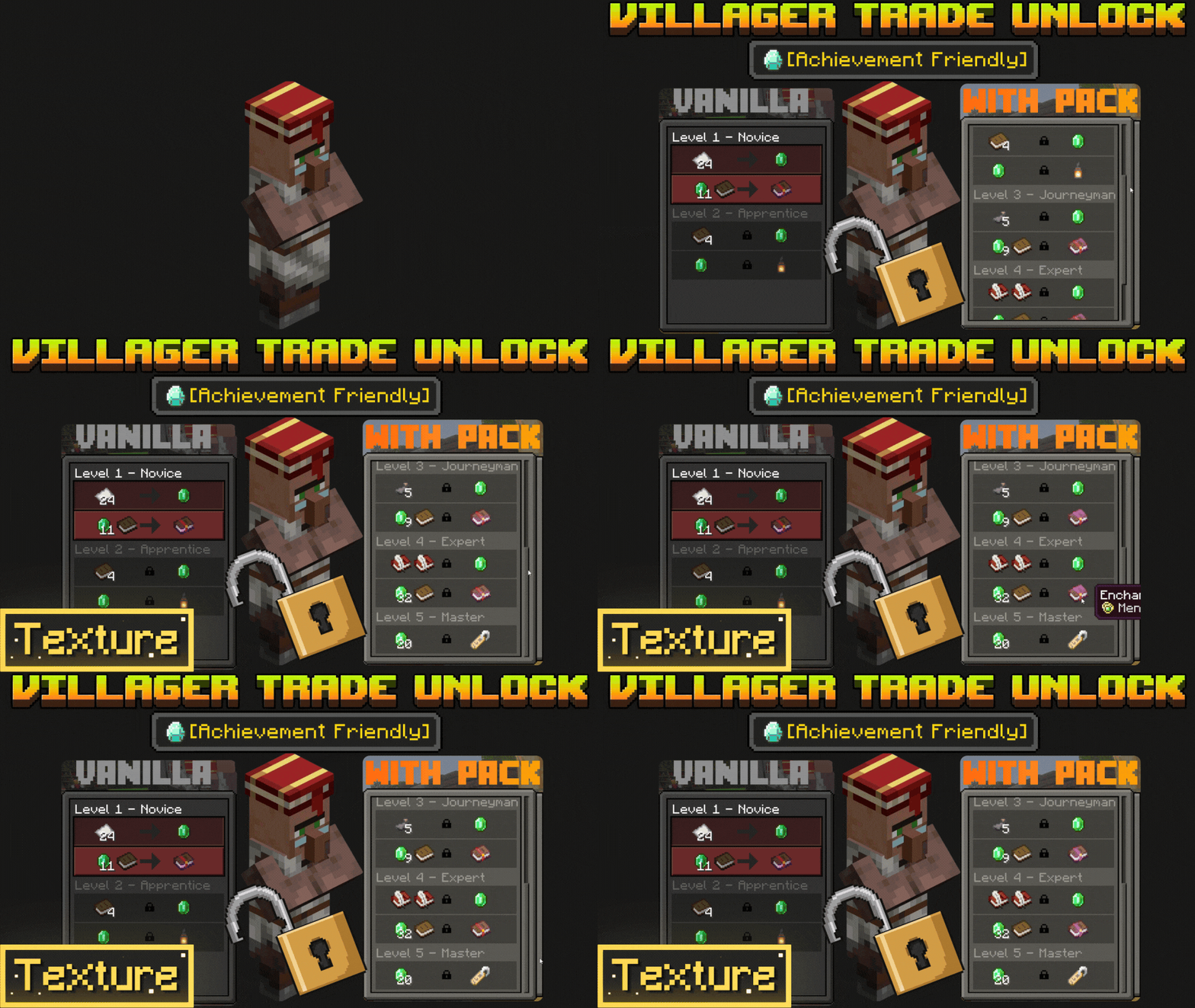

Villager Trades Preview Unlocker
Villager Trade Previewer and Unlocker for Minecraft Bedrock 1.26 to see all trades instantly without leveling upDownload

Cobweb Outline
Highlights cobwebs with a clean outline to improve visibility and control during PvP fightsInstall
Armors'N'Items - By StefanJ2
Adds a huge collection of custom items through anvil renaming, without any required mods.Install

Baby Animals Remastered
Changes the models and textures of Baby AnimalsInstall

Health Bars Reforged
Fancier & more colorful health bars!Install

Ore Visible
A resource pack that makes spotting ores in dark caves much easier.Install

Nature's & Explorer's Compass Retexture
Retexture of the Nature and Explorer's compass modsInstall

RealSource Realistic JAVA
Complete realistic vanilla texture pack with PBR / POM supportInstall

Zombies Revamped
Improves your game by transforming zombies with a scary new appearance and spooky sounds, making each meeting more exciting and engaging!Install

UltimaCraft PBR
PBR add-on for UltimaCraft. Adds Optifine shader support for textures using LabPBR format.Install

Excalibur | Fresh Animations Patch
A Resource Pack that makes Excalibur compatible with Fresh Animations and Freshly Modded!Install

Emissives for xali's Potions
Make xali's Potions glow!Install
Create Style Redstone Pen
Redstone Pen's blocks and items re-textured and re-modeled.Install

Remodeled Cactus
A new cactus 100% vanilla. No optifine required!Install

ItzRealMes Overlay
Crystal PvP Overlay to look like ItzRealMes.Install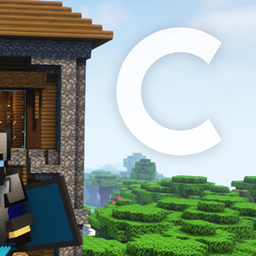
(1.21.5) Celesta 32x | Slick PvP Texture Pack
An Amazing 32x Knife PvP Pack with Smooth Gradient Textures, Items & Blocks for 1.21.5Install

Fresh Dungeons
A Fresh Animations addon for the Dungeons Style resource packInstall
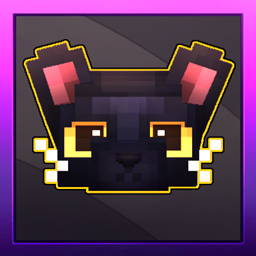
Refined Cats
Updates the cat textures as well as the model to have a refreshed appearance (Forge/Fabric)Install

ENHANCED LEGENDARY RT JAVA TEXTURES
A Realistic (POM & PBR) Texture Pack For Minecraft Java EditionInstall

CobbleDollars - Pokemon Dollars Icon Cobblemon
Changes the cobbledollars icon to the Pokemon Dollars icon used by the games.Install
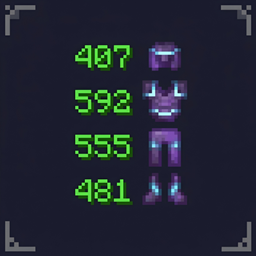
Durability Display
Shows item durability on HUD, inventory, hover text, armor & offhand. Color-coded numbers, low durability warning, no behavior pack needed. Pure resource pack.Download

Better Carpets
Better Carpets adds subtle 3D overhangs and varied edge details to wool, moss, and pale moss carpets.Install
PvP for Cuties
A PvP Texturepack for Cuties by Cuties :3InstallFAQ
Do I need Forge or Fabric for a resource pack?
No. A resource pack works on the regular game with no loaders or mods. Click “Install” and Millida Launcher will put the pack into the right modpack — then just enable it in the settings.
What do 16×, 32×, 64× mean?
The resolution of a single texture in pixels. 16× matches the original game, 32× and 64× are more detailed and heavier, and 128× and up put a noticeable load on your graphics card.
Will a pack made for another version work?
Most likely partly: older packs don't have textures for newer blocks, so those will stay default. The game won't break, though.
How is a texture pack different from a resource pack?
Only by name and age. Before version 1.6 the sets were called texture packs and changed only textures; in 1.6 resource packs replaced them and also change sounds, fonts and the interface. Old texture packs for 1.5 and below do not work on new versions without conversion.
Which texture packs are best for PvP?
PvP packs: 16× resolution or lower, shortened swords, low fire, a clear sky and bright particles. They barely load the computer and make the opponent easier to see. These packs are collected in the PvP theme.
How do I install a resource pack?
Press Install and Millida Launcher puts the pack into the resourcepacks folder of the right instance. Then enable it in the game: Options, then Resource Packs. Manually, the archive goes into resourcepacks inside the game folder, no need to unpack it.
Resource packs for Minecraft 1.21
Resource packs for Minecraft 1.21: 2,285 items in the Resource packs section. Compatibility is checked against the files, not the description: only items with a build for exactly these conditions stay in the list.
The key thing about a pack is its resolution. The game's default textures are 16×16 pixels; 32× and 64× packs look more detailed, while 128× and up need a real graphics card and are usually paired with shaders. On a weak machine it makes sense to stay at 16× or go for packs that deliberately simplify graphics for more FPS. Every pack here lists its game version, author and license, and all released versions are gathered on one card. Put the downloaded archive in the resourcepacks folder and enable it in the game settings.