
Resource packs for Minecraft 1.21 — page 28
Resource packs: list


Mellowv Shaders
Mellow Shaders brings warm, golden-hour cinematics to Bedrock without the performance cost. Lightweight volumetric lighting, soft atmospheric fog, and glowing sunsets—all optimized to run smooth on any device.Download
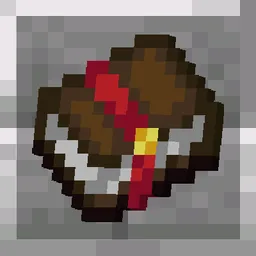
Unique Enchanted Books
A pack that gives each enchanted book different textures.Install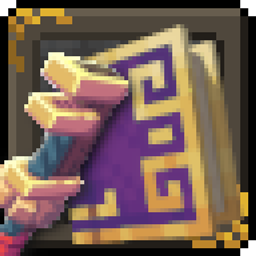
Ars Nouveau Brass-ified Create-Style - ANBICS
Changes Ars Nouveau blocks with Gold trim into a Brass trim variant to match Create mod's BrassInstall

Enchantment Descriptions Compat
Adds enchantment descriptions for modded enchantments that are missing them!Install

Loading Backgrounds - Structures
This resourcepack is a perfect complement to the Loading Backgrounds mod, since it takes care of adding loading images related to the structures.Install

XPlus Font Pack
Use Source Han Sans in Minecraft! Integrated in XPlus Series Modpack.Install

Protect my eyes
This is a mod that adds a border to commonly used blocks, making it easier to count slots for building construction.Install
Exclude C418 Songs
Remove almost all of the background music made by C418!Install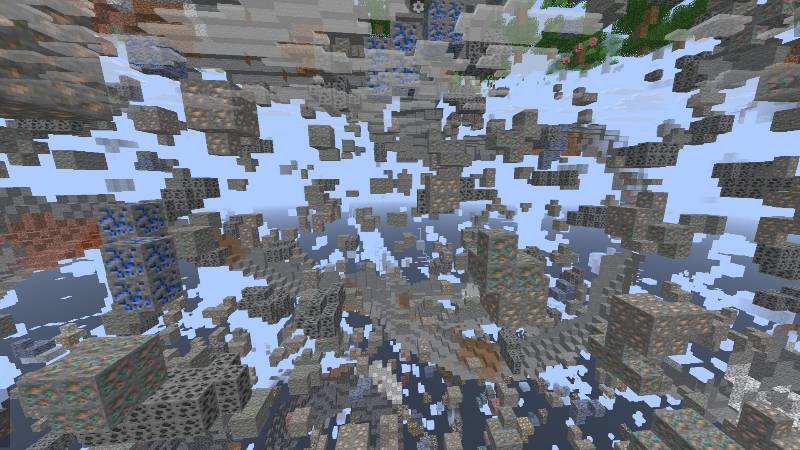
X Ray Glow | Spectator Toggleable Xray
Best X ray texture Pack For Minecraft . You Can Simply Turn on / off x ray by turning on / off the spectator modeInstall

Custom Totem 3D
Customizable 3D Totem resource pack that lets you use your own skin as the Totem of UndyingInstall

[Particle Effects] Particles Updated
Updates the Particle Effects mod textures to ones I like betterInstall

Invisible Totem Of Undying - Clear View When Held
Invisible Totem offers a unique advantage by making the totem of undying invisible when held, ensuring players have a clear field of view for navigating and reacting to game situations without visual obstruction.Install

Better Ores 3D
This resource pack allows you to have 3D and glowing ores.Install

Simple Hotbar
Resource Pack that changes hotbar, hearts and armor iconsInstall

Fishing Rod 3D Reimagined
A Vanilla-styled fishing rod recreated in stunning 3DInstall

Whimscape x Fresh Animations
Make Fresh Animations compatible with Whimscape!Install

LCE Panorama Collection
TU0-TU69 panorama's, compatible with Legacy4JInstall

Mobs Refreshed
Classic Mobs with a Refreshed Take!Install

Blue's Better Zombies
Updates zombies to look more realistic with physics-like animationsInstall

Mysteriel Fantasy Visuals
Mysteriel Fantasy Visuals, the texture pack that transforms Minecraft Bedrock into a dark, mysterious fantasy world with cinematic lighting and enhanced realistic textures.Download

Steampunk Texture Pack
Create your own Industrial Revolution with this Victorian inspired Steampunk texture pack! A port from Legacy Console Edition.Install

BEST PACK PVP
This pack contains everything you need to play PVP professionally. +FPS -LAGDownload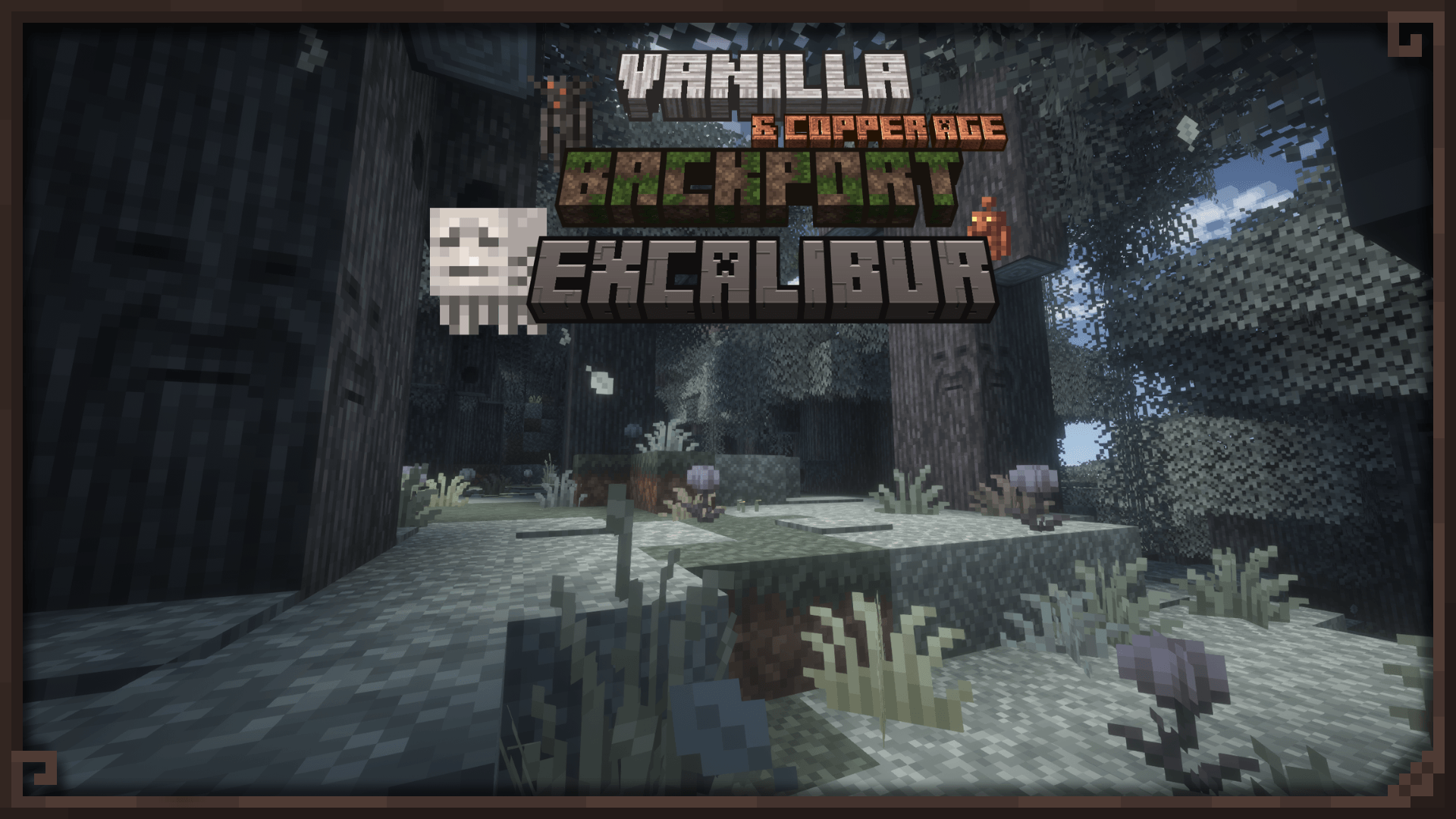

Excalibur | Vanilla/Copper Age Backport Support
A compatibility texture backport for the latest Minecraft updatesInstallFAQ
Do I need Forge or Fabric for a resource pack?
No. A resource pack works on the regular game with no loaders or mods. Click “Install” and Millida Launcher will put the pack into the right modpack — then just enable it in the settings.
What do 16×, 32×, 64× mean?
The resolution of a single texture in pixels. 16× matches the original game, 32× and 64× are more detailed and heavier, and 128× and up put a noticeable load on your graphics card.
Will a pack made for another version work?
Most likely partly: older packs don't have textures for newer blocks, so those will stay default. The game won't break, though.
How is a texture pack different from a resource pack?
Only by name and age. Before version 1.6 the sets were called texture packs and changed only textures; in 1.6 resource packs replaced them and also change sounds, fonts and the interface. Old texture packs for 1.5 and below do not work on new versions without conversion.
Which texture packs are best for PvP?
PvP packs: 16× resolution or lower, shortened swords, low fire, a clear sky and bright particles. They barely load the computer and make the opponent easier to see. These packs are collected in the PvP theme.
How do I install a resource pack?
Press Install and Millida Launcher puts the pack into the resourcepacks folder of the right instance. Then enable it in the game: Options, then Resource Packs. Manually, the archive goes into resourcepacks inside the game folder, no need to unpack it.
Resource packs for Minecraft 1.21
Resource packs for Minecraft 1.21: 2,285 items in the Resource packs section. Compatibility is checked against the files, not the description: only items with a build for exactly these conditions stay in the list.
The key thing about a pack is its resolution. The game's default textures are 16×16 pixels; 32× and 64× packs look more detailed, while 128× and up need a real graphics card and are usually paired with shaders. On a weak machine it makes sense to stay at 16× or go for packs that deliberately simplify graphics for more FPS. Every pack here lists its game version, author and license, and all released versions are gathered on one card. Put the downloaded archive in the resourcepacks folder and enable it in the game settings.