
Shaders for Minecraft 1.21 — page 20
730 itemsShaders: list


FilterLite Shaders
A lightweight, screen-space post-processing shader focused entirely on color grading and camera filters. Features 20 built-in presets (Cinematic, Vintage, Lo-Fi, etc.) with minimal FPS impact.Install

Shader For Potato Device
A lightweight shader pack designed for low-end devices, delivering improved visuals with minimal performance impact.Install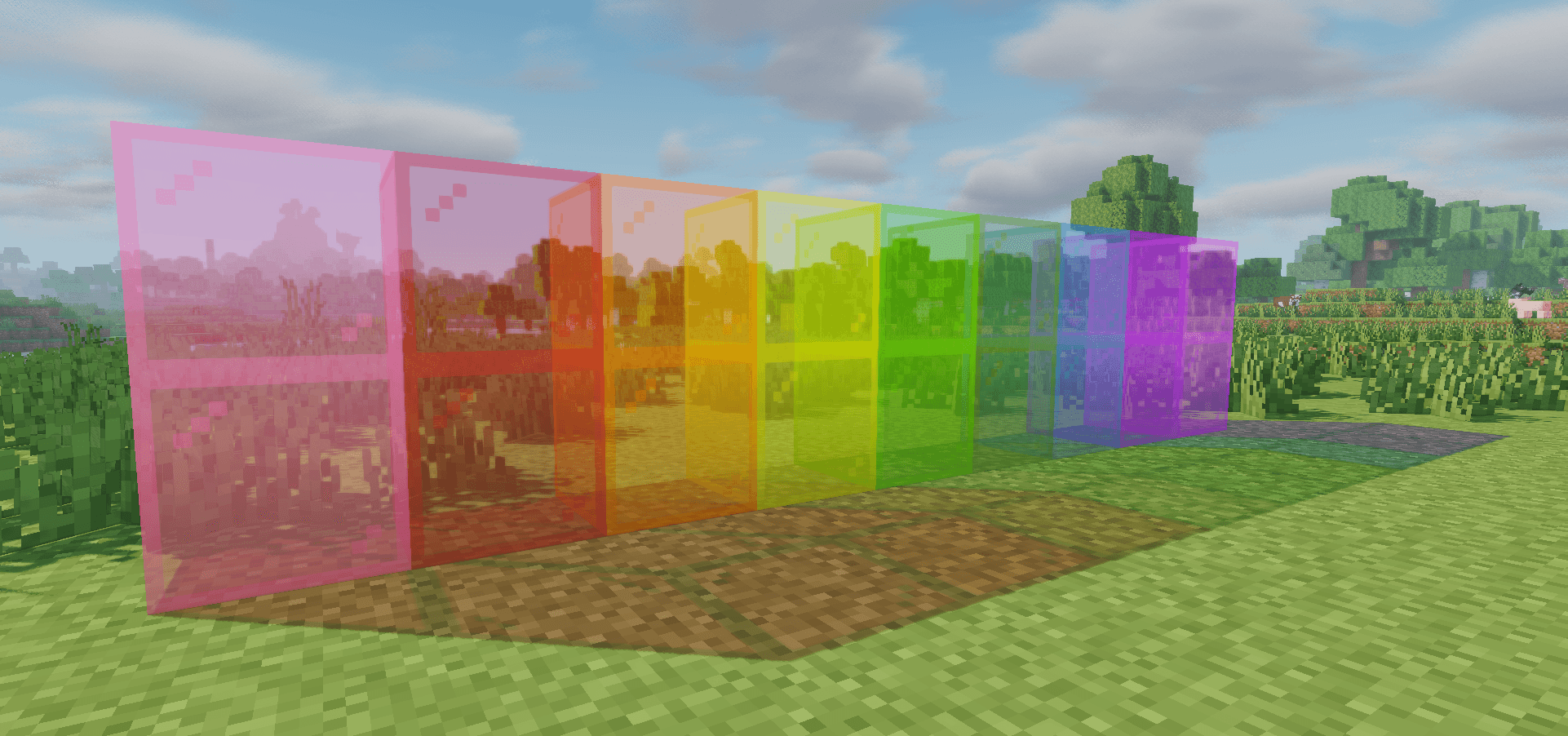

GPTShader
A fantasy-soft Iris shader pack for 1.20.1 with warm filmic lighting, procedural sky/water, and deep in-game tuning.Install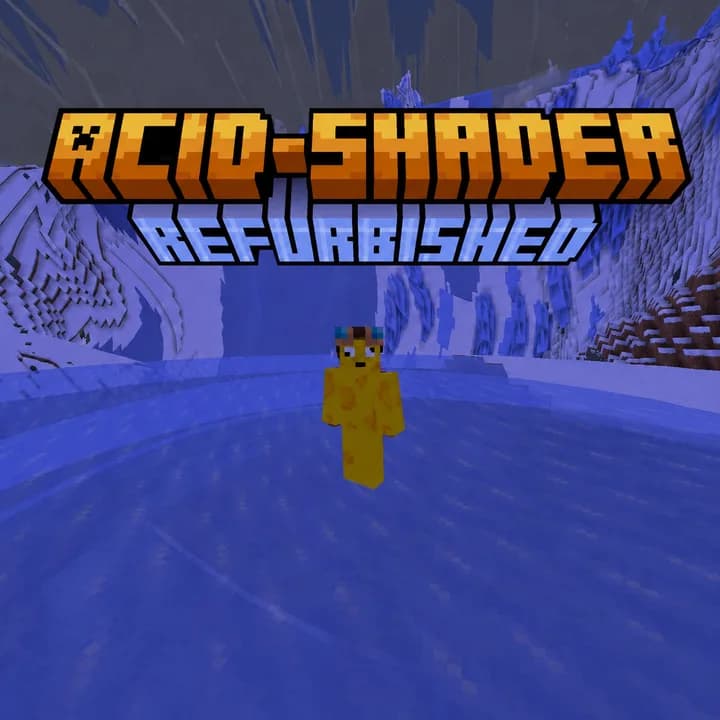

Acid Shaders Refurbished
The acid shader is a shader designed to make you puke/dizzy. And now its in 26.2!Install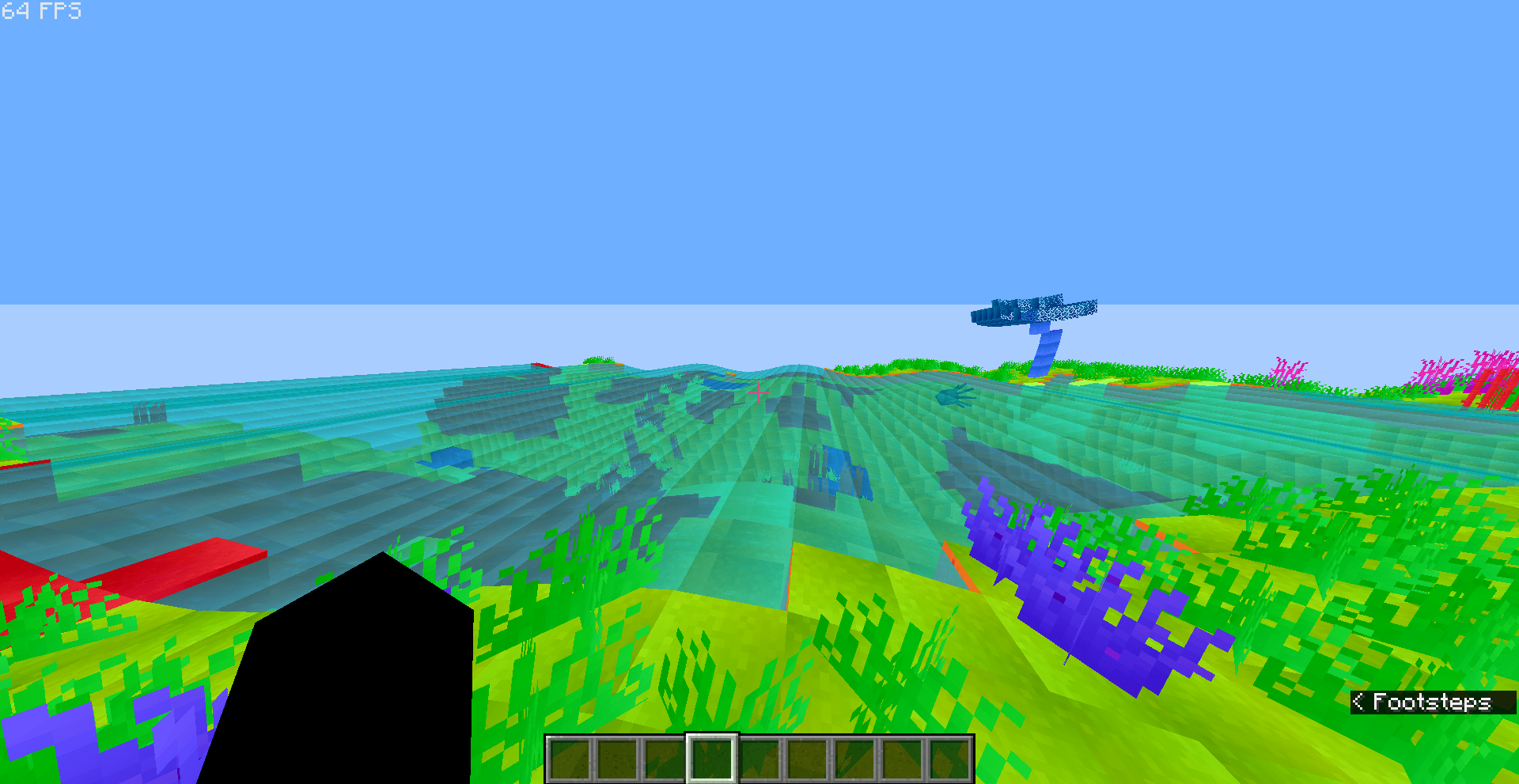

RainbowDistortion
Just a weird type of shaderInstall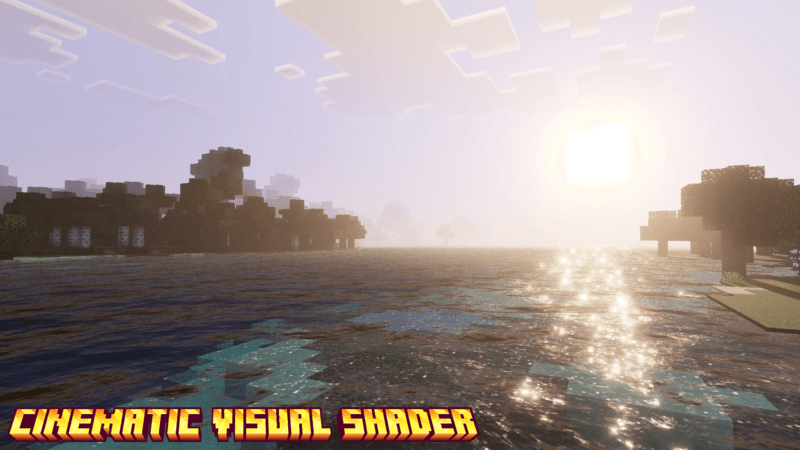
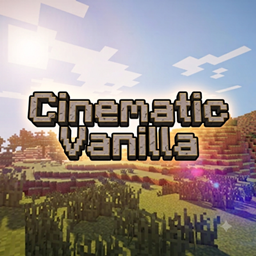
Cinematic Vanilla
CinematicVanilla is a lightweight cinematic shader pack designed to enhance Minecraft visuals while maintaining smooth performance on low to mid-end PCs.Install

VerdantLight Lite
VerdantLight Lite is a Lightweight version of VerdantLight, provides more basic views.Install

VHS_Nostalgic
Transforms Minecraft into a nostalgic 90s home video with authentic, customizable VHS tape effects.Install

IrisDESCENT
A very cool shader about making minecraft even more beautifulInstall

MotionFlow
Make Minecraft movement look smoother, especially in recorded footage.Install

Salicylic Shaders
SalicylicShaders brings a cinematic, atmospheric look to Minecraft.Install

ONWARD Shader
a fork of Lethal Shaders which is present in my modpack, ONWARD.Install

Ultimate SHADER Horror Experience
A terrifying horror shader for Minecraft 1.21 — chromatic aberration, cold color grading, dynamic vignette, film grain, flickering lights & heartbeat pulses.Install

Animetro
Lightweight rendering with cartoony effects.Install

BSU Shaders
[WIP] A Colorful Shaders Based on Complementary Unbound.Install

Soleron
A warm, cozy atmosphere and heartwarming shadows.Install

Lost Tape Shader
Nostalgic analog-horror shader for Iris & OculusInstall

AuroraLite
Based on MakeUpUltraFast, a heavily modified vanilla-style shader.Install

Vibrant Vanilla Shader
Vibrant Vanilla is a shader that keeps the classic look of minecraft but makes everything more alive!Install

Haze Shader
Best Shader For HOLY Renderer PojavLauncher And Other LaunchersInstall

Color Cone
Multi-mode color blindness simulation shader.Install

Osh
Fisheye lens distortion to the texture by radially warping UV coordinates.Install

performance shader
Performance Shader is a lightweight Minecraft shader focused on improving lighting, sky appearance, water visuals, and overall atmosphere while keeping performance in mind.InstallRequired to run
FAQ
What do I need to get shaders working?
Iris or OptiFine. Iris installs as a Fabric mod and is usually faster; OptiFine is a separate installer. Without one of them the game simply won't see the shader. Millida Launcher installs Iris along with the shader for you.
Which shaders run on a low-end PC?
Light packs without ray tracing and with low shadow resolution. They're marked in the catalog — they give you shadows and water while costing noticeably fewer frames.
How do I install shaders?
Click “Install” and Millida Launcher will put the shader into the shaderpacks folder of the right modpack. Then select the pack in the video settings — no need to unpack the archive.
Iris or OptiFine — which should I choose?
For new versions, Iris: it works with Sodium, usually gives more FPS and supports almost all modern shaders. OptiFine is needed on old versions and for packs that rely on its special features. The two cannot be installed in the same instance.
Are there shaders for Bedrock?
The shaders in this section are for the Java edition; their format does not work in Minecraft PE and Bedrock. Bedrock has a built-in Vibrant Visuals graphics mode and resource packs with deferred rendering support, which are turned on in the game settings.
Shaders for Minecraft 1.21
Shaders for Minecraft 1.21: 730 items in the Shaders section. Compatibility is checked against the files, not the description: only items with a build for exactly these conditions stay in the list.
Beauty costs frames. Heavy ray-traced shaders can cut performance several times over even on a good graphics card, so the catalog separately marks light packs built for weak machines: they give you shadows and decent water while barely touching FPS. In practice: first install Iris or OptiFine, then put the shader archive in the shaderpacks folder and select it in the video settings. It's best to start with a light pack, and the quality profiles inside the shader itself lower the load even further.