
Shaders for Minecraft 1.20.6 — page 8
Shaders: list

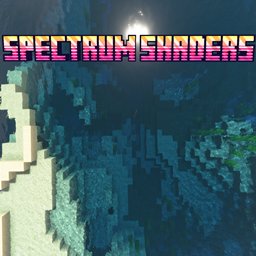
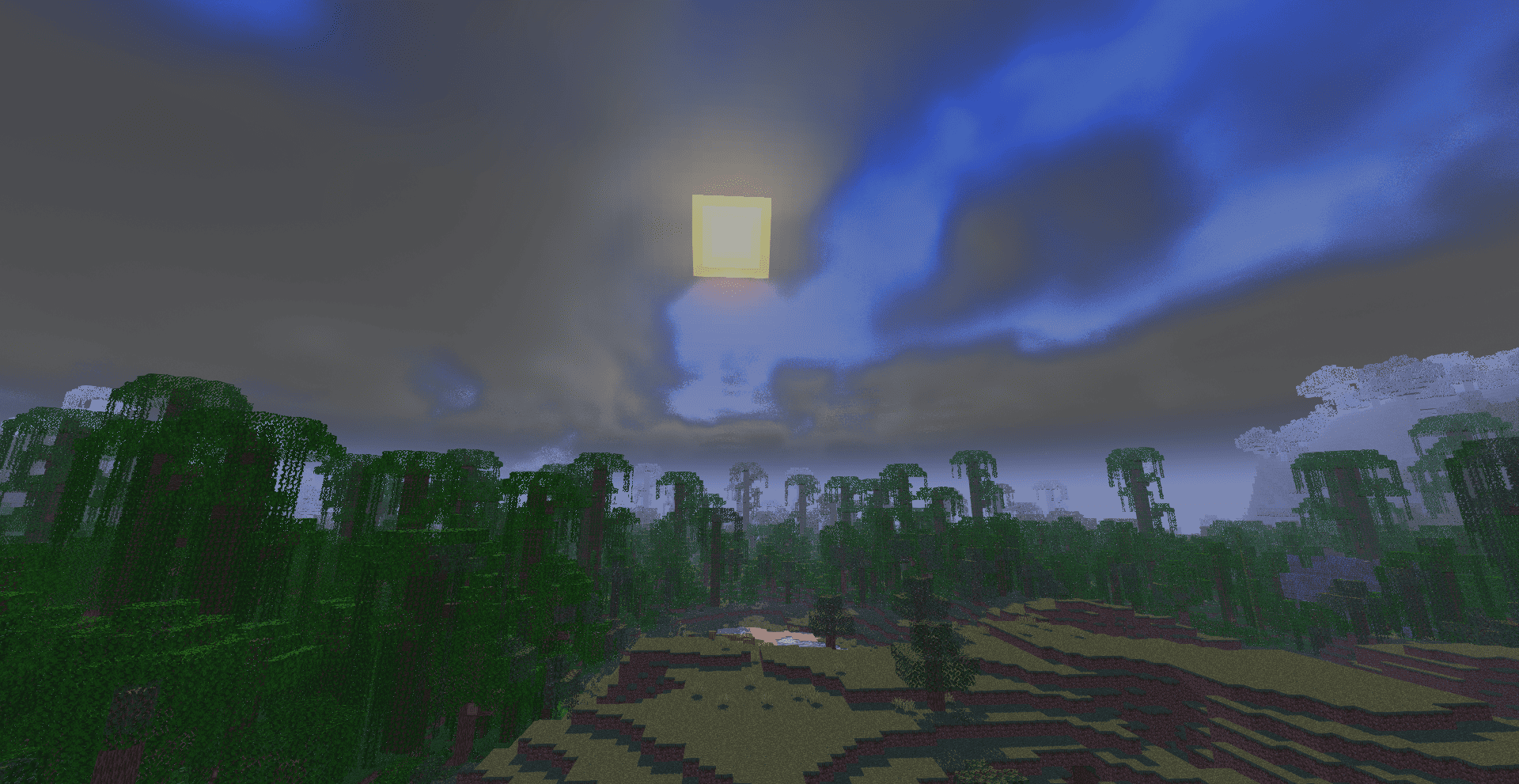
Vanilla Rebuild
preserves Minecraft's classic look with enhanced lighting, realistic sky, volumetric clouds, soft shadows, and rich per-dimension atmosphere.Install

BrighterAccessibility
Removes the shadows and fog from the game for visually impaired people. Has Distant Horizons support.Install

FOOTAGE
A Body Camera / VHS DERCODE edit Based off of Derivative shadersInstall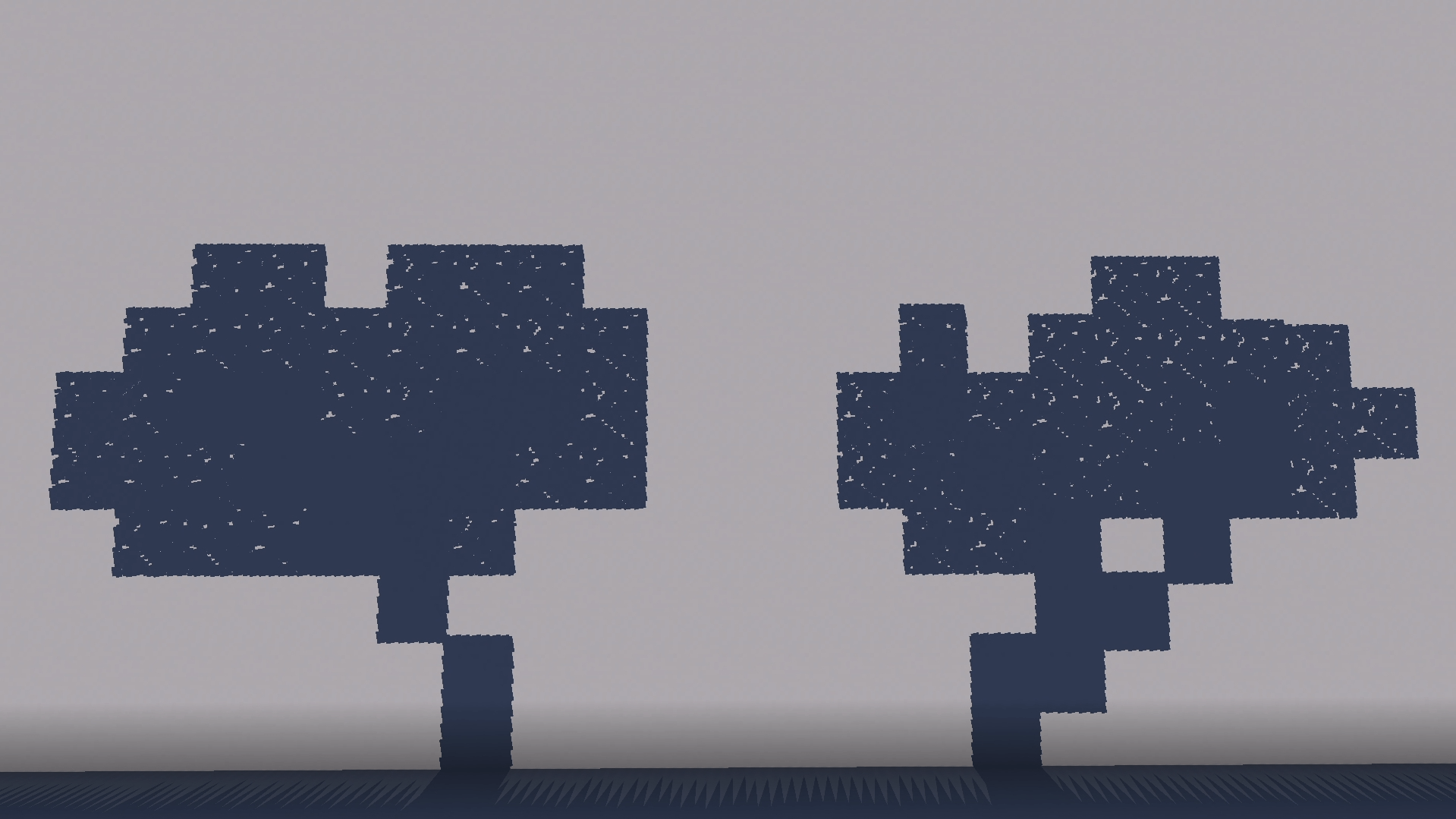
Pretty Shadows
adds some nice shadowsInstall

Prismarine Shader
A fantasy stylized shaderpack aiming to make Minecraft look stunning and beautifulInstall

Anti Aliasing (TAA, FXAA)
Fix rendering aliasing (TAA, FXAA)Install

Vanilish Shaders
A lightweight shader that adds a realistic, warm atmosphere and soft lighting to Minecraft while maintaining the vanilla style.Install

NoShader
Very simple "shader" :)Install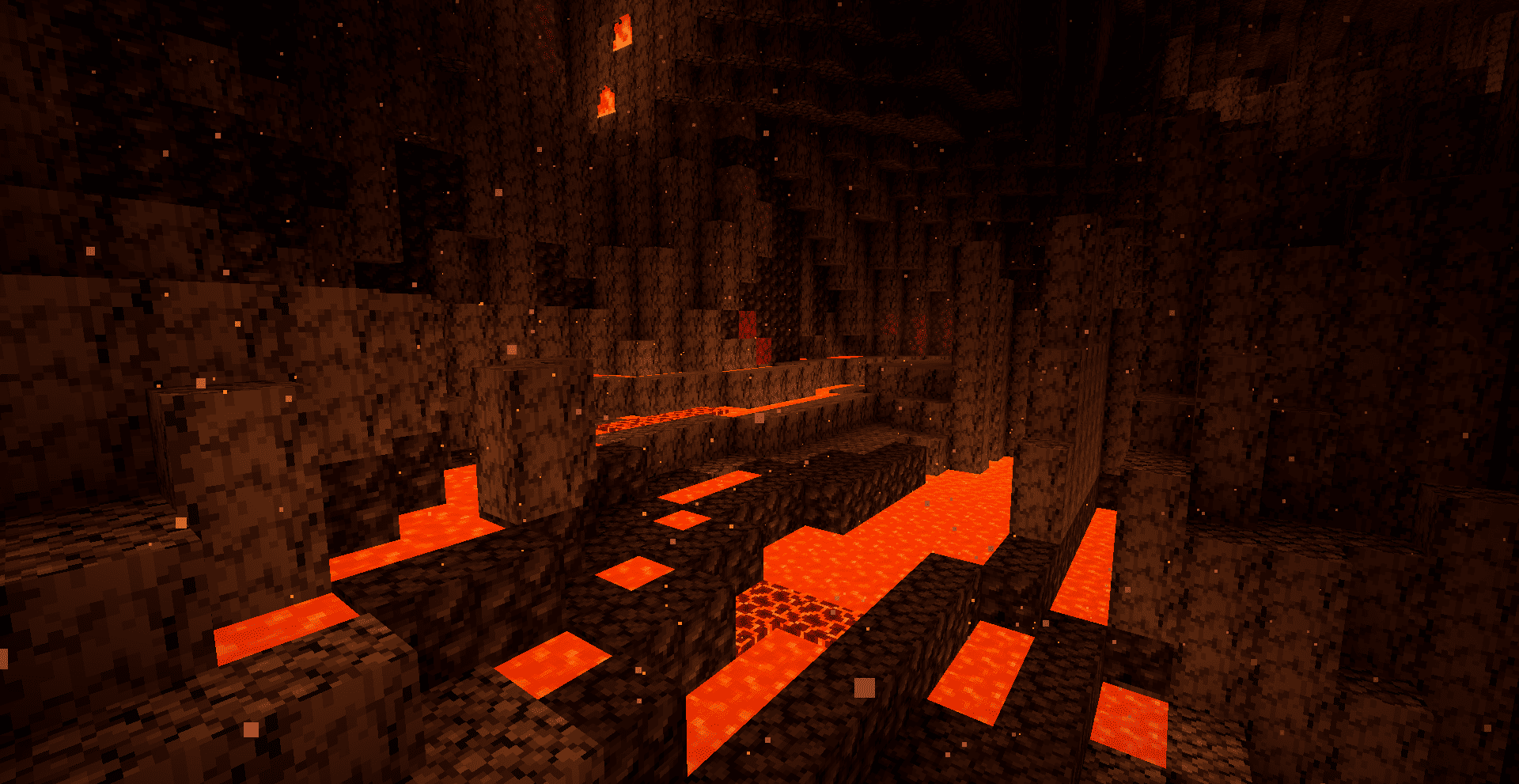

Karma Shader Nightmare
A cinematic horror Minecraft shader pack that turns the dark into a living threat. Features dynamic fear mechanics, hallucination warping, drifting fog banks, a blood moon, desaturated colors, and its terrifying inverted sea ceiling.Install

Foxy shader
An in-development shader with global ray tracing and some interesting features.Install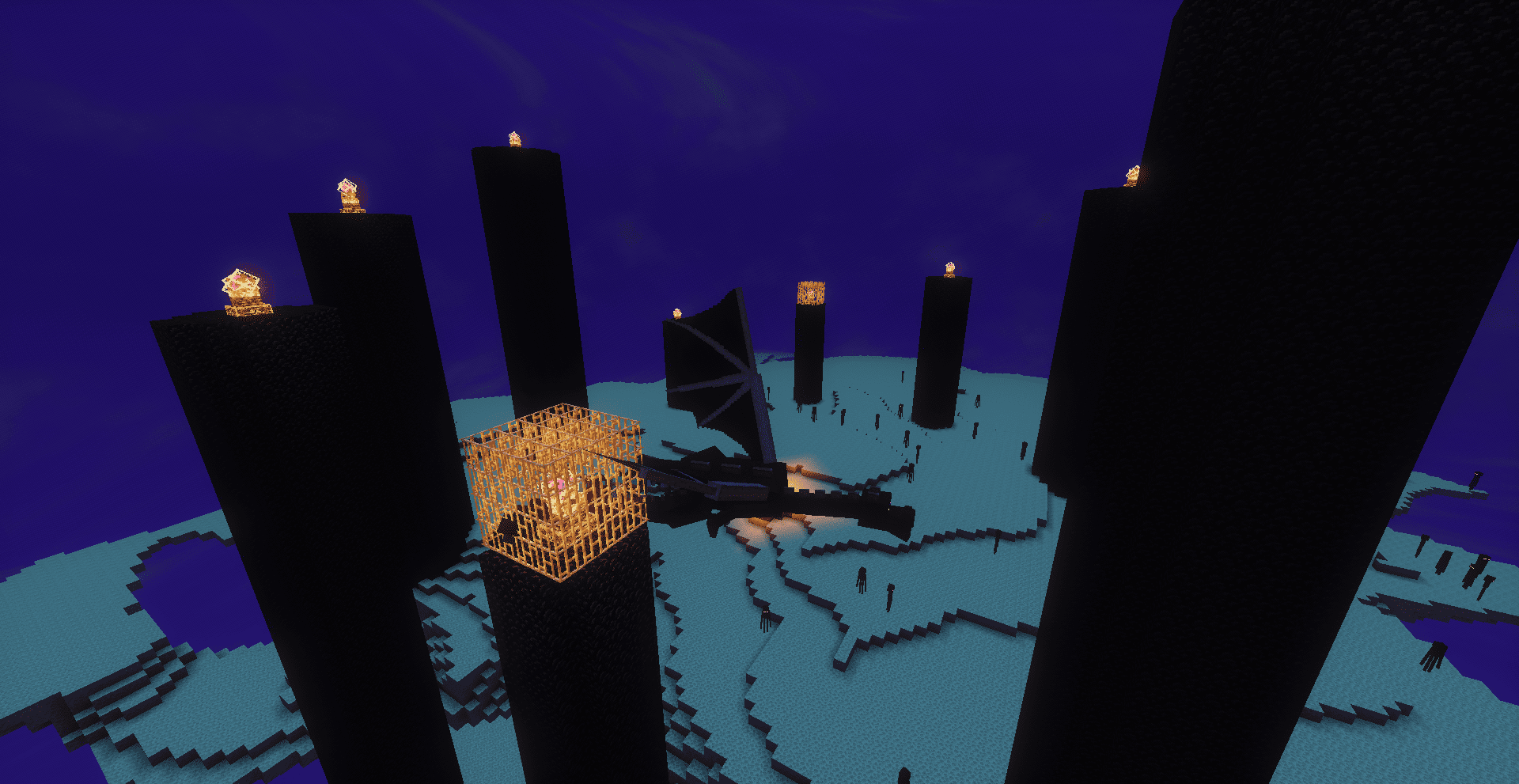
LUX Shader
is a lightweight, performance-friendly, and visually stunning Iris/OptiFine shaderpack designed for Minecraft.Install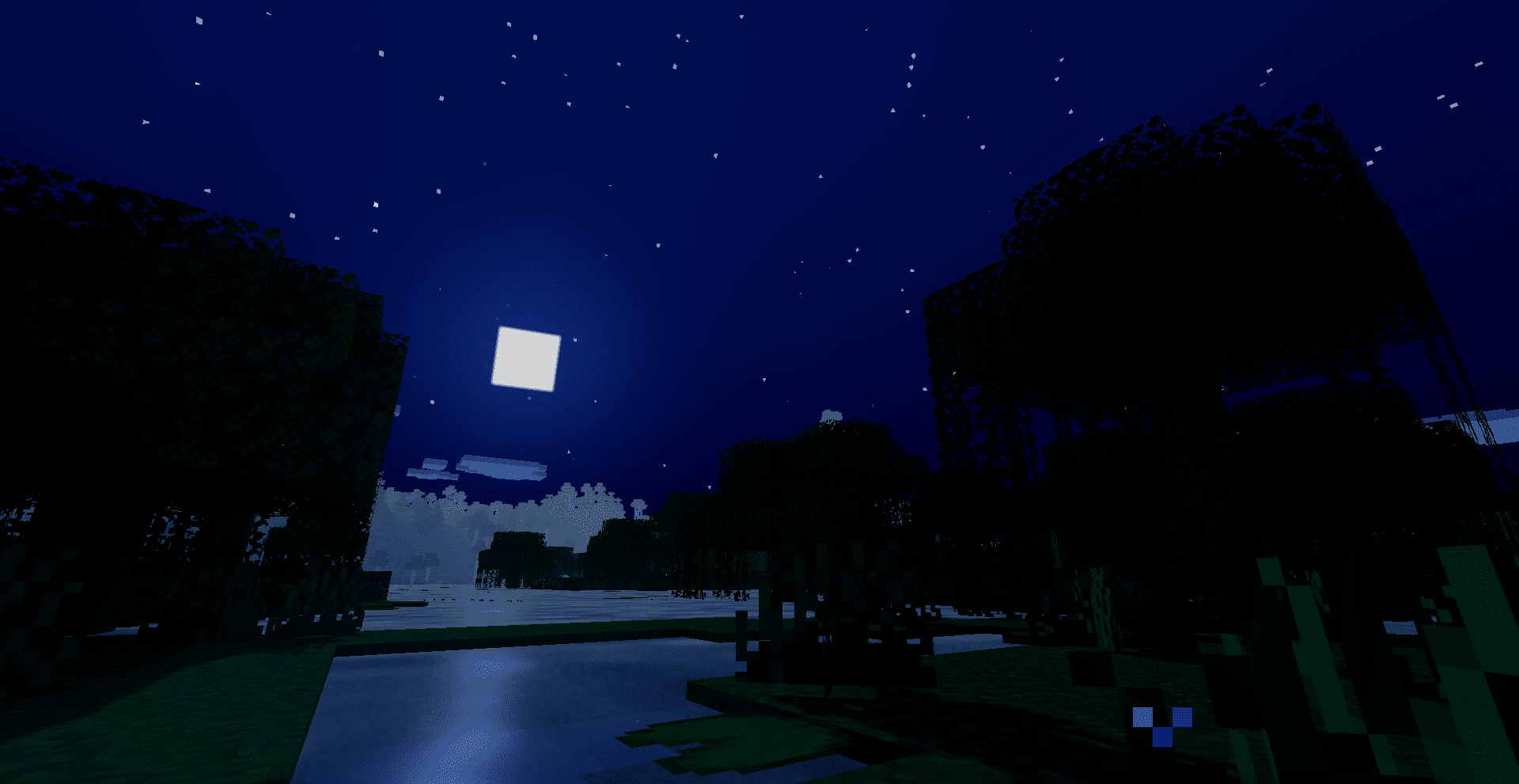

Vanilla Remake Shader
is a clean, optimized shaderpack designed to re-imagine vanilla Minecraft.Install

Smoother Glowing
Replace vanilla glowing shader with optimized and prettier one imoInstall

Wynncraft Tooltips
Added Wynncraft style tooltips using vanilla shaderInstall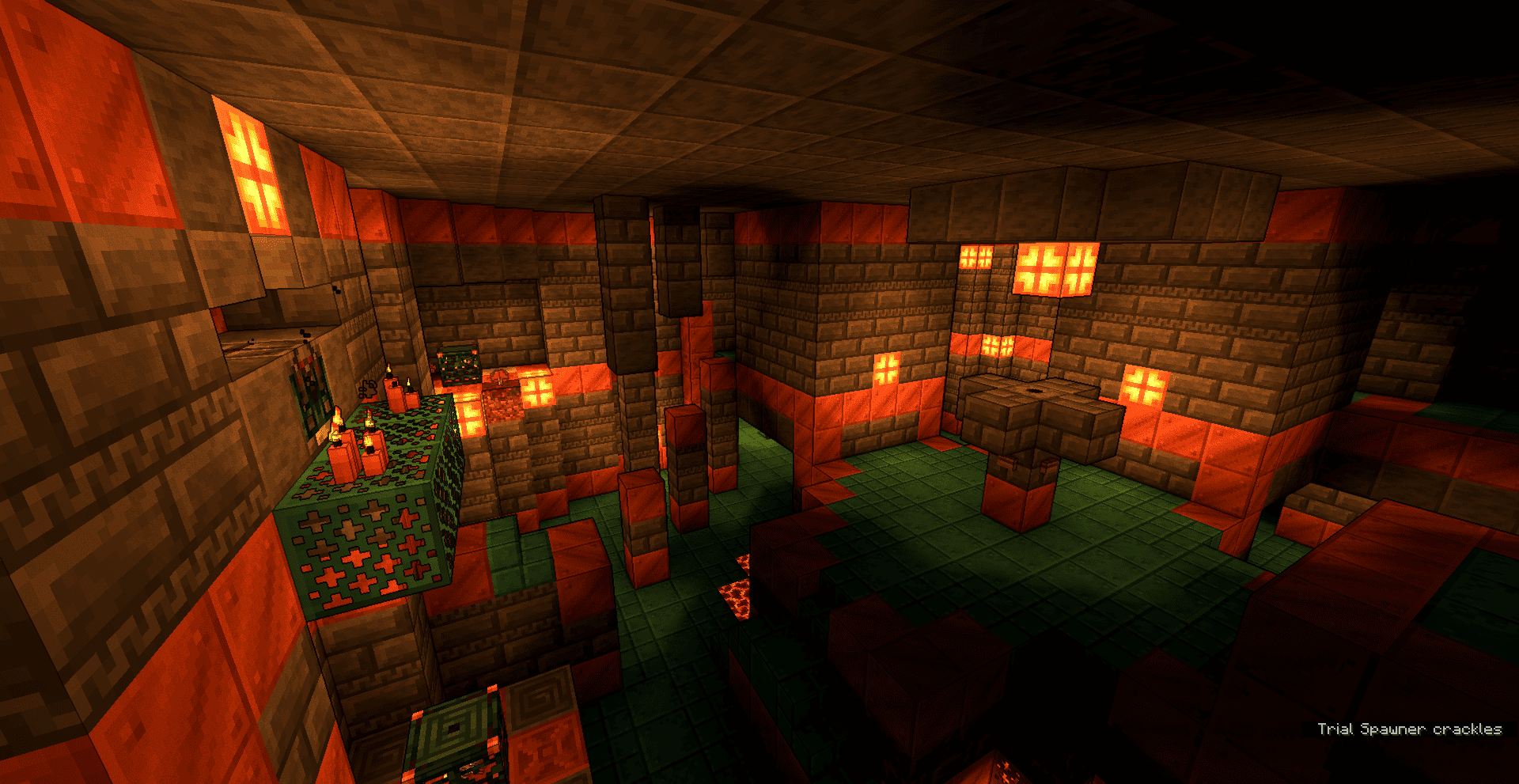
Karma Shader Cartoon Style
A hand-crafted cel-shaded Minecraft shaderpack that turns the world into a playable animated film. Features distinctive toon lighting bands, sharp ink outlines, painted skies, animated water foam, and custom dimension overhauls.Install

EclipseShader
Transform your Minecraft world with EclipseShader, a next-generation shader designed to deliver stunning visuals without sacrificing smooth gameplayInstall

PSX-Core Shader
A PSX shader with affine texture mapping, dithering, vertex snapping and more!Install

Kute
A lightweight shader that’s easy on performance and gives Minecraft a soft, dreamy vibe :D First shader i created :DInstall

WEM - White Entities Mask
Turns all entities white so it's easy to mask in Photoshop and or After EffectsInstall

Velocity
A higher performance shader forked from Mellow. Support low end and higher end builds. Even runs on integrated graphics!Install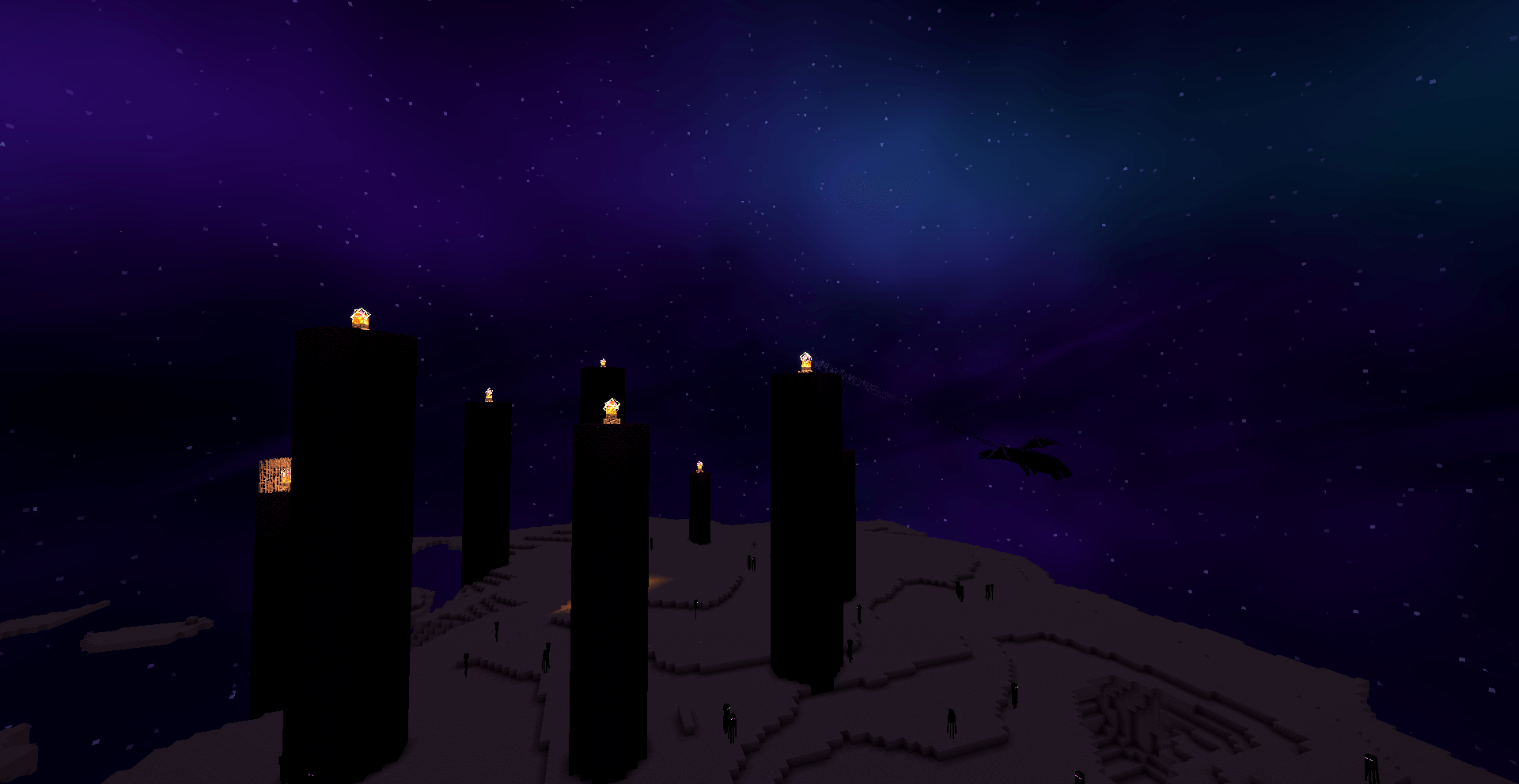
Karma Shader
A stylized, optimized Minecraft shaderpack featuring volumetric voxel clouds, light shafts, rich, reflective water, waving foliage, and custom immersive atmospheres for both the Nether and End dimensions, entirely free of any heavy fog.Install

B&W Shader
A shader that completely turns your game into a black and white versionInstall

Mellow 2.O
Modified version of Mellow Shader with a Balanced profile for better performance on low-end PCs. Any suggestion OR other pack work just hit the comment. OR theshutterstocker@gmail.com tell meInstallRequired to run
FAQ
What do I need to get shaders working?
Iris or OptiFine. Iris installs as a Fabric mod and is usually faster; OptiFine is a separate installer. Without one of them the game simply won't see the shader. Millida Launcher installs Iris along with the shader for you.
Which shaders run on a low-end PC?
Light packs without ray tracing and with low shadow resolution. They're marked in the catalog — they give you shadows and water while costing noticeably fewer frames.
How do I install shaders?
Click “Install” and Millida Launcher will put the shader into the shaderpacks folder of the right modpack. Then select the pack in the video settings — no need to unpack the archive.
Iris or OptiFine — which should I choose?
For new versions, Iris: it works with Sodium, usually gives more FPS and supports almost all modern shaders. OptiFine is needed on old versions and for packs that rely on its special features. The two cannot be installed in the same instance.
Are there shaders for Bedrock?
The shaders in this section are for the Java edition; their format does not work in Minecraft PE and Bedrock. Bedrock has a built-in Vibrant Visuals graphics mode and resource packs with deferred rendering support, which are turned on in the game settings.
Shaders for Minecraft 1.20.6
Shaders for Minecraft 1.20.6: 673 items in the Shaders section. Compatibility is checked against the files, not the description: only items with a build for exactly these conditions stay in the list.
Beauty costs frames. Heavy ray-traced shaders can cut performance several times over even on a good graphics card, so the catalog separately marks light packs built for weak machines: they give you shadows and decent water while barely touching FPS. In practice: first install Iris or OptiFine, then put the shader archive in the shaderpacks folder and select it in the video settings. It's best to start with a light pack, and the quality profiles inside the shader itself lower the load even further.